Fake Caller Id Prank Call App PC
PlayFunny Inc.
Download Fake Caller Id Prank Call App on PC With GameLoop Emulator
Fake Caller Id Prank Call App sa PC
Ang Fake Caller Id Prank Call App, na nagmumula sa developer na PlayFunny Inc., ay tumatakbo sa Android systerm sa nakaraan.
Ngayon, maaari mong laruin ang Fake Caller Id Prank Call App sa PC gamit ang GameLoop nang maayos.
I-download ito sa GameLoop library o mga resulta ng paghahanap. Hindi na tumitingin sa baterya o nakakadismaya na mga tawag sa maling oras.
I-enjoy lang ang Fake Caller Id Prank Call App PC sa malaking screen nang libre!
Fake Caller Id Prank Call App Panimula
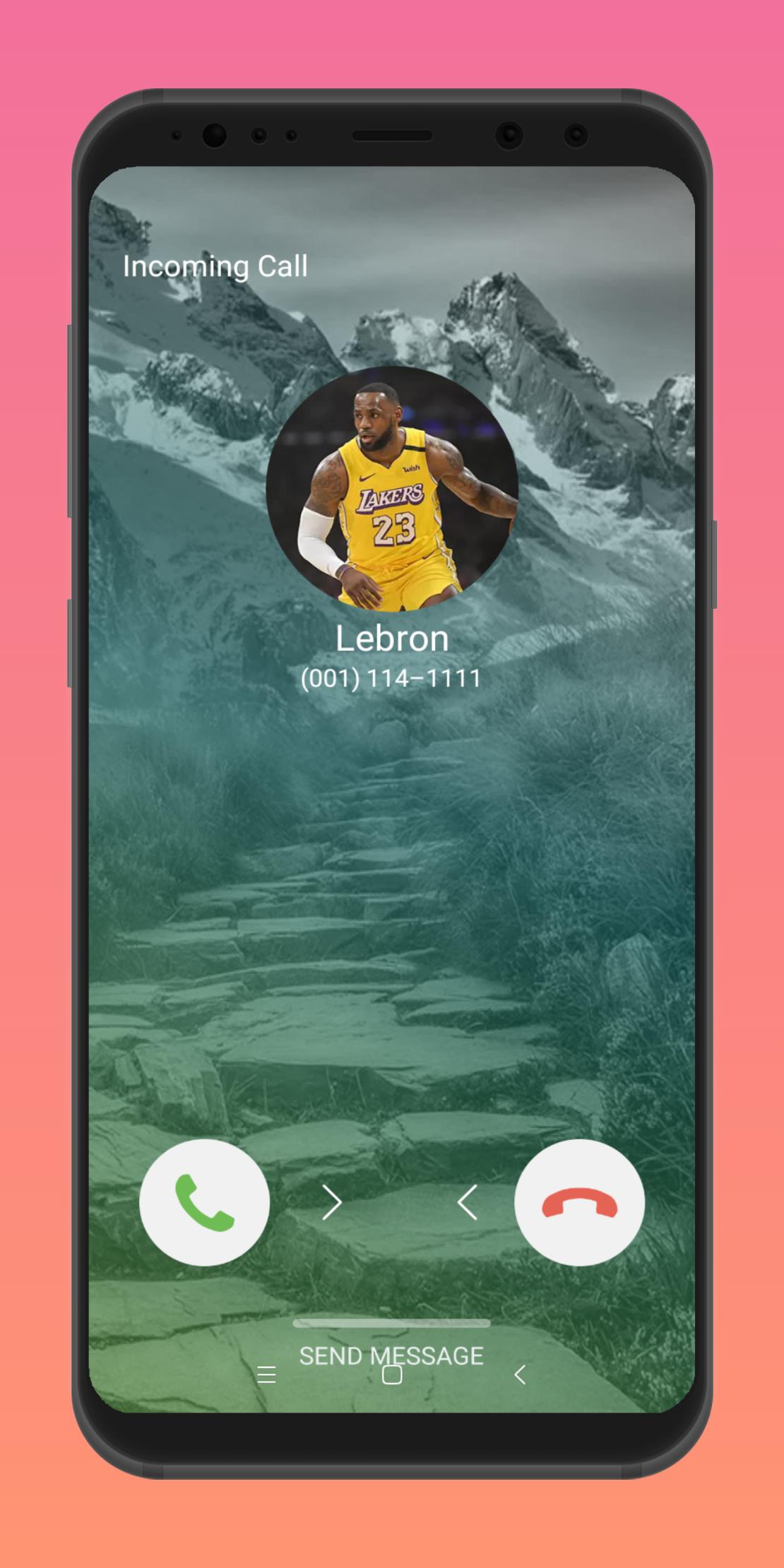
You can simulate a incoming fake call come from someone such as colleague, girlfriend or family to save yourself from an awkward situation, such as a boring meeting, a boring conversation, a meaningless interview.
You can fake any character you like such as siren head, girlfriend, boyfriend, pizza, boss and so on.
It is a prank call app, fake call id app is free for everyone. Just download it and you will find its funny.
Features:
★ Select any fake caller character
★ Select ringtone from sdcard or set default
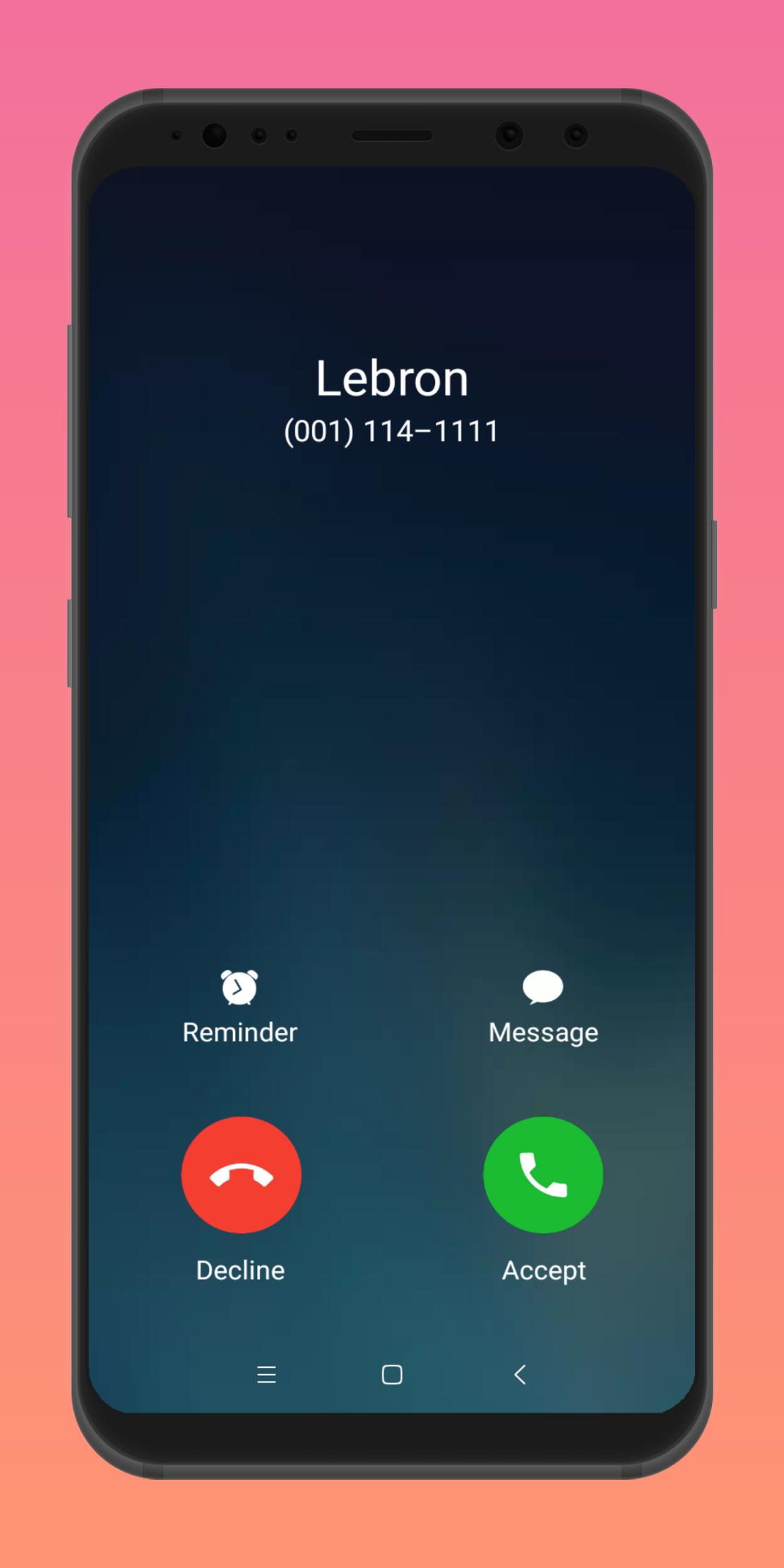
★ Many call screens for you include IOS style theme, Samsung A70-A80, android Pie, Orea
★ Schedule a fake call after what time or at some point in the future
★ Record a fake caller voice and support playback the item
★ Select one of the record items, so when you receive a fake call, the caller voice will be played
★ Save the fake call history
★ Set caller name
★ Set caller number
★ Select and set caller head portrait.
★ Select character from local which we provider
★ Receive a call through shake call or press power key four times
★ Restore the default settings
★ Quit app directly
Disclaimer: The fake call app does not have a real incoming call function it is an incoming call simulated for jokes and pranks.
Preview
Information
Developer
PlayFunny Inc.
Latest Version
4.0.01
Last Updated
2021-07-18
Category
Entertainment
Available on
Google Play
Show More
How to play Fake Caller Id Prank Call App with GameLoop on PC
1. Download GameLoop from the official website, then run the exe file to install GameLoop
2. Open GameLoop and search for “Fake Caller Id Prank Call App” , find Fake Caller Id Prank Call App in the search results and click “Install”
3. Enjoy playing Fake Caller Id Prank Call App on GameLoop
Minimum requirements
OS
Windows 8.1 64-bit or Windows 10 64-bit
GPU
GTX 1050
CPU
i3-8300
Memory
8GB RAM
Storage
1GB available space
Recommended requirements
OS
Windows 8.1 64-bit or Windows 10 64-bit
GPU
GTX 1050
CPU
i3-9320
Memory
16GB RAM
Storage
1GB available space