
Fake Call - Prank Calling App PC
Kiran Devi
Download Fake Call - Prank Calling App on PC With GameLoop Emulator
Fake Call - Prank Calling App sa PC
Ang Fake Call - Prank Calling App, na nagmumula sa developer na Kiran Devi, ay tumatakbo sa Android systerm sa nakaraan.
Ngayon, maaari mong laruin ang Fake Call - Prank Calling App sa PC gamit ang GameLoop nang maayos.
I-download ito sa GameLoop library o mga resulta ng paghahanap. Hindi na tumitingin sa baterya o nakakadismaya na mga tawag sa maling oras.
I-enjoy lang ang Fake Call - Prank Calling App PC sa malaking screen nang libre!
Fake Call - Prank Calling App Panimula
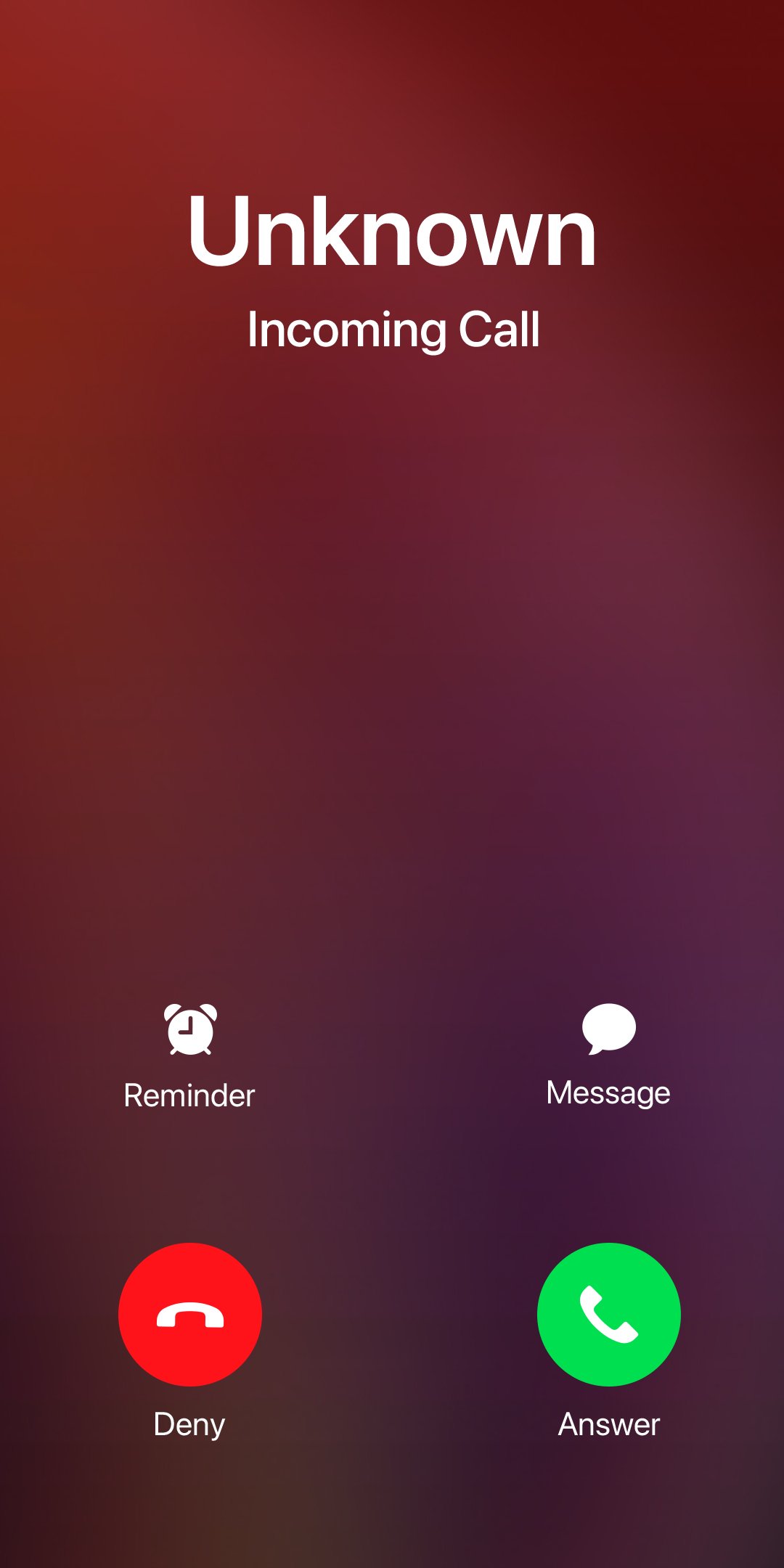
Fake call and do prank call from any person you choose. You have the ability to simulate incoming prank call using this fake call app. This prank call Simulator allow you to do fake call video call from any person you choose.
Escape trouble or play pranks on your friends by initiating a fake call. Generate a fake caller ID to rescue yourself from awkward situations, such as dull meetings, annoying conversations, or pointless interviews! Using the fake caller ID won't incur any fees; it's completely free.
This fake call application employs your actual ringtone and presents itself as a genuine phone call, convincing everyone that you genuinely need to answer this call!
Fake Call App Features:
◆ Simulate a fake call screen with complete animations, just like a real phone call. Compatible with all Android devices.
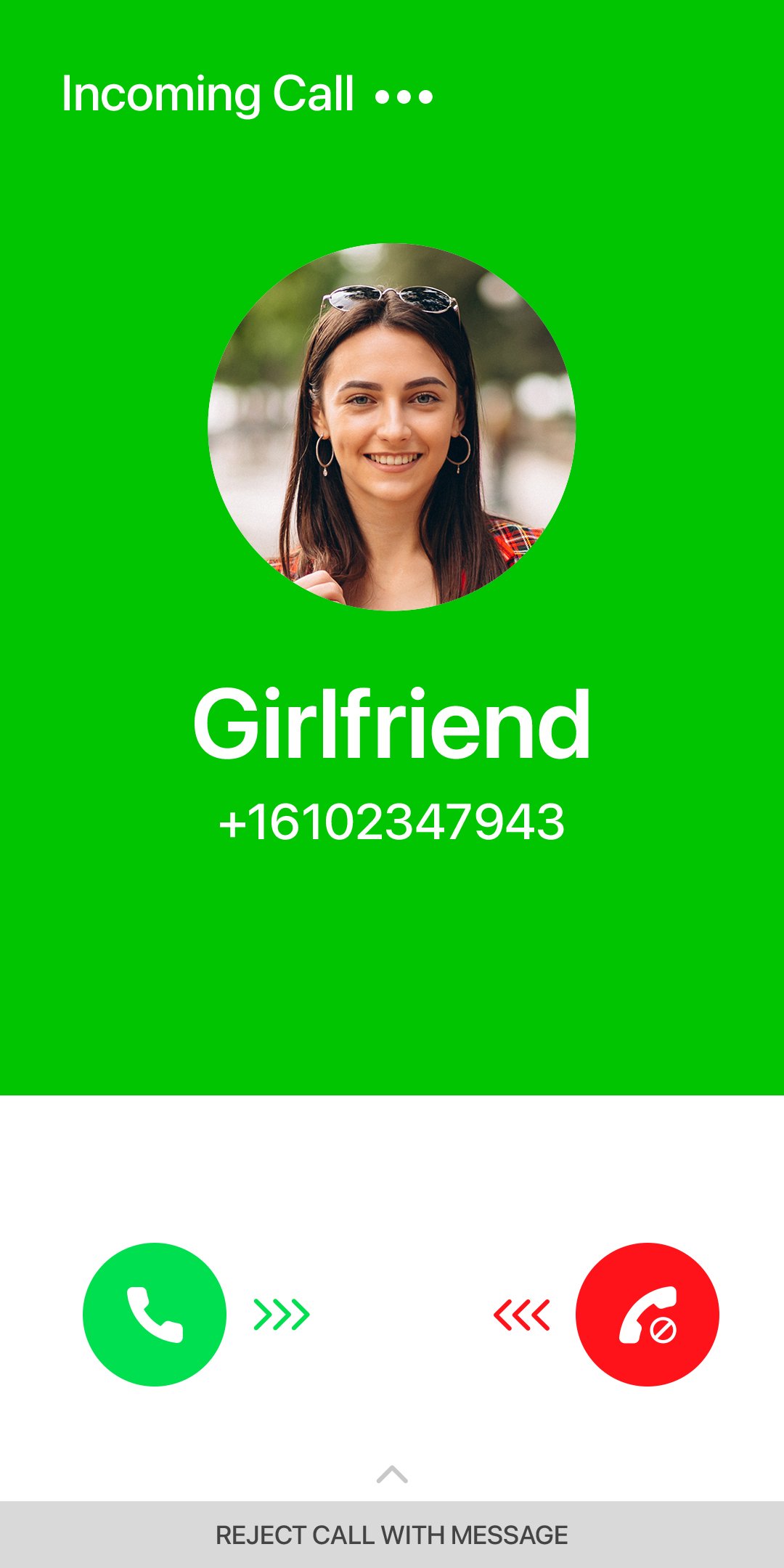
◆ Personalize the fake Caller picture and number for a new fake call.
◆ Choose a persona; for instance, fake call from your mom, the police, your girlfriend, a pizza place, or any other name you wish to specify.
◆ You need to select one of two options: fake video call or fake audio call.
◆ Schedule a new fake call for a specific time.
◆ Record your voice: Your recorded voice can play automatically when you answer the call.
◆ You can also use pre-recorded voices to make your prank call even more amusing.
◆ This prank call will also appear in your call history.
Why Should You Use the Fake Call App?
◆ Craft prank call and trick your friends with ease.
◆ The prank call app is free and doesn't require an internet connection.
Disclaimer: The Fake Call App does not feature actual incoming calls. It purely provides simulated incoming Prank Call.
Preview
Tags
EntertainmentInformation
Developer
Kiran Devi
Latest Version
1.21
Last Updated
2025-11-04
Category
Entertainment
Available on
Google Play
Show More
How to play Fake Call - Prank Calling App with GameLoop on PC
1. Download GameLoop from the official website, then run the exe file to install GameLoop
2. Open GameLoop and search for “Fake Call - Prank Calling App” , find Fake Call - Prank Calling App in the search results and click “Install”
3. Enjoy playing Fake Call - Prank Calling App on GameLoop
Minimum requirements
OS
Windows 8.1 64-bit or Windows 10 64-bit
GPU
GTX 1050
CPU
i3-8300
Memory
8GB RAM
Storage
1GB available space
Recommended requirements
OS
Windows 8.1 64-bit or Windows 10 64-bit
GPU
GTX 1050
CPU
i3-9320
Memory
16GB RAM
Storage
1GB available space