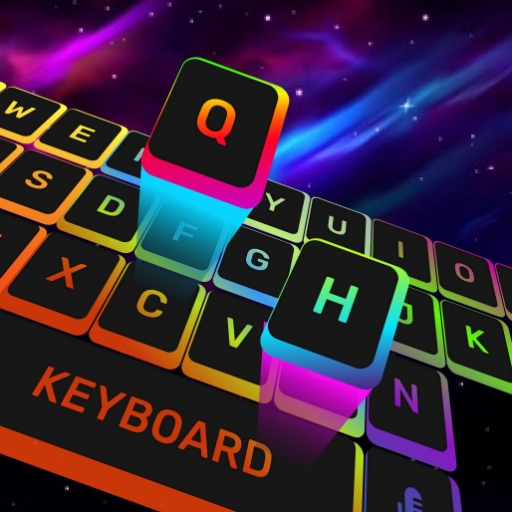
Neon LED Keyboard: RGB Font PC
Control INC
Download Neon LED Keyboard: RGB Font on PC With GameLoop Emulator
Neon LED Keyboard: RGB Font sa PC
Ang Neon LED Keyboard: RGB Font, na nagmumula sa developer na Control INC, ay tumatakbo sa Android systerm sa nakaraan.
Ngayon, maaari mong laruin ang Neon LED Keyboard: RGB Font sa PC gamit ang GameLoop nang maayos.
I-download ito sa GameLoop library o mga resulta ng paghahanap. Hindi na tumitingin sa baterya o nakakadismaya na mga tawag sa maling oras.
I-enjoy lang ang Neon LED Keyboard: RGB Font PC sa malaking screen nang libre!
Neon LED Keyboard: RGB Font Panimula
Neon LED Keyboard transforms your everyday typing into a radiant RGB experience. With 1,000+ vibrant neon LED themes, 7,000+ emoji, and 100+ custom fonts, every message becomes a personal statement.
★ RGB Neon Themes
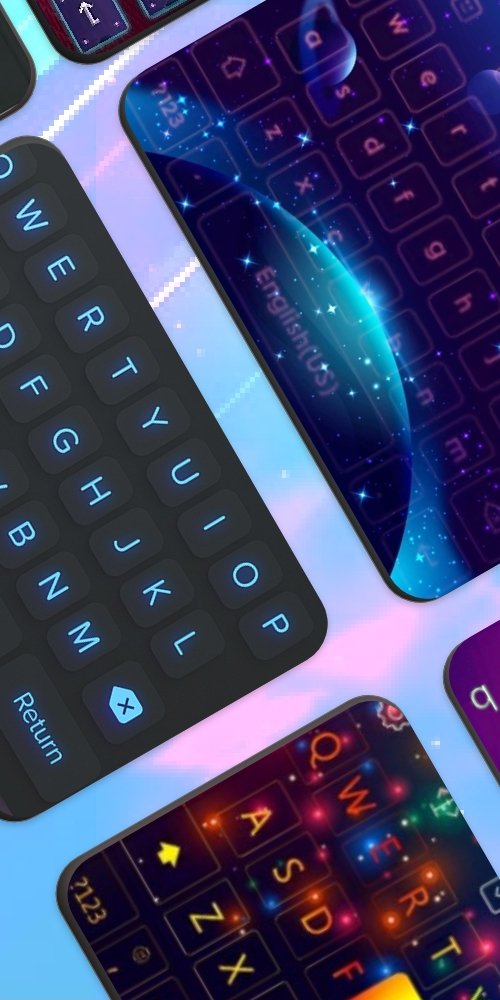
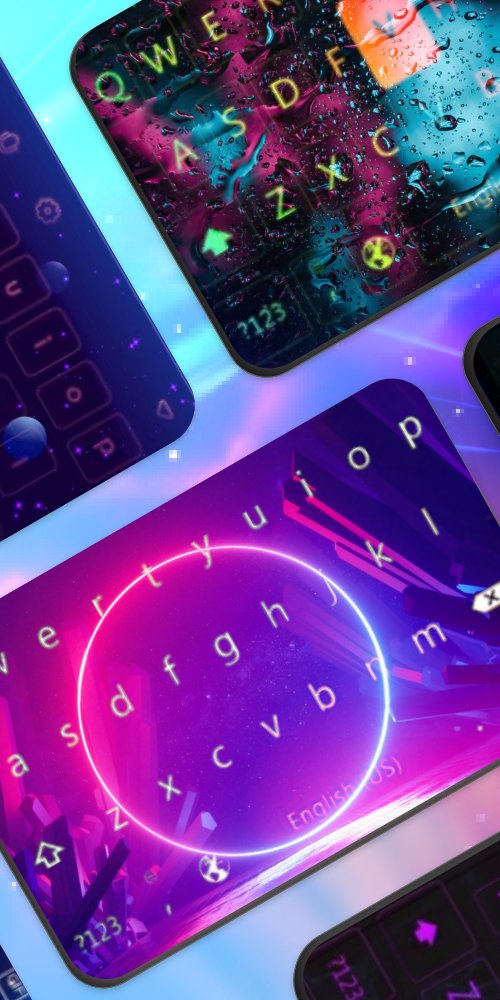
Choose from 1,000+ stunning neon LED keyboard themes. Customize colors, patterns, and glowing effects to perfectly match your style. From subtle gradients to wild rainbow effects — the choice is yours.
★ Emoji, GIFs & Stickers
Express yourself with 7,000+ emoji, animated GIFs, and WhatsApp stickers — all accessible right from your keyboard while you type.
★ Custom Fonts
Switch between 100+ cool and stylish font styles. Make your texts stand out with typography that reflects your personality and mood.
★ Swipe & Smart Typing
Type faster with intelligent swipe gesture input, autocorrect, and smart word predictions. Say goodbye to typos and slow typing.
★ Key Sounds & Haptics
Choose from a variety of satisfying click sounds and haptic feedback options to make every keystroke more immersive and enjoyable.
★ 150+ Languages
Full support for 150+ languages. Switch between languages instantly without changing your keyboard settings.
Perfect for anyone who loves personalizing their phone, expressing themselves with emoji, or simply wants a beautiful, functional keyboard.
Download Neon LED Keyboard now and let your personality glow through every keystroke\!
Preview
Tags
EntertainmentInformation
Developer
Control INC
Latest Version
5.2.1
Last Updated
2025-10-28
Category
Entertainment
Available on
Google Play
Show More
How to play Neon LED Keyboard: RGB Font with GameLoop on PC
1. Download GameLoop from the official website, then run the exe file to install GameLoop
2. Open GameLoop and search for “Neon LED Keyboard: RGB Font” , find Neon LED Keyboard: RGB Font in the search results and click “Install”
3. Enjoy playing Neon LED Keyboard: RGB Font on GameLoop
Minimum requirements
OS
Windows 8.1 64-bit or Windows 10 64-bit
GPU
GTX 1050
CPU
i3-8300
Memory
8GB RAM
Storage
1GB available space
Recommended requirements
OS
Windows 8.1 64-bit or Windows 10 64-bit
GPU
GTX 1050
CPU
i3-9320
Memory
16GB RAM
Storage
1GB available space