
IPTV HD Stream PC
Tech Integrations
Download IPTV HD Stream on PC With GameLoop Emulator
IPTV HD Stream sa PC
Ang IPTV HD Stream, na nagmumula sa developer na Tech Integrations, ay tumatakbo sa Android systerm sa nakaraan.
Ngayon, maaari mong laruin ang IPTV HD Stream sa PC gamit ang GameLoop nang maayos.
I-download ito sa GameLoop library o mga resulta ng paghahanap. Hindi na tumitingin sa baterya o nakakadismaya na mga tawag sa maling oras.
I-enjoy lang ang IPTV HD Stream PC sa malaking screen nang libre!
IPTV HD Stream Panimula
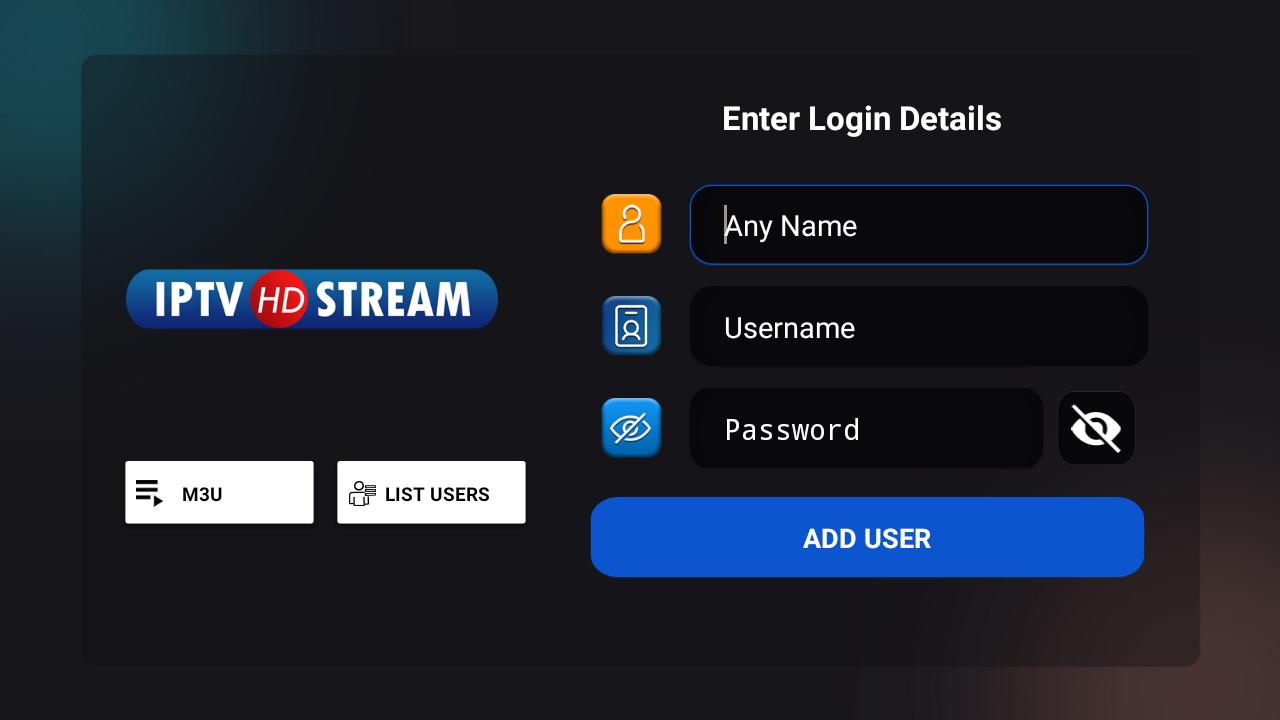
IPTV HD Stream is a fabulous media player that allows end-users to play their content like Live TV, VOD, Series, and Local audio/Video files supplied by them; on their Android Phones, Android TVs, FireSticks, and other android devices.
Feature Overview
- Live, Movies, Series, and Radio Streaming Supported
- Support Xtream Codes API, M3U URL & Playlist, Local audio/video files
- Native Player and Built-in Player Added
- Master Search
- New layout / UI Design
- Episode Resuming Bar
- Support: EPG ( TV Program Guide)
- Support: External EPG Sources
- Ability to change the buffer size for the VIDEO Player
- Chrome Casting Improvements
- New Controls on the Media Player
- Auto Next Episode Play Supported
- Parental Controls
- Support: TV Catch Up Streaming
- Support: Continue Watching
- Support: Recently Added Movies & Series
- Support: Multi-Screens and Multi-Users
- M3u File and URL Loading Supported
- Support: Local Audio / Video files Playing
- Support: Play a Single Stream
- Ability to add external Players
- Speed Test facility Integrated and VPN Integration
- Support: Dynamic language switching
- Support: Picture-in-Picture
- The new way to download the content
- Load Your Playlist Or File/URL Improvements
- Ability to open the channel list on the Video Player
Preview

Information
Developer
Tech Integrations
Latest Version
3.0.4
Last Updated
2024-02-25
Category
Entertainment
Available on
Google Play
Show More
How to play IPTV HD Stream with GameLoop on PC
1. Download GameLoop from the official website, then run the exe file to install GameLoop
2. Open GameLoop and search for “IPTV HD Stream” , find IPTV HD Stream in the search results and click “Install”
3. Enjoy playing IPTV HD Stream on GameLoop
Minimum requirements
OS
Windows 8.1 64-bit or Windows 10 64-bit
GPU
GTX 1050
CPU
i3-8300
Memory
8GB RAM
Storage
1GB available space
Recommended requirements
OS
Windows 8.1 64-bit or Windows 10 64-bit
GPU
GTX 1050
CPU
i3-9320
Memory
16GB RAM
Storage
1GB available space