
Spin Roulette - Random Picker PC
Apptist
Download Spin Roulette - Random Picker on PC With GameLoop Emulator
Spin Roulette - Random Picker sa PC
Ang Spin Roulette - Random Picker, na nagmumula sa developer na Apptist, ay tumatakbo sa Android systerm sa nakaraan.
Ngayon, maaari mong laruin ang Spin Roulette - Random Picker sa PC gamit ang GameLoop nang maayos.
I-download ito sa GameLoop library o mga resulta ng paghahanap. Hindi na tumitingin sa baterya o nakakadismaya na mga tawag sa maling oras.
I-enjoy lang ang Spin Roulette - Random Picker PC sa malaking screen nang libre!
Spin Roulette - Random Picker Panimula
Having trouble deciding? Use Decision Wheel to make quick and simple choices.
Decision Wheel is a handy app for making a random choice from a list of options.
Use it to choose what to eat, decide turn order, assign roles, run a simple draw, or make any everyday decision more easily.
Just add your options, spin the wheel, and get a result in seconds.
Use it for situations like:
- choosing what to eat
- deciding order or turns
- assigning roles or tasks
- running a simple draw
- picking one option from a list at random
Main features:
- add your own options
- create a wheel quickly and easily
- make random picks instantly
- save lists for later use
- share lists with a code
- choose from different themes
The app is simple, visual, and easy to use, whether you are deciding on your own or with friends, family, or coworkers.
Make decisions faster and easier with Decision Wheel.
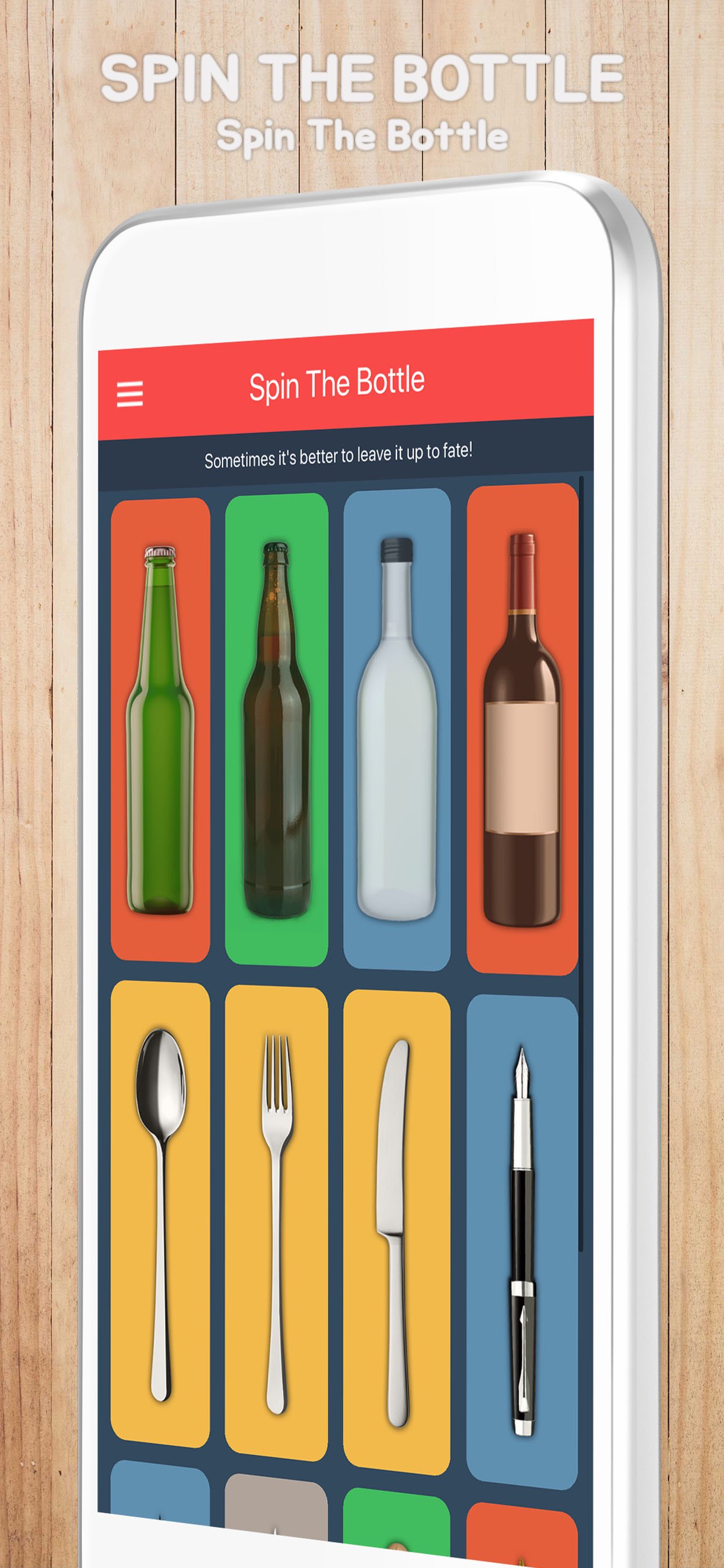
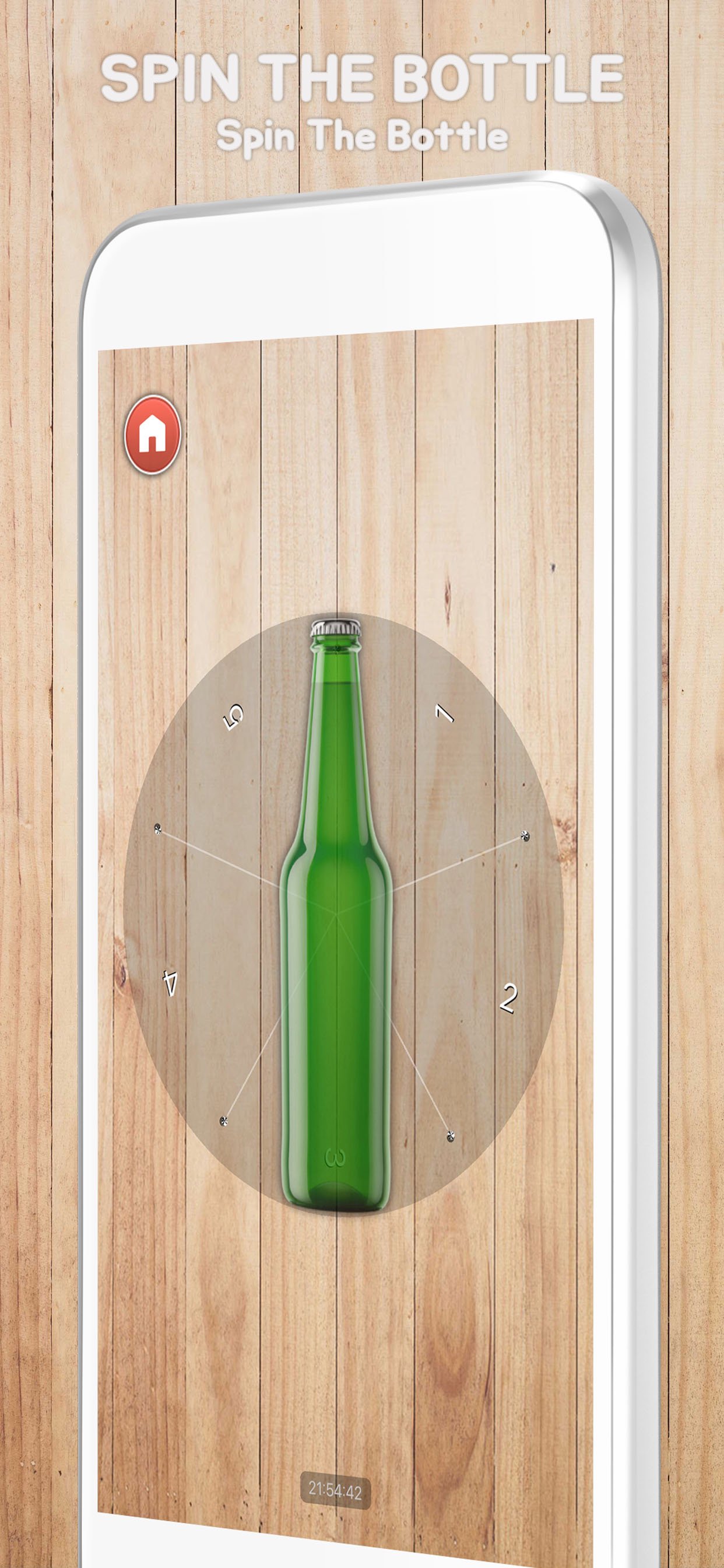
Preview
Tags
EntertainmentInformation
Developer
Apptist
Latest Version
3.015
Last Updated
2026-02-21
Category
Entertainment
Available on
Google Play
Show More
How to play Spin Roulette - Random Picker with GameLoop on PC
1. Download GameLoop from the official website, then run the exe file to install GameLoop
2. Open GameLoop and search for “Spin Roulette - Random Picker” , find Spin Roulette - Random Picker in the search results and click “Install”
3. Enjoy playing Spin Roulette - Random Picker on GameLoop
Minimum requirements
OS
Windows 8.1 64-bit or Windows 10 64-bit
GPU
GTX 1050
CPU
i3-8300
Memory
8GB RAM
Storage
1GB available space
Recommended requirements
OS
Windows 8.1 64-bit or Windows 10 64-bit
GPU
GTX 1050
CPU
i3-9320
Memory
16GB RAM
Storage
1GB available space