ColorADD - The Color Alphabet PC
ColorADD
Download ColorADD - The Color Alphabet on PC With GameLoop Emulator
ColorADD - The Color Alphabet sa PC
Ang ColorADD - The Color Alphabet, na nagmumula sa developer na ColorADD, ay tumatakbo sa Android systerm sa nakaraan.
Ngayon, maaari mong laruin ang ColorADD - The Color Alphabet sa PC gamit ang GameLoop nang maayos.
I-download ito sa GameLoop library o mga resulta ng paghahanap. Hindi na tumitingin sa baterya o nakakadismaya na mga tawag sa maling oras.
I-enjoy lang ang ColorADD - The Color Alphabet PC sa malaking screen nang libre!
ColorADD - The Color Alphabet Panimula
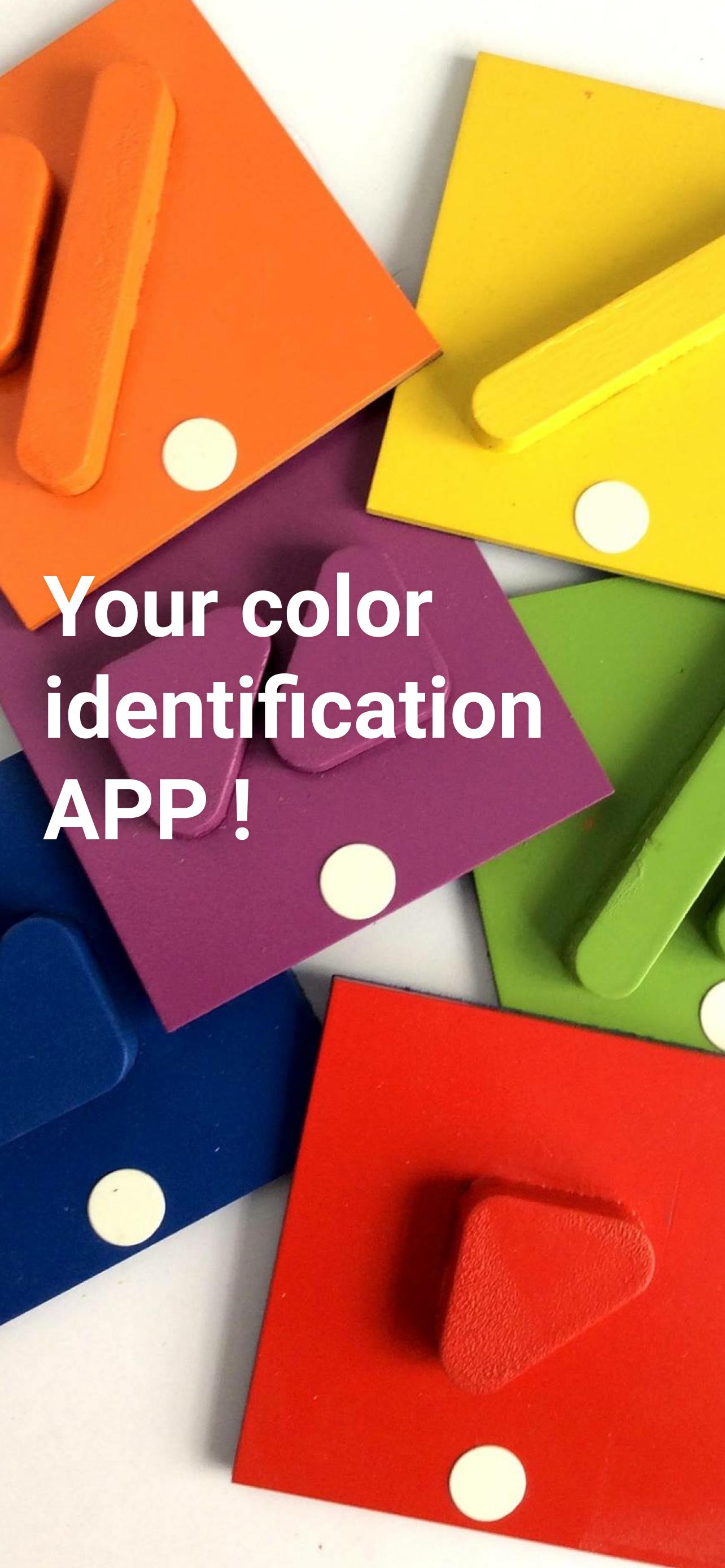
ColorADD is an Inclusive and Universal language that aims to fully integrate colorblind people whenever communication through color is a critical factor for identification, orientation or choice.
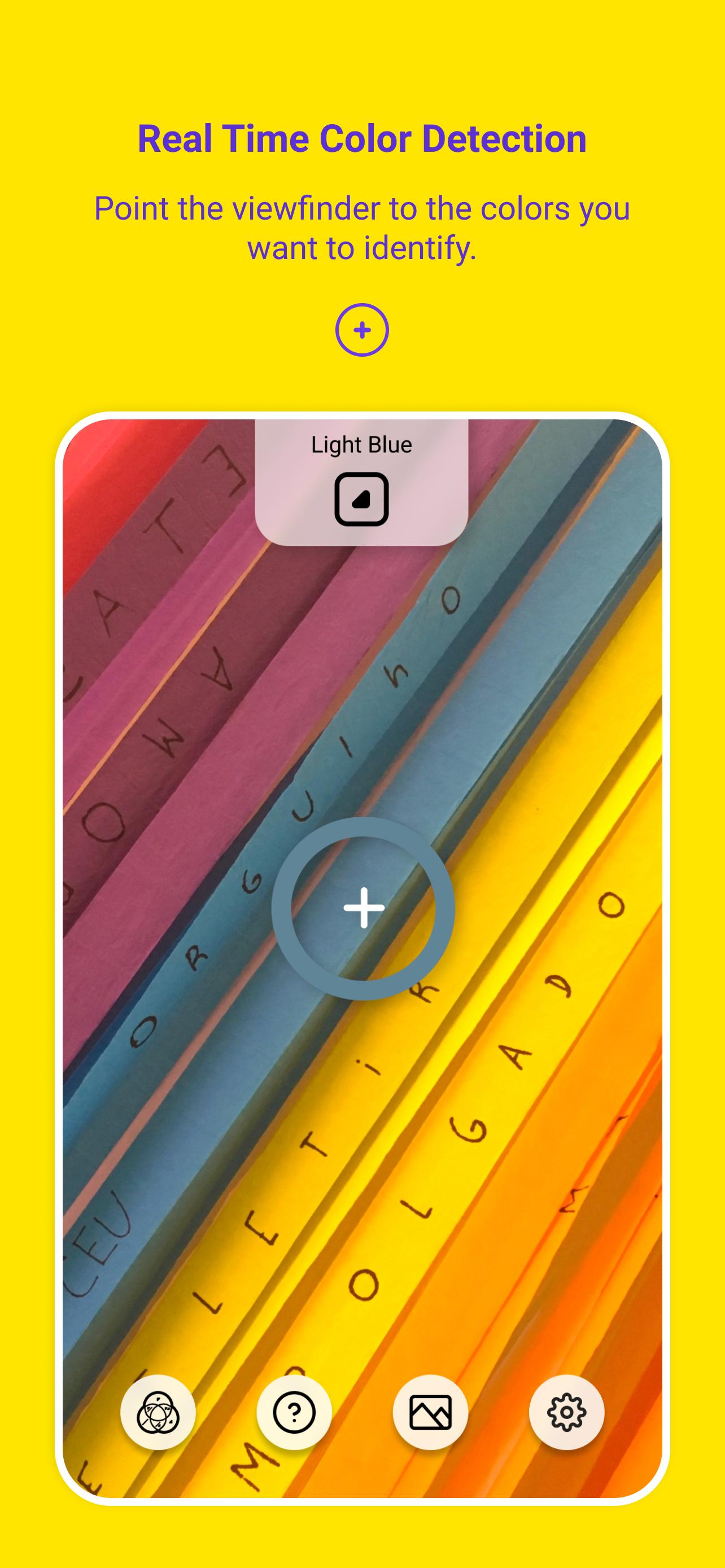
Based on ColorADD's color alphabet, the ColorADD App is the ultimate on-the-go color tool for everyone. You can detect colors simply by pointing the phone camera to your objects or by uploading your images to the App.
Key features:
- Real-time color detection and color recognition (color to name).
- Zoom, flip and flashlight control in real-time scenarios.
- Smart color stabilizer to improve color recognition.
- After-shot color detection.
- Color detection and color recognition on phone gallery images with ability to identify up to 10 colors at the same time.
- Sound identification of color names.
- Save and share color cards as images.
Preview
Tags
EntertainmentInformation
Developer
ColorADD
Latest Version
1.0.1
Last Updated
2022-11-09
Category
Entertainment
Available on
Google Play
Show More
How to play ColorADD - The Color Alphabet with GameLoop on PC
1. Download GameLoop from the official website, then run the exe file to install GameLoop
2. Open GameLoop and search for “ColorADD - The Color Alphabet” , find ColorADD - The Color Alphabet in the search results and click “Install”
3. Enjoy playing ColorADD - The Color Alphabet on GameLoop
Minimum requirements
OS
Windows 8.1 64-bit or Windows 10 64-bit
GPU
GTX 1050
CPU
i3-8300
Memory
8GB RAM
Storage
1GB available space
Recommended requirements
OS
Windows 8.1 64-bit or Windows 10 64-bit
GPU
GTX 1050
CPU
i3-9320
Memory
16GB RAM
Storage
1GB available space