
Bith.tv: Gaming Clips & More PC
DigitaSport
Download Bith.tv: Gaming Clips & More on PC With GameLoop Emulator
Bith.tv: Gaming Clips & More sa PC
Ang Bith.tv: Gaming Clips & More, na nagmumula sa developer na DigitaSport, ay tumatakbo sa Android systerm sa nakaraan.
Ngayon, maaari mong laruin ang Bith.tv: Gaming Clips & More sa PC gamit ang GameLoop nang maayos.
I-download ito sa GameLoop library o mga resulta ng paghahanap. Hindi na tumitingin sa baterya o nakakadismaya na mga tawag sa maling oras.
I-enjoy lang ang Bith.tv: Gaming Clips & More PC sa malaking screen nang libre!
Bith.tv: Gaming Clips & More Panimula
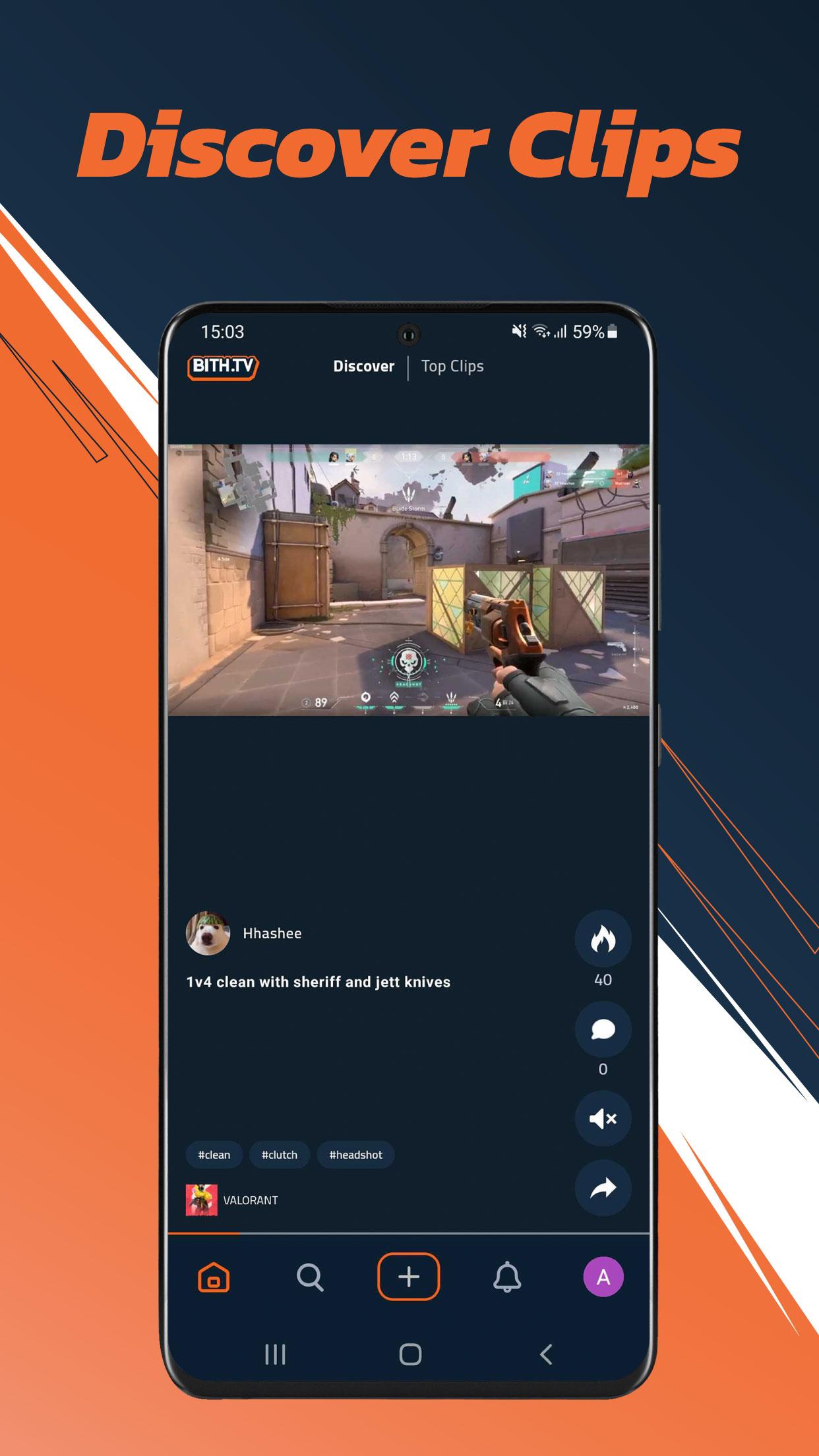
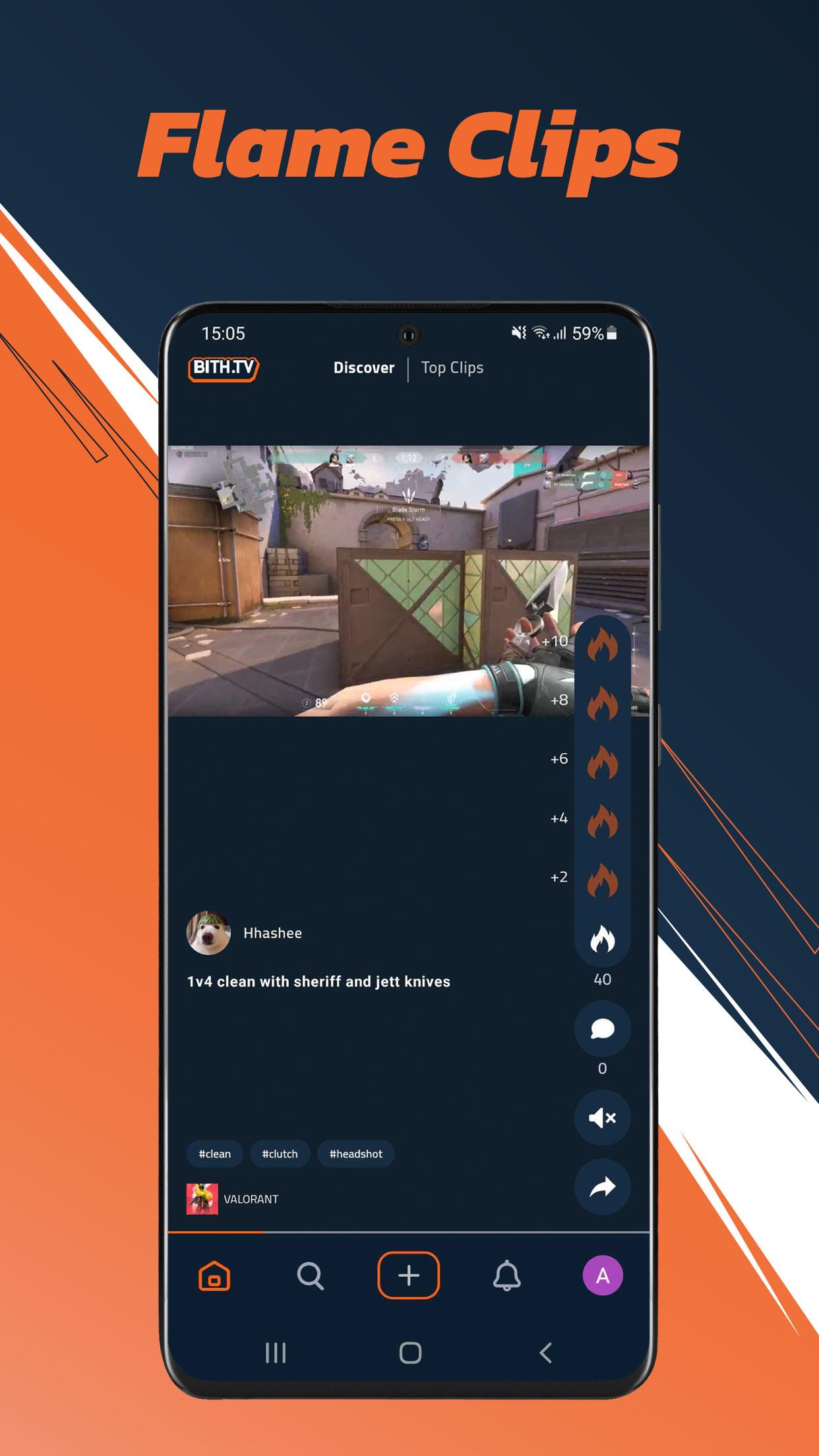
BithTV is a hub for Arab gamers that aims to facilitate growth for content creators through a hybrid clip-sharing and live-streaming model. With the help of integrated API’s with Twitch, Facebook and YouTube, we can mirror the streams of Arab gamers onto one single platform, thus tackling the Arab gamers main obstacle head on, all the while exposing viewers to the untapped potential of our local talent. Due to the fragmented MENA gamer market, both content creators and viewers are finding it difficult to be exposed and reach the right content. Our ongoing goal is to unify the market onto one single platform to cater to all four stakeholders in the market: content creators, viewers, e-sports teams and brands. This will establish a foundation on which E-sports & the gaming community as a whole can thrive.
Preview
Tags
EntertainmentInformation
Developer
DigitaSport
Latest Version
1.2.1
Last Updated
2022-09-19
Category
Entertainment
Available on
Google Play
Show More
How to play Bith.tv: Gaming Clips & More with GameLoop on PC
1. Download GameLoop from the official website, then run the exe file to install GameLoop
2. Open GameLoop and search for “Bith.tv: Gaming Clips & More” , find Bith.tv: Gaming Clips & More in the search results and click “Install”
3. Enjoy playing Bith.tv: Gaming Clips & More on GameLoop
Minimum requirements
OS
Windows 8.1 64-bit or Windows 10 64-bit
GPU
GTX 1050
CPU
i3-8300
Memory
8GB RAM
Storage
1GB available space
Recommended requirements
OS
Windows 8.1 64-bit or Windows 10 64-bit
GPU
GTX 1050
CPU
i3-9320
Memory
16GB RAM
Storage
1GB available space