
Birthday Video Maker PC
ITHotShots
Download Birthday Video Maker on PC With GameLoop Emulator
Birthday Video Maker sa PC
Ang Birthday Video Maker, na nagmumula sa developer na ITHotShots, ay tumatakbo sa Android systerm sa nakaraan.
Ngayon, maaari mong laruin ang Birthday Video Maker sa PC gamit ang GameLoop nang maayos.
I-download ito sa GameLoop library o mga resulta ng paghahanap. Hindi na tumitingin sa baterya o nakakadismaya na mga tawag sa maling oras.
I-enjoy lang ang Birthday Video Maker PC sa malaking screen nang libre!
Birthday Video Maker Panimula
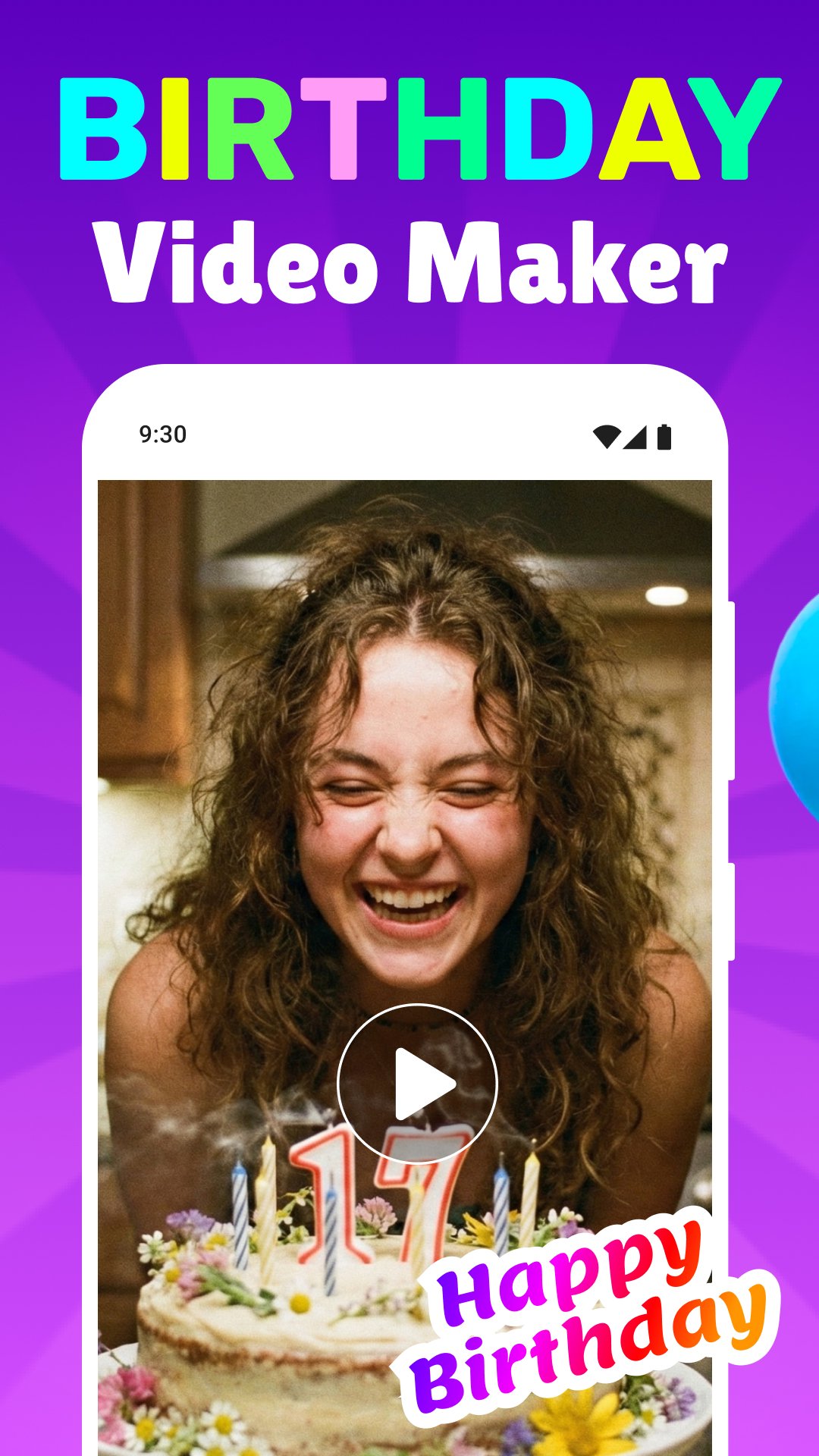
Birthday Video Maker – Enjoy Special Moments!
Use our Birthday Video Maker to make your celebrations even more special and to make your loved ones feel as special as they are! This fabulous applications makes it possible to create customized videos with personalized and elegant photo frames and song videos to make that special day spectacular. Capture your heartfelt memories with unique videos and musical reminders and from now on you will never miss an event with our app.Birthday Photo Frames With Happy Birthday Song app combines simple fun and style and makes editing your videos, memories, and photos a breeze! Never miss a special day with automatic reminders and colorful frames.
📄 Birthday Video Maker Key Features:📄
🎂 Create personalized videos and chooses from a wide selection of background music;
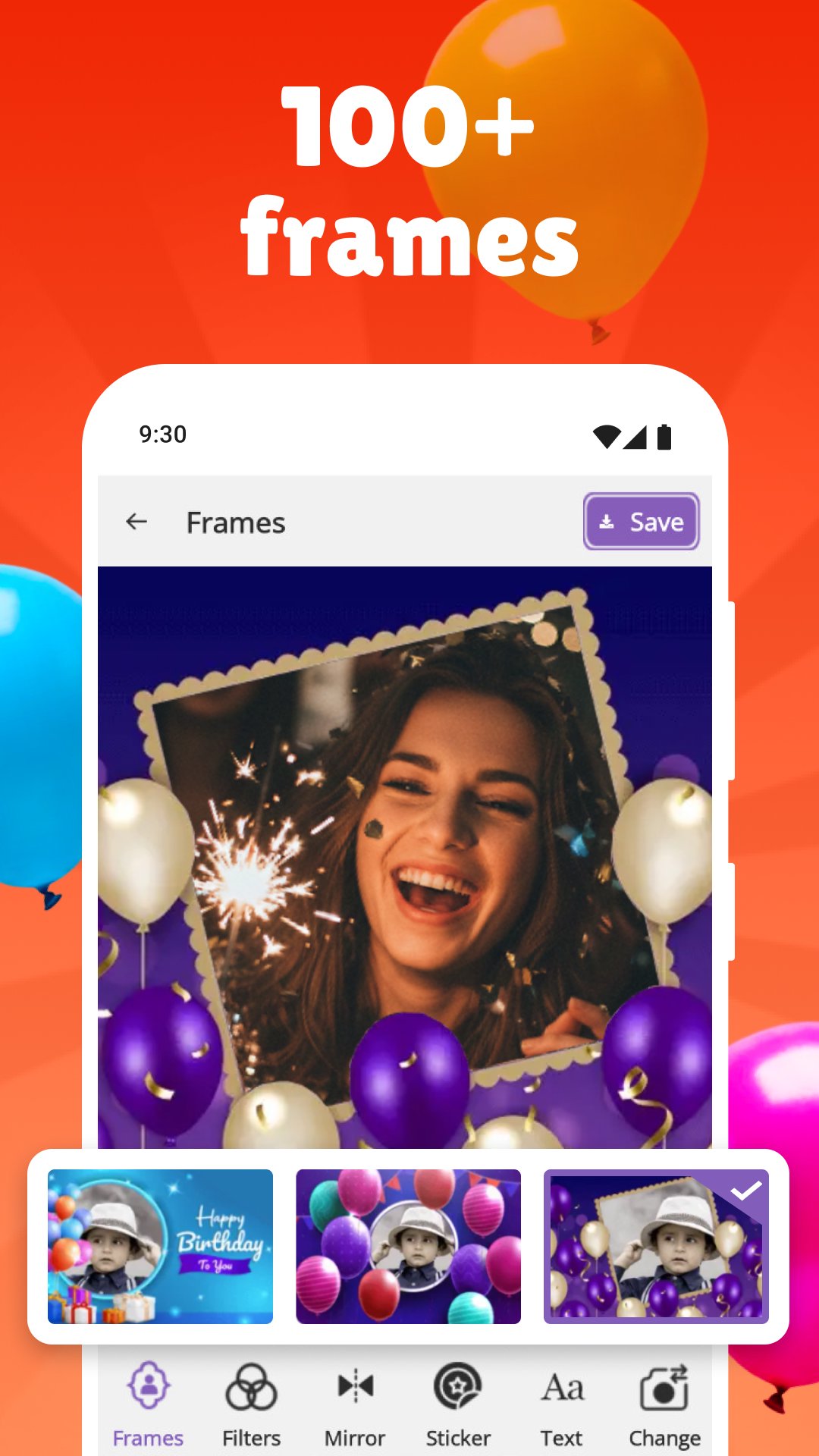
🎂 Choose from an extensive selection of Birthday Photo Frames With Happy Birthday Song;
🎂 Make Birthday Cards With Song for any special occasion;
🎂 Get automatic reminders of special occasions;
🎂 You can write custom messages on cake photos along with a personalized birthday greeting;
🎂 Countdown and a calendar that tracks days, hours, and seconds to an event;
🎂 Send your customized birthday greeting to your loved ones instantly;
🎂 Add stickers, emojis, and fun transitions;
🎂 Make HD quality videos from app!
Craft Beautiful Memories!
We all can be creators with Birthday Video Maker. All it takes is a selection of your favorite images, a happy tune, and your video is ready in seconds. This Videos, Frames, and Reminders: Birthday App gives you options for choosing multiple images, adding transitions, and background music from your gallery or built-in selections. Every piece you make feels personal, infused with emotion.Yearly Reminders:🎉
Plan for all your special moments with Birthday Video Maker reminder features. Add events just once, and you’ll be notified in advance. Use Birthday Cards With Song to glamorous your wishes, and create short videos using Birthday Photo Frames With Happy Birthday Song to beautify your greetings even more.
Beautiful Video Frames:🎁
Make every image unforgettable! Choose from stunning Birthday Photo Frames With Happy Birthday Song collections. Add a personal touch on your photos and videos and share it through the Videos, Frames, and Reminders: Birthday App with a tap.
Cards and Music:🎵
Make your friends and families happy by sending a Birthday Card With Song! Use Birthday Video Maker to add your favorite music, and combine images, music, and cassette players to create one harmonious note for a perfect card.
Awesome Cakes With Names:🍰
Make your celebration even more special with cakes that beautifully display names! Birthday Video Maker lets you write names and make heartwarming videos with the Videos, Frames, and Reminders: Birthday App for your special day, or for someone else's.
Celebrate Special Days in the Most Creative Way!
Birthday Video Maker brings your imagination to life with joyful music and personalized frames. Share the happiness with Birthday Cards With Song and send it to everyone you love. Our app makes every celebration memorable in the simplest, emotional, and loving way.Preview
Tags
EntertainmentVideo-PlayersInformation
Developer
ITHotShots
Latest Version
8.1.3.1
Last Updated
2025-09-18
Category
Entertainment
Available on
Google Play
Show More
How to play Birthday Video Maker with GameLoop on PC
1. Download GameLoop from the official website, then run the exe file to install GameLoop
2. Open GameLoop and search for “Birthday Video Maker” , find Birthday Video Maker in the search results and click “Install”
3. Enjoy playing Birthday Video Maker on GameLoop
Minimum requirements
OS
Windows 8.1 64-bit or Windows 10 64-bit
GPU
GTX 1050
CPU
i3-8300
Memory
8GB RAM
Storage
1GB available space
Recommended requirements
OS
Windows 8.1 64-bit or Windows 10 64-bit
GPU
GTX 1050
CPU
i3-9320
Memory
16GB RAM
Storage
1GB available space