Amusement park maps for minecr PC
TaperStudio
Download Amusement park maps for minecr on PC With GameLoop Emulator
Amusement park maps for minecr sa PC
Ang Amusement park maps for minecr, na nagmumula sa developer na TaperStudio, ay tumatakbo sa Android systerm sa nakaraan.
Ngayon, maaari mong laruin ang Amusement park maps for minecr sa PC gamit ang GameLoop nang maayos.
I-download ito sa GameLoop library o mga resulta ng paghahanap. Hindi na tumitingin sa baterya o nakakadismaya na mga tawag sa maling oras.
I-enjoy lang ang Amusement park maps for minecr PC sa malaking screen nang libre!
Amusement park maps for minecr Panimula
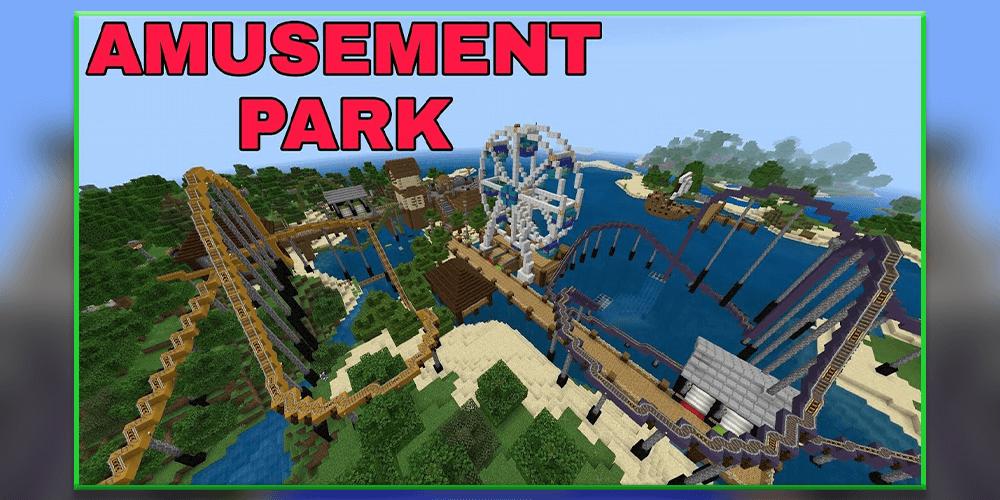
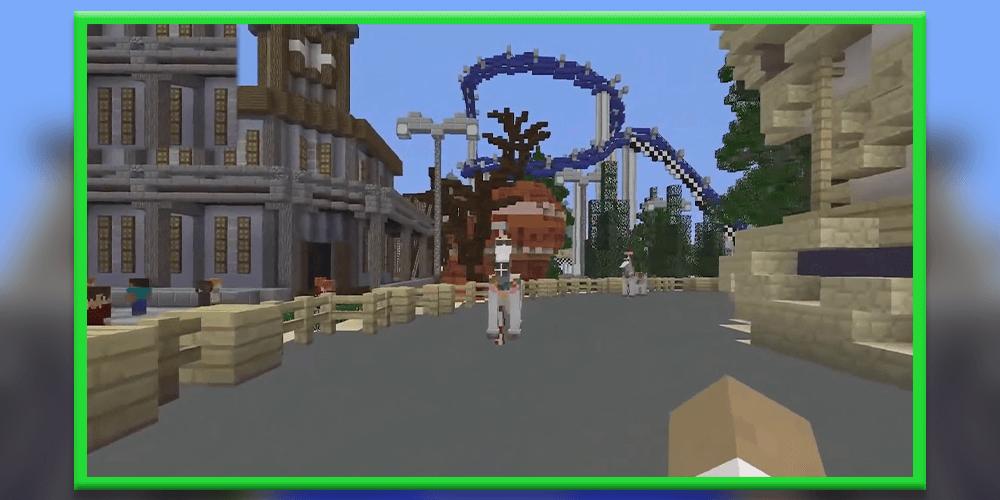
Amusement park is a good place to spend spare time with friends and to have fun. In the Amusement park you can find an entertainment for any kind of taste roller coasters, karting, rafting and even a maze. The park is not the biggest one, but very well-made and detailed, Im advising you to visit second roller coaster that built-in into a rock. For some reasons powered rails on the roller coaster is not active, maybe it must be like that, but thats creates the lack of speed and I suggest you to set up few redstone torches.
Amusement park have a giant amusement park that were ported to Minecraft PE and was build by one person. The story behind the creation of the map is pretty sweet, map was build with more than 70 different attractions including everything from roller coasters to awesome minigame. If you enjoy amusement parks (which I assume most of you do) then this is really a must-play.
DISCLAIMER: This is an unofficial application. It is not affiliated with the owner of the trademark Mojang AB. Name, brand and assets are the property of the owner of Mojang AB. All rights reserved under http://account.mojang.com/documents/brand_guidelines
Preview
Tags
EntertainmentInformation
Developer
TaperStudio
Latest Version
4.0
Last Updated
2021-02-07
Category
Entertainment
Available on
Google Play
Show More
How to play Amusement park maps for minecr with GameLoop on PC
1. Download GameLoop from the official website, then run the exe file to install GameLoop
2. Open GameLoop and search for “Amusement park maps for minecr” , find Amusement park maps for minecr in the search results and click “Install”
3. Enjoy playing Amusement park maps for minecr on GameLoop
Minimum requirements
OS
Windows 8.1 64-bit or Windows 10 64-bit
GPU
GTX 1050
CPU
i3-8300
Memory
8GB RAM
Storage
1GB available space
Recommended requirements
OS
Windows 8.1 64-bit or Windows 10 64-bit
GPU
GTX 1050
CPU
i3-9320
Memory
16GB RAM
Storage
1GB available space