
5GLive PC
UAEVPN
Download 5GLive on PC With GameLoop Emulator
5GLive sa PC
Ang 5GLive, na nagmumula sa developer na UAEVPN, ay tumatakbo sa Android systerm sa nakaraan.
Ngayon, maaari mong laruin ang 5GLive sa PC gamit ang GameLoop nang maayos.
I-download ito sa GameLoop library o mga resulta ng paghahanap. Hindi na tumitingin sa baterya o nakakadismaya na mga tawag sa maling oras.
I-enjoy lang ang 5GLive PC sa malaking screen nang libre!
5GLive Panimula
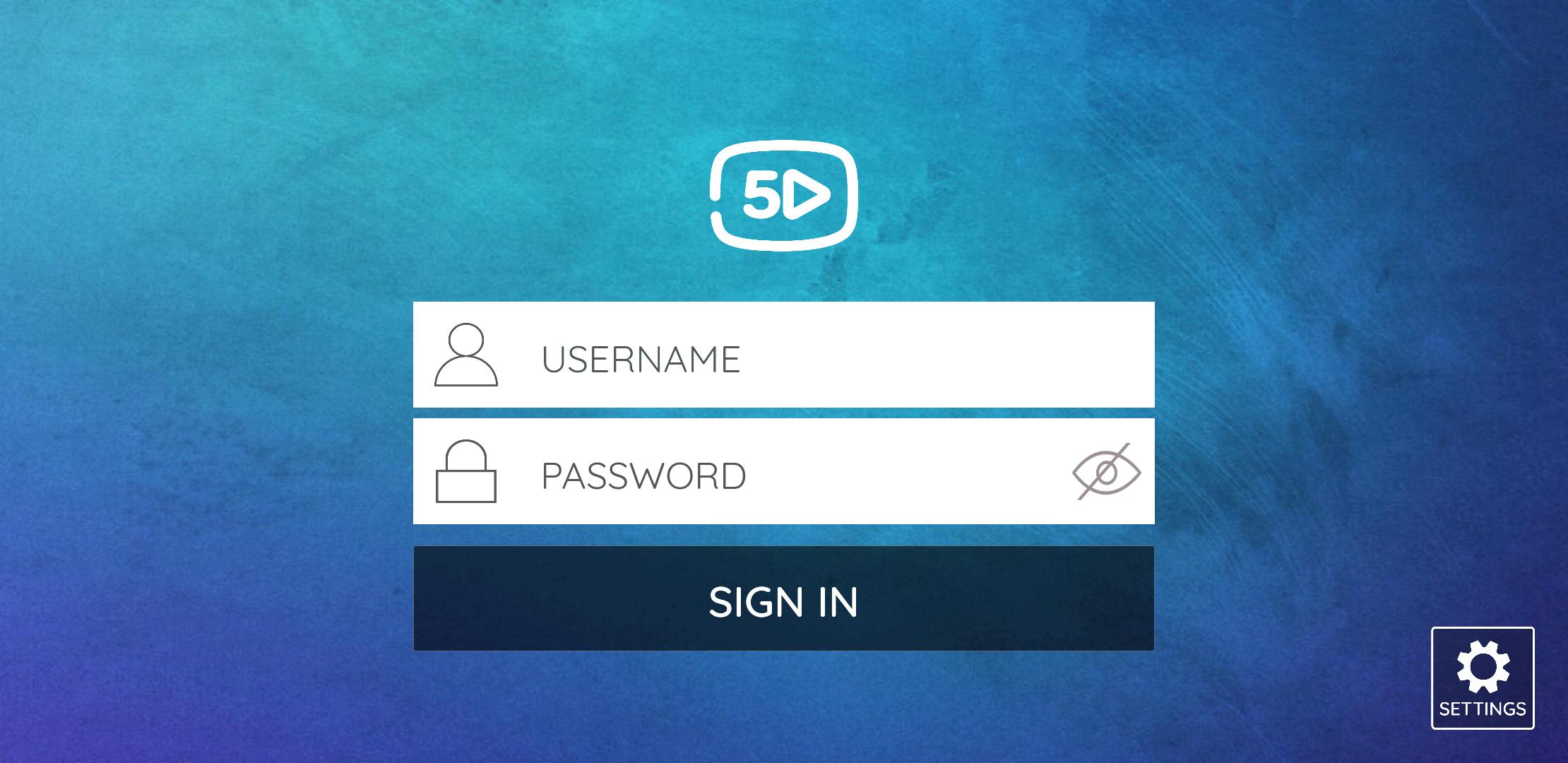
5GLive comes with two built-in Media Players with Adaptive HLS Streaming. No 3rd party apps or players are required. Simple UI design for easy navigation.
5GLive is using ExoPlayer and VLC Player. Easy to navigate using Android TV Remote and Dpad. This app can be installed on Android Phone, Tablet and TV.
Explore 5GLive's Features:
- Built-in Players
- Full EPG support.
- Catchup with EPG
- VOD Info with IMDb's DataBase
- Series Info with season and episodes details.
- Add TV, VODs and Series to Favorites
- Backup and Restore - Sync settings with multiple devices
- Program Reminder from EPG View
- Schedule Recording from EPG View
- Buil-in VPN Support
- Announcement on top of all Channels. Supports Multiple Languages
- Maintenance Notification
- Self Management Portal for Maintenance, Notification and Messages.
- Send Account Expiration or other message to a Specific user.
- Change Portal address and update Contact info Anytime from Backend
- Multi Portal Support. No Server or Client Side configuration required.
IMPORTANT:
The official 5GLive Player does not contain any media content. This means that you should provide your own content from a local or remote storage location, or any other media carrier that you own. Any other means of watching illegal content which would otherwise be paid for is not endorsed or approved by Our Team.
DISCLAIMER:
- 5GLive Player does not supply or include any media or content.
- Users must provide their own content
- 5GLive Player has no affiliation with any media content suppliers or providers.
- We do not endorse the streaming of copyright protected material without permission of the copyright holder.
Preview

Tags
EntertainmentInformation
Developer
UAEVPN
Latest Version
6.0
Last Updated
2022-12-08
Category
Entertainment
Available on
Google Play
Show More
How to play 5GLive with GameLoop on PC
1. Download GameLoop from the official website, then run the exe file to install GameLoop
2. Open GameLoop and search for “5GLive” , find 5GLive in the search results and click “Install”
3. Enjoy playing 5GLive on GameLoop
Minimum requirements
OS
Windows 8.1 64-bit or Windows 10 64-bit
GPU
GTX 1050
CPU
i3-8300
Memory
8GB RAM
Storage
1GB available space
Recommended requirements
OS
Windows 8.1 64-bit or Windows 10 64-bit
GPU
GTX 1050
CPU
i3-9320
Memory
16GB RAM
Storage
1GB available space