
라이브티비 - 온에어 TV 방송 PC
JUNGENT
Download 라이브티비 - 온에어 TV 방송 on PC With GameLoop Emulator
라이브티비 - 온에어 TV 방송 sa PC
Ang 라이브티비 - 온에어 TV 방송, na nagmumula sa developer na JUNGENT, ay tumatakbo sa Android systerm sa nakaraan.
Ngayon, maaari mong laruin ang 라이브티비 - 온에어 TV 방송 sa PC gamit ang GameLoop nang maayos.
I-download ito sa GameLoop library o mga resulta ng paghahanap. Hindi na tumitingin sa baterya o nakakadismaya na mga tawag sa maling oras.
I-enjoy lang ang 라이브티비 - 온에어 TV 방송 PC sa malaking screen nang libre!
라이브티비 - 온에어 TV 방송 Panimula
When you want to watch TV on a computer or mobile device, not on TV, stop the hassle of finding and subscribing to a broadcasting station!
Real-time free TV in the palm of your hand!
You can watch real-time TV easily and quickly with just a few touches without unnecessary membership registration and login.
※ How to use the app
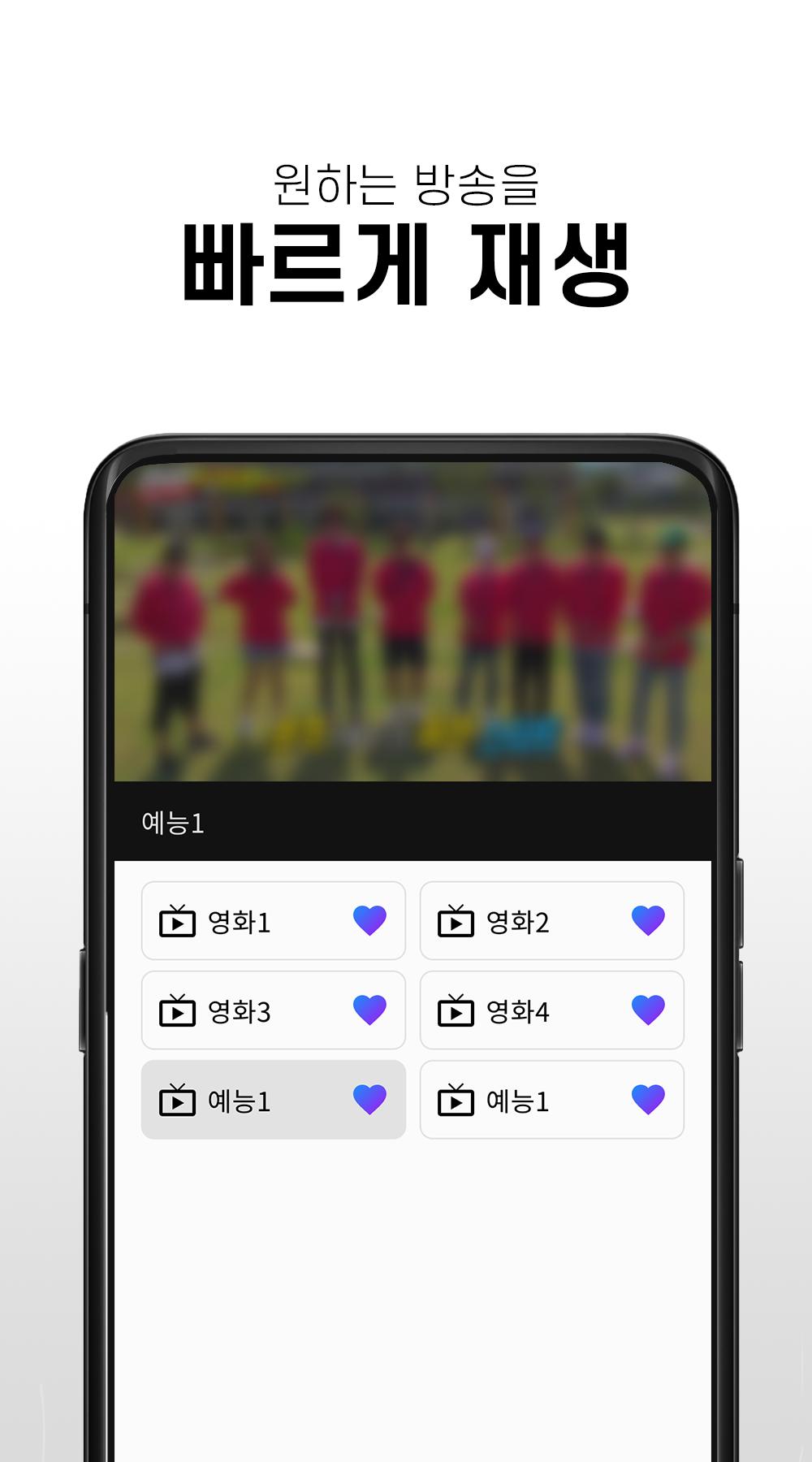
- Run the Real-time Free TV app and select the desired station to watch the broadcast.
- You can enjoy various broadcasts from real-time TV to movies, entertainment, and anime.
※ main function
- You can watch channels for free without membership registration
-Available to watch various terrestrial, comprehensive, and cable channels
-Your own favorite channels are available
- You can watch channels in full screen mode
- Volume and screen brightness can be adjusted with left and right gestures
※ Channel list
- KBS, KBS, MBC, EBS, Channel A, TVN, YTN, Yonhap News, MBN, Screen Golf Zone, FTV, EBS KIDS, children's TV, movie & entertainment channels, etc.
※ caution
- Depending on the network condition, some channels may not be playable temporarily, and we are supporting smooth service as soon as possible.
- This app is recommended to be used in a WIFI environment if it is not an unlimited data plan. When using 3G/LTE/5G, data charges may apply depending on the subscription plan.
Preview

Tags
EntertainmentInformation
Developer
JUNGENT
Latest Version
1.0.1
Last Updated
2023-04-11
Category
Entertainment
Available on
Google Play
Show More
How to play 라이브티비 - 온에어 TV 방송 with GameLoop on PC
1. Download GameLoop from the official website, then run the exe file to install GameLoop
2. Open GameLoop and search for “라이브티비 - 온에어 TV 방송” , find 라이브티비 - 온에어 TV 방송 in the search results and click “Install”
3. Enjoy playing 라이브티비 - 온에어 TV 방송 on GameLoop
Minimum requirements
OS
Windows 8.1 64-bit or Windows 10 64-bit
GPU
GTX 1050
CPU
i3-8300
Memory
8GB RAM
Storage
1GB available space
Recommended requirements
OS
Windows 8.1 64-bit or Windows 10 64-bit
GPU
GTX 1050
CPU
i3-9320
Memory
16GB RAM
Storage
1GB available space