リアスマートコマンダー PC
PIONEER CORPORATION
Download リアスマートコマンダー on PC With GameLoop Emulator
リアスマートコマンダー sa PC
Ang リアスマートコマンダー, na nagmumula sa developer na PIONEER CORPORATION, ay tumatakbo sa Android systerm sa nakaraan.
Ngayon, maaari mong laruin ang リアスマートコマンダー sa PC gamit ang GameLoop nang maayos.
I-download ito sa GameLoop library o mga resulta ng paghahanap. Hindi na tumitingin sa baterya o nakakadismaya na mga tawag sa maling oras.
I-enjoy lang ang リアスマートコマンダー PC sa malaking screen nang libre!
リアスマートコマンダー Panimula
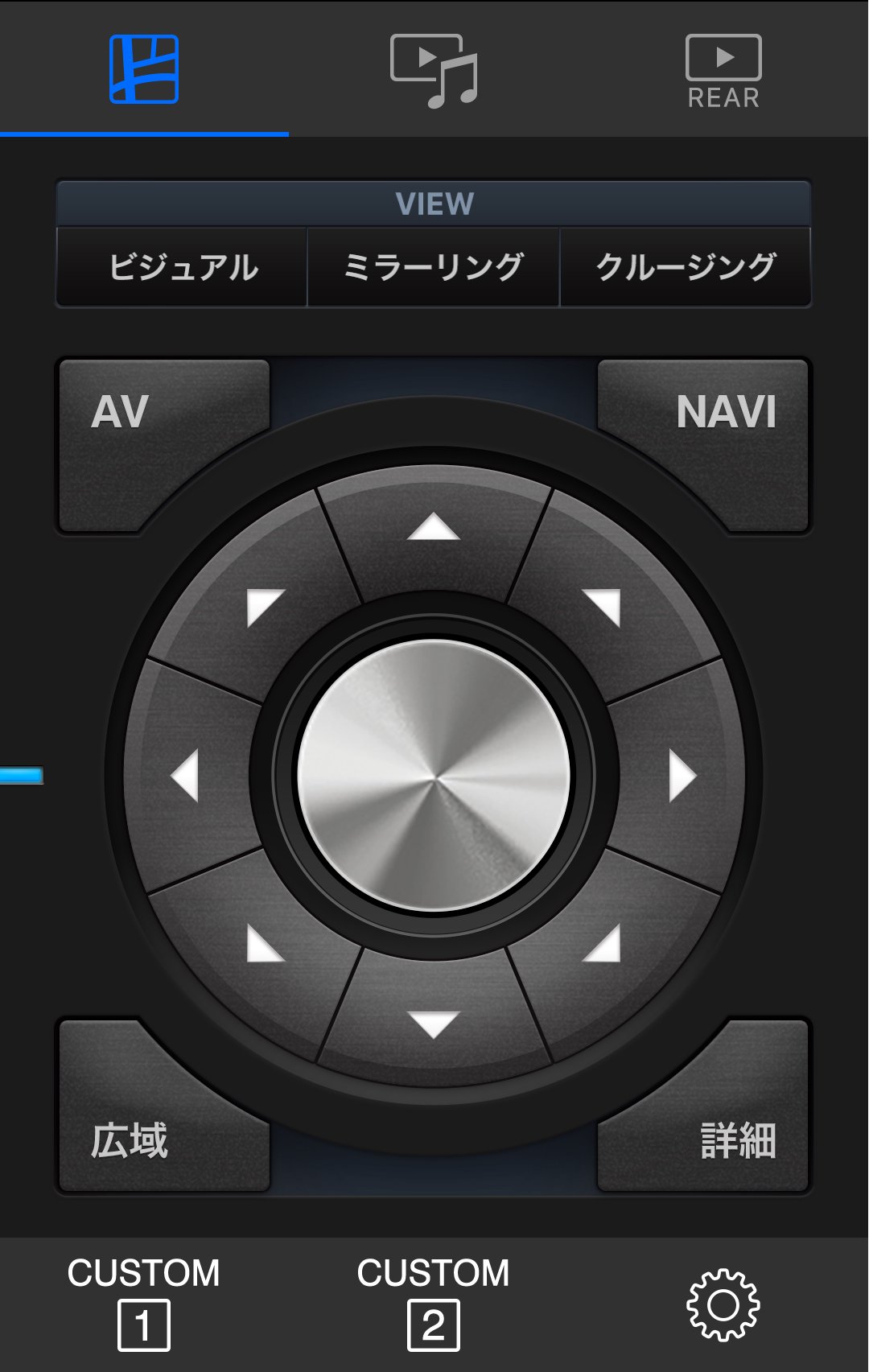
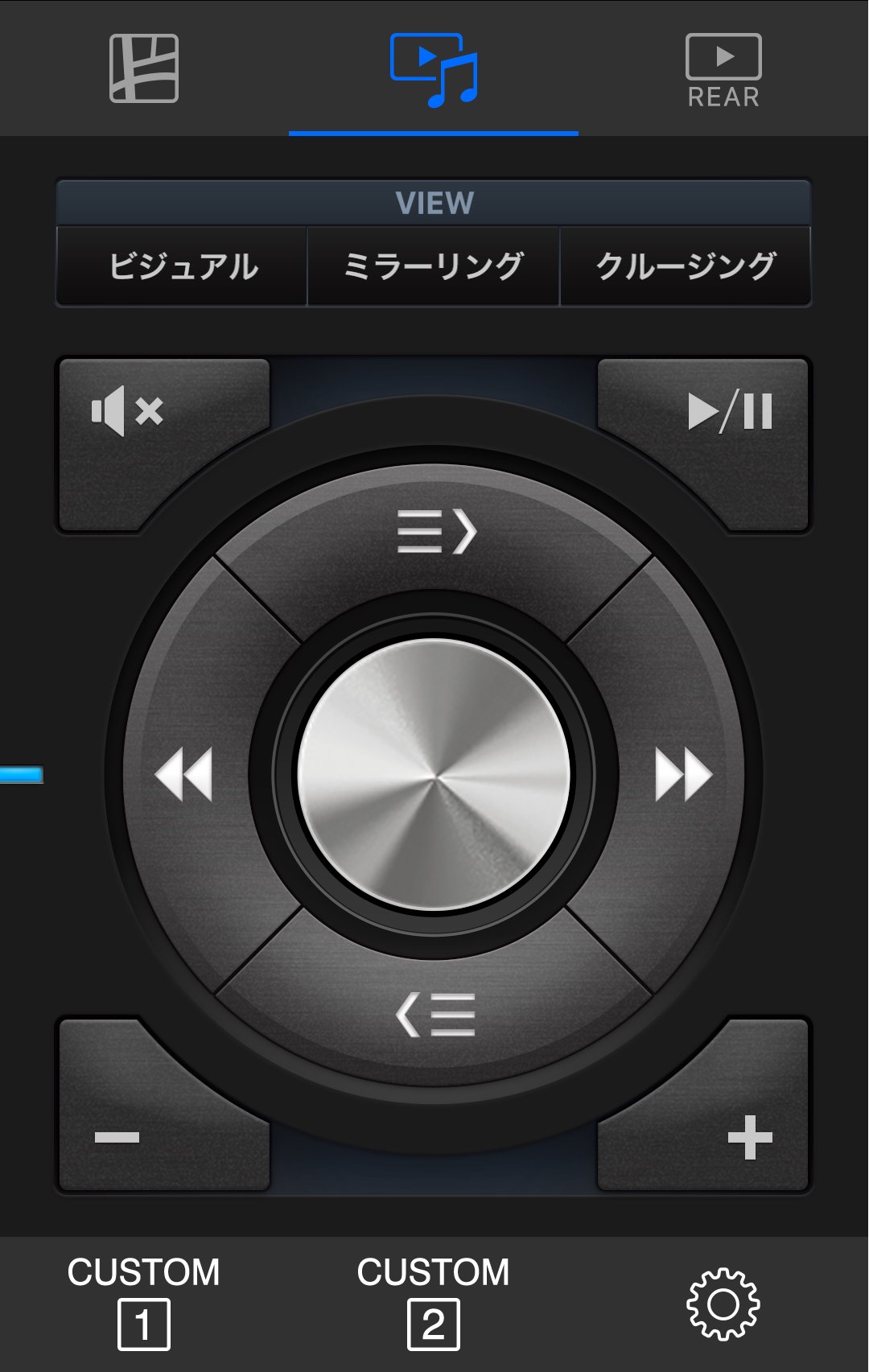
This app allows you to conveniently operate your compatible Carrozzeria CyberNavi from the rear seat. In addition to all the functions of the CyberNavi-specific "Smart Commander" included with the product, this app also provides "REAR AV Mode," which makes operation from the rear seat even more convenient. What's more, the display output to the rear monitor can be easily switched between three views*1 directly.
Please check the Carrozzeria website for confirmed compatibility models.
*1: Mirroring View can only be used when connected to the rear monitor via HDMI. Cruising View can only be used when connected to the included or separately sold Multi-Drive Assist Unit.
■ Features
・Navigation Mode
・AV Mode
・REAR AV Mode
■ Operating Environment: Android OS 5.0 or higher
■ Compatible Products
・Pioneer Carrozzeria "CyberNavi"
2017 Model: AVIC-CL901/CW901/CZ901/CE901 Series
2016 Model: AVIC-CL900/CW900/CZ900/CE900 Series
■ Precautions
・Using this app while driving is extremely dangerous, and using a smartphone while driving is prohibited by laws and regulations, including the Road Traffic Act.
・If this app is used by a passenger other than the driver, the main unit's screen display may appear in an unexpected state. Ensure safety before using this app, even when the vehicle is stopped.
・When using the Rear Smart Commander on a device using the Music Cruise Channel or Bluetooth Audio, audio may occasionally cut out.
Preview
Tags
EntertainmentInformation
Developer
PIONEER CORPORATION
Latest Version
1.0.5
Last Updated
2025-10-14
Category
Entertainment
Available on
Google Play
Show More
How to play リアスマートコマンダー with GameLoop on PC
1. Download GameLoop from the official website, then run the exe file to install GameLoop
2. Open GameLoop and search for “リアスマートコマンダー” , find リアスマートコマンダー in the search results and click “Install”
3. Enjoy playing リアスマートコマンダー on GameLoop
Minimum requirements
OS
Windows 8.1 64-bit or Windows 10 64-bit
GPU
GTX 1050
CPU
i3-8300
Memory
8GB RAM
Storage
1GB available space
Recommended requirements
OS
Windows 8.1 64-bit or Windows 10 64-bit
GPU
GTX 1050
CPU
i3-9320
Memory
16GB RAM
Storage
1GB available space