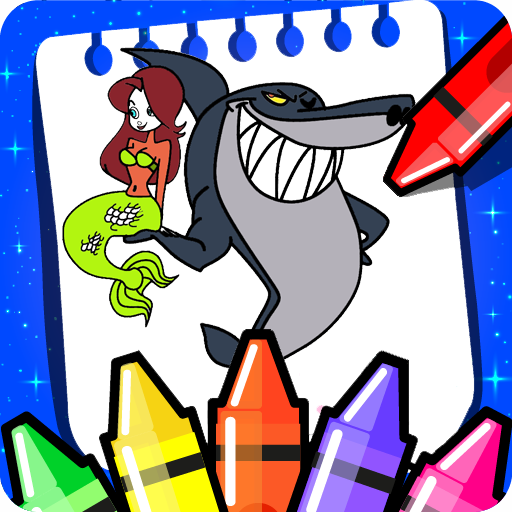
Zig and Sharko coloring game PC
coloring angels
Download Zig and Sharko coloring game on PC With GameLoop Emulator
Zig and Sharko coloring game sa PC
Ang Zig and Sharko coloring game, na nagmumula sa developer na coloring angels, ay tumatakbo sa Android systerm sa nakaraan.
Ngayon, maaari mong laruin ang Zig and Sharko coloring game sa PC gamit ang GameLoop nang maayos.
I-download ito sa GameLoop library o mga resulta ng paghahanap. Hindi na tumitingin sa baterya o nakakadismaya na mga tawag sa maling oras.
I-enjoy lang ang Zig and Sharko coloring game PC sa malaking screen nang libre!
Zig and Sharko coloring game Panimula
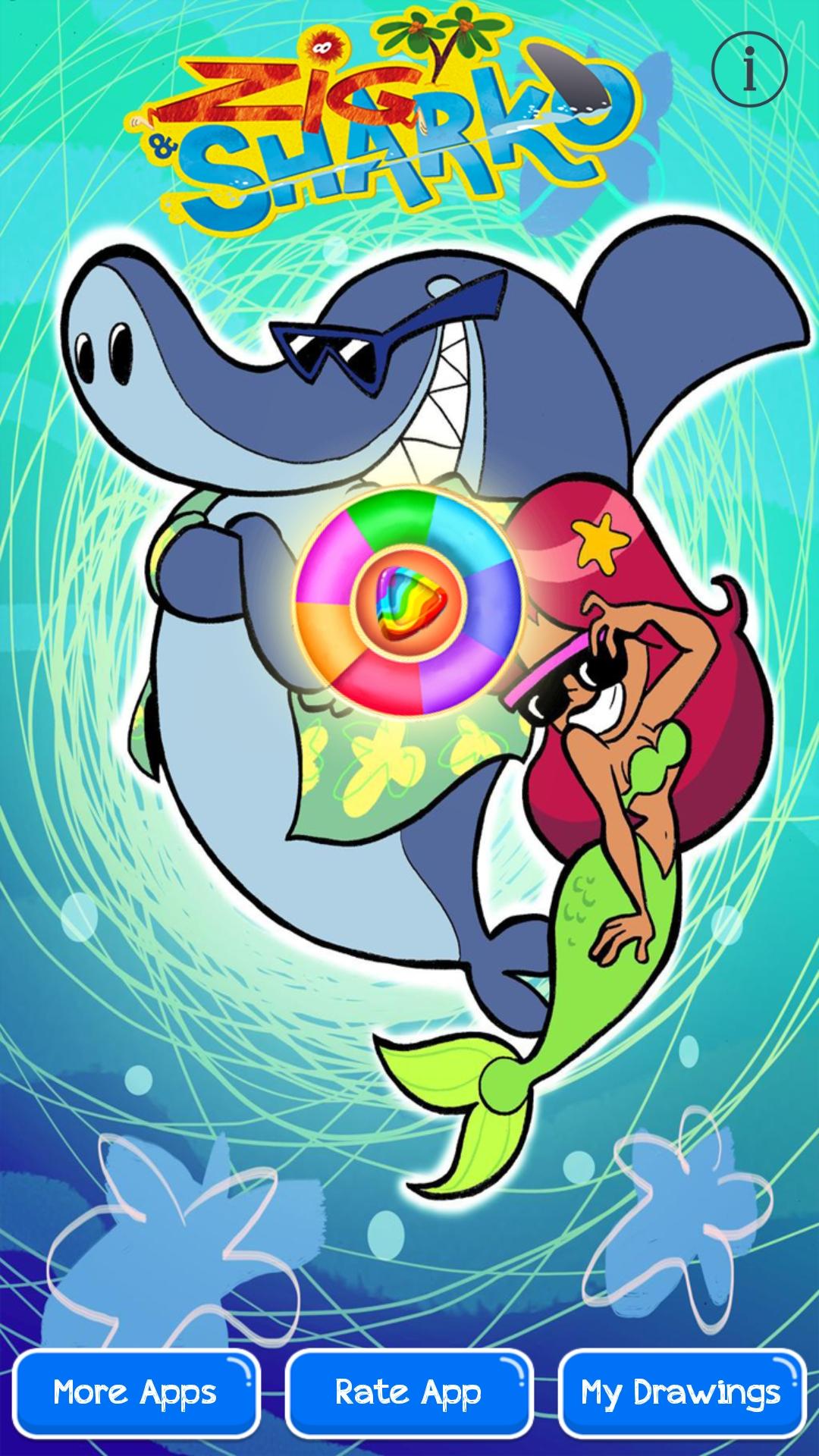
Zig & Sharko coloring book of marina is an educational coloring and drawing cartoon game and one of the best coloring pages for mermaid, boys and gils will learn to paint pictures correctly using the right colors. and will have so much fun time coloring Mermaid Marina; Zig; Baby Sharko and Bernie.
Coloring Book and pages for Zig & Sharko is also a very useful tool for all of us to improve imagination and creativity and increase the level of concentration, all the kids will have so much fun to color baby sharko characters like : zig zag fish, marina mermaid, baby shark and last one the cute bernie.
* FEATURES : Zig the World Fish of baby shark Marina.
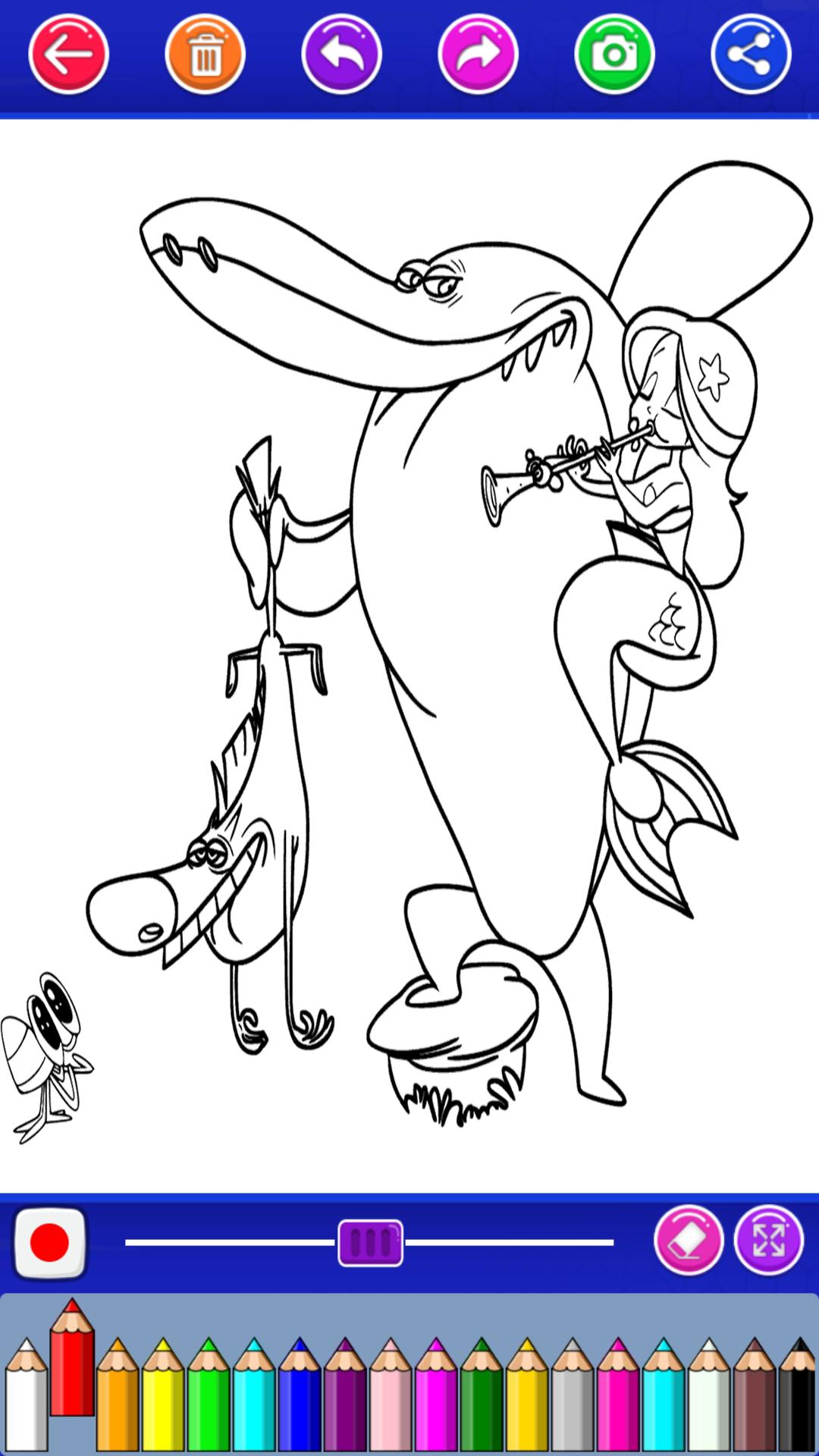
- More than 90 Sharko Coloring pages.
- Save & Share with zig zag and sharko with bernie cartoon fan.
- Zoom in, Zoom out.
- Easy to use, and 100 % FREE.
- Available for offline use!
* HOW TO PLAY:
1- Click Play to start drawing.
2- Choose one baby sharko or mermaid marina images.
3- Select your colors.
4- Start painting zig fish.
5- Save or share your work.
So, what are you waiting for? download Coloring Book for Zig & Sharko now!
<<< DISCLAIMER >>>
All images used in this app are believed to be in public domain. If you own rights to any of the images, and do not wish them to appear here, please contact us and they will be removed it from the application.
Enjoy it!!
If you have any suggestions please leave us a comment.
Preview
Tags
EducationalInformation
Developer
coloring angels
Latest Version
4.0
Last Updated
2021-11-14
Category
Educational
Available on
Google Play
Show More
How to play Zig and Sharko coloring game with GameLoop on PC
1. Download GameLoop from the official website, then run the exe file to install GameLoop
2. Open GameLoop and search for “Zig and Sharko coloring game” , find Zig and Sharko coloring game in the search results and click “Install”
3. Enjoy playing Zig and Sharko coloring game on GameLoop
Minimum requirements
OS
Windows 8.1 64-bit or Windows 10 64-bit
GPU
GTX 1050
CPU
i3-8300
Memory
8GB RAM
Storage
1GB available space
Recommended requirements
OS
Windows 8.1 64-bit or Windows 10 64-bit
GPU
GTX 1050
CPU
i3-9320
Memory
16GB RAM
Storage
1GB available space