Toddler Games - Tiny Minies PC
Gamester
Download Toddler Games - Tiny Minies on PC With GameLoop Emulator
Toddler Games - Tiny Minies sa PC
Ang Toddler Games - Tiny Minies, na nagmumula sa developer na Gamester, ay tumatakbo sa Android systerm sa nakaraan.
Ngayon, maaari mong laruin ang Toddler Games - Tiny Minies sa PC gamit ang GameLoop nang maayos.
I-download ito sa GameLoop library o mga resulta ng paghahanap. Hindi na tumitingin sa baterya o nakakadismaya na mga tawag sa maling oras.
I-enjoy lang ang Toddler Games - Tiny Minies PC sa malaking screen nang libre!
Toddler Games - Tiny Minies Panimula
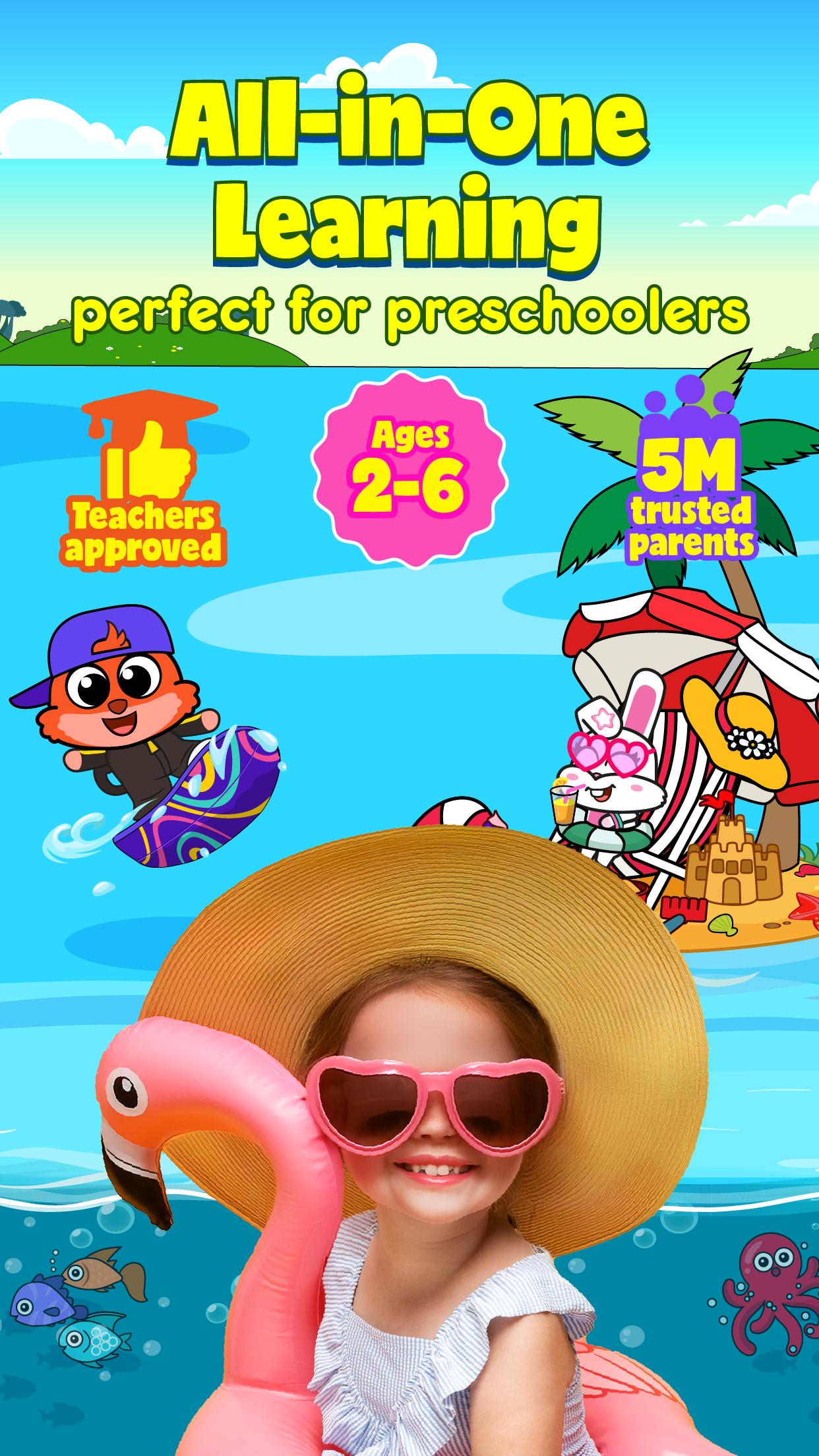
AWARD-WINNING LEARNING APP FOR TODDLERS & PRESCHOOLERS (AGES 2–6)
2,000+ Educational Kids Games, Videos, Books & Activities | Kid-SAFE & COPPA Certified | Mom’s Choice Gold Award Winner
Welcome to Tiny Minies – the most complete early learning app for your child’s daily routine.
Join 5 million+ families around the world and discover a magical space where learning, fun and family bonding come together. From energetic play to calming bedtime stories, Tiny Minies supports your child throughout the day with meaningful, expert-backed content every step of the way.
Tiny Minies helps kids grow smarter, more creative and more confident, while having tons of fun!
LEARN THROUGH PLAY. GROW WITH CONFIDENCE.
Designed by educators and psychologists, Tiny Minies transforms screen time into purposeful, balanced experiences anytime and anywhere. Use it for a quick 10-minute play session, during classroom routines or while traveling. Our content supports a healthy balance of screen and screen-free learning.
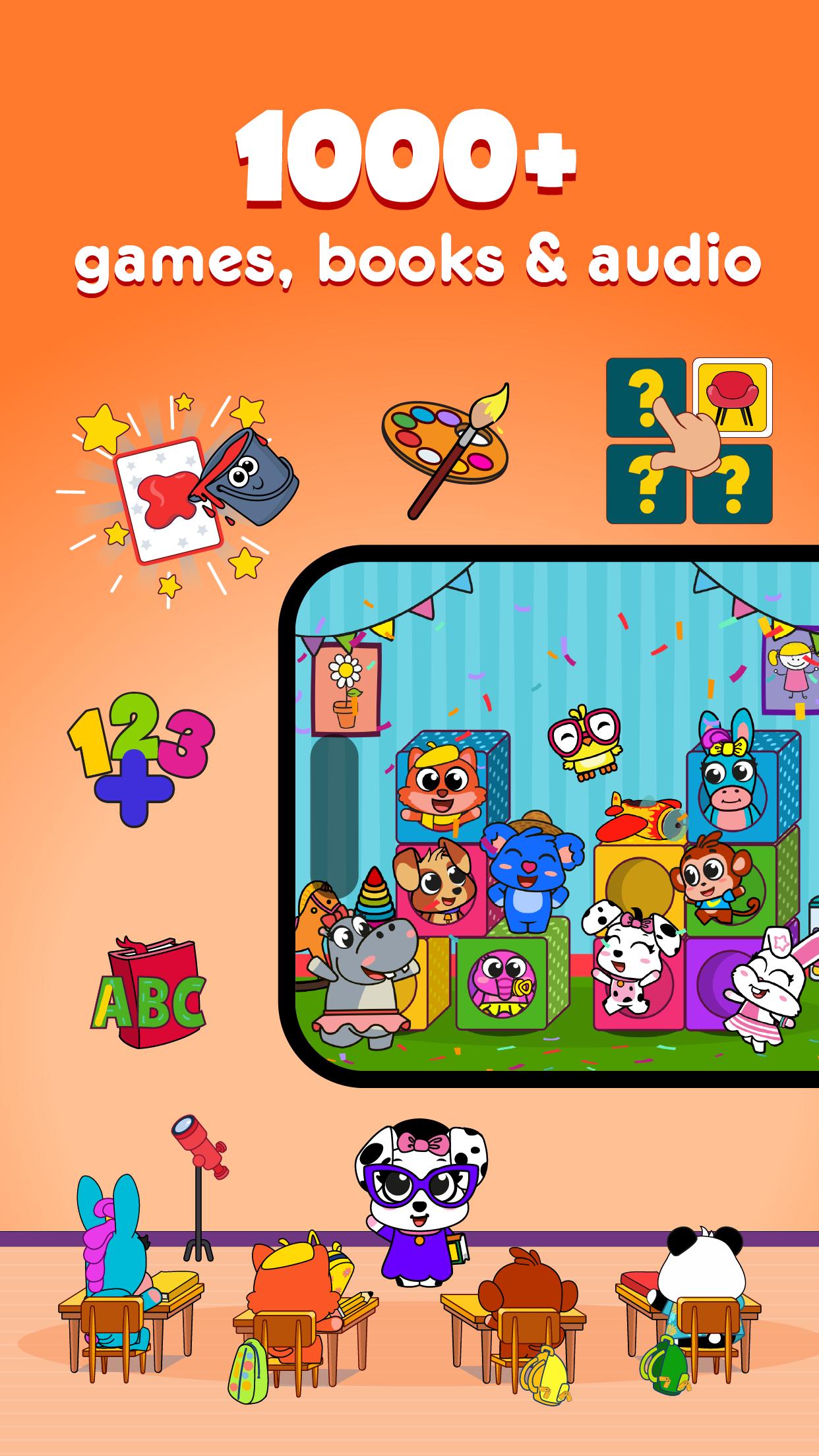
Explore 2,000+ activities designed to support every area of early development:
- Letters & Words – Early literacy, vocabulary, phonics
- Early Math Skills – Numbers, patterns, problem-solving
- Creativity & Imagination – Art, storytelling, roleplay
- Think & Solve – Puzzles, matching, logical thinking games
- Friends & Feelings – Empathy, emotional intelligence
- Physical Skills – Fine motor & movement games
- Music & Rhythm – Piano play, sing-alongs, dance songs
- Memory Boosters – Focus, attention, cognitive skills
- Life Skills – Real-world scenarios like cooking, shopping & caregiving
- Calm & Mindfulness – Kids yoga, breathing, bedtime meditations
- Around the World – Cultural stories & global adventures
FAMILY MOMENTS MADE SPECIAL
Tiny Minies encourages shared screen time; where parents and children connect, laugh and learn together. Whether you’re reading a storybook, doing yoga side-by-side or playing pretend, it’s about bonding through technology in healthy, meaningful ways.
FOR PARENTS: DESIGNED WITH YOU IN MIND
- Track progress for up to 5 kids
- Smart screen time limits and progress reports
- Personalized tips to support development
- Safe, ad-free space with kid-friendly navigation
- Multi-device access and full offline mode
ONE APP. EVERYTHING THEY NEED.
Tiny Minies is your all-in-one solution for the early years, supporting learning, play, family time and even sleep. It’s more than just an app; it’s a thoughtful, expert-designed solution for your child’s entire day.
Start your 7-day FREE trial today – no payment required!
If you need help or just want to say ‘hi’, get in touch at kids@gamester.com.tr
Follow us: Instagram @tinyminies.en & Youtube Channel: tinyminies
Read our full privacy policy here: kids.gamester.com.tr/privacy-policy
Preview
Tags
CasualSingle playerStylizedCartoonOfflineLanguageAbcInformation
Developer
Gamester
Latest Version
9.2
Last Updated
2025-07-27
Category
Educational
Available on
Google Play
Show More
How to play Toddler Games - Tiny Minies with GameLoop on PC
1. Download GameLoop from the official website, then run the exe file to install GameLoop
2. Open GameLoop and search for “Toddler Games - Tiny Minies” , find Toddler Games - Tiny Minies in the search results and click “Install”
3. Enjoy playing Toddler Games - Tiny Minies on GameLoop
Minimum requirements
OS
Windows 8.1 64-bit or Windows 10 64-bit
GPU
GTX 1050
CPU
i3-8300
Memory
8GB RAM
Storage
1GB available space
Recommended requirements
OS
Windows 8.1 64-bit or Windows 10 64-bit
GPU
GTX 1050
CPU
i3-9320
Memory
16GB RAM
Storage
1GB available space