Talking Cat Leo: Virtual Pet PC
Wonderful Games AG
Download Talking Cat Leo: Virtual Pet on PC With GameLoop Emulator
Talking Cat Leo: Virtual Pet sa PC
Ang Talking Cat Leo: Virtual Pet, na nagmumula sa developer na Wonderful Games AG, ay tumatakbo sa Android systerm sa nakaraan.
Ngayon, maaari mong laruin ang Talking Cat Leo: Virtual Pet sa PC gamit ang GameLoop nang maayos.
I-download ito sa GameLoop library o mga resulta ng paghahanap. Hindi na tumitingin sa baterya o nakakadismaya na mga tawag sa maling oras.
I-enjoy lang ang Talking Cat Leo: Virtual Pet PC sa malaking screen nang libre!
Talking Cat Leo: Virtual Pet Panimula
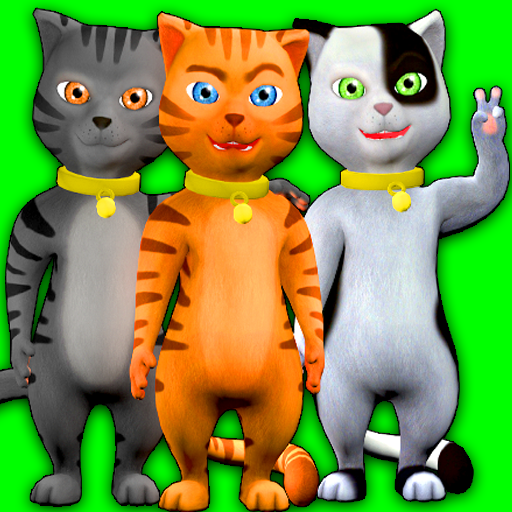
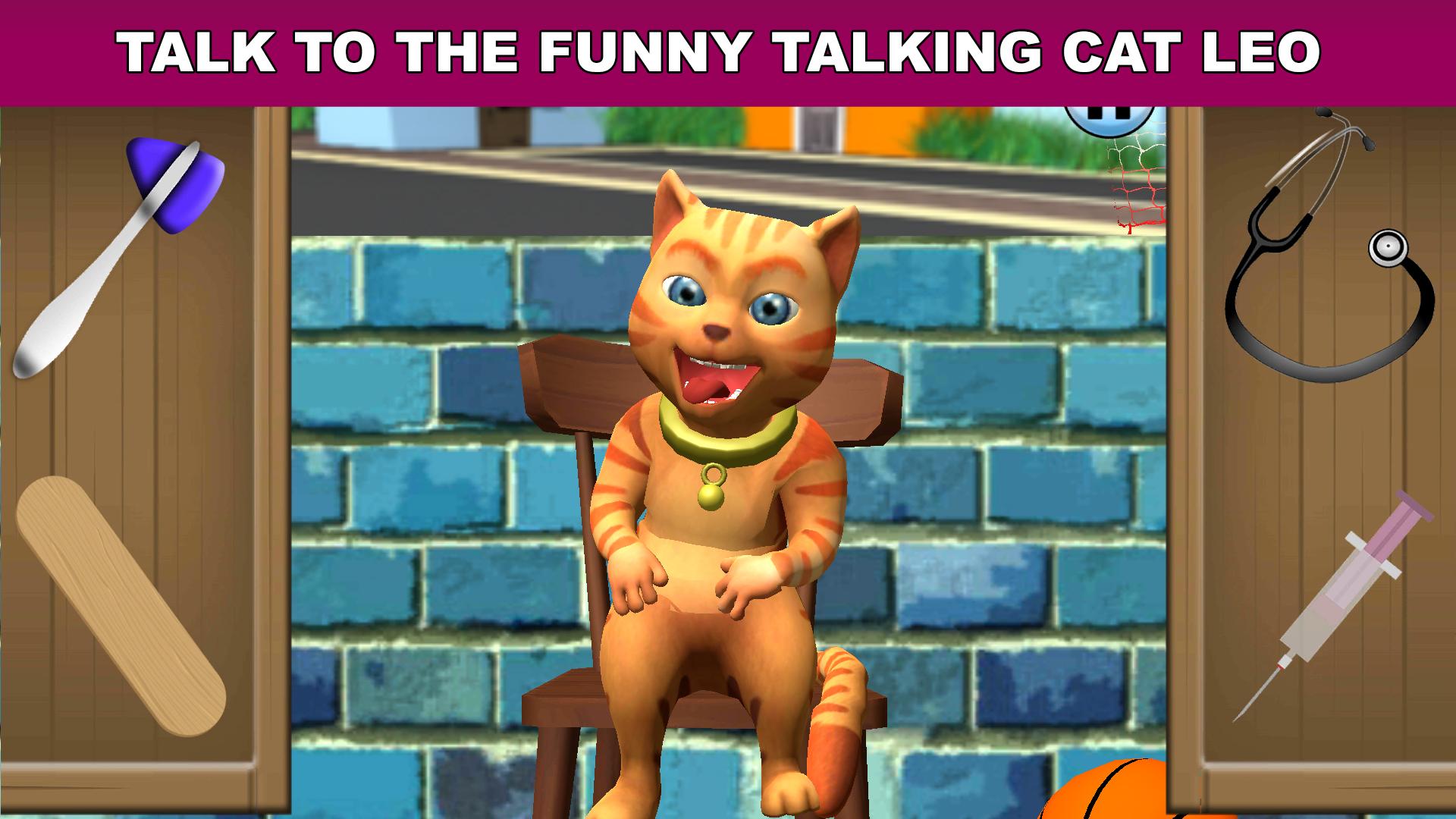
Meet Leo Catomy the talking stray cat. Talking Cat Leo is a fun little virtual pet that responds to your touch and repeats everything you say with his own hilarious voice. You can pet him, poke him pull his ears, play with his collar and much more. Leo loves to play and has got some cool games he cannot wait to play with you!
If you like talking animals games then you will love the Talking Cat Leo!
Features:
- Talking animal
- High quality 3D graphics
- Cat simulator
- Virtual pet
- Just talk to Leo Catomy: Speak and he repeats what you say in his own funny voice.
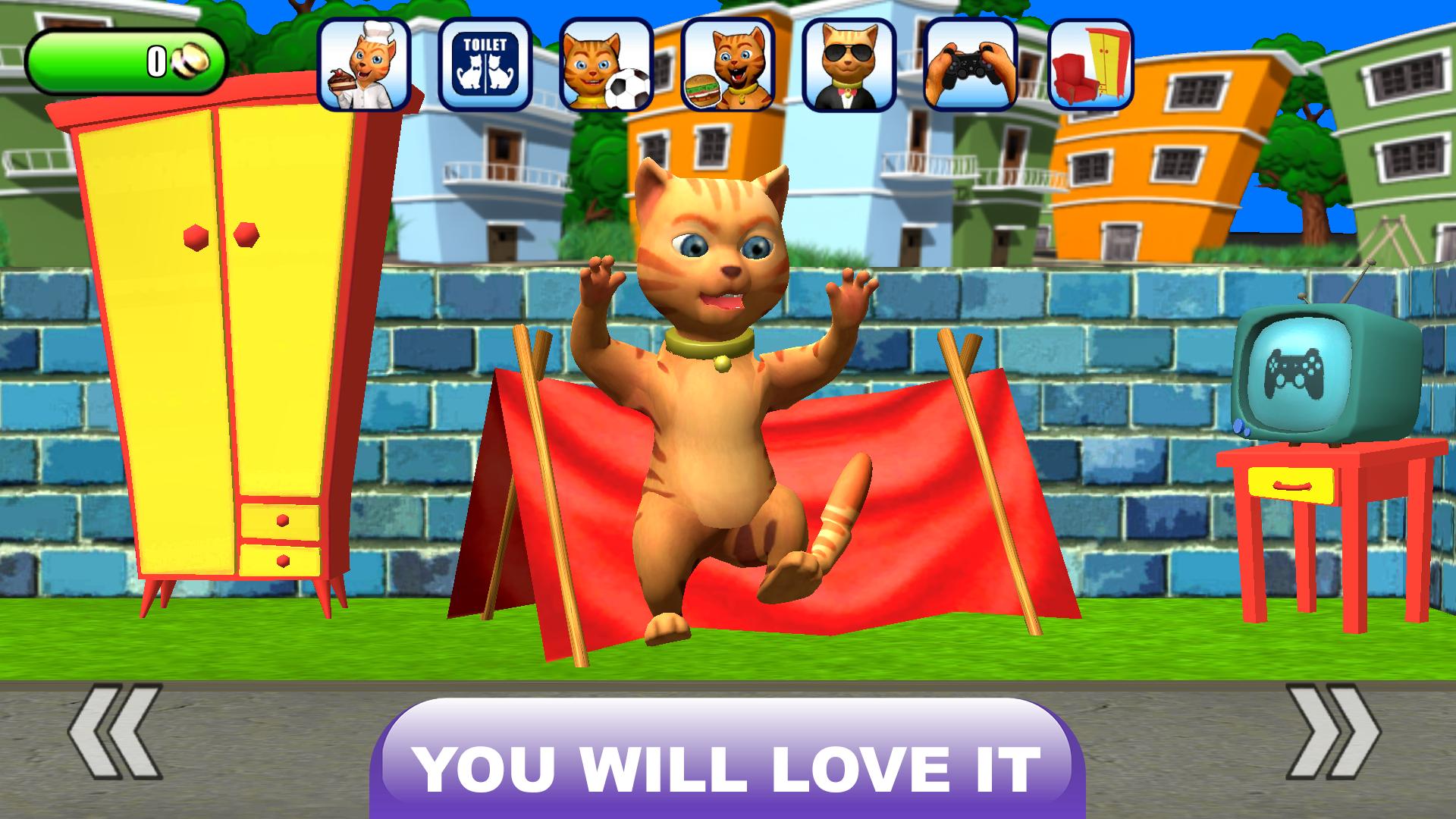
- Play with Leo Catomy: Basketball, Soccer and an exciting cooking game.
- Customize / dress up: fur color change, sun glasses, new clothes, new outfits, caps and more.
- Take care of him: wash him, bring him to sleep etc.
- Over 20 engaging games to be played: Space shooter, puzzles and much more
- Earn coins: Get special achievements for playing with Leo and the different funny games.
- Play football/soccer against the cat Babsy
- With a talking bird telling funny jokes
- Quality product from Wonderful Games AG
If you are looking for funny cat games then Talking Cat Leo is the right game for you!
Talking Cat Leo is a funny virtual pet game.
This funny app with Leo Catomy has been created by Wonderful Games AG.
Preview
Tags
SimulationCarePetCasualSingle playerStylizedCartoonOfflineInformation
Developer
Wonderful Games AG
Latest Version
240920
Last Updated
2024-09-23
Category
Educational
Available on
Google Play
Show More
How to play Talking Cat Leo: Virtual Pet with GameLoop on PC
1. Download GameLoop from the official website, then run the exe file to install GameLoop
2. Open GameLoop and search for “Talking Cat Leo: Virtual Pet” , find Talking Cat Leo: Virtual Pet in the search results and click “Install”
3. Enjoy playing Talking Cat Leo: Virtual Pet on GameLoop
Minimum requirements
OS
Windows 8.1 64-bit or Windows 10 64-bit
GPU
GTX 1050
CPU
i3-8300
Memory
8GB RAM
Storage
1GB available space
Recommended requirements
OS
Windows 8.1 64-bit or Windows 10 64-bit
GPU
GTX 1050
CPU
i3-9320
Memory
16GB RAM
Storage
1GB available space