
AR Flashcards by PlayShifu PC
PlayShifu
Download AR Flashcards by PlayShifu on PC With GameLoop Emulator
AR Flashcards by PlayShifu sa PC
Ang AR Flashcards by PlayShifu, na nagmumula sa developer na PlayShifu, ay tumatakbo sa Android systerm sa nakaraan.
Ngayon, maaari mong laruin ang AR Flashcards by PlayShifu sa PC gamit ang GameLoop nang maayos.
I-download ito sa GameLoop library o mga resulta ng paghahanap. Hindi na tumitingin sa baterya o nakakadismaya na mga tawag sa maling oras.
I-enjoy lang ang AR Flashcards by PlayShifu PC sa malaking screen nang libre!
AR Flashcards by PlayShifu Panimula
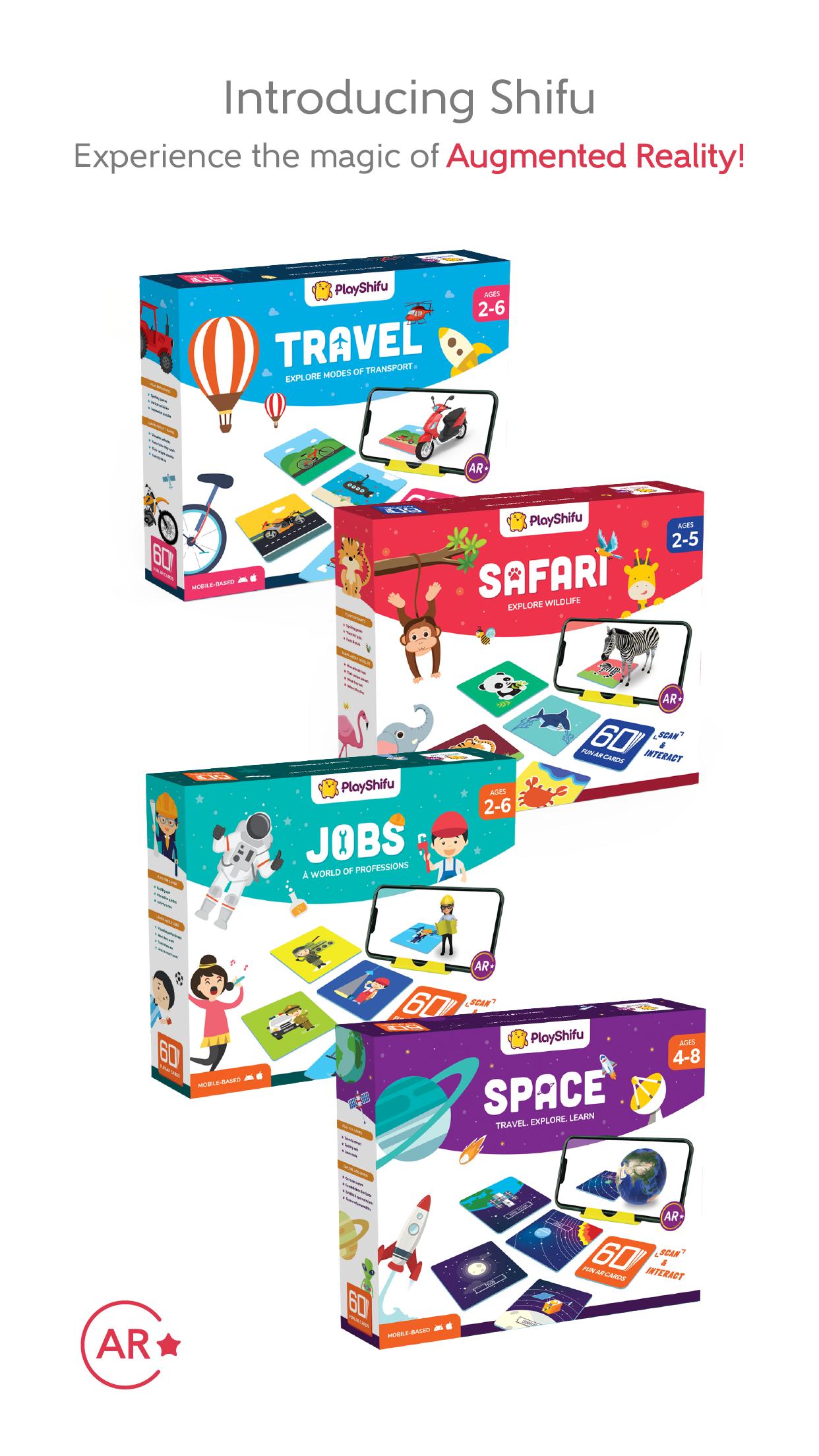
Innovative & Immersive Learning Games - Shifu Safari, Travel, Jobs, Space & Fusion!
AR Flashcards by PlayShifu is an engaging and interactive augmented reality-based early learning game. It requires PlayShifu kits available at www.playshifu.com. With PlayShifu, witness how stories come alive right before your eyes and create an unforgettable experience that will always leave a smile on your face. PlayShifu is a fast and light app that allows you to scan cards and objects that come with PlayShifu kits - Shifu Safari, Jobs, Travel, and Space.
We're bringing together two great play traditions—combining tactile play patterns from games like flashcards, puzzles, shapes, and storybooks with the richness of digital technology for an experience that is exciting, challenging, and fun.
PlayShifu games come with creative learning kits to capture your child's imagination. Check out www.playshifu.com to learn about our latest offerings.
Features:
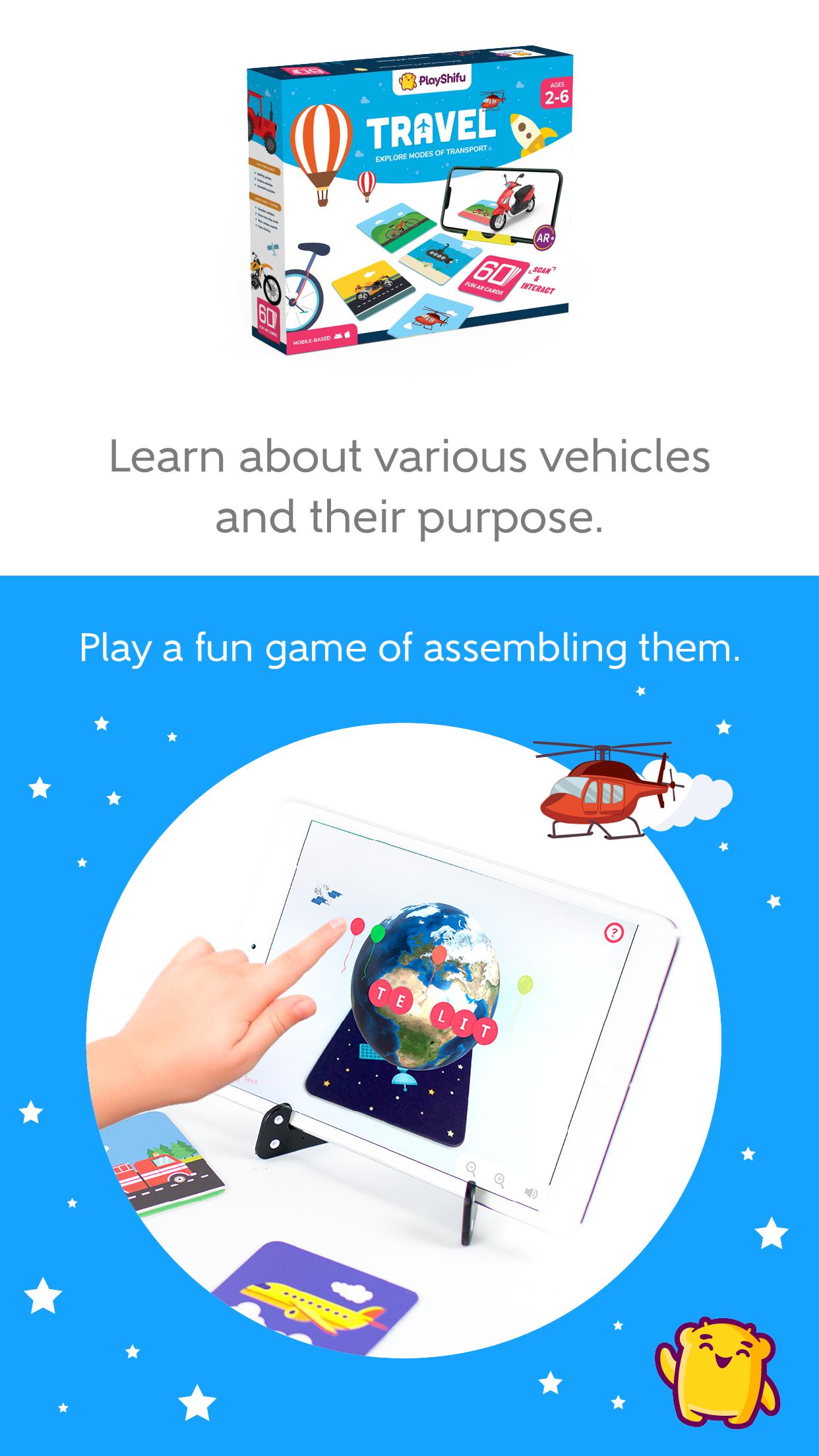
Interactive 3D models with real-world textures and the ability to see them in action.
Rotate and zoom in and out of the characters to see the actual details, the exciting game around learning spellings, and informative facts. After the game is set up, it does not need a wifi connection; there is no 3rd party advertising and no in-app purchases.
Learnings:
Visualize the world around.
Promotes reading & listening.
Builds basic vocabulary.
Teaches correct pronunciation and usage in a sentence.
Encourages inquiry, the discovery of information, and self-learning.
How to use:
Download the app, select your box to activate the app, and place the device on the stand.
Bring PlayShifu cards and objects in the play area and see characters pop out.
Tap the characters to see them in action.
Tap on 'Spell' to play a fun game involving the alphabet.
About Team PlayShifu - Our team comprises engineers, MBAs, designers, coders, parents, and teachers who want to help parents introduce their children to the digital world fun, easy, yet educational way. We are a team on the mission to make growing up and learning a fun experience for kids.
Contact us: Your input is essential to us. If you have any questions, comments, feedback, or need help, contact us at: reachout@playshifu.com.
Preview
Tags
CasualSingle playerOfflineLanguageStylizedInformation
Developer
PlayShifu
Latest Version
67
Last Updated
2025-09-11
Category
Educational
Available on
Google Play
Show More
How to play AR Flashcards by PlayShifu with GameLoop on PC
1. Download GameLoop from the official website, then run the exe file to install GameLoop
2. Open GameLoop and search for “AR Flashcards by PlayShifu” , find AR Flashcards by PlayShifu in the search results and click “Install”
3. Enjoy playing AR Flashcards by PlayShifu on GameLoop
Minimum requirements
OS
Windows 8.1 64-bit or Windows 10 64-bit
GPU
GTX 1050
CPU
i3-8300
Memory
8GB RAM
Storage
1GB available space
Recommended requirements
OS
Windows 8.1 64-bit or Windows 10 64-bit
GPU
GTX 1050
CPU
i3-9320
Memory
16GB RAM
Storage
1GB available space