Sight Words Coach PC
Sierra Vista Software
Download Sight Words Coach on PC With GameLoop Emulator
Sight Words Coach sa PC
Ang Sight Words Coach, na nagmumula sa developer na Sierra Vista Software, ay tumatakbo sa Android systerm sa nakaraan.
Ngayon, maaari mong laruin ang Sight Words Coach sa PC gamit ang GameLoop nang maayos.
I-download ito sa GameLoop library o mga resulta ng paghahanap. Hindi na tumitingin sa baterya o nakakadismaya na mga tawag sa maling oras.
I-enjoy lang ang Sight Words Coach PC sa malaking screen nang libre!
Sight Words Coach Panimula
Did you know that automatic recognition of Sight Words is critical for functional literacy?
This fun game covers all five levels of Dolch Sight Words. It makes the most of the study time. How? By remembering which words are more challenging to your student and asking them more often.
Playing just five minutes a day with this game could make a dramatic difference in your student's future.
The importance of complete Sight Words mastery cannot be overstated. These are some of the most frequently used words in the English language. They number only about 200, but make up approximately 50 to 70 percent of any general, non-technical text. Therefore, fast recognition of Sight Words is an essential part of functional literacy.
- Kids learn to read while having fun!
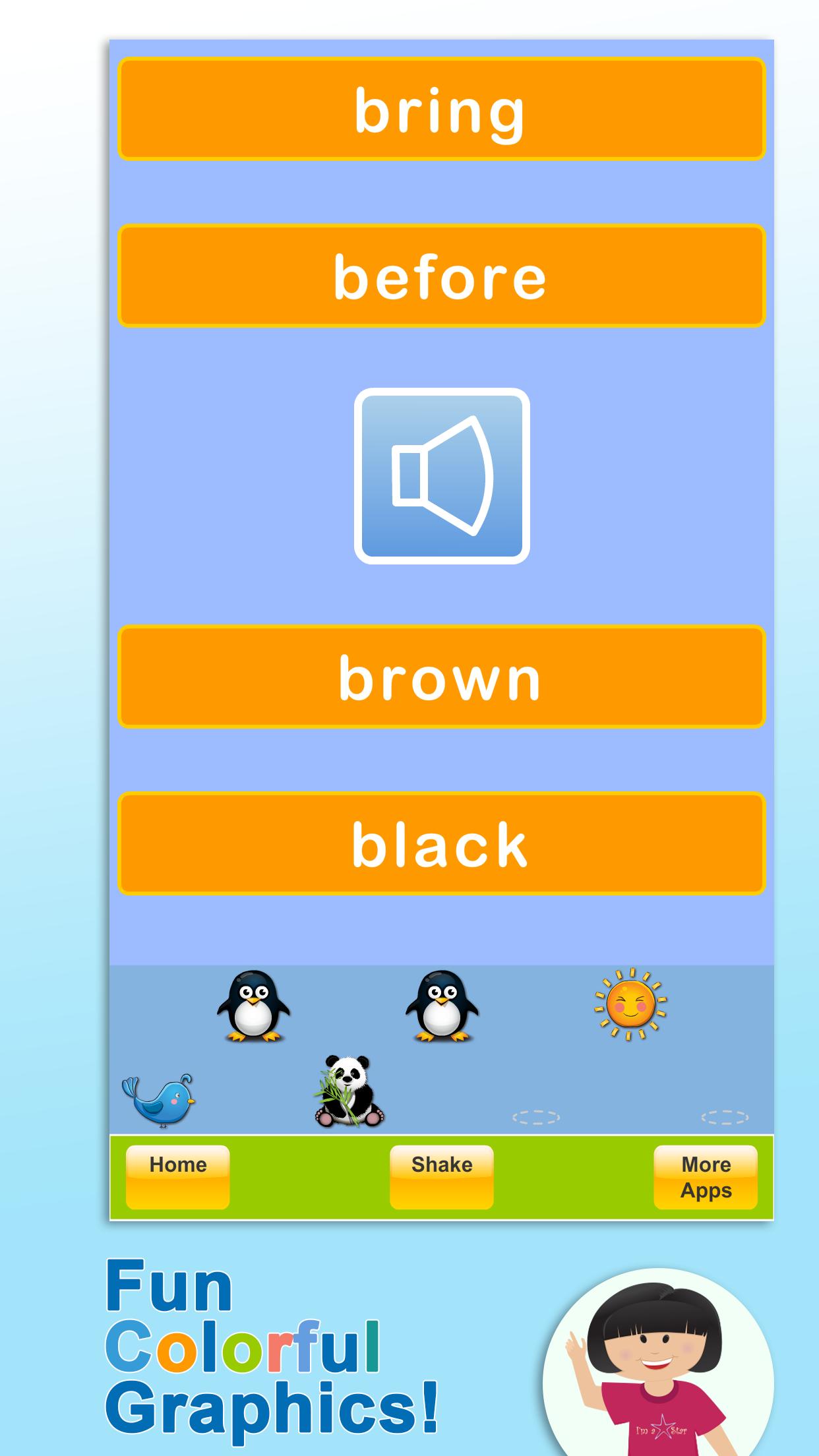
- Colorful graphics
- Fun sounds and animations
- Remembers and shows quiz results
- Automatically creates a list of 10 words that need more work
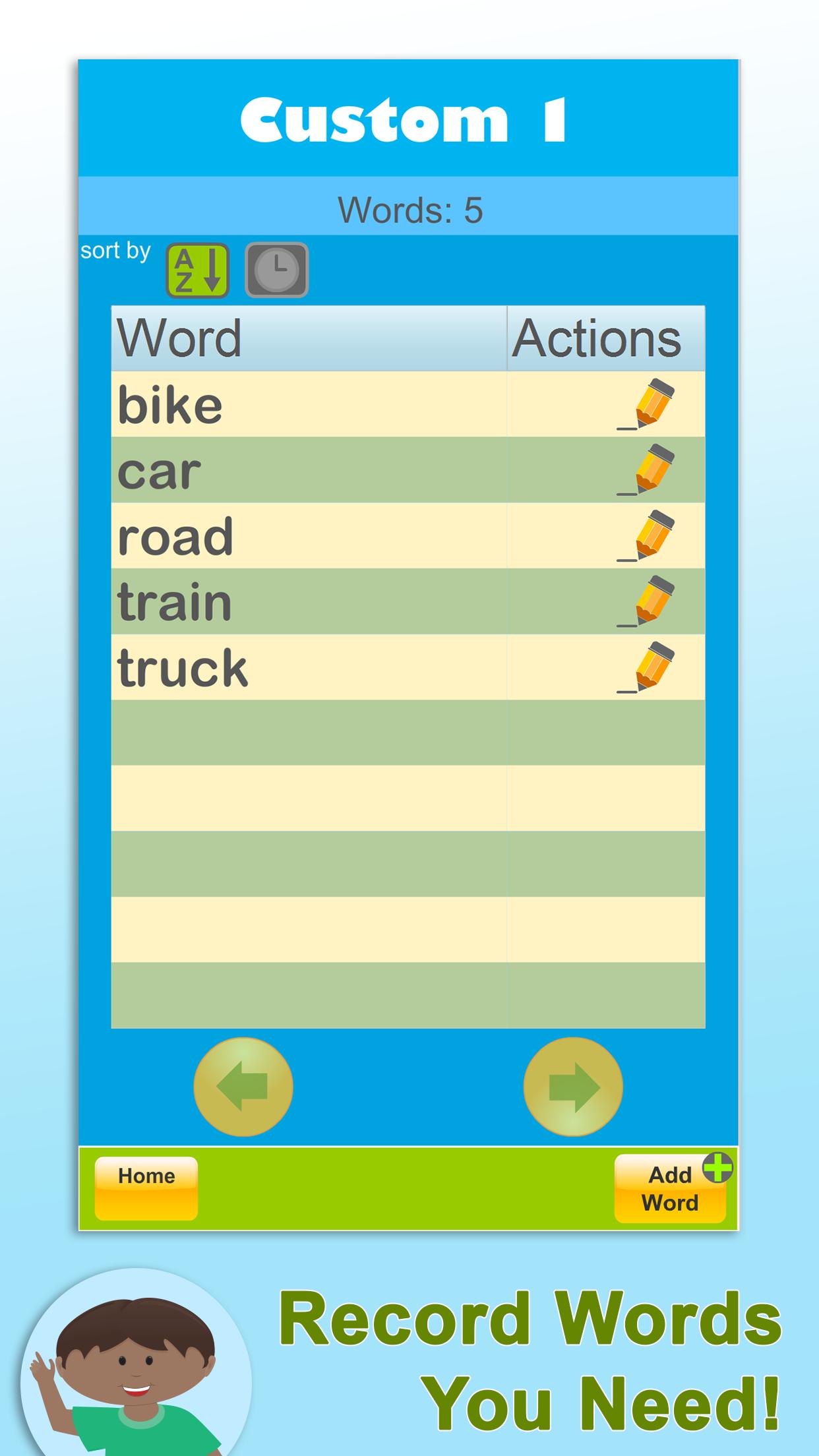
- Record custom words featuring your or your child's voice
- This App is ad-free
Preview
Tags
CasualSingle playerOfflineInformation
Developer
Sierra Vista Software
Latest Version
6.3.1
Last Updated
2023-10-24
Category
Educational
Available on
Google Play
Show More
How to play Sight Words Coach with GameLoop on PC
1. Download GameLoop from the official website, then run the exe file to install GameLoop
2. Open GameLoop and search for “Sight Words Coach” , find Sight Words Coach in the search results and click “Install”
3. Enjoy playing Sight Words Coach on GameLoop
Minimum requirements
OS
Windows 8.1 64-bit or Windows 10 64-bit
GPU
GTX 1050
CPU
i3-8300
Memory
8GB RAM
Storage
1GB available space
Recommended requirements
OS
Windows 8.1 64-bit or Windows 10 64-bit
GPU
GTX 1050
CPU
i3-9320
Memory
16GB RAM
Storage
1GB available space