
Count with Marbotic Up to 100 PC
Marbotic
Download Count with Marbotic Up to 100 on PC With GameLoop Emulator
Count with Marbotic Up to 100 sa PC
Ang Count with Marbotic Up to 100, na nagmumula sa developer na Marbotic, ay tumatakbo sa Android systerm sa nakaraan.
Ngayon, maaari mong laruin ang Count with Marbotic Up to 100 sa PC gamit ang GameLoop nang maayos.
I-download ito sa GameLoop library o mga resulta ng paghahanap. Hindi na tumitingin sa baterya o nakakadismaya na mga tawag sa maling oras.
I-enjoy lang ang Count with Marbotic Up to 100 PC sa malaking screen nang libre!
Count with Marbotic Up to 100 Panimula
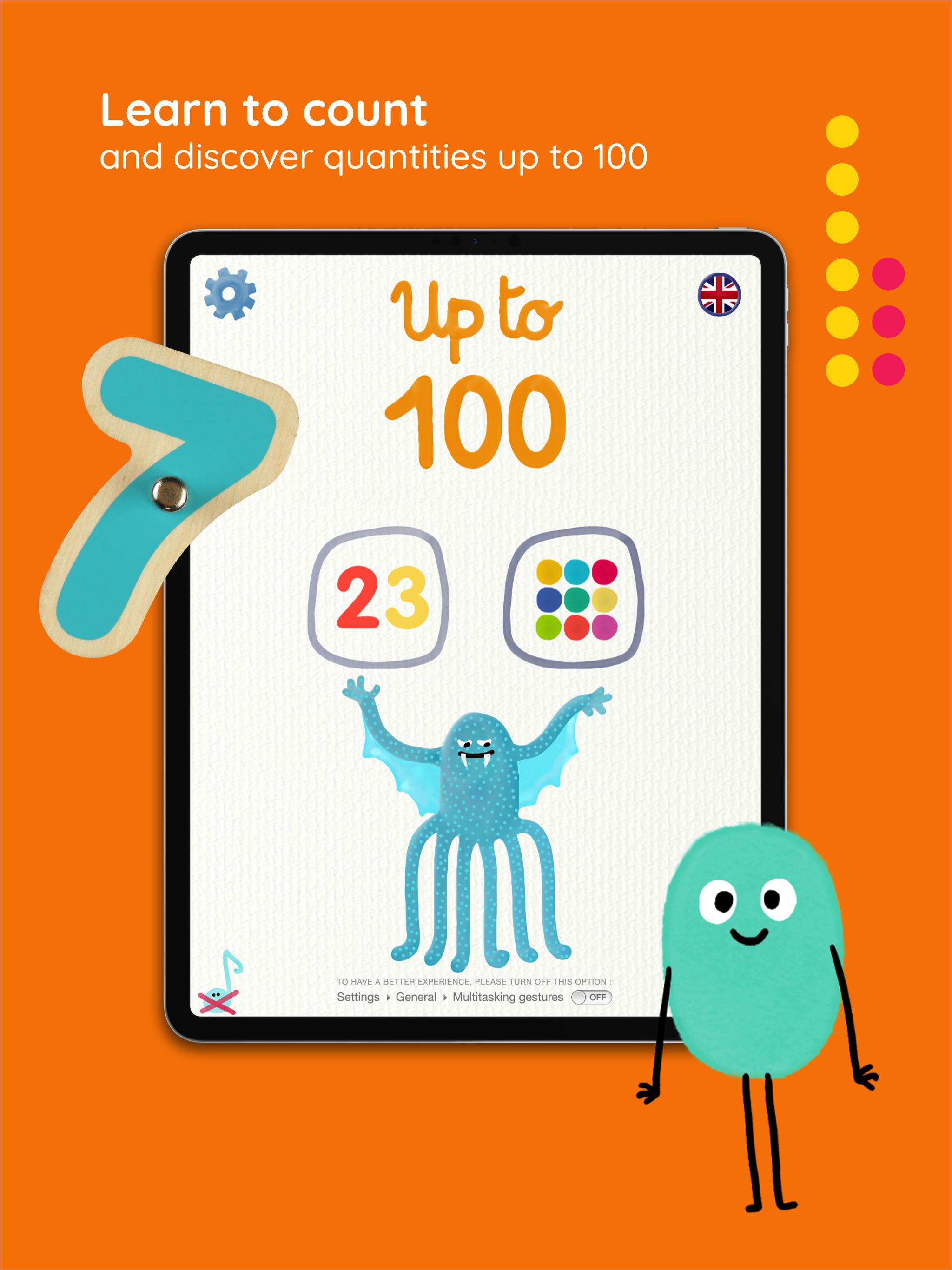
Watch your child thrive as they learn to count to 100 with these 2 fun games!
**About Up to 100**
Introducing your child to numbers early can encourage a life-long love of math. Marbotic’s Up to 100 app is a fun, Montessori-inspired game that’ll give your child a head start by teaching them to count to 100. The ideal homeschooling companion, watch with pride as your little one explores the playful, imaginative Marbotic universe all by themselves!
**What Your Child Will Learn**
After using Marbotic’s Up to 100 app your child will be able to:
- Understand single, double, and triple digit numbers
- Identify a number from a series of digits
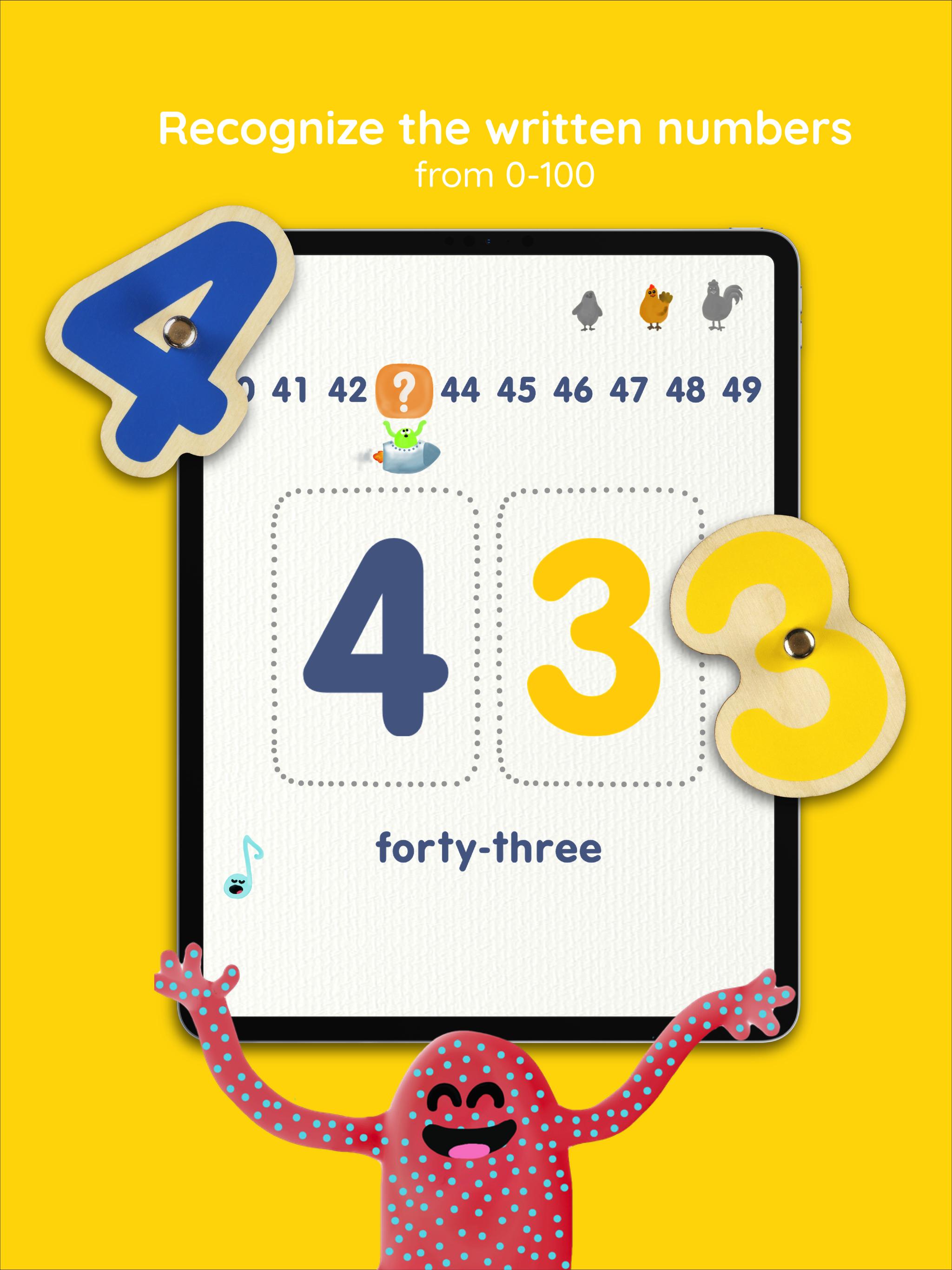
- Recognize written numbers
- Recognize the names of all numbers up to 100
- Understand different quantities
**Recognized by**
- The Mom's Choice Awards
- The Digital Education Awards
- The Academic's Choice Awards
- The Tillywig Awards
**Key Features**
- 2 activities, each with 3 different difficulty settings to adapt to your child’s needs
- Available in 20 languages: English, German, Spanish, Chinese, and more!
- Systematic learning: Each game approaches learning step-by-step so your child learns gradually
- Montessori-inspired: Marbotic's 10 Fingers champions independent learning. Each activity is designed to let your child use the app on their own
- Active screentime: Combining the best of physical and digital play, 10 Fingers transforms your tablet into an interactive learning tool
- The ideal homeschooling companion: Trusted by both teachers and parents, this product makes homeschooling a breeze
**Requirements**
This app is only compatible with the interactive wooden toys from Marbotic Smart Numbers, the Deluxe Learning Kit, or Smart Kit. Shop for them at Marbotic.com!
**About Marbotic**
We know that kids learn best when engaging their hands, hearts, and minds. So, we create innovative, interactive learning toys to help children blossom. Fusing the best of traditional and digital play, our greatest joy is watching our hands-on products develop the skills and confidence of curious children the world over.
*Discover more by visiting marbotic.com
*Follow us on facebook.com/marbotic or @marbotic on Instagram
*For our device compatibility list, click here: www.marbotic.com/compatibility
*Your feedback matters! If you have any questions, comments, feedback, or need assistance, please contact us via contact@marbotic.com
Preview
Tags
EducationalInformation
Developer
Marbotic
Latest Version
5.1.2
Last Updated
2021-04-01
Category
Educational
Available on
Google Play
Show More
How to play Count with Marbotic Up to 100 with GameLoop on PC
1. Download GameLoop from the official website, then run the exe file to install GameLoop
2. Open GameLoop and search for “Count with Marbotic Up to 100” , find Count with Marbotic Up to 100 in the search results and click “Install”
3. Enjoy playing Count with Marbotic Up to 100 on GameLoop
Minimum requirements
OS
Windows 8.1 64-bit or Windows 10 64-bit
GPU
GTX 1050
CPU
i3-8300
Memory
8GB RAM
Storage
1GB available space
Recommended requirements
OS
Windows 8.1 64-bit or Windows 10 64-bit
GPU
GTX 1050
CPU
i3-9320
Memory
16GB RAM
Storage
1GB available space