
Cotton Candy Food Maker Game PC
Kids Food Games Inc.
Download Cotton Candy Food Maker Game on PC With GameLoop Emulator
Cotton Candy Food Maker Game sa PC
Ang Cotton Candy Food Maker Game, na nagmumula sa developer na Kids Food Games Inc., ay tumatakbo sa Android systerm sa nakaraan.
Ngayon, maaari mong laruin ang Cotton Candy Food Maker Game sa PC gamit ang GameLoop nang maayos.
I-download ito sa GameLoop library o mga resulta ng paghahanap. Hindi na tumitingin sa baterya o nakakadismaya na mga tawag sa maling oras.
I-enjoy lang ang Cotton Candy Food Maker Game PC sa malaking screen nang libre!
Cotton Candy Food Maker Game Panimula
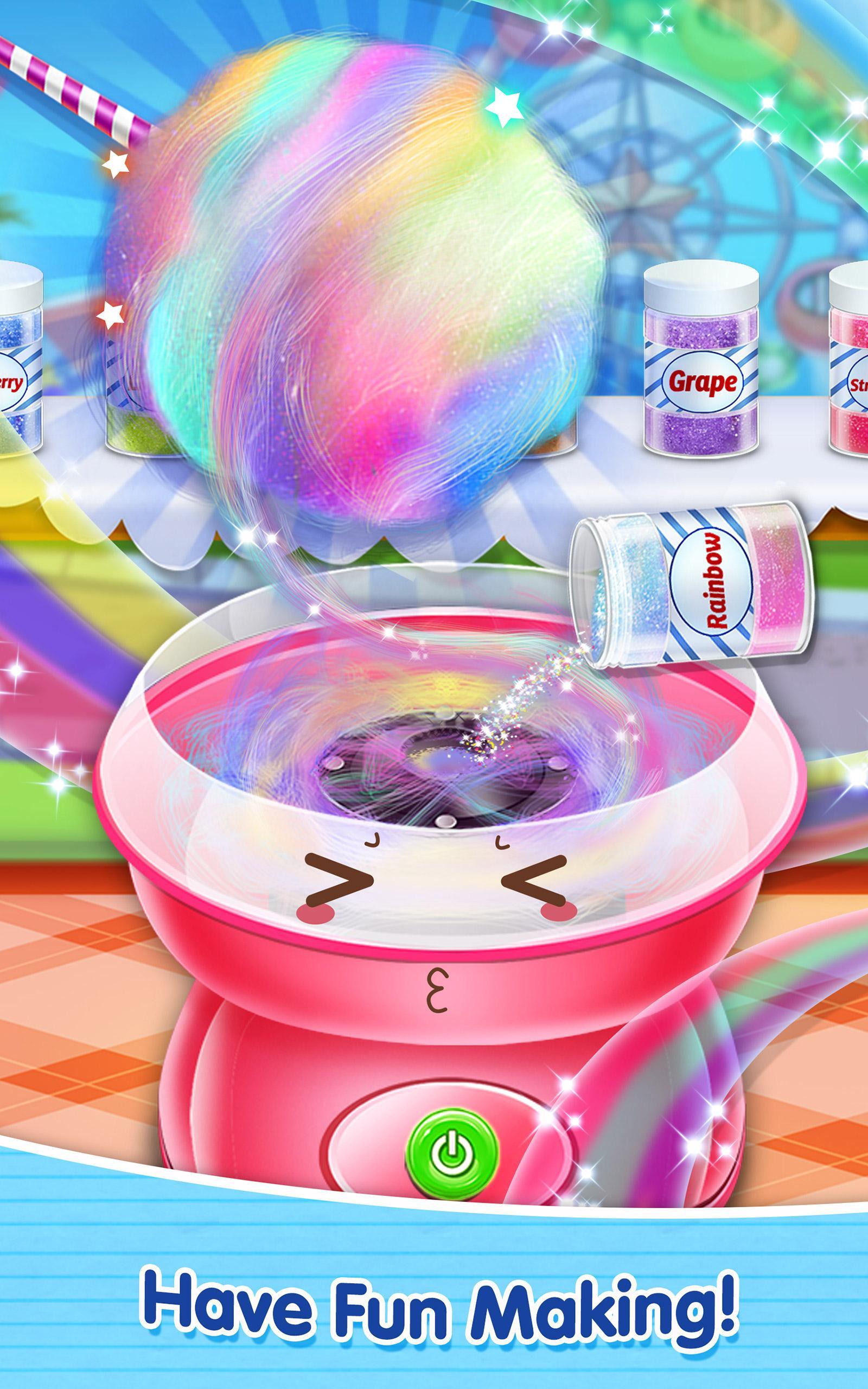
Make a Cotton Candy and decorate it. Make a whole collection of different colored fairy floss!
What’s tastier than fluffy, sugary, so-much-fun-to-eat cotton candy? Ever wanted to make your own homemade fairy floss? Of course you have, it would be great to have cotton candy around the house! Cotton candy of many different colors…all the colors of the rainbow in fact! Fortunately, you don’t have to be an expert cotton candy maker to create amazing cotton candy…with Cotton Candy Maker, you can envision and make real the sweet cotton candy you’ve always wanted!
First, you need to decide what color dessert you want to make. Should it be pink, or blue? Maybe purple or green? You can make your cotton candy any color you want! Sounds pretty cool, don’t you think? Just imagine all the cool combinations you can make for your friends and family, all homemade and DIY by you! Once you’ve created your favorite combinations in the game, maybe you can try making them in the real world too! SO COOL! The possibilities are endless! Play Cotton Candy Maker, and learn how creative, fun and cool cooking can be…and eating too!
FEATURES
- Become a cotton candy expert!
- Pick your favorite colors for an awesome look!
- Show off your cotton candy skills to friends and family!
HOW TO PLAY
- Follow directions to select cotton candy colors!
- Mix and match for exciting new versions!
- Tons of options means hours of fun!
Preview

Tags
EducationalInformation
Developer
Kids Food Games Inc.
Latest Version
1.3
Last Updated
2017-03-13
Category
Educational
Available on
Google Play
Show More
How to play Cotton Candy Food Maker Game with GameLoop on PC
1. Download GameLoop from the official website, then run the exe file to install GameLoop
2. Open GameLoop and search for “Cotton Candy Food Maker Game” , find Cotton Candy Food Maker Game in the search results and click “Install”
3. Enjoy playing Cotton Candy Food Maker Game on GameLoop
Minimum requirements
OS
Windows 8.1 64-bit or Windows 10 64-bit
GPU
GTX 1050
CPU
i3-8300
Memory
8GB RAM
Storage
1GB available space
Recommended requirements
OS
Windows 8.1 64-bit or Windows 10 64-bit
GPU
GTX 1050
CPU
i3-9320
Memory
16GB RAM
Storage
1GB available space