Coloring & Learn PC
Orange Studios Games
Download Coloring & Learn on PC With GameLoop Emulator
Coloring & Learn sa PC
Ang Coloring & Learn, na nagmumula sa developer na Orange Studios Games, ay tumatakbo sa Android systerm sa nakaraan.
Ngayon, maaari mong laruin ang Coloring & Learn sa PC gamit ang GameLoop nang maayos.
I-download ito sa GameLoop library o mga resulta ng paghahanap. Hindi na tumitingin sa baterya o nakakadismaya na mga tawag sa maling oras.
I-enjoy lang ang Coloring & Learn PC sa malaking screen nang libre!
Coloring & Learn Panimula
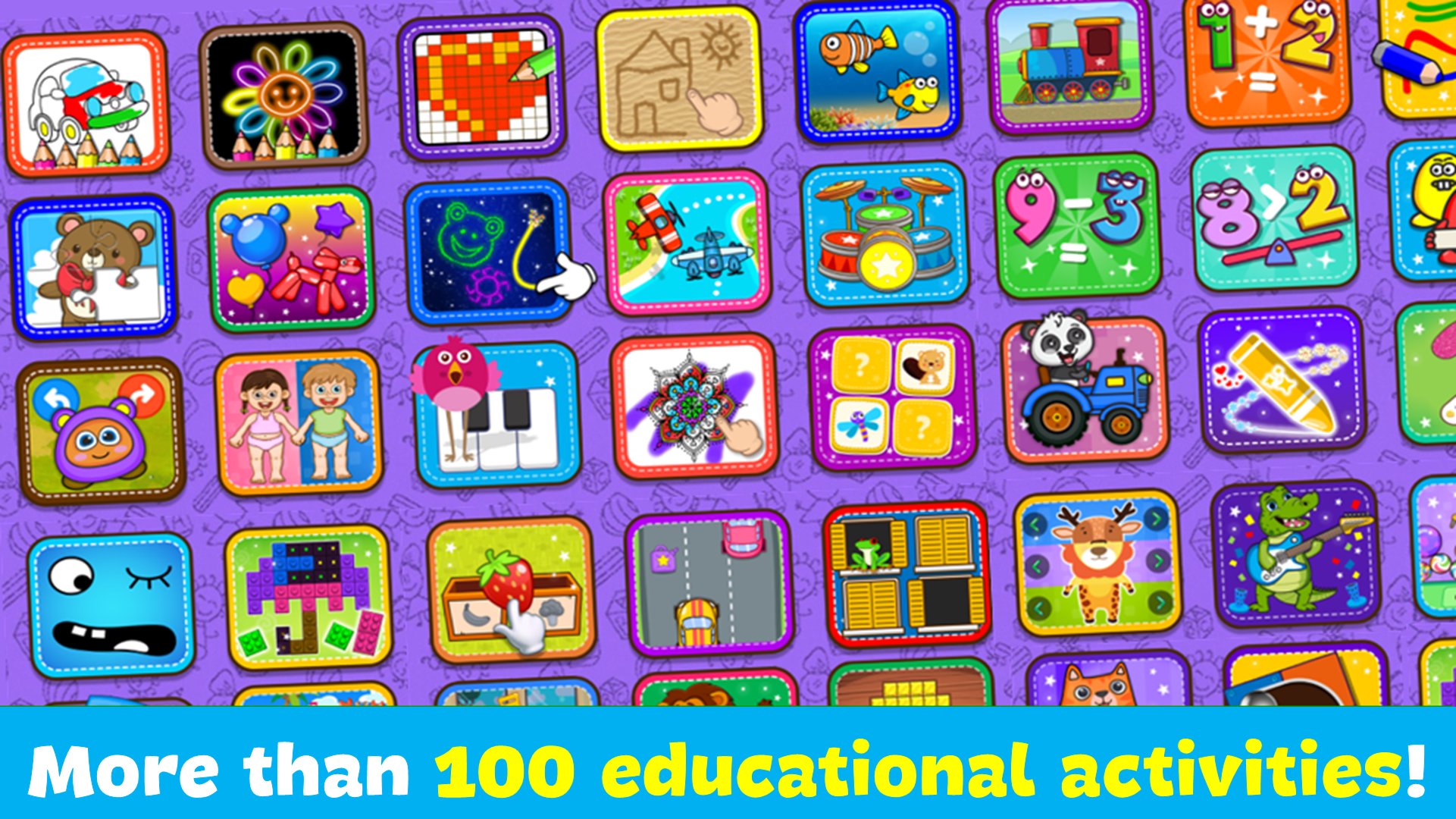
Over 250 coloring pages and over 70 educational activities for children of all ages. Draw, color, learn colors, letters, numbers, animals, geometric shapes, and enjoy fun mini-games of puzzles, memory, logic, and skill.
"Coloring Book and Games for Kids" combines a coloring book, drawing and art games, painting, educational mini-games, and creative activities in one app.
Designed to stimulate learning, develop creativity, imagination, and concentration in a fun way.
Main Features:
◆ Over 70 fun and educational mini-games: for children of all ages, and an ideal support for preschoolers. Children will learn: music, logic, creativity, addition, subtraction, counting, greater than and less than, sizes, geometric shapes, puzzles, parts of the human body, sequences, memorization, pixel art, animal and object sounds, among many other activities.
◆ Over 250 Coloring Pages: Children can draw as if they were using paper with different brushes, pencils, markers, airbrushes, glitter effects, and endless colors. They can also decorate their drawings with over 100 stickers. Beautiful and cute drawings of animals, vehicles, numbers, the alphabet, connect the dots, princesses, dinosaurs, toys, professions, geometric shapes, music, space, capybaras, circus, food, Christmas, Halloween, and mazes.
Why do millions of families choose Coloring Book and Games for Kids?
◆ Over 250 pages to color and draw.
◆ Over 70 educational games
◆ Intuitive and very easy to use.
◆ Ideal for children ages 2 to 8.
◆ The best way to learn and have fun as a family.
It is a great help for children of all ages (babies, toddlers, and preschoolers), as it will stimulate them and allow them to improve their motor skills (fine motor skills), coordination, creativity, concentration, sensory skills, and speech.
Preview

Tags
CasualSingle playerStylizedOfflineMathematicsLanguageAbcInformation
Developer
Orange Studios Games
Latest Version
2.29
Last Updated
2026-09-24
Category
Educational
Show More
How to play Coloring & Learn with GameLoop on PC
1. Download GameLoop from the official website, then run the exe file to install GameLoop
2. Open GameLoop and search for “Coloring & Learn” , find Coloring & Learn in the search results and click “Install”
3. Enjoy playing Coloring & Learn on GameLoop
Minimum requirements
OS
Windows 8.1 64-bit or Windows 10 64-bit
GPU
GTX 1050
CPU
i3-8300
Memory
8GB RAM
Storage
1GB available space
Recommended requirements
OS
Windows 8.1 64-bit or Windows 10 64-bit
GPU
GTX 1050
CPU
i3-9320
Memory
16GB RAM
Storage
1GB available space