codeSpark - Coding for Kids PC
codeSpark
Download codeSpark - Coding for Kids on PC With GameLoop Emulator
codeSpark - Coding for Kids sa PC
Ang codeSpark - Coding for Kids, na nagmumula sa developer na codeSpark, ay tumatakbo sa Android systerm sa nakaraan.
Ngayon, maaari mong laruin ang codeSpark - Coding for Kids sa PC gamit ang GameLoop nang maayos.
I-download ito sa GameLoop library o mga resulta ng paghahanap. Hindi na tumitingin sa baterya o nakakadismaya na mga tawag sa maling oras.
I-enjoy lang ang codeSpark - Coding for Kids PC sa malaking screen nang libre!
codeSpark - Coding for Kids Panimula
codeSpark: The Best Learn-to-Code App for Kids (Ages 3–10)
🌟 100s of coding games & activities—plus tools to create your own!
Get full access with a monthly or annual subscription and start with a 7-day free trial!
OR
Play limited content through Hour of Code (no credit card required)
Up to 5 child profiles for annual subscribers!
🎮 Learn Through Play
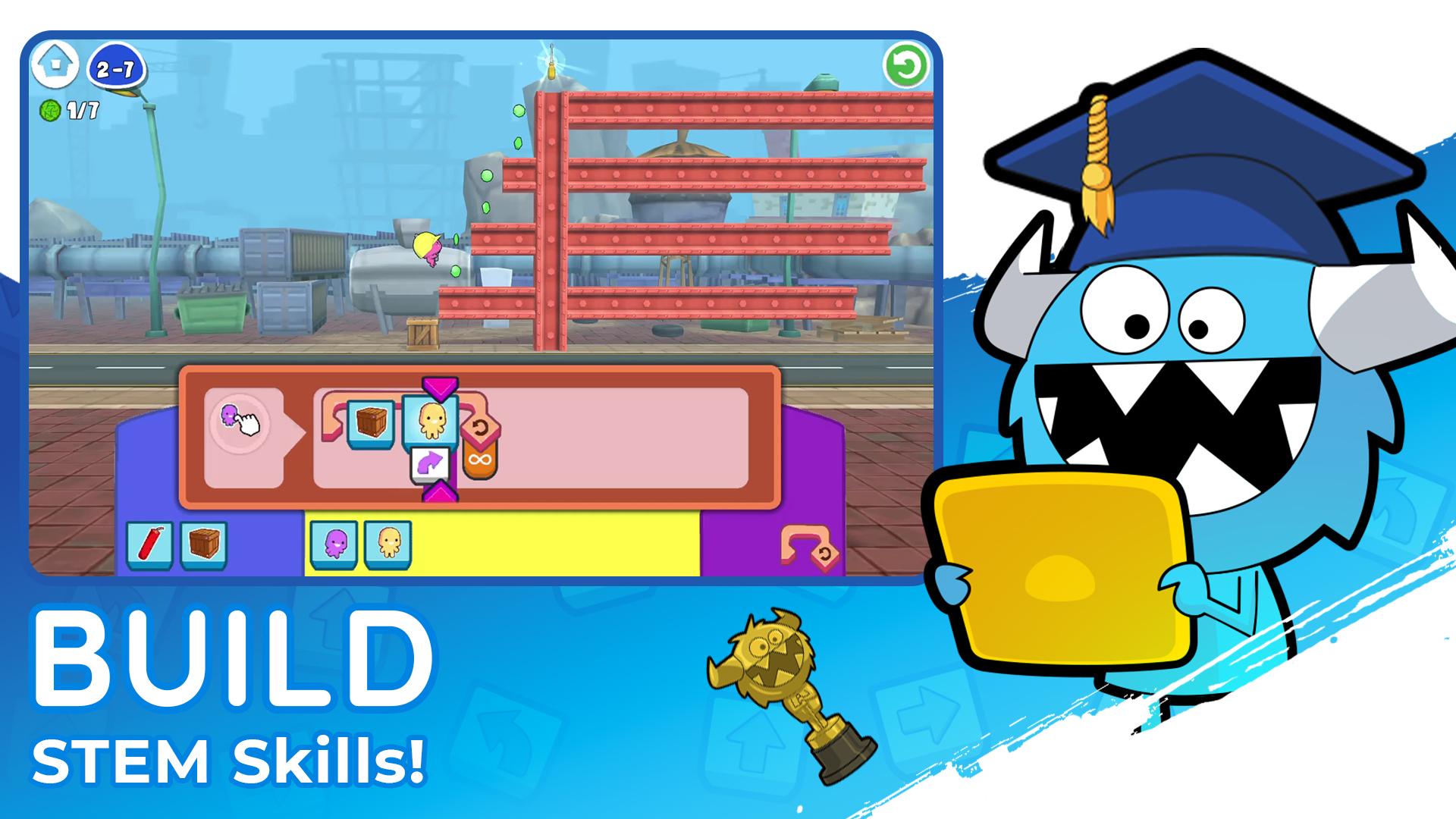
Puzzles – Master coding and problem-solving through each level!
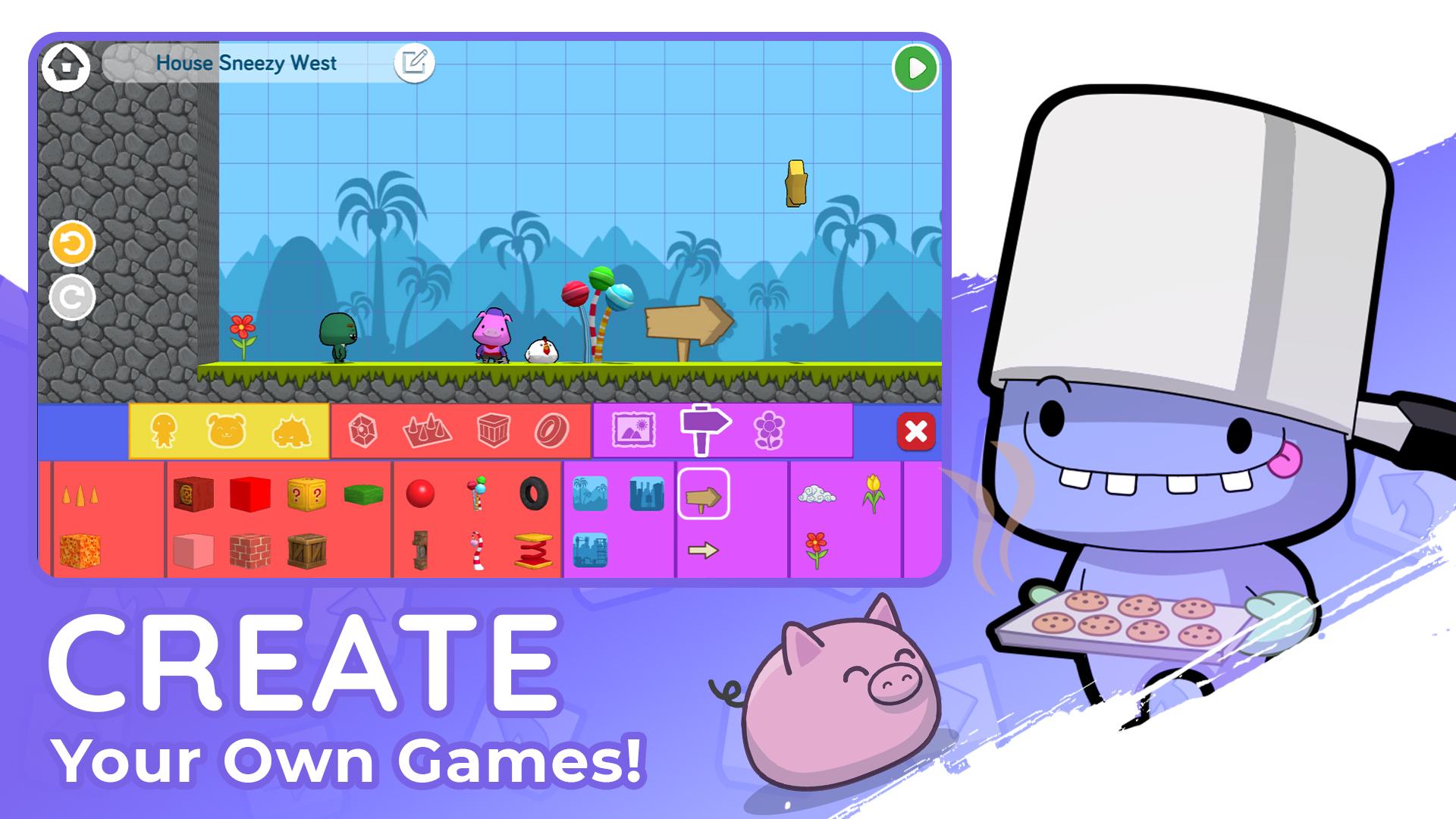
Create - Design and code your own games and stories!
Made by Kids - Explore games created by other kid coders!
Monthly Coding Contests - Showcase your creative coding and win prizes!
Code Together - Code your way to victory in a multiplayer water balloon fight!
NEW - Pre-Coding for Preschoolers - Start coding as early as 3 years old!
🔒 Kid-Safe & Ad-Free
Every game and story is moderated before publishing.
No ads or micro-transactions.
💬 Praise from Parents
"My daughters are 6 and 8, and this is their new favorite game. Now they want to be programmers!" - Parent Review, App Store
"I loved seeing how my children enjoyed working together on the puzzles." -Parent Review, Usability Study
📚 Educational Benefits
Master coding concepts: loops, conditionals, debugging & more.
Strengthen reading, math, creativity and logical thinking skills
Based on research-backed curriculum from MIT and Princeton
🏆 Awards & Recognition
✅ The LEGO Foundation – Pioneer in Reimagining Learning & Play
🎖️ Children’s Technology Review – Editor’s Choice Award
🥇 Parent’s Choice Award – Gold Medal
🏅 Silver Collision Awards - Kids & Family
📥 Download & Subscription
Manage or cancel anytime via Account Settings.
🛡️ Privacy Policy: http://learnwithhomer.com/privacy/
📜 Terms of Use: http://learnwithhomer.com/terms/
🚀 Start your child’s coding journey today with codeSpark!
Preview
Tags
CasualSingle playerStylizedOfflineCartoonPuzzleLogicFantasyInformation
Developer
codeSpark
Latest Version
4.25.00
Last Updated
2025-08-12
Category
Educational
Available on
Google Play
Show More
How to play codeSpark - Coding for Kids with GameLoop on PC
1. Download GameLoop from the official website, then run the exe file to install GameLoop
2. Open GameLoop and search for “codeSpark - Coding for Kids” , find codeSpark - Coding for Kids in the search results and click “Install”
3. Enjoy playing codeSpark - Coding for Kids on GameLoop
Minimum requirements
OS
Windows 8.1 64-bit or Windows 10 64-bit
GPU
GTX 1050
CPU
i3-8300
Memory
8GB RAM
Storage
1GB available space
Recommended requirements
OS
Windows 8.1 64-bit or Windows 10 64-bit
GPU
GTX 1050
CPU
i3-9320
Memory
16GB RAM
Storage
1GB available space