Cocobi Coloring & Games - Kids PC
KIGLE
Download Cocobi Coloring & Games - Kids on PC With GameLoop Emulator
Cocobi Coloring & Games - Kids sa PC
Ang Cocobi Coloring & Games - Kids, na nagmumula sa developer na KIGLE, ay tumatakbo sa Android systerm sa nakaraan.
Ngayon, maaari mong laruin ang Cocobi Coloring & Games - Kids sa PC gamit ang GameLoop nang maayos.
I-download ito sa GameLoop library o mga resulta ng paghahanap. Hindi na tumitingin sa baterya o nakakadismaya na mga tawag sa maling oras.
I-enjoy lang ang Cocobi Coloring & Games - Kids PC sa malaking screen nang libre!
Cocobi Coloring & Games - Kids Panimula
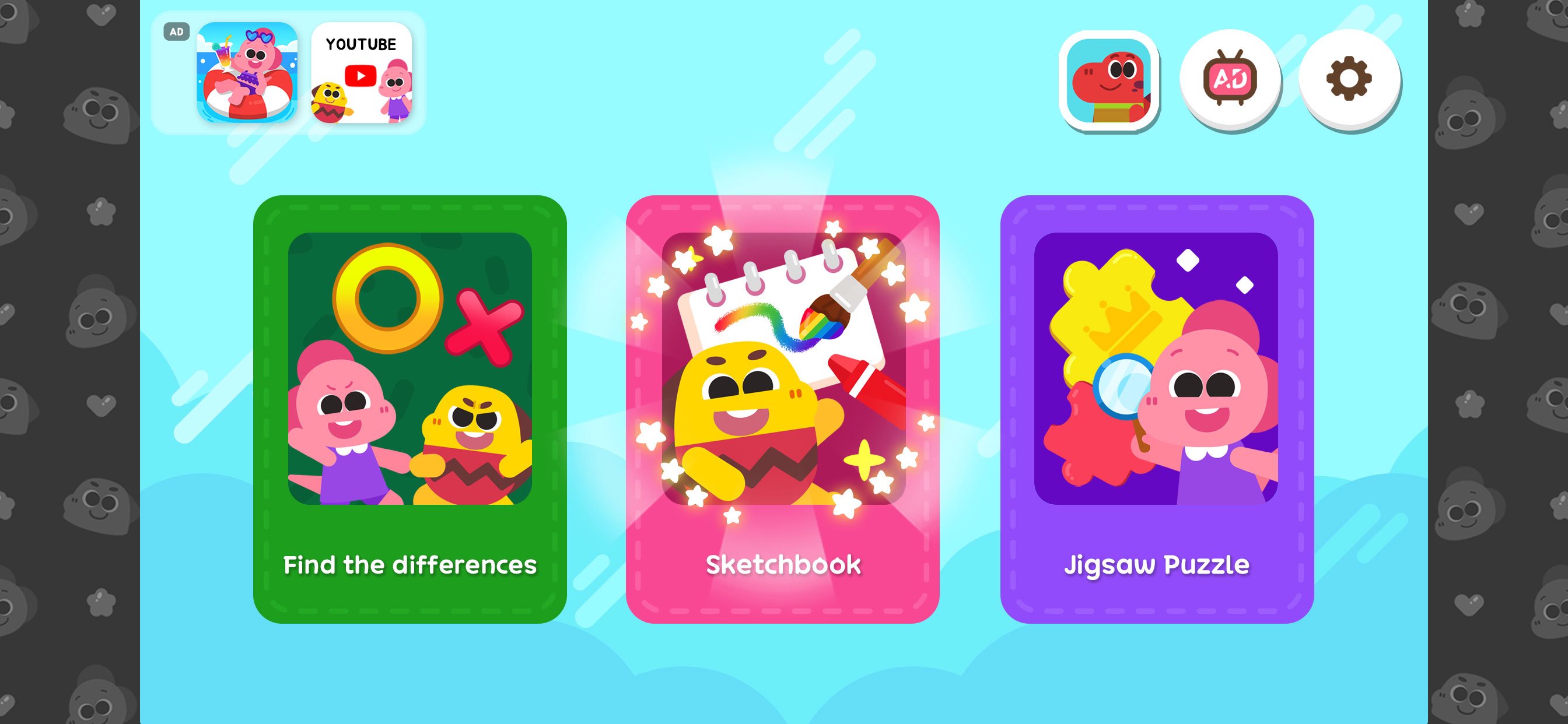
What games do you want to play? There are so many fun Cocobi coloring games!
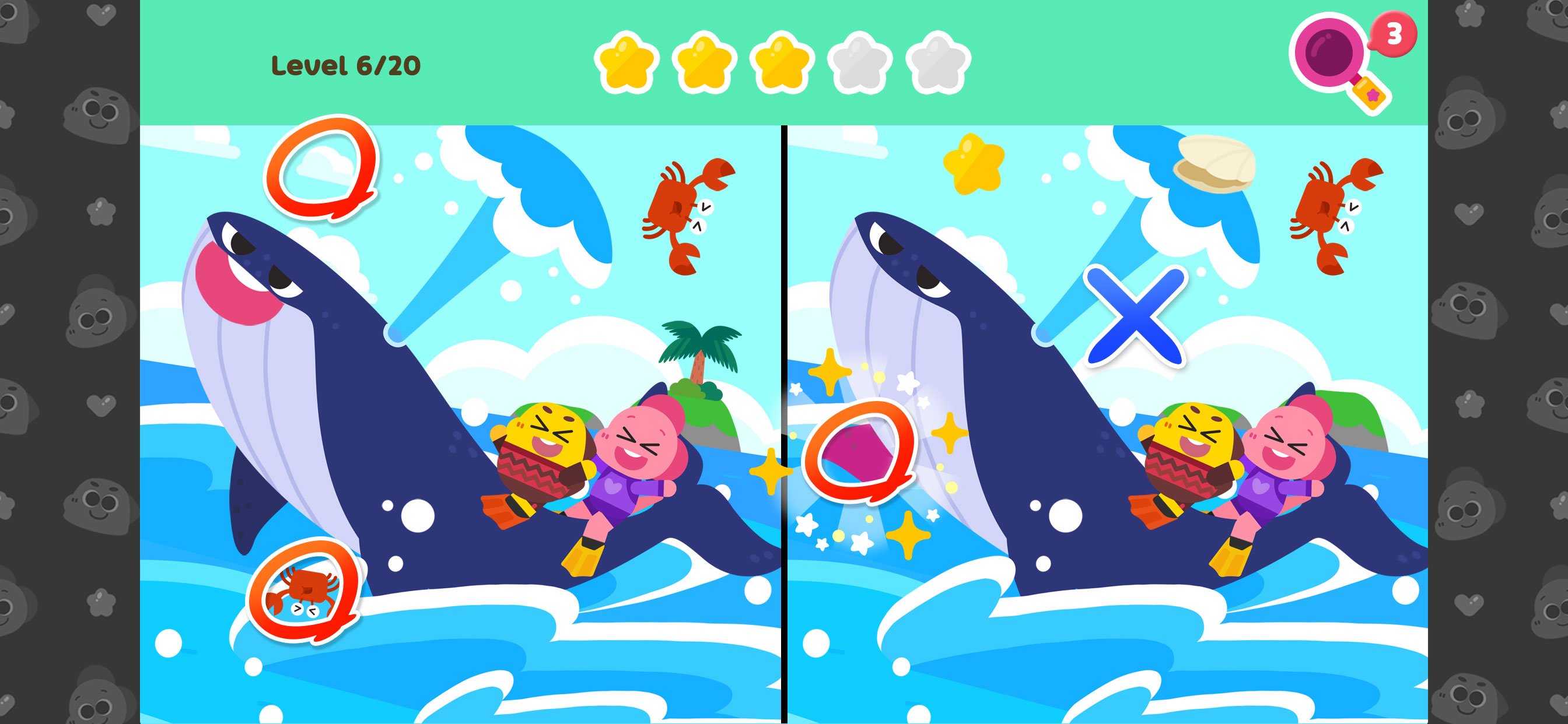
■ Find the Difference
-Find the Difference: Compare and find the answer
-Hint: Get help with clues
-Single Player & Versus: Practice and compete with Cocobi's friend
-Body Awareness Activity: Play and boost agility and movement
■ Sketchbook
-6 Art Tools: Paint, crayons, brushes, glitters, patterns, and stickers
-34 Colors: Color with colorful colors.
-Album: Save your pictures in the album
-Art & Creativity: Develop creativity through art play
■ Puzzle
-120 Picture Puzzles: Play many puzzle categories
-Various Levels: Choose the number of puzzle pieces
-Fun Balloons: Complete the puzzle and pop balloons
-Logic & Reasoning: Encourage exploration and thinking skills
■ About Kigle
Kigle's mission is to create the 'first playground for children all over the world' with creative content for children. We make interactive apps, videos, songs, and toys to spark children's creativity, imagination, and curiosity. In addition to our Cocobi apps, you can download and play other popular games such as Pororo, Tayo, and Robocar Poli.
■ Welcome to the Cocobi universe, where dinosaurs never became extinct! Cocobi is the fun compound name for brave Coco and cute Lobi! Play with the little dinosaurs and experience the world with various jobs, duties, and places.
Preview
Tags
EducationalInformation
Developer
KIGLE
Latest Version
1.0.15
Last Updated
2026-01-05
Category
Educational
Available on
Google Play
Show More
How to play Cocobi Coloring & Games - Kids with GameLoop on PC
1. Download GameLoop from the official website, then run the exe file to install GameLoop
2. Open GameLoop and search for “Cocobi Coloring & Games - Kids” , find Cocobi Coloring & Games - Kids in the search results and click “Install”
3. Enjoy playing Cocobi Coloring & Games - Kids on GameLoop
Minimum requirements
OS
Windows 8.1 64-bit or Windows 10 64-bit
GPU
GTX 1050
CPU
i3-8300
Memory
8GB RAM
Storage
1GB available space
Recommended requirements
OS
Windows 8.1 64-bit or Windows 10 64-bit
GPU
GTX 1050
CPU
i3-9320
Memory
16GB RAM
Storage
1GB available space