Body Parts for Kids PC
Apps Bergman
Download Body Parts for Kids on PC With GameLoop Emulator
Body Parts for Kids sa PC
Ang Body Parts for Kids, na nagmumula sa developer na Apps Bergman, ay tumatakbo sa Android systerm sa nakaraan.
Ngayon, maaari mong laruin ang Body Parts for Kids sa PC gamit ang GameLoop nang maayos.
I-download ito sa GameLoop library o mga resulta ng paghahanap. Hindi na tumitingin sa baterya o nakakadismaya na mga tawag sa maling oras.
I-enjoy lang ang Body Parts for Kids PC sa malaking screen nang libre!
Body Parts for Kids Panimula
Learning about the human body has never been so easy and fun!
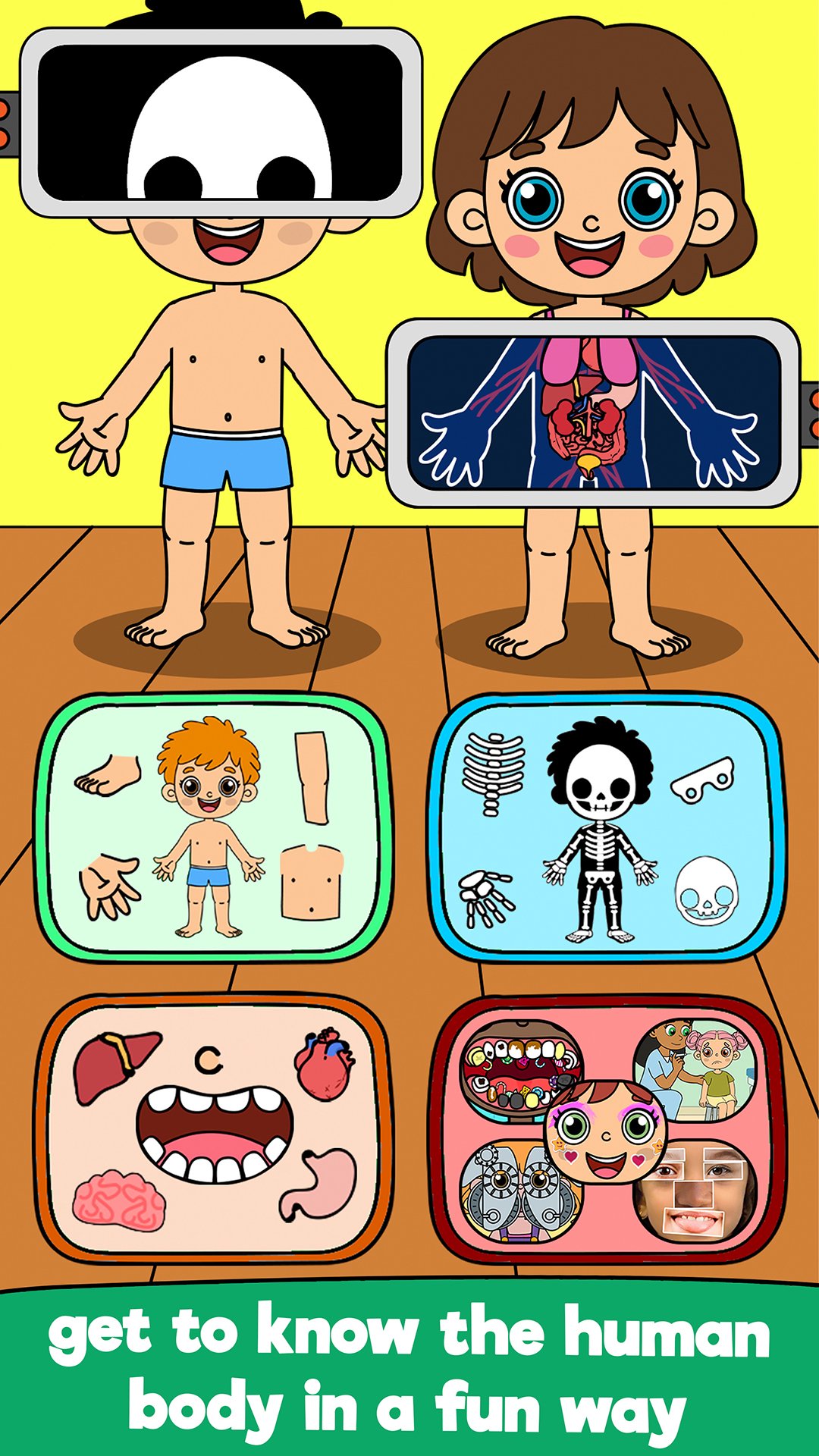
In Body Parts for Kids, you will find:
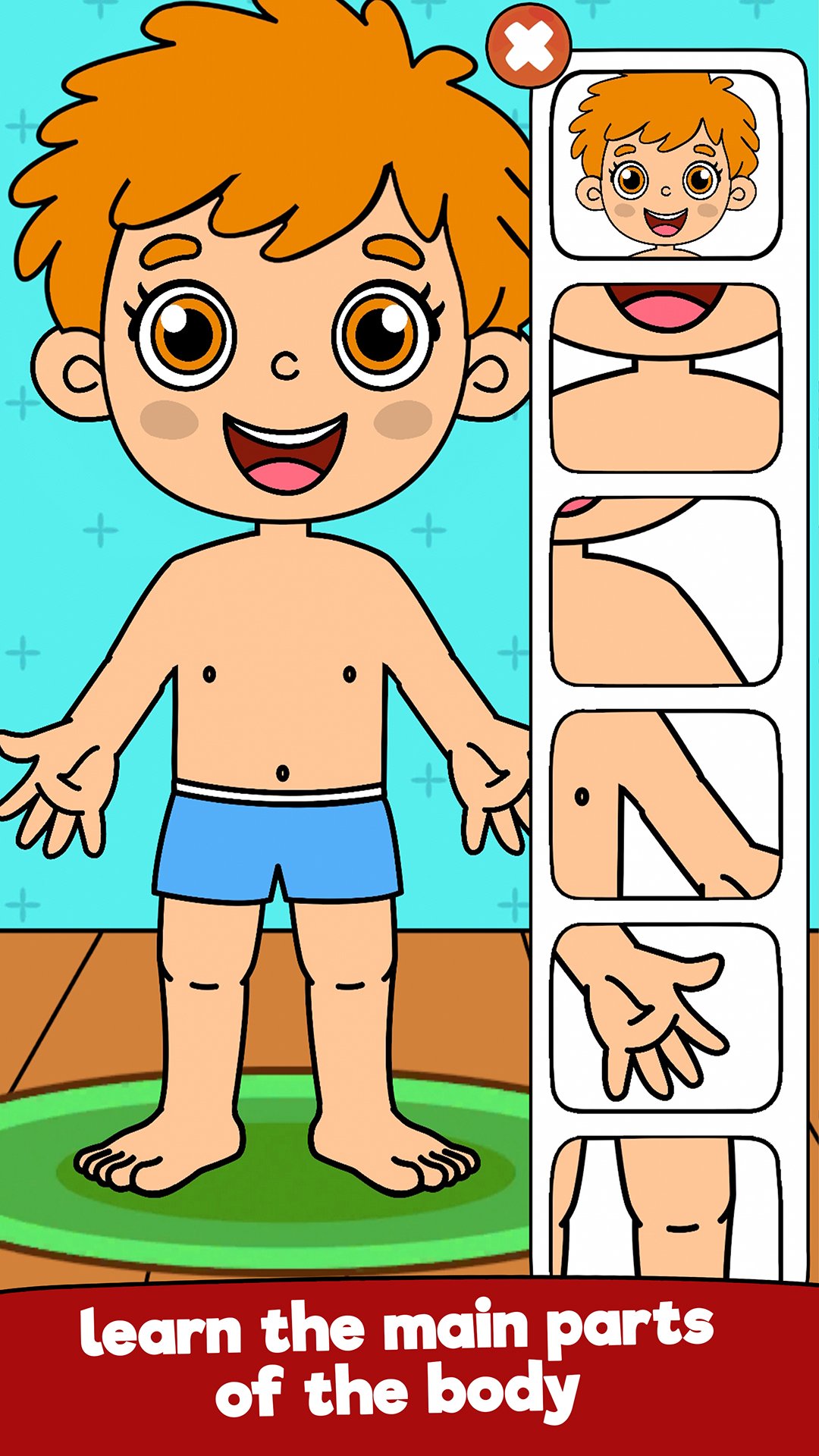
Body Parts
Learn the front and back of the body, head parts, hands, fingers, and feet.
Activities: place the parts in the correct spots, click on the right part, assemble the head, identify the correct finger.
Bones
Discover the main bones of our body, curiosities, 3D models, and interactive X-rays.
Activities: click on the correct bone, find it with the X-ray, drag and drop bones into the right places.
Organs
Learn which organs are important, how they work, and where they are located.
Activities: click on the correct organ, drag each one to its place.
Teeth
Learn about baby and permanent teeth and their functions.
Activities: click on the tooth, drag the teeth to the right place.
The 5 Senses
Understand how they work, why they are important, and see real examples.
Activities: match images to the correct sense, look and click on the right sense.
All with illustrations, real photos, and activities that make learning fun and easy to remember.
Interactive and fun games:
- Dentist Game
- Face Painting
- Funny Face
- Eye Exam
- Virus Destroyer
- Let’s Color
- Build the Body
- Build the Face
- Colorful Body
Choose boy or girl and customize your avatar with accessories, hairstyles, and clothes
Available in 18 languages.
Come and learn with us!
Preview
Tags
CasualSingle playerStylizedCartoonOfflineInformation
Developer
Apps Bergman
Latest Version
3.0.4
Last Updated
2026-02-16
Category
Educational
Available on
Google Play
Show More
How to play Body Parts for Kids with GameLoop on PC
1. Download GameLoop from the official website, then run the exe file to install GameLoop
2. Open GameLoop and search for “Body Parts for Kids” , find Body Parts for Kids in the search results and click “Install”
3. Enjoy playing Body Parts for Kids on GameLoop
Minimum requirements
OS
Windows 8.1 64-bit or Windows 10 64-bit
GPU
GTX 1050
CPU
i3-8300
Memory
8GB RAM
Storage
1GB available space
Recommended requirements
OS
Windows 8.1 64-bit or Windows 10 64-bit
GPU
GTX 1050
CPU
i3-9320
Memory
16GB RAM
Storage
1GB available space