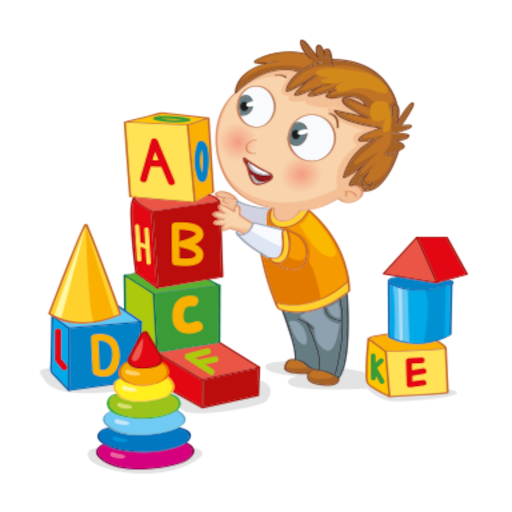
Baby Games PC
boldfish
Download Baby Games on PC With GameLoop Emulator
Baby Games sa PC
Ang Baby Games, na nagmumula sa developer na boldfish, ay tumatakbo sa Android systerm sa nakaraan.
Ngayon, maaari mong laruin ang Baby Games sa PC gamit ang GameLoop nang maayos.
I-download ito sa GameLoop library o mga resulta ng paghahanap. Hindi na tumitingin sa baterya o nakakadismaya na mga tawag sa maling oras.
I-enjoy lang ang Baby Games PC sa malaking screen nang libre!
Baby Games Panimula
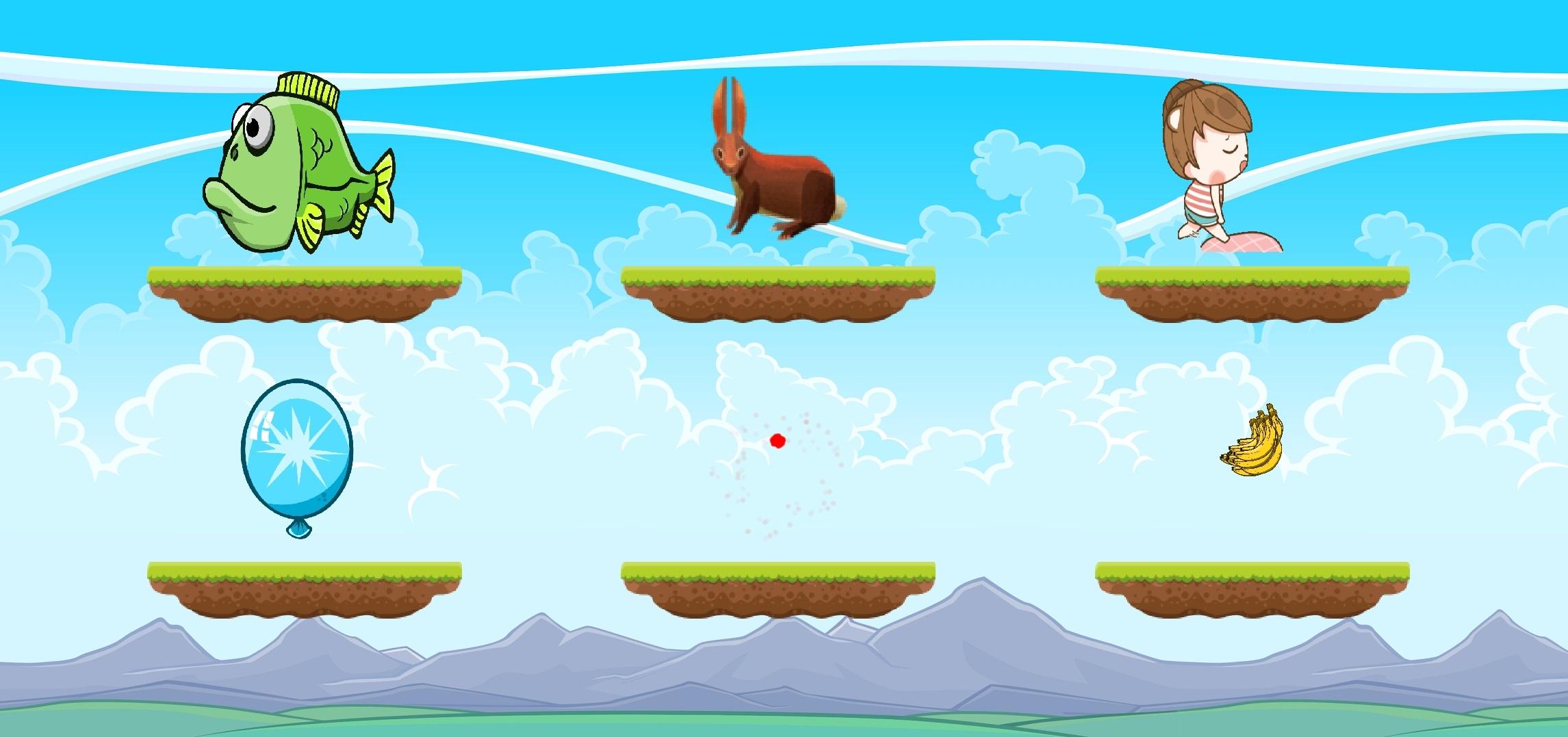
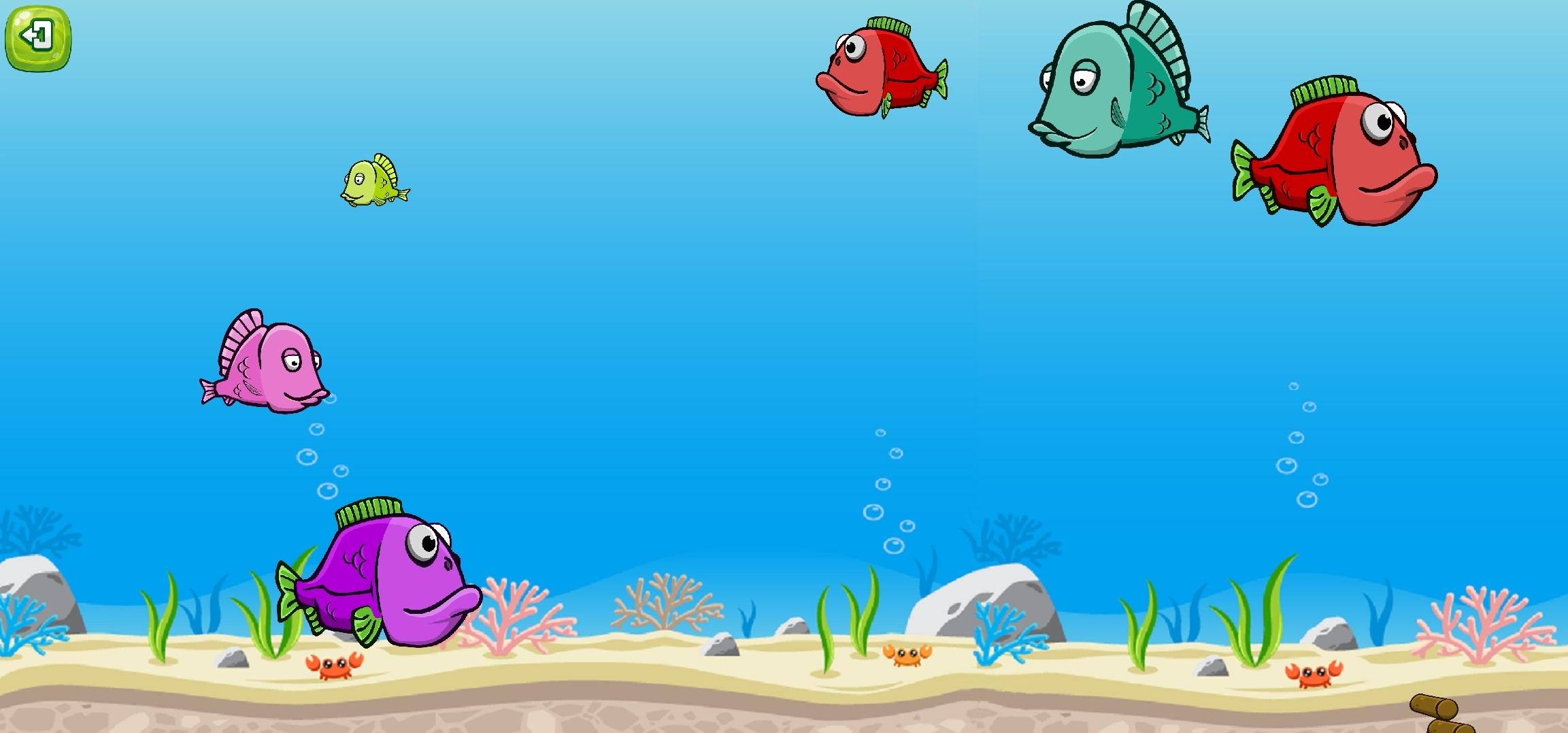
Simple, educative and fun baby games for your lovely toddlers. This game is consists of 6 different games which are targeted to 1+ years old children. This game aims to improve your children's touching skills, color and sound differentiation. It also helps your children to learn different fruits, animal sounds. There is also a lullaby game which has unlimited length of lullaby for your children to sleep well.
Learning is fun with Baby Games, and there are plenty of mini-games and educational activities here to keep babies interested. It starts with pictures of animals, children can match to the sounds they make. There are also balloon popping games, musical learning modes, fun activities, and more. It's the perfect baby phone game to keep the little ones entertained.
Baby Games has a lively and easy to use interface that's perfect for kids between six and twelve months old. One and two year old toddlers or even kindergarteners will have fun with it, too! While playing, children of all ages will laugh and giggle as they explore all the fun activities at their fingertips, helping to develop attention and observational skills along with memory and fine motor control.
Preview
Tags
CasualInformation
Developer
boldfish
Latest Version
1.0
Last Updated
2021-05-25
Category
Educational
Available on
Google Play
Show More
How to play Baby Games with GameLoop on PC
1. Download GameLoop from the official website, then run the exe file to install GameLoop
2. Open GameLoop and search for “Baby Games” , find Baby Games in the search results and click “Install”
3. Enjoy playing Baby Games on GameLoop
Minimum requirements
OS
Windows 8.1 64-bit or Windows 10 64-bit
GPU
GTX 1050
CPU
i3-8300
Memory
8GB RAM
Storage
1GB available space
Recommended requirements
OS
Windows 8.1 64-bit or Windows 10 64-bit
GPU
GTX 1050
CPU
i3-9320
Memory
16GB RAM
Storage
1GB available space