
123 Kids: Numbers Learning App PC
RJ App Studio
Download 123 Kids: Numbers Learning App on PC With GameLoop Emulator
123 Kids: Numbers Learning App sa PC
Ang 123 Kids: Numbers Learning App, na nagmumula sa developer na RJ App Studio, ay tumatakbo sa Android systerm sa nakaraan.
Ngayon, maaari mong laruin ang 123 Kids: Numbers Learning App sa PC gamit ang GameLoop nang maayos.
I-download ito sa GameLoop library o mga resulta ng paghahanap. Hindi na tumitingin sa baterya o nakakadismaya na mga tawag sa maling oras.
I-enjoy lang ang 123 Kids: Numbers Learning App PC sa malaking screen nang libre!
123 Kids: Numbers Learning App Panimula
123 Numbers – Fun Learning Game for Kids
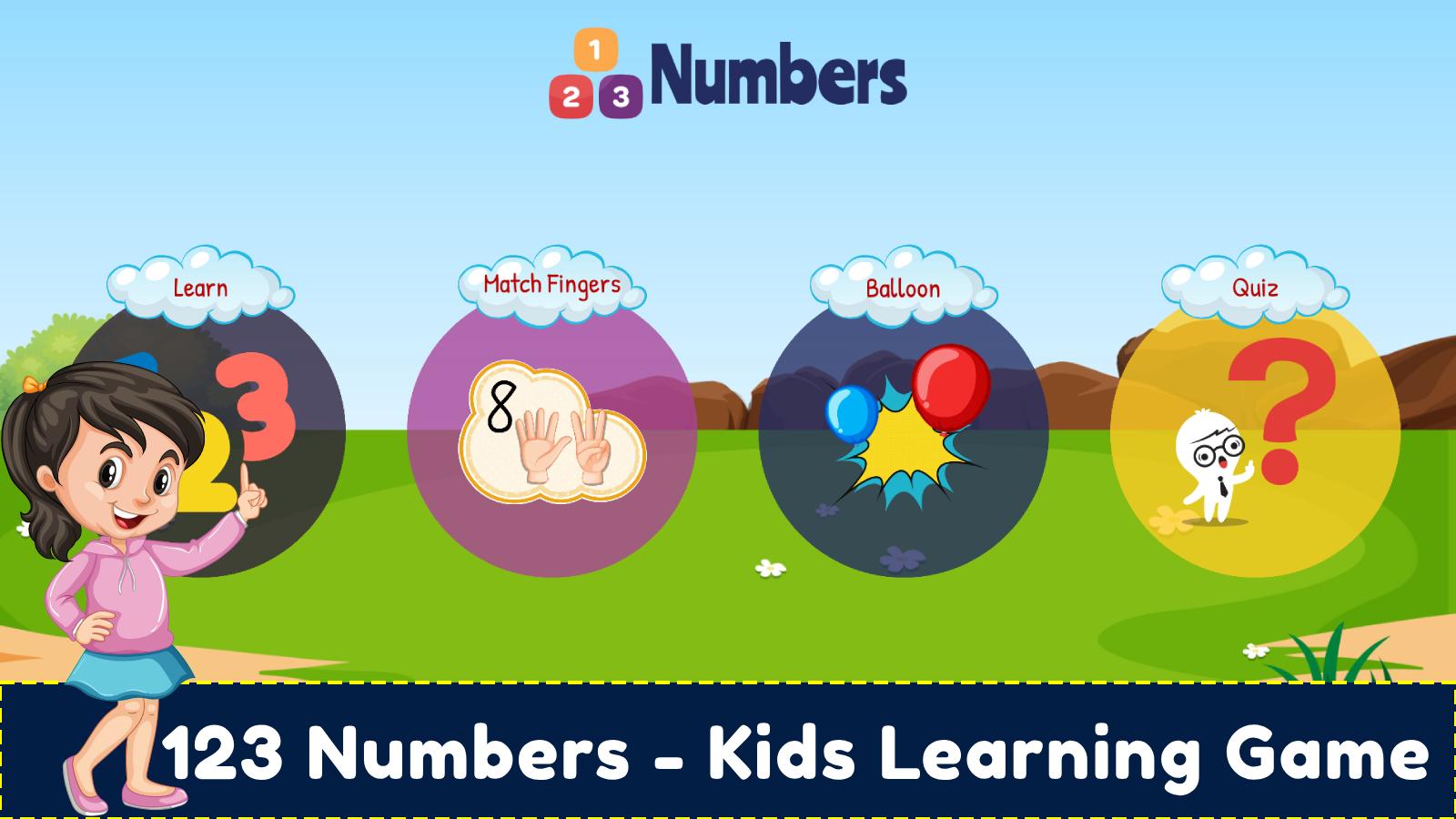
Welcome to the exciting world of 123 numbers! This free learning game is perfect for toddlers and preschoolers. It helps children build early math skills in a fun and engaging way.
Learn and Count with 123 Numbers
Your child will explore different number games and activities. These include:
- Recognize numbers
- Count from 1 to 20
- Match and pair digits
- Arrange numbers in sequence
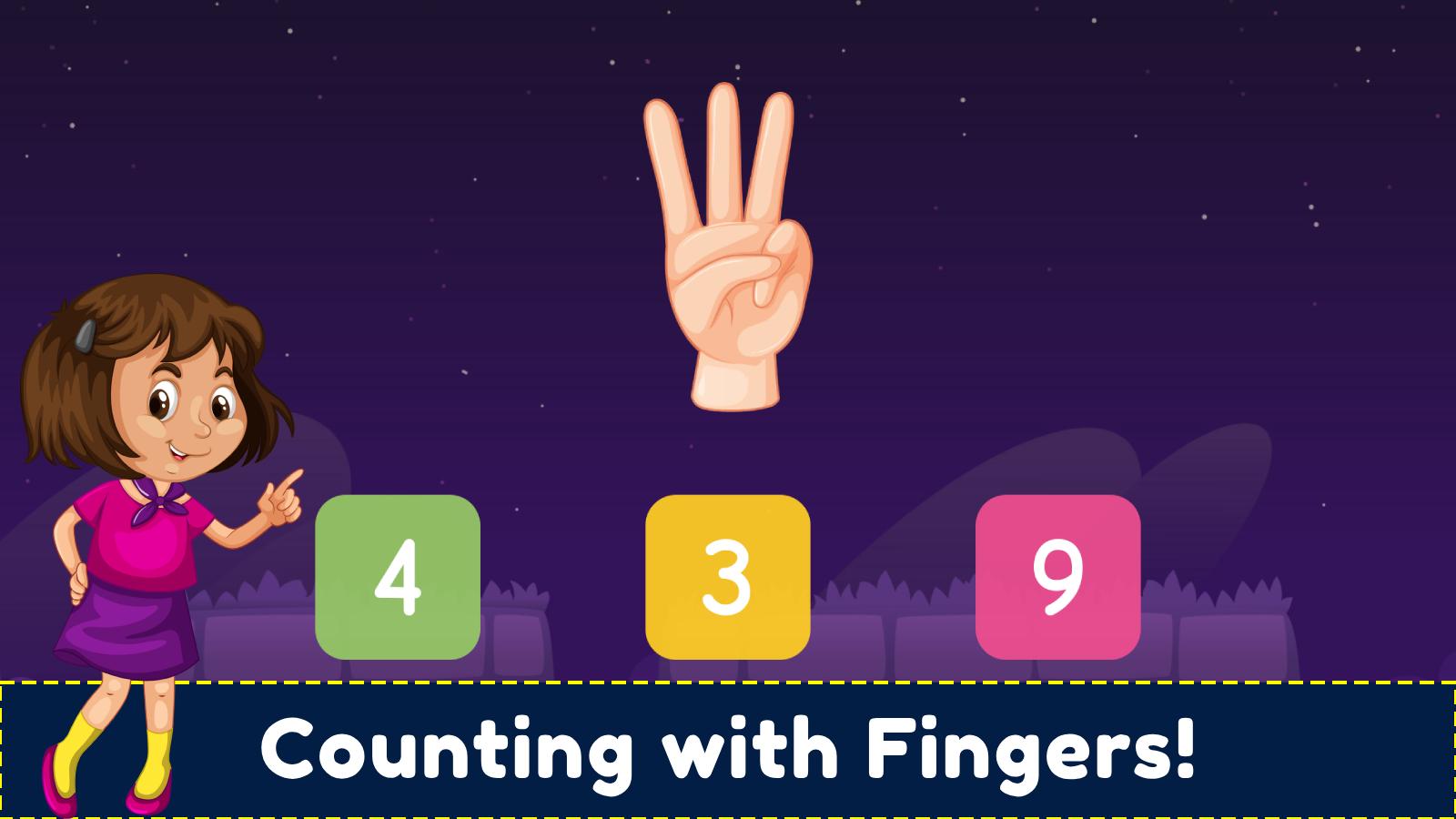
Additionally, the game features interactive object counting and simple number puzzles. These make learning both fun and effective.
Bright, Safe, and Free
The game is full of colorful visuals and easy-to-use controls. Moreover, it's completely free. So your child can learn without any interruptions. The voice instructions also guide them step by step.
Built for Preschool & Kindergarten
Whether your child is in preschool or just starting school, this app supports their learning journey. It follows early education standards and encourages independent learning.
Key Features
- Count and trace 123 numbers
- Voice-led counting from 1 to 20
- Sequence numbers from 1 to 10
- Practice matching and pairing digits
- Use number flashcards for memory building
- Solve missing number puzzles
- Enjoy colorful and interactive activities
- Learn in a fun and safe environment
Parents, Take Note:
We built this 123 numbers game to offer safe and focused learning. Because there are no ads, your child can play and learn with full attention.
Let your child enjoy early math with confidence. Start learning with 123 numbers today!
Preview
Tags
MathematicsCasualSingle playerStylizedOfflineInformation
Developer
RJ App Studio
Latest Version
2.4
Last Updated
2025-08-21
Category
Educational
Available on
Google Play
Show More
How to play 123 Kids: Numbers Learning App with GameLoop on PC
1. Download GameLoop from the official website, then run the exe file to install GameLoop
2. Open GameLoop and search for “123 Kids: Numbers Learning App” , find 123 Kids: Numbers Learning App in the search results and click “Install”
3. Enjoy playing 123 Kids: Numbers Learning App on GameLoop
Minimum requirements
OS
Windows 8.1 64-bit or Windows 10 64-bit
GPU
GTX 1050
CPU
i3-8300
Memory
8GB RAM
Storage
1GB available space
Recommended requirements
OS
Windows 8.1 64-bit or Windows 10 64-bit
GPU
GTX 1050
CPU
i3-9320
Memory
16GB RAM
Storage
1GB available space