WordBit الفرنسية PC
WordBit
Download WordBit الفرنسية on PC With GameLoop Emulator
WordBit الفرنسية sa PC
Ang WordBit الفرنسية, na nagmumula sa developer na WordBit, ay tumatakbo sa Android systerm sa nakaraan.
Ngayon, maaari mong laruin ang WordBit الفرنسية sa PC gamit ang GameLoop nang maayos.
I-download ito sa GameLoop library o mga resulta ng paghahanap. Hindi na tumitingin sa baterya o nakakadismaya na mga tawag sa maling oras.
I-enjoy lang ang WordBit الفرنسية PC sa malaking screen nang libre!
WordBit الفرنسية Panimula
🇺🇸🇬🇧 WordBit English 👈 http://bit.ly/forarabic
🇩🇪🇩🇪 WordBit German 👈 http://bit.ly/germanarab
🇪🇸🇪🇸 WordBit Spanish 👈 http://bit.ly/spanisharabic
🇮🇹🇮🇹 WordBit Italian 👈 http://bit.ly/italianarabic
❓❔ Why do you keep missing out on studying French? ❓❗
There's a way to increase your French proficiency by using the time you didn't know you had!
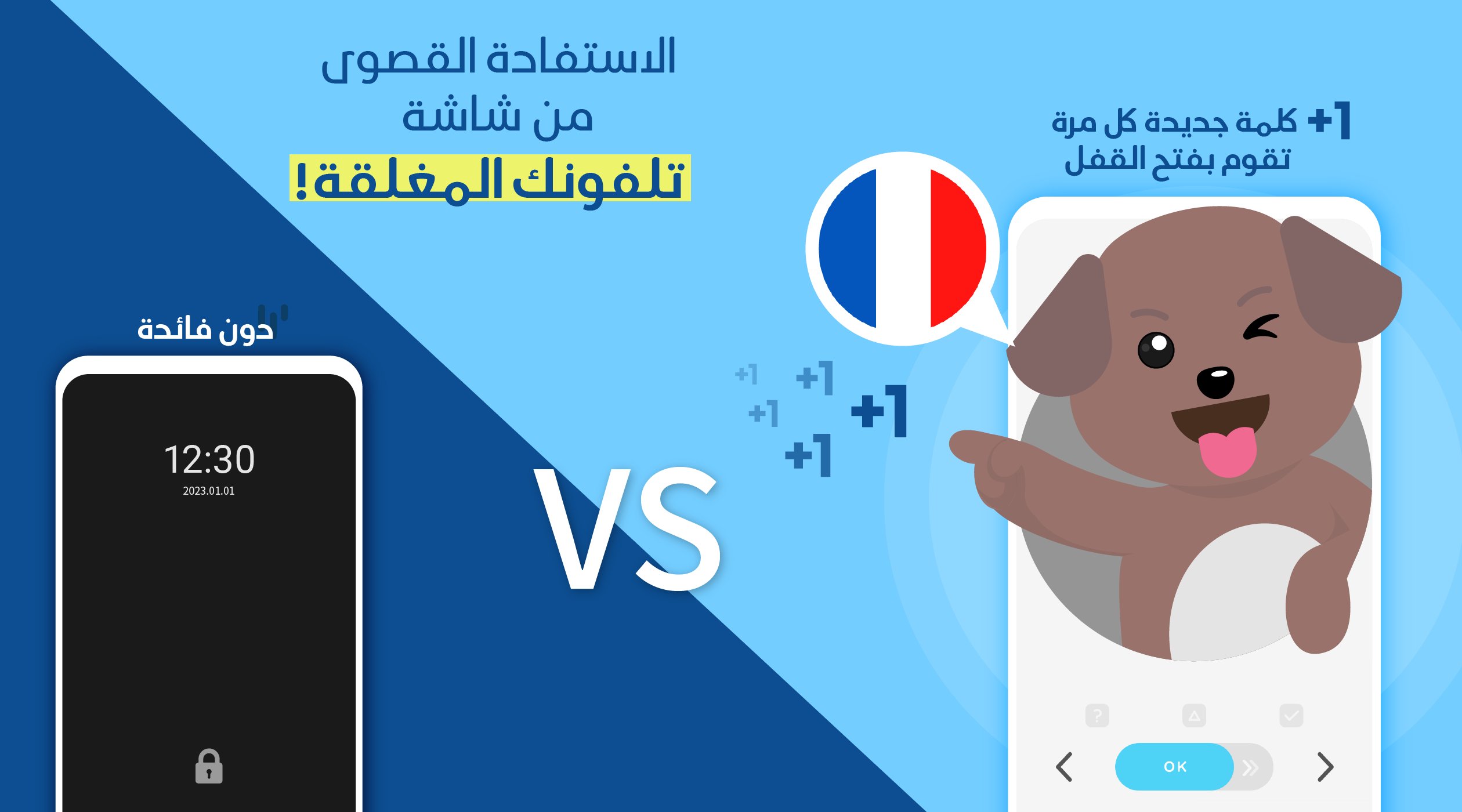
What's the principle? It's just using the lock screen. How does it work?
The moment you check your phone, your attention is focused on the screen. You're free from what you were just doing and ready to take in new information.
At this very moment, WordBit briefly turns your attention to studying French.
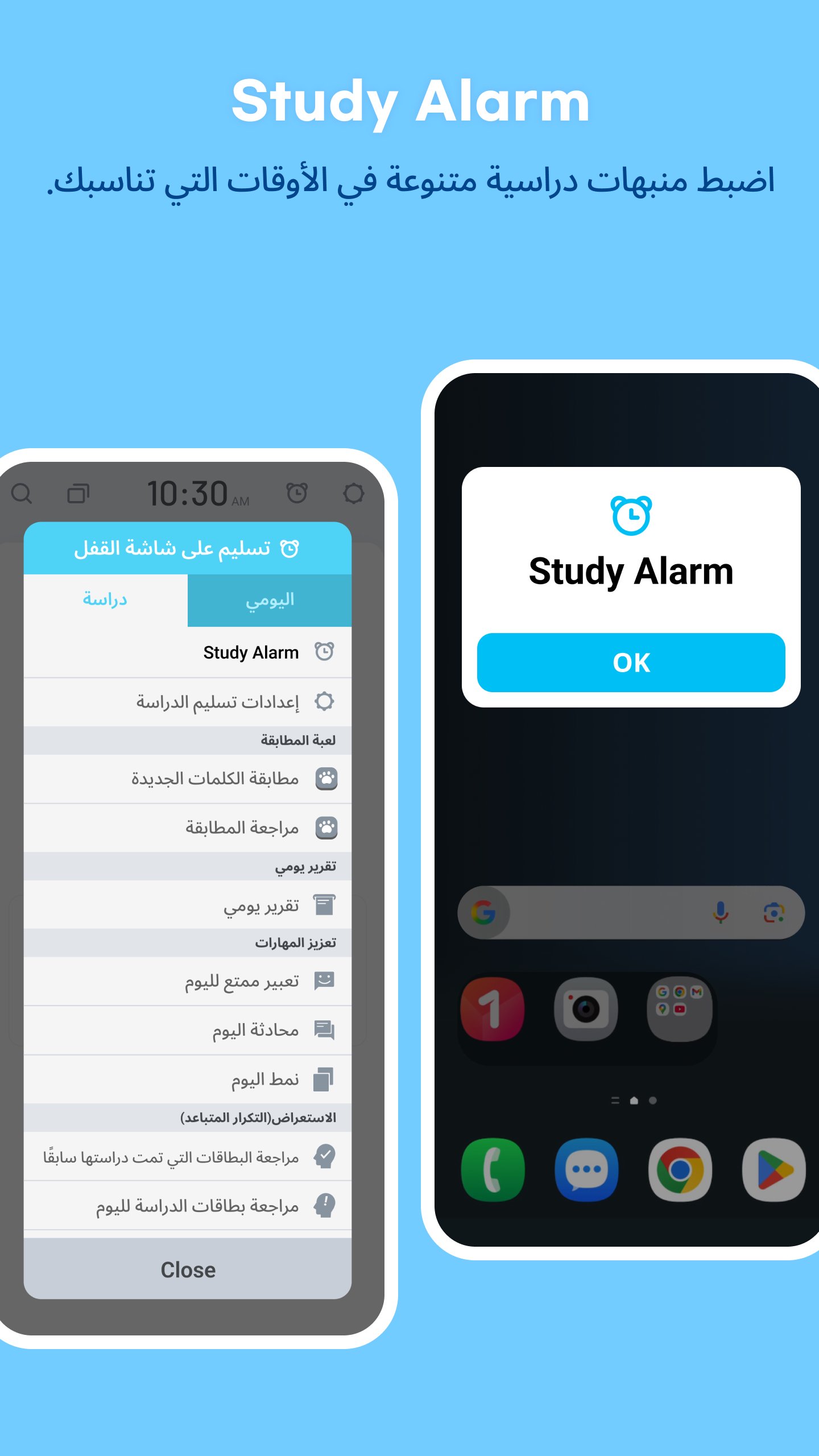
[Study Reminder]
You can receive various study reminders, such as word matching, daily reports, and reviewing study cards, at times that suit you.
⭐⭐⭐Features of this App⭐⭐⭐
📌■ An Innovative Way to Learn Using the Lock Screen
While checking messages, watching YouTube, or simply checking the time, you can study dozens of words and sentences daily! This will accumulate to over a thousand words per month, and you'll learn automatically and unconsciously.
📌■ Optimized Content for the Lock Screen
WordBit provides content in the perfect size for the lock screen, so learning only takes a moment. So there's no need to stop what you're doing!
📌■ Helpful Examples
With example sentences, you can see how words are used in real life and which words they're used with.
📌■ Vocabulary categories arranged by level.
Study words and phrases appropriate to your level. (Over 10,000 words from basic to advanced.)
📌■ Additional Content
Synonyms
Antonyms
Nouns: Color-coded articles, plural forms
Verbs: Short and long versions of conjugation tables available
Adjectives: Comparative and superlative forms
Grammar Tips: Irregular verbs, irregular articles
☐☐☐ Well-organized, rich content☐☐☐
☠ Sentences
You can also learn commonly used sentences.
☠ Images for beginners
☠ Pronunciation - Automatic pronunciation and stress markers displayed.
☐☐☐ Very useful features for learners☐☐☐
☠ Quiz, Cap mode
☠ Daily repeat
You can repeat as many words as you like for 24 hours.
■ Personalized word sorting function.
You can check learned words and remove them from your study list.
■ Search function
■ 16 color modes (dark modes available)
German
-------------------------------------
📗■ For beginners - with pictures
🌱Numbers; Time
🌱Animals; Plants
🌱Food
🌱Relationships
🌱Other
📘■ Words (by level)
🌳Beginner 1
🌳Beginner 2
🌳Intermediate 1
🌳Intermediate 2
🌳Advanced 1
🌳Advanced 2
📕■ Phrases
🌿Basic Expressions
🌿Travel
🌿Health
----------------------------------------------------------------
🌞[How to Use]🌞
(1) After downloading and launching the app, learning mode will be automatically activated.
- This app is designed to learn English automatically. Therefore, every time you turn on your phone, the app will be activated, enabling you to learn English.
(2) If you want to temporarily deactivate the app from automatic learning mode, you can do so by adjusting the app's [Settings].
(3) For some smartphone operating systems (Huawei, Xiaomi, Oppo, etc.), the app may shut down automatically. In this case, you can access and modify the device settings (for example, power saving and power manager) to resolve the shutdown issue.
If you have any other questions about how to use it, please feel free to contact us.
contact@wordbit.net👉👉👉
--------------------------------------------------------------------------------
Preview
Tags
EducationInformation
Developer
WordBit
Latest Version
1.7.2.2
Last Updated
2026-02-12
Category
Education
Available on
Google Play
Show More
How to play WordBit الفرنسية with GameLoop on PC
1. Download GameLoop from the official website, then run the exe file to install GameLoop
2. Open GameLoop and search for “WordBit الفرنسية” , find WordBit الفرنسية in the search results and click “Install”
3. Enjoy playing WordBit الفرنسية on GameLoop
Minimum requirements
OS
Windows 8.1 64-bit or Windows 10 64-bit
GPU
GTX 1050
CPU
i3-8300
Memory
8GB RAM
Storage
1GB available space
Recommended requirements
OS
Windows 8.1 64-bit or Windows 10 64-bit
GPU
GTX 1050
CPU
i3-9320
Memory
16GB RAM
Storage
1GB available space