
WBBSE Books - West Bengal Boar PC
Billions Ideas
Download WBBSE Books - West Bengal Boar on PC With GameLoop Emulator
WBBSE Books - West Bengal Boar sa PC
Ang WBBSE Books - West Bengal Boar, na nagmumula sa developer na Billions Ideas, ay tumatakbo sa Android systerm sa nakaraan.
Ngayon, maaari mong laruin ang WBBSE Books - West Bengal Boar sa PC gamit ang GameLoop nang maayos.
I-download ito sa GameLoop library o mga resulta ng paghahanap. Hindi na tumitingin sa baterya o nakakadismaya na mga tawag sa maling oras.
I-enjoy lang ang WBBSE Books - West Bengal Boar PC sa malaking screen nang libre!
WBBSE Books - West Bengal Boar Panimula
WbbseBooks.Com website provides West Bengal Board eTextBooks in Bengali and Hindi by WBBSE and WBCHSE. All eTextbooks from Pre-Primary to Class 12 available to read, download or offline use.
WBBSE Books Apps provides WBBSE eTextBooks, WBCHSE eTextBooks Pre-Primary class to Class 12 in Bengali, Hindi and English languages. Free & Paid both options are available in the app.
Features:
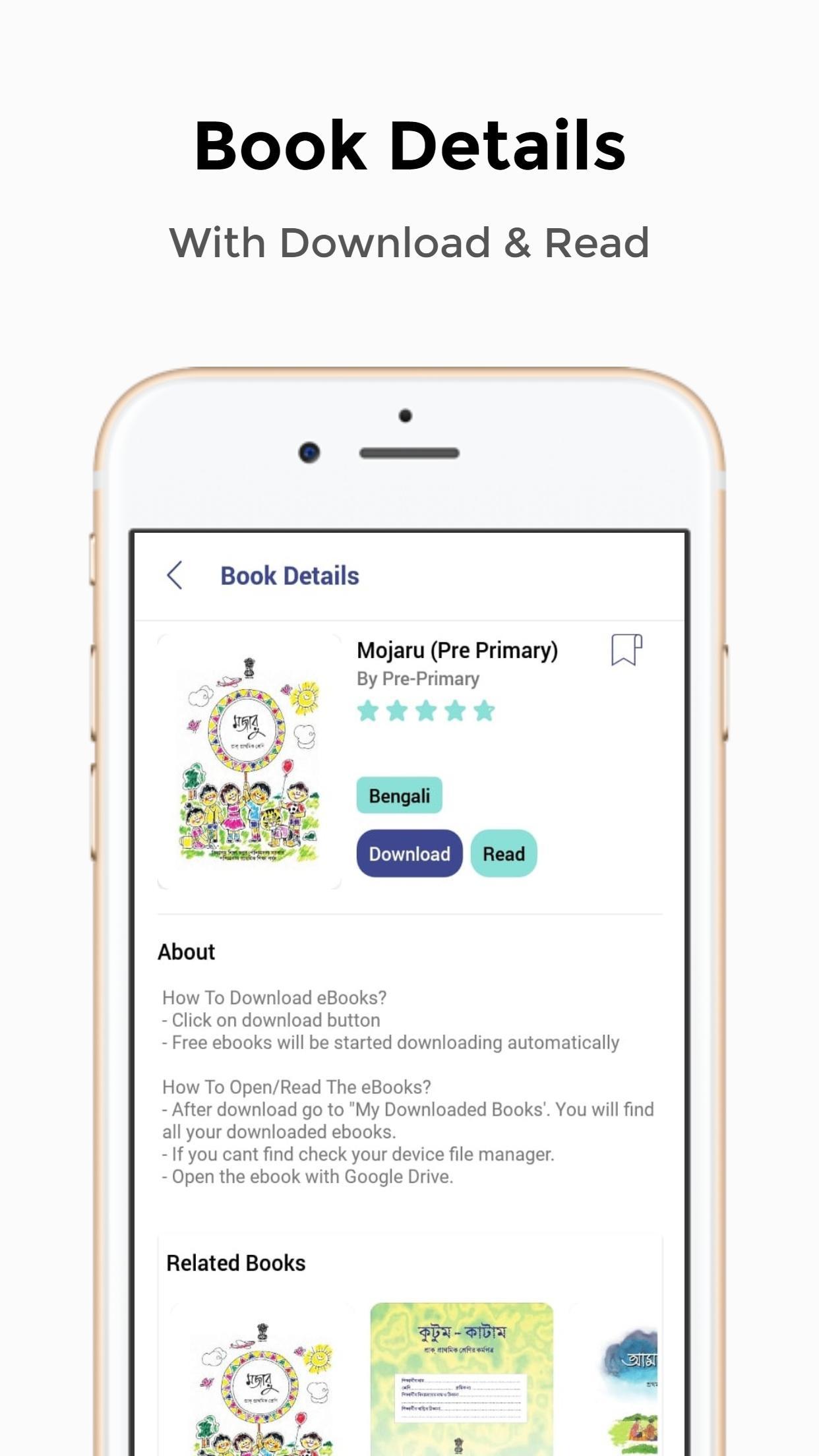
- 1-Click Download
- View/Read Before Download
- Minimal & Clean UI
- Pre-Primary To Class 12 e-Textbooks Available
- Purchase Suggestions/Question Papers At Low Cost
- Bookmark Your Favorite Books
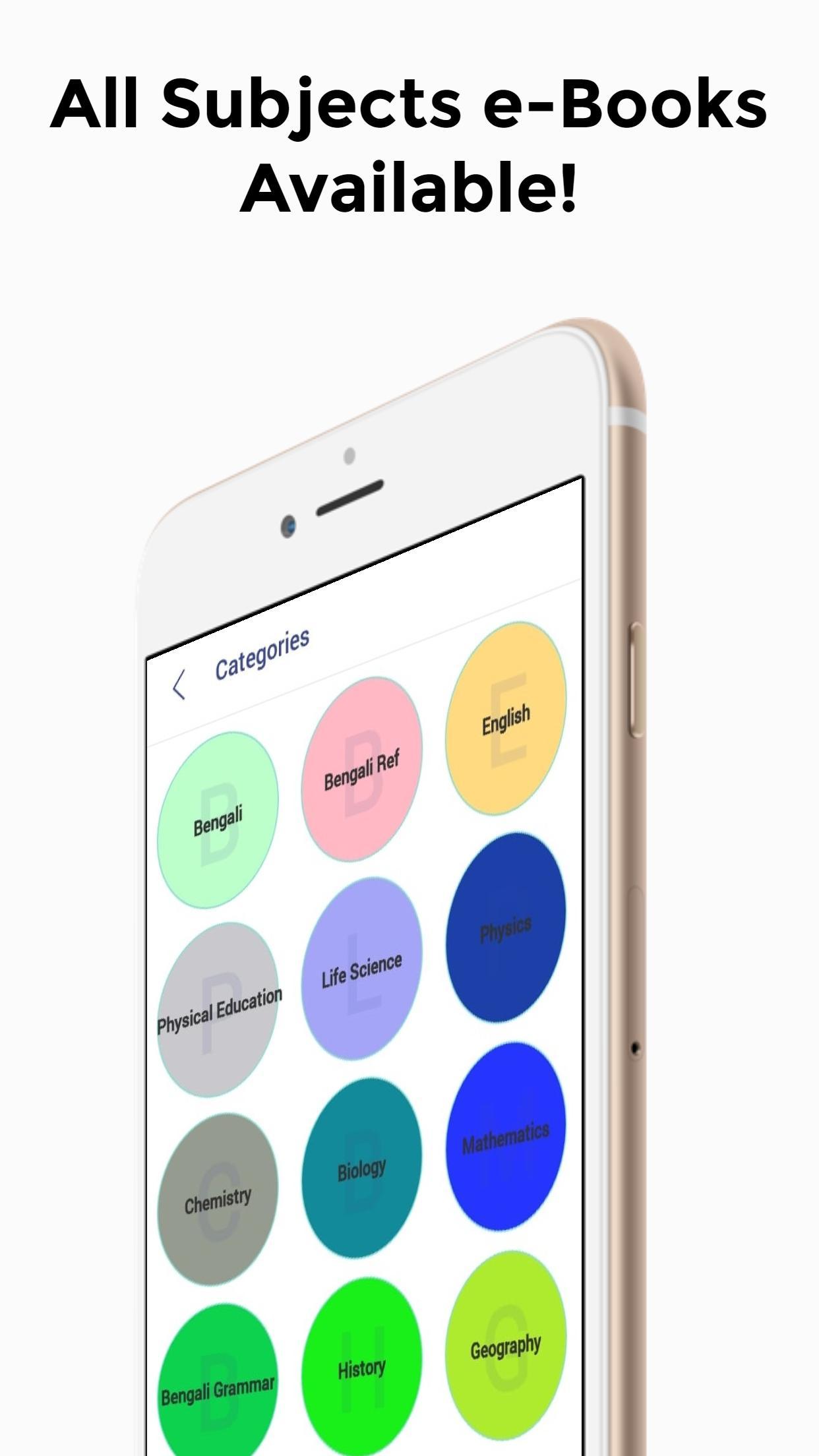
- e-Textbooks Are Well Categorized
*How To Download eTextBooks From WBBSE Books App?*
- Click on download button
- Free eBooks will be started downloading automatically
- For paid eBooks, you need to purchase the book. After payment, you can download the book
*How To Open/Read The e-Textbooks?*
- After download go to "My Downloaded Books'. You will find all your downloaded books.
- If you cant find the eBooks in my download section, find the books on your device file manager.
- Open the eBook with Google Drive.
*How To Download The Main Ebooks?*
- After downloading the book from this app you will get a small pdf.
- Click the book image on the pdf and open it with Google Drive.
- The main eBooks will be loaded on your Google Drive.
*For storage issues, we have provided Google Drive links, so you won't have to store the files on your device.*
Preview
Tags
EducationInformation
Developer
Billions Ideas
Latest Version
1.0
Last Updated
2020-02-24
Category
Education
Available on
Google Play
Show More
How to play WBBSE Books - West Bengal Boar with GameLoop on PC
1. Download GameLoop from the official website, then run the exe file to install GameLoop
2. Open GameLoop and search for “WBBSE Books - West Bengal Boar” , find WBBSE Books - West Bengal Boar in the search results and click “Install”
3. Enjoy playing WBBSE Books - West Bengal Boar on GameLoop
Minimum requirements
OS
Windows 8.1 64-bit or Windows 10 64-bit
GPU
GTX 1050
CPU
i3-8300
Memory
8GB RAM
Storage
1GB available space
Recommended requirements
OS
Windows 8.1 64-bit or Windows 10 64-bit
GPU
GTX 1050
CPU
i3-9320
Memory
16GB RAM
Storage
1GB available space