
UX Design PC
Softecks
Download UX Design on PC With GameLoop Emulator
UX Design sa PC
Ang UX Design, na nagmumula sa developer na Softecks, ay tumatakbo sa Android systerm sa nakaraan.
Ngayon, maaari mong laruin ang UX Design sa PC gamit ang GameLoop nang maayos.
I-download ito sa GameLoop library o mga resulta ng paghahanap. Hindi na tumitingin sa baterya o nakakadismaya na mga tawag sa maling oras.
I-enjoy lang ang UX Design PC sa malaking screen nang libre!
UX Design Panimula
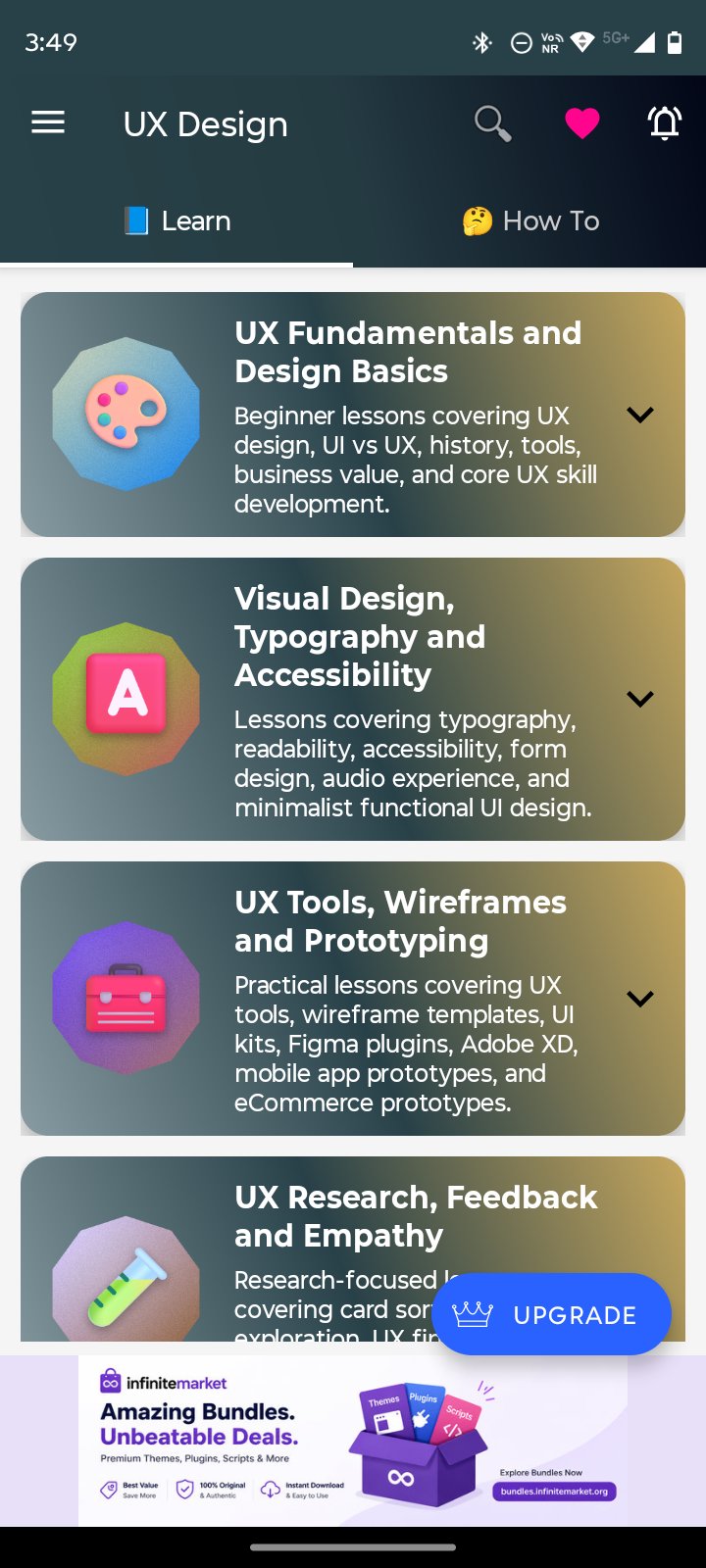
UX Design is a complete learning app for beginners, students, designers, developers, freelancers, product creators, web designers, mobile app designers, and anyone who wants to understand user experience design step by step.
This app helps you learn UX fundamentals, UI vs UX, UX history, design tools, business value, typography, accessibility, wireframes, prototyping, UX research, feedback, empathy, documentation, product strategy, web UX, mobile UX, onboarding, and interaction patterns in one simple offline app.
✅ 6 UX Design Learning Modules
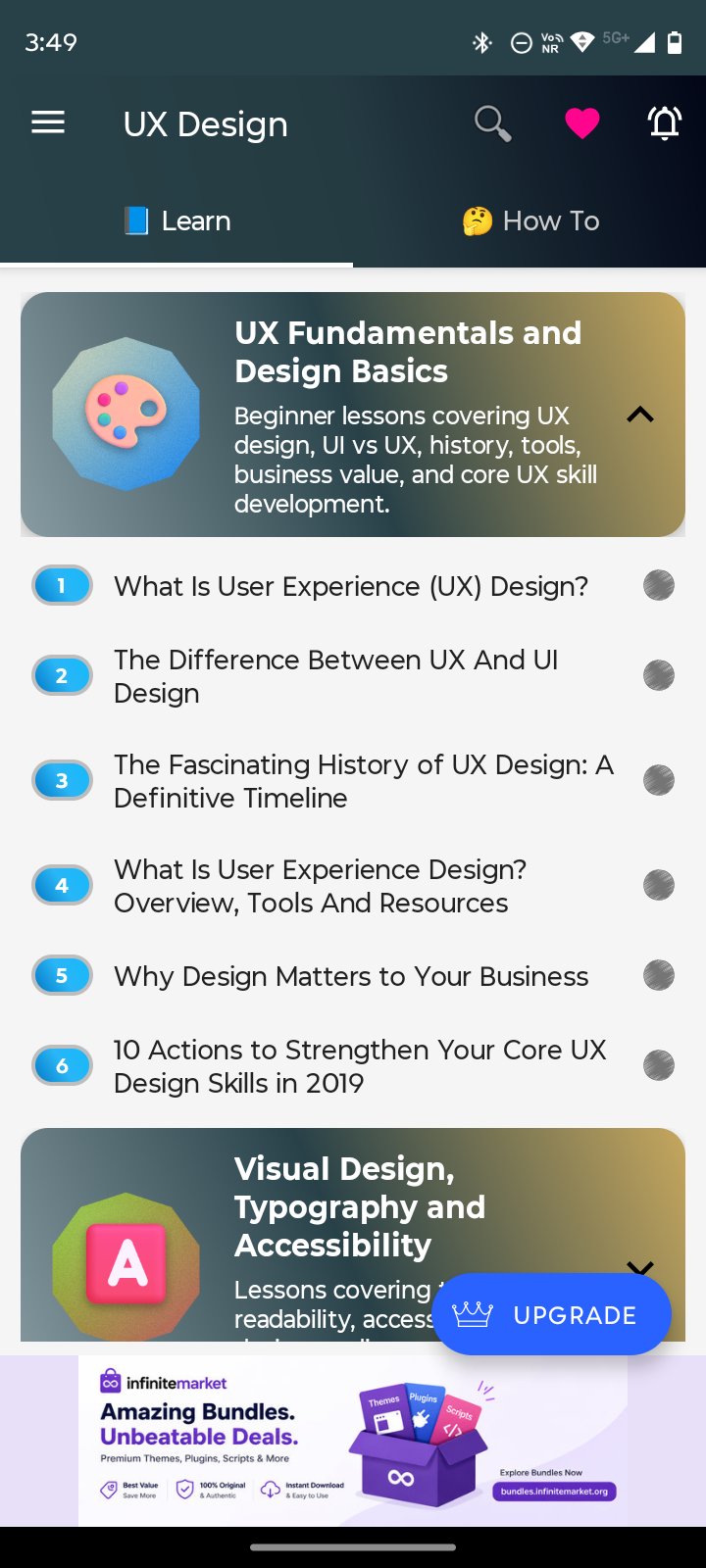
• UX Fundamentals and Design Basics
• Visual Design, Typography and Accessibility
• UX Tools, Wireframes and Prototyping
• UX Research, Feedback and Empathy
• UX Process, Strategy and Documentation
• Web, Mobile and Product UX Patterns
✅ Learn UX Design from Basics
Start with UX design meaning, UI vs UX, UX history, design tools, business value, user-centered design, and core UX skills needed to create useful and easy-to-use digital products.
✅ Visual Design and Accessibility
Study typography, readability, accessibility, form design, minimalist UI, functional design, audio experience, and visual clarity for better user experience.
✅ Wireframes and Prototyping
Learn UX tools, wireframe templates, UI kits, Figma plugins, Adobe XD, mobile app prototypes, eCommerce prototypes, and practical design workflows for planning user interfaces.
✅ UX Research and Empathy
Explore card sorting, user exploration, UX findings, feedback collection, empathy practice, empathy interviews, and methods used to understand real user needs.
✅ UX Process and Strategy
Understand design process clarity, enterprise UX, design critique, design changes, UX documentation, personalized UX strategy, and how UX decisions support better products.
✅ Web, Mobile and Product UX
Learn product-focused UX patterns such as WordPress slugs, subscription pages, onboarding screens, hero images, cognitive web design, modals, time-saving UX, and mobile interaction trends.
✅ How-To Section
Use the How-To section to learn practical steps such as how to start learning UX design, conduct user research, collect UX feedback, create wireframes, build prototypes, improve usability, document UX decisions, and practice UX design daily.
✅ Offline Learning
Study UX design anytime without internet. Useful for students, self-learners, designers, developers, freelancers, and quick revision.
✅ Bookmark and Search
Bookmark important lessons and quickly search for UX design, UI vs UX, wireframes, prototypes, Figma, Adobe XD, accessibility, typography, research, empathy, onboarding, and product UX topics.
✅ Light and Dark Mode
Switch between light and dark themes for comfortable reading during day or night study.
✅ In-App Purchase Upgrade
Unlock premium features with a one-time purchase:
• Remove ads
• Save articles as PDF or print
• Priority support
Best For:
• UX Design Beginners
• UI/UX Learners
• Product Design Students
• App and Web Designers
• Developers Learning UX
• Figma and Adobe XD Learners
• Freelancers
• Product Managers
• User Research Beginners
• Quick Revision and Reference
Why Download UX Design?
UX Design gives you a structured and beginner-friendly way to learn user experience design offline. It helps you understand UX basics, research, empathy, accessibility, typography, wireframes, prototypes, feedback, documentation, web UX, mobile UX, and product design patterns in one organized app.
Download UX Design today and start learning UX fundamentals, user research, wireframing, prototyping, accessibility, product UX, and practical design workflows with simple offline lessons.
Note: This app is designed for educational and reference purposes only. It is not affiliated with, endorsed by, or sponsored by Figma, Adobe, or any design software company. It is not a substitute for official software documentation, professional UX training, certification programs, or institutional syllabus.
Preview
Tags
EducationInformation
Developer
Softecks
Latest Version
2.0
Last Updated
2026-07-10
Category
Education
Available on
Google Play
Show More
How to play UX Design with GameLoop on PC
1. Download GameLoop from the official website, then run the exe file to install GameLoop
2. Open GameLoop and search for “UX Design” , find UX Design in the search results and click “Install”
3. Enjoy playing UX Design on GameLoop
Minimum requirements
OS
Windows 8.1 64-bit or Windows 10 64-bit
GPU
GTX 1050
CPU
i3-8300
Memory
8GB RAM
Storage
1GB available space
Recommended requirements
OS
Windows 8.1 64-bit or Windows 10 64-bit
GPU
GTX 1050
CPU
i3-9320
Memory
16GB RAM
Storage
1GB available space