UOG GPA CGPA Calculator PC
AIMS Studio
Download UOG GPA CGPA Calculator on PC With GameLoop Emulator
UOG GPA CGPA Calculator sa PC
Ang UOG GPA CGPA Calculator, na nagmumula sa developer na AIMS Studio, ay tumatakbo sa Android systerm sa nakaraan.
Ngayon, maaari mong laruin ang UOG GPA CGPA Calculator sa PC gamit ang GameLoop nang maayos.
I-download ito sa GameLoop library o mga resulta ng paghahanap. Hindi na tumitingin sa baterya o nakakadismaya na mga tawag sa maling oras.
I-enjoy lang ang UOG GPA CGPA Calculator PC sa malaking screen nang libre!
UOG GPA CGPA Calculator Panimula
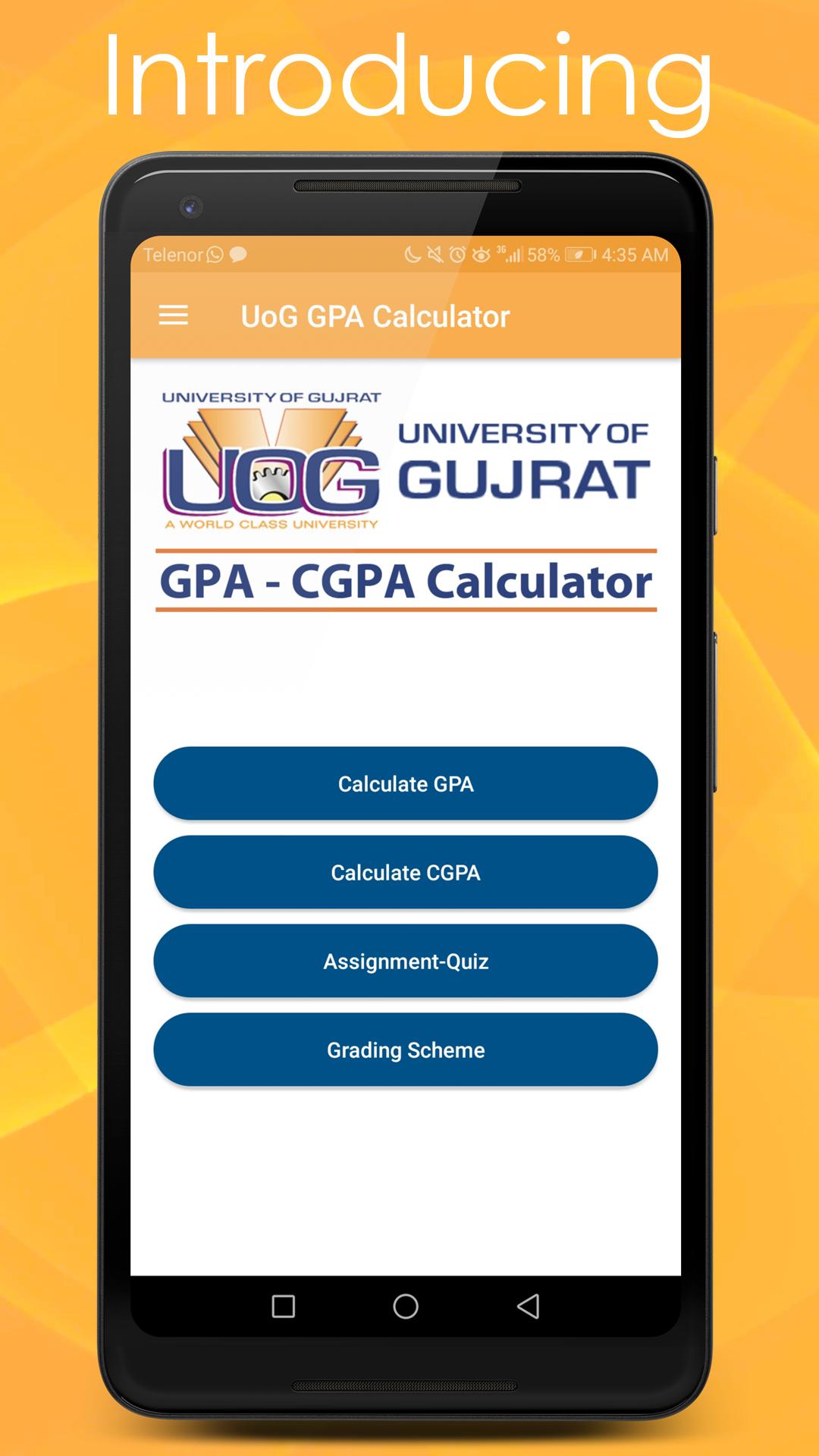
UOG GPA-CGPA Calculator is an android app specially designed for students of University of Gujrat (UOG). But other universities students can also use this app to calculate their GPA-CGPA or Assignment-Quiz Marks. This app includes grading scheme criteria according to UOG rules but other universities students can edit the Grade field according to their perspective.
Feature:
►Calculate GPA:
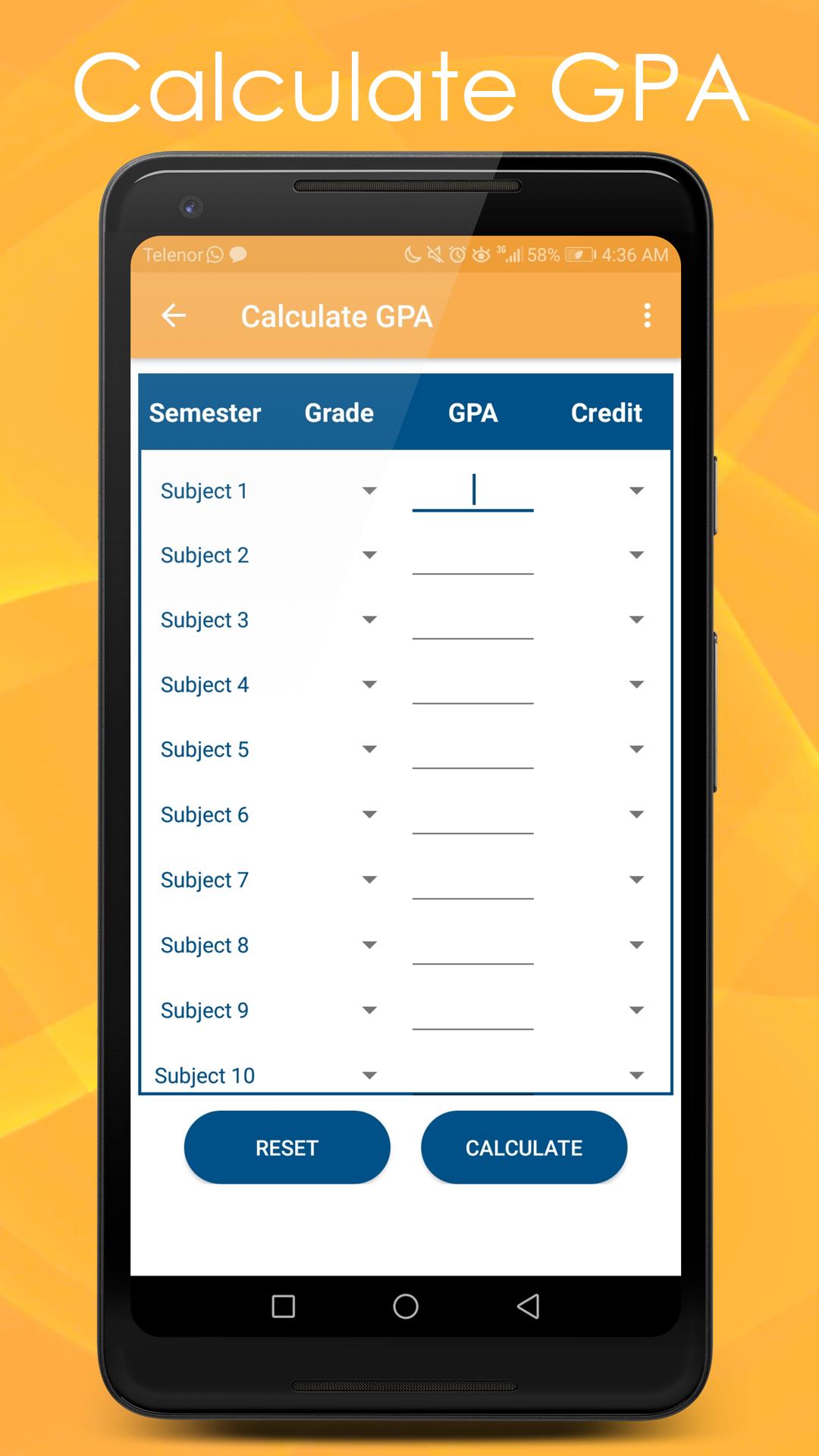
With the help of this option students can calculate their GPA of maximum 10 subjects. In order to calculate GPA you need enter Grades and Credit Hours of your current semester subjects and then press the calculate button.
Before processing to calculation you need to entre at least one subject information.
In this option you can only enter Grade Points between 0.0 – 4.0 and Credit Hours between 1 – 21
You can also enter average Grade Points automatically by selecting the Grade Letter or you can enter Grade Points manually.
►Calculate CGPA:
With the help of this option students can calculate their overall CGPA of maximum 10 Semesters. In order to calculate CGPA you need enter GPA and Credit Hours of respective semesters and then press the calculate button.
Before processing to calculation you need to enter at least one Semester information.
In this option you can only enter GPA between 0.0 – 4.0 and Credit Hours between 1 – 21
You can also enter average Grade Points automatically by selecting the Grade Letter or you can enter Grade Points manually.
►Calculate Assignment-Quiz Marks:
By selecting this open students can calculate their over score for Assignments and Quizzes in whole semester. To calculate score you need to enter weight percentage of Assignment or Quiz final result. Then enter the total and obtained marks for all of your assignments and Quizzes.
Before processing to calculation you need to entre at least one activity information.
In this option you can only enter total and obtained marks between 1 –100
►Grading Scheme:
This option provides the Grading Scheme criteria of University of Gujrat (UOG).
►Support Us:
Please don’t forget to rate this app and also give your valuable feedback, love and support.
If you have any problem regarding this app or want to contact us you can find us at:
aimsstudio24@gmail.com
Preview
Information
Developer
AIMS Studio
Latest Version
1.3
Last Updated
2019-01-14
Category
Education
Available on
Google Play
Show More
How to play UOG GPA CGPA Calculator with GameLoop on PC
1. Download GameLoop from the official website, then run the exe file to install GameLoop
2. Open GameLoop and search for “UOG GPA CGPA Calculator” , find UOG GPA CGPA Calculator in the search results and click “Install”
3. Enjoy playing UOG GPA CGPA Calculator on GameLoop
Minimum requirements
OS
Windows 8.1 64-bit or Windows 10 64-bit
GPU
GTX 1050
CPU
i3-8300
Memory
8GB RAM
Storage
1GB available space
Recommended requirements
OS
Windows 8.1 64-bit or Windows 10 64-bit
GPU
GTX 1050
CPU
i3-9320
Memory
16GB RAM
Storage
1GB available space