
Bnext Genz : Building next Gen PC
Education Pen Media
Download Bnext Genz : Building next Gen on PC With GameLoop Emulator
Bnext Genz : Building next Gen sa PC
Ang Bnext Genz : Building next Gen, na nagmumula sa developer na Education Pen Media, ay tumatakbo sa Android systerm sa nakaraan.
Ngayon, maaari mong laruin ang Bnext Genz : Building next Gen sa PC gamit ang GameLoop nang maayos.
I-download ito sa GameLoop library o mga resulta ng paghahanap. Hindi na tumitingin sa baterya o nakakadismaya na mga tawag sa maling oras.
I-enjoy lang ang Bnext Genz : Building next Gen PC sa malaking screen nang libre!
Bnext Genz : Building next Gen Panimula
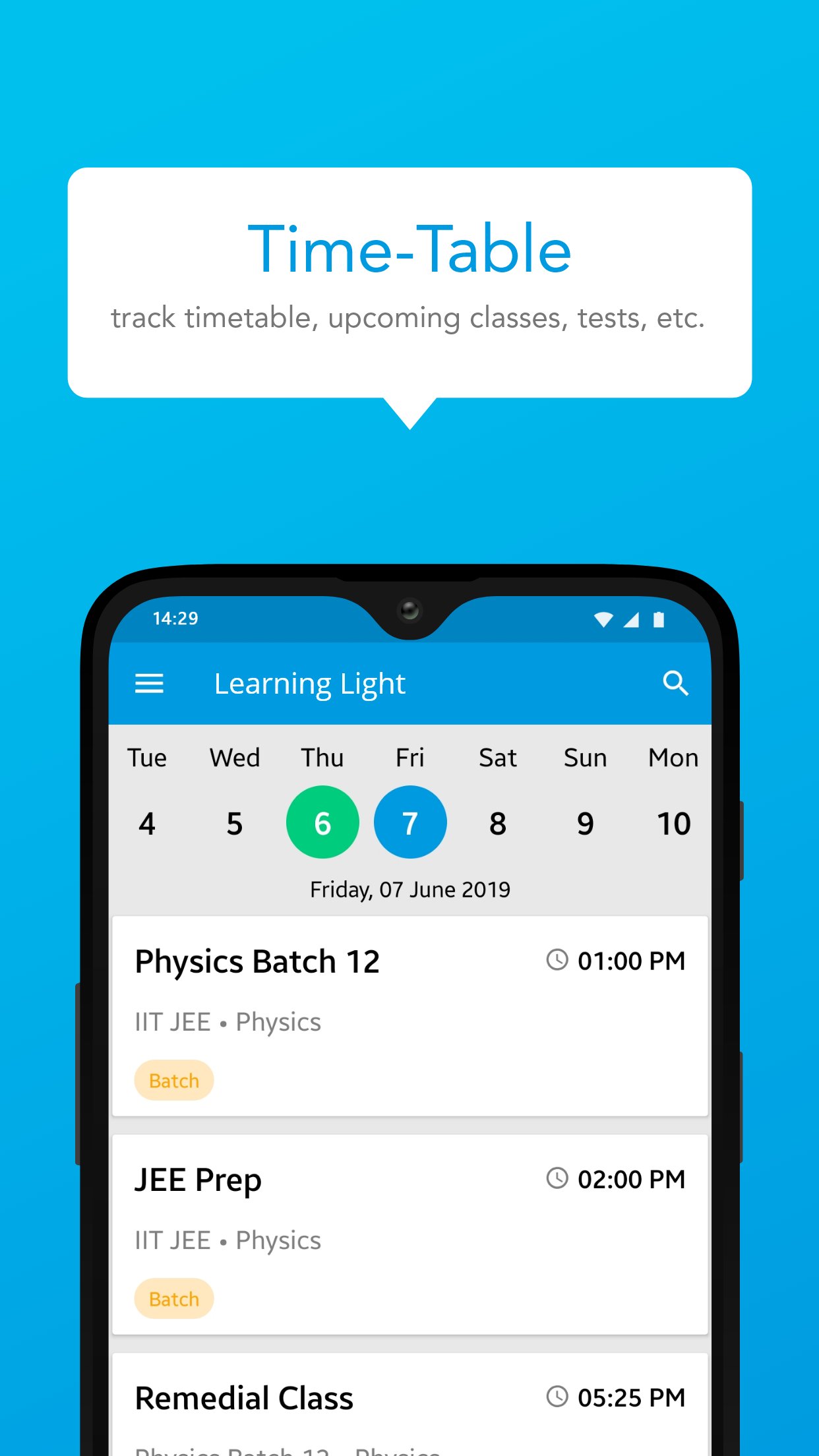
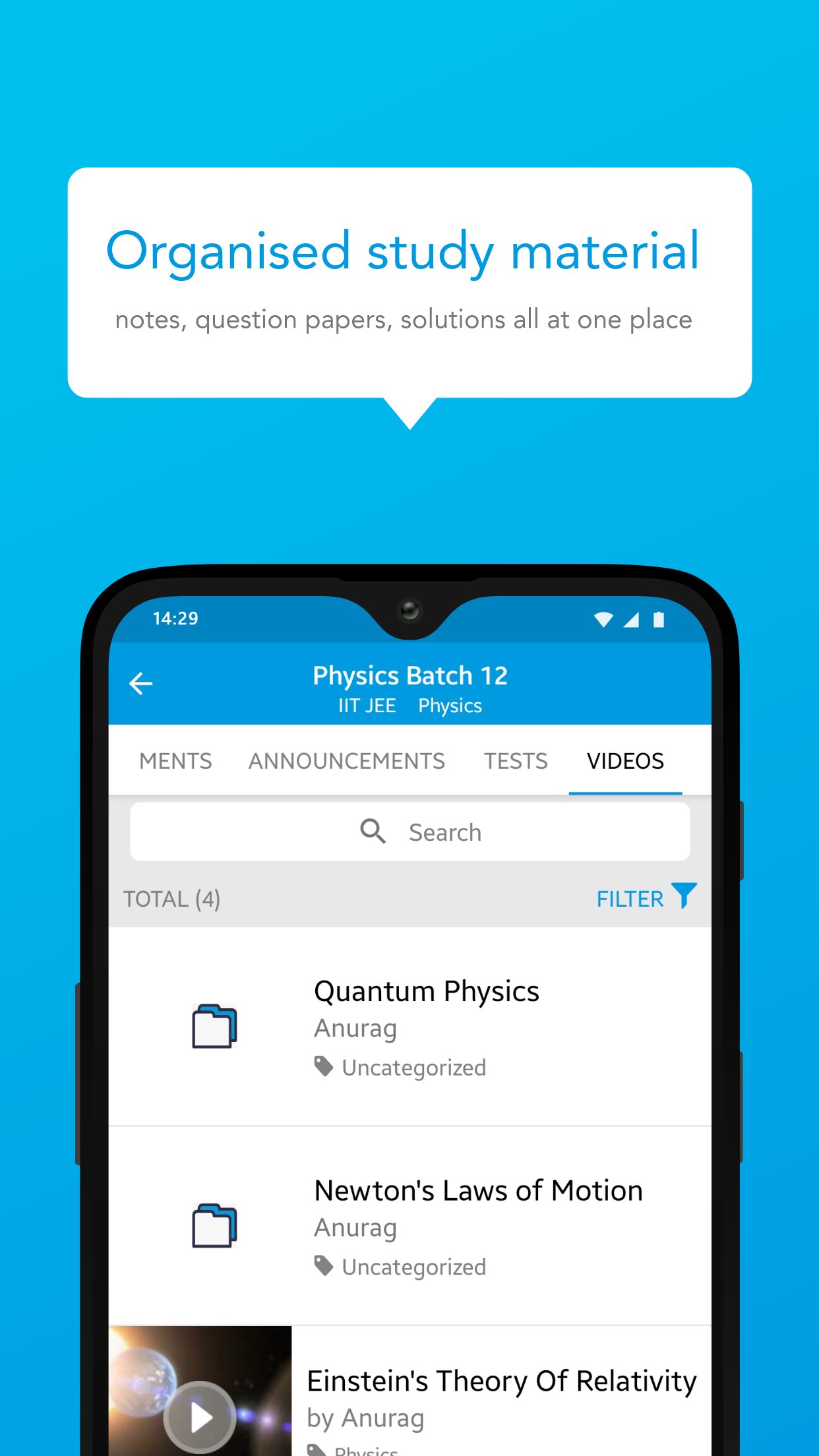
Bnext Genz: Building Next Gen is a dynamic learning platform crafted to empower students with the skills and knowledge they need to thrive in today’s fast-paced academic environment. The app offers a blend of structured learning content, interactive practice tools, and performance insights — all in one easy-to-use platform.
Designed to make learning efficient and enjoyable, Bnext Genz supports learners at various stages with expertly developed materials and self-paced progress tracking.
Key Features:
Concept-based video lessons and tutorials
Well-organized notes and reference materials
Interactive quizzes to reinforce learning
Personalized dashboards to monitor performance
Seamless learning experience across subjects and levels
Whether you're building foundational knowledge or aiming to enhance your skills, Bnext Genz helps you move forward with confidence and clarity.
Preview
Tags
EducationInformation
Developer
Education Pen Media
Latest Version
1.16.1.1
Last Updated
2026-07-24
Category
Education
Available on
Google Play
Show More
How to play Bnext Genz : Building next Gen with GameLoop on PC
1. Download GameLoop from the official website, then run the exe file to install GameLoop
2. Open GameLoop and search for “Bnext Genz : Building next Gen” , find Bnext Genz : Building next Gen in the search results and click “Install”
3. Enjoy playing Bnext Genz : Building next Gen on GameLoop
Minimum requirements
OS
Windows 8.1 64-bit or Windows 10 64-bit
GPU
GTX 1050
CPU
i3-8300
Memory
8GB RAM
Storage
1GB available space
Recommended requirements
OS
Windows 8.1 64-bit or Windows 10 64-bit
GPU
GTX 1050
CPU
i3-9320
Memory
16GB RAM
Storage
1GB available space