Teacher's Assistant Grade Book PC
Ivan Marchuk
Download Teacher's Assistant Grade Book on PC With GameLoop Emulator
Teacher's Assistant Grade Book sa PC
Ang Teacher's Assistant Grade Book, na nagmumula sa developer na Ivan Marchuk, ay tumatakbo sa Android systerm sa nakaraan.
Ngayon, maaari mong laruin ang Teacher's Assistant Grade Book sa PC gamit ang GameLoop nang maayos.
I-download ito sa GameLoop library o mga resulta ng paghahanap. Hindi na tumitingin sa baterya o nakakadismaya na mga tawag sa maling oras.
I-enjoy lang ang Teacher's Assistant Grade Book PC sa malaking screen nang libre!
Teacher's Assistant Grade Book Panimula
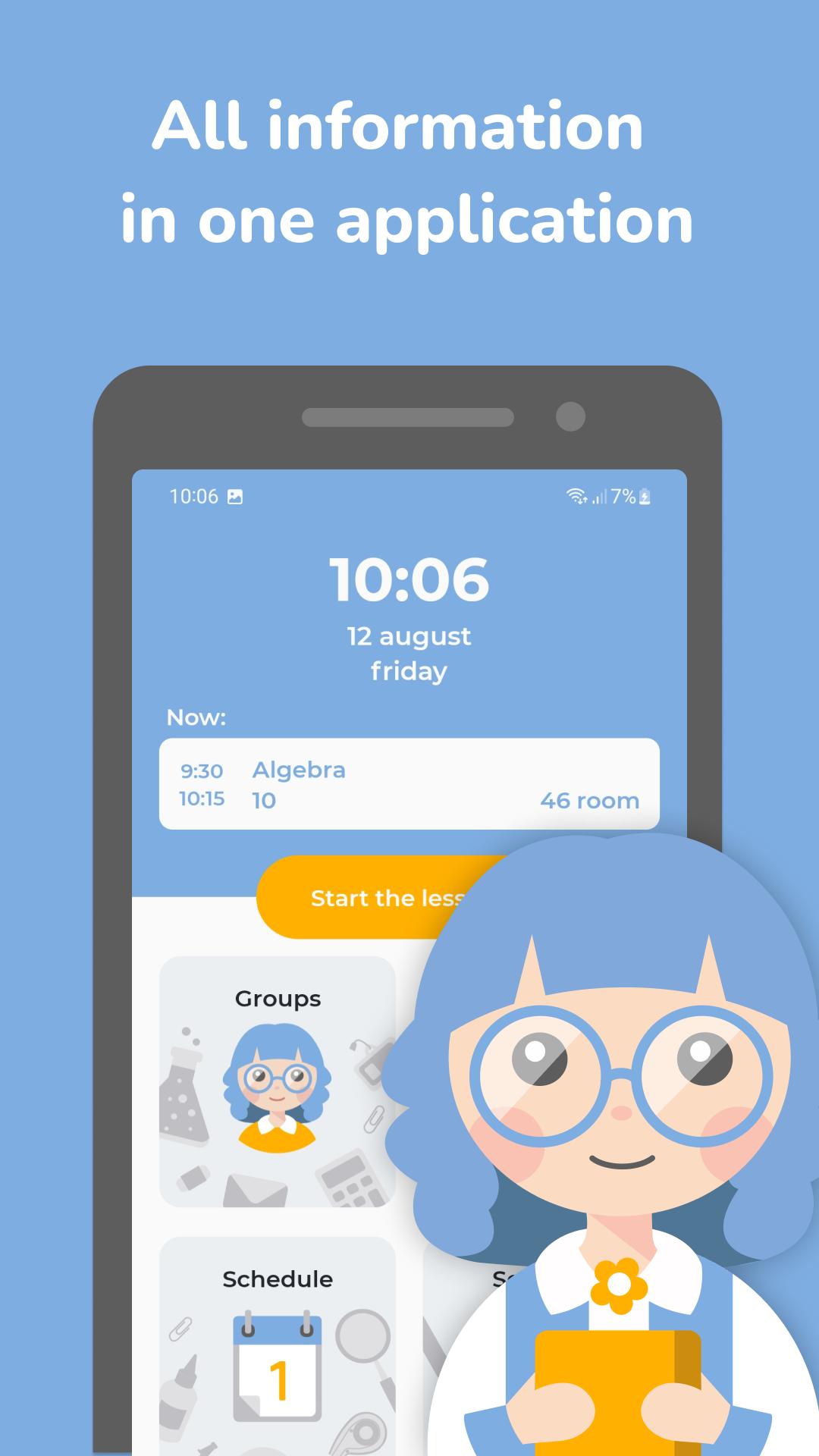
Teacher's assistant is the most convenient electronic journal with many additional features.
It will store your schedule, lists of students, their grades and attendance, classrooms in which classes are held. It was created at the request of teachers, repeatedly tested by them, and now it is used by thousands of teachers from around the world. It is suitable for any purpose: courses, school classes, University seminars, etc.
FUNCTIONS:
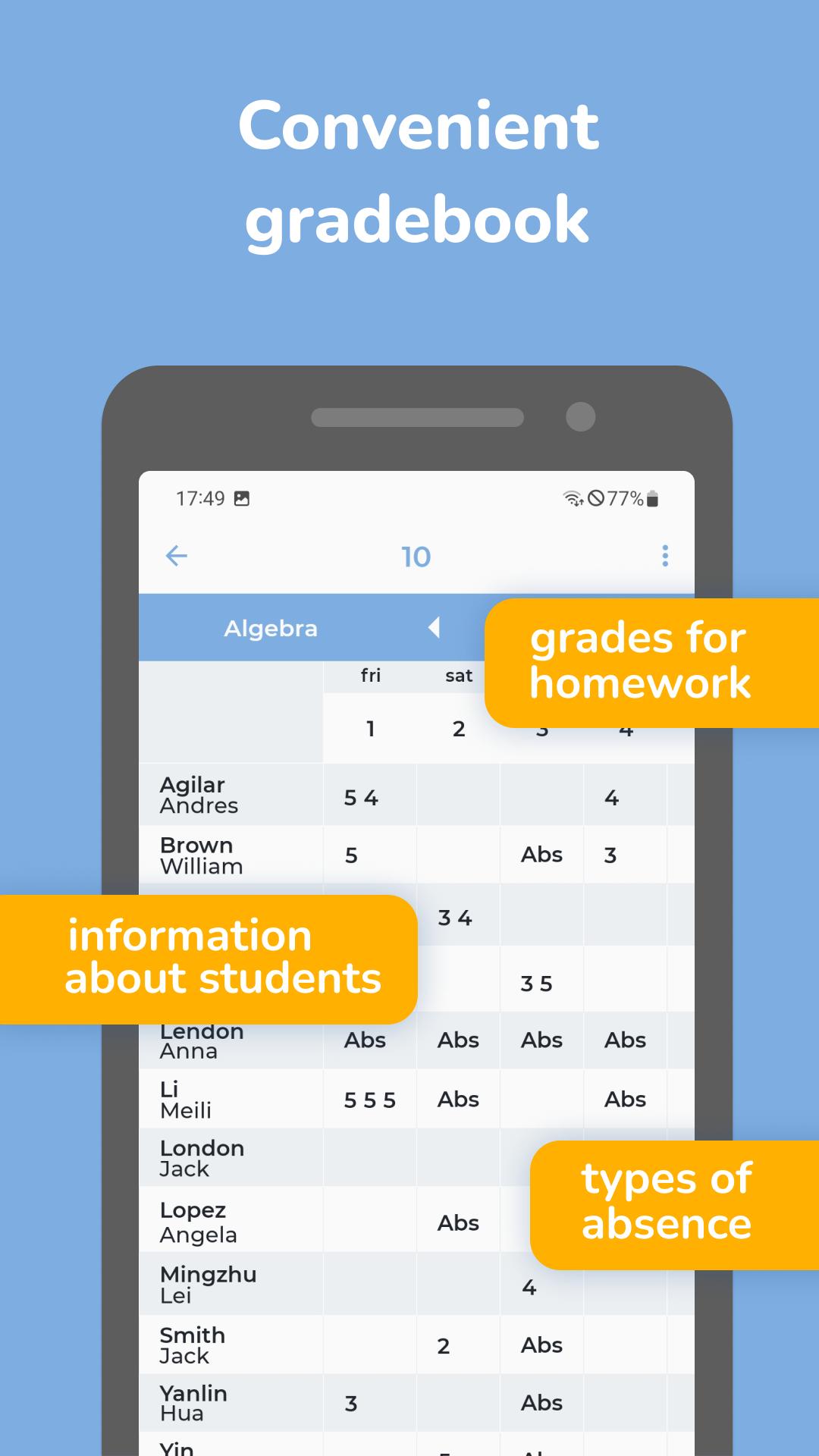
+ Put grades and mark attendance. With a long tap on a student, you can give them multiple grades and note whether they were present in class.
+ Minimum of actions: knowing your schedule, the application itself will offer the current lesson. You can start the lesson immediately!
+ Virtual classes: instead of lists of names in front of you a virtual class, where students sit at their desks. With the long press on the student you can put him a grade.
+ Do not have time to write down who and how many times answered? Mark it with one touch on the student.
+ Types of grades: examination, homework, quarter grade, etc.
+ See the statistics: on the basis of it you can put annual, quarter or semester grades.
+ Flexible settings: change the time grid of lessons, add your own types of responses, change the evaluation system (5-point, 100-point - anyone is possible).
+ Multilingual: English, Russian and Chinese language support.
FEEDBACK:
We will be very happy if you help our application to advance by giving it a good rating.
Most of our exciting features and improvements came from your feedback. If you do not like something or have ideas what to add, write: ivmarch2000@gmail.com.
Have a nice lessons!
Preview
Tags
EducationInformation
Developer
Ivan Marchuk
Latest Version
exa4.02
Last Updated
2022-08-30
Category
Education
Available on
Google Play
Show More
How to play Teacher's Assistant Grade Book with GameLoop on PC
1. Download GameLoop from the official website, then run the exe file to install GameLoop
2. Open GameLoop and search for “Teacher's Assistant Grade Book” , find Teacher's Assistant Grade Book in the search results and click “Install”
3. Enjoy playing Teacher's Assistant Grade Book on GameLoop
Minimum requirements
OS
Windows 8.1 64-bit or Windows 10 64-bit
GPU
GTX 1050
CPU
i3-8300
Memory
8GB RAM
Storage
1GB available space
Recommended requirements
OS
Windows 8.1 64-bit or Windows 10 64-bit
GPU
GTX 1050
CPU
i3-9320
Memory
16GB RAM
Storage
1GB available space