
Skoletube PC
LaerIT
Download Skoletube on PC With GameLoop Emulator
Skoletube sa PC
Ang Skoletube, na nagmumula sa developer na LaerIT, ay tumatakbo sa Android systerm sa nakaraan.
Ngayon, maaari mong laruin ang Skoletube sa PC gamit ang GameLoop nang maayos.
I-download ito sa GameLoop library o mga resulta ng paghahanap. Hindi na tumitingin sa baterya o nakakadismaya na mga tawag sa maling oras.
I-enjoy lang ang Skoletube PC sa malaking screen nang libre!
Skoletube Panimula
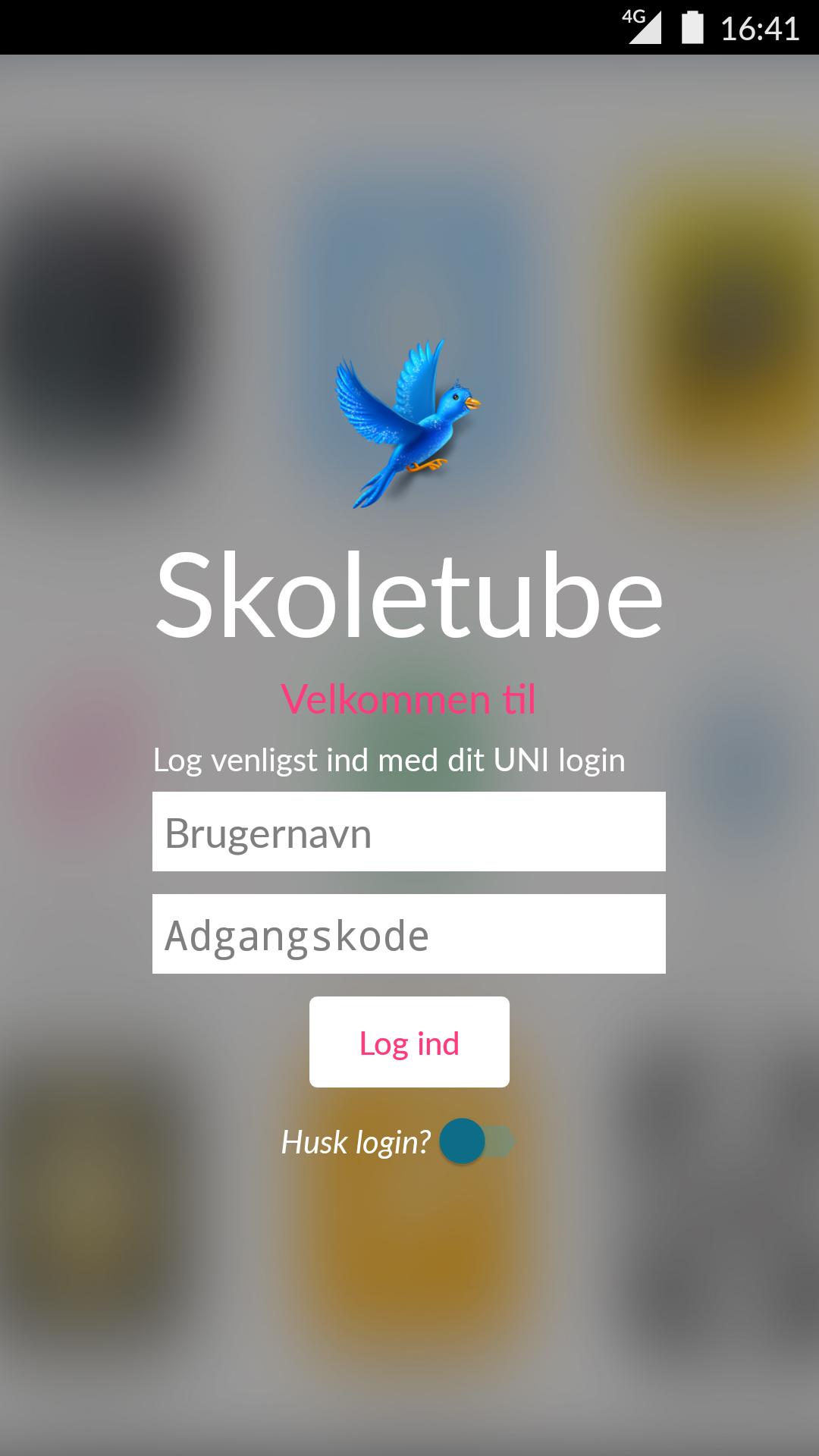
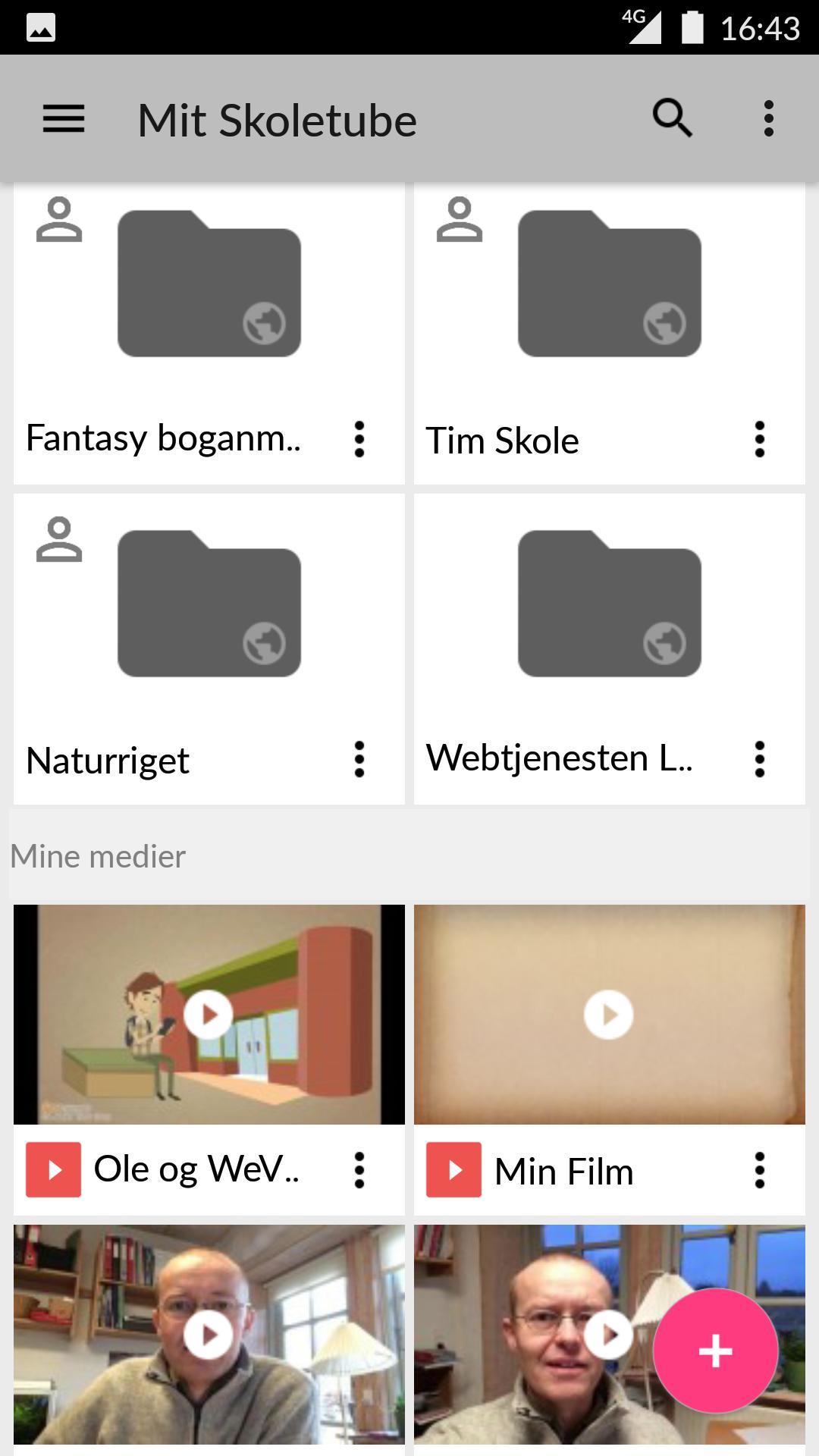
School Tube is an effective, cloud-based video and media platform targeted at students and teachers in the Danish school and educational system.
Students can easily upload and share their media productions with other students or teachers via Skoletubes protected media channels.
Besides the possibility of uploading and distribution've School Tube a number of third-party apps included. With the publication fees apps as WeVideo, Explain Everything, MindMeister, Pixton and others students have a full range of world leading produktionsapps available.
With Tube School has students and teachers everything they need to make creative digital productions. A complete media suite!
School Tube works closely with other Danish school suppliers. Publisher as Gyldendal, Clio Online, alinea etc. leans directly up and directly refers Skoletubes apps and tools in a sea of courses and activities.
Access to School Tube is directly integrated with the leading Danish learning platforms as MinUddannelse, Meebook, MOMO and others
Preview
Tags
EducationInformation
Developer
LaerIT
Latest Version
4.4.22
Last Updated
2022-03-21
Category
Education
Available on
Google Play
Show More
How to play Skoletube with GameLoop on PC
1. Download GameLoop from the official website, then run the exe file to install GameLoop
2. Open GameLoop and search for “Skoletube” , find Skoletube in the search results and click “Install”
3. Enjoy playing Skoletube on GameLoop
Minimum requirements
OS
Windows 8.1 64-bit or Windows 10 64-bit
GPU
GTX 1050
CPU
i3-8300
Memory
8GB RAM
Storage
1GB available space
Recommended requirements
OS
Windows 8.1 64-bit or Windows 10 64-bit
GPU
GTX 1050
CPU
i3-9320
Memory
16GB RAM
Storage
1GB available space