
Sea Level Rise AR Visualizer PC
University of Hawaii Sea Level Center
Download Sea Level Rise AR Visualizer on PC With GameLoop Emulator
Sea Level Rise AR Visualizer sa PC
Ang Sea Level Rise AR Visualizer, na nagmumula sa developer na University of Hawaii Sea Level Center, ay tumatakbo sa Android systerm sa nakaraan.
Ngayon, maaari mong laruin ang Sea Level Rise AR Visualizer sa PC gamit ang GameLoop nang maayos.
I-download ito sa GameLoop library o mga resulta ng paghahanap. Hindi na tumitingin sa baterya o nakakadismaya na mga tawag sa maling oras.
I-enjoy lang ang Sea Level Rise AR Visualizer PC sa malaking screen nang libre!
Sea Level Rise AR Visualizer Panimula
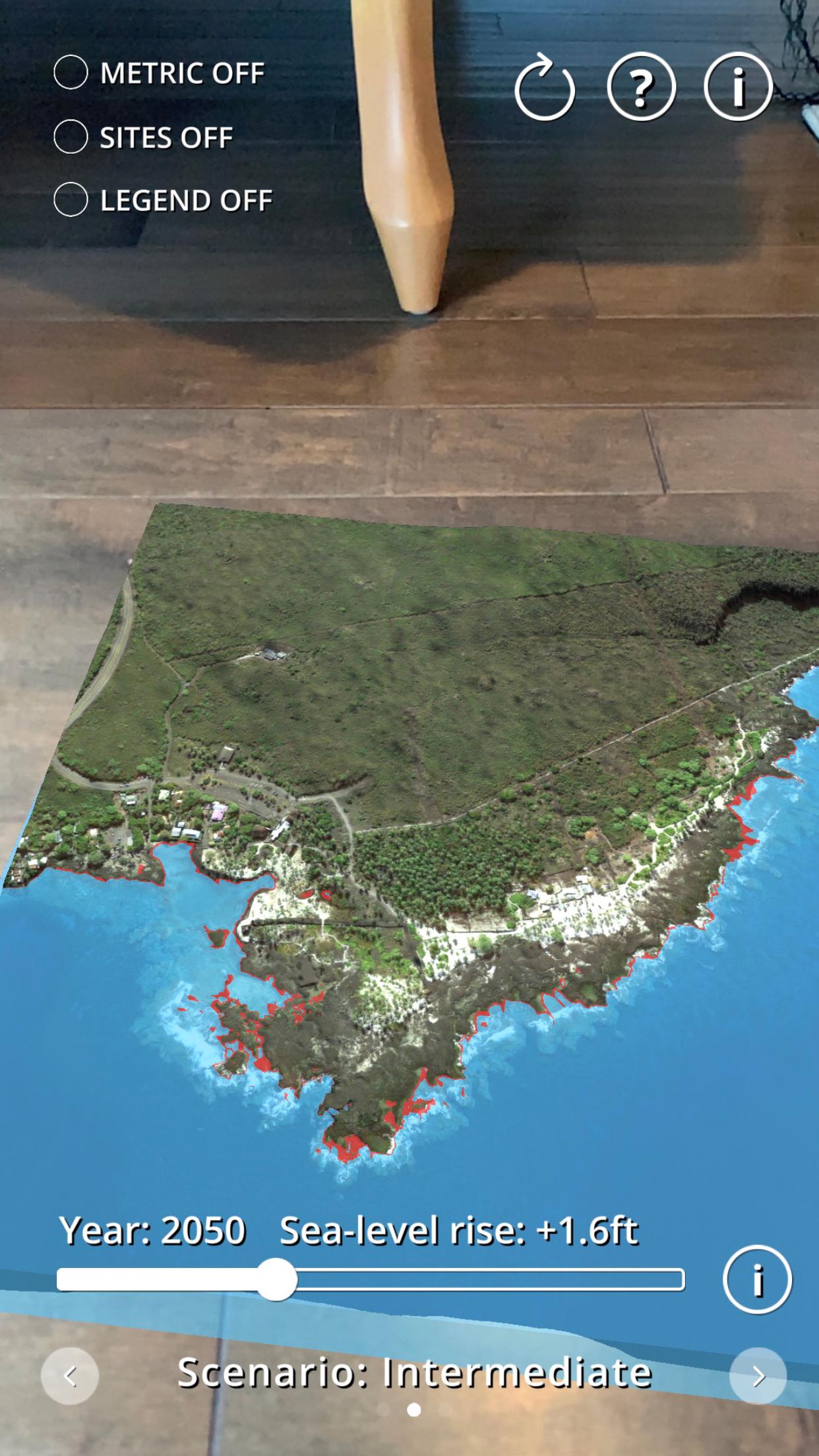
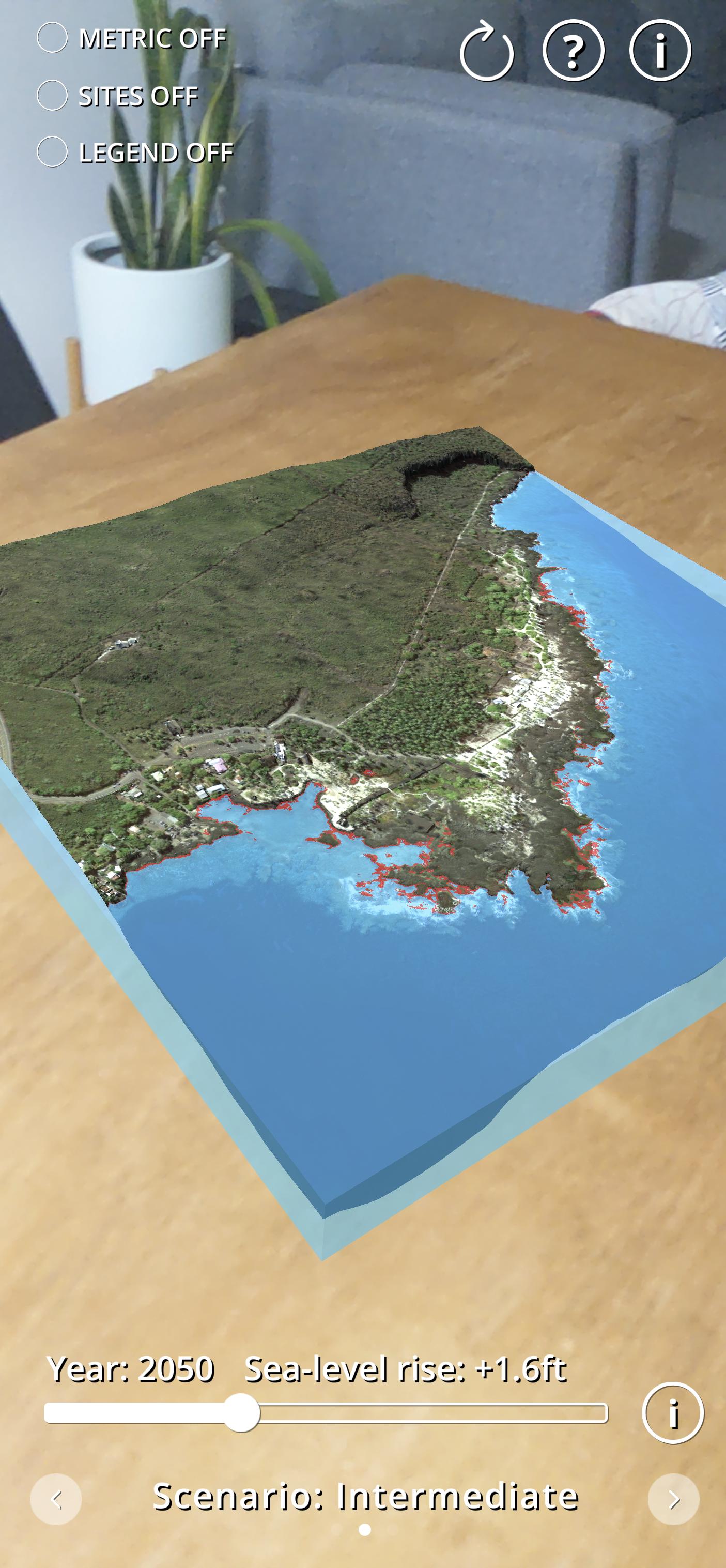
Sea Level Rise AR Visualizer uses augmented reality (AR) technology to create a virtual model of Pu‘uhonua o Hōnaunau National Historical Park and allows you to explore how sea level rise will affect this important site in Hawaiian culture and history.
This app was created by scientists at the University of Hawaii Sea Level Center (UHSLC) and funded by the USGS-DOI Pacific Islands Climate Adaptation Science Center (PI-CASC). The app is based on digital elevations and imagery produce by scientists at the United States Geological Survey (USGS) Coastal National Elevation Database (CoNED) and sea level rise projections published by the U.S. National Oceanic and Atmospheric Administration.
Preview
Tags
EducationInformation
Developer
University of Hawaii Sea Level Center
Latest Version
1.0.0
Last Updated
2021-12-03
Category
Education
Available on
Google Play
Show More
How to play Sea Level Rise AR Visualizer with GameLoop on PC
1. Download GameLoop from the official website, then run the exe file to install GameLoop
2. Open GameLoop and search for “Sea Level Rise AR Visualizer” , find Sea Level Rise AR Visualizer in the search results and click “Install”
3. Enjoy playing Sea Level Rise AR Visualizer on GameLoop
Minimum requirements
OS
Windows 8.1 64-bit or Windows 10 64-bit
GPU
GTX 1050
CPU
i3-8300
Memory
8GB RAM
Storage
1GB available space
Recommended requirements
OS
Windows 8.1 64-bit or Windows 10 64-bit
GPU
GTX 1050
CPU
i3-9320
Memory
16GB RAM
Storage
1GB available space