
ReadingPower: Reading Passages PC
Mustafa Dayanır
Download ReadingPower: Reading Passages on PC With GameLoop Emulator
ReadingPower: Reading Passages sa PC
Ang ReadingPower: Reading Passages, na nagmumula sa developer na Mustafa Dayanır, ay tumatakbo sa Android systerm sa nakaraan.
Ngayon, maaari mong laruin ang ReadingPower: Reading Passages sa PC gamit ang GameLoop nang maayos.
I-download ito sa GameLoop library o mga resulta ng paghahanap. Hindi na tumitingin sa baterya o nakakadismaya na mga tawag sa maling oras.
I-enjoy lang ang ReadingPower: Reading Passages PC sa malaking screen nang libre!
ReadingPower: Reading Passages Panimula
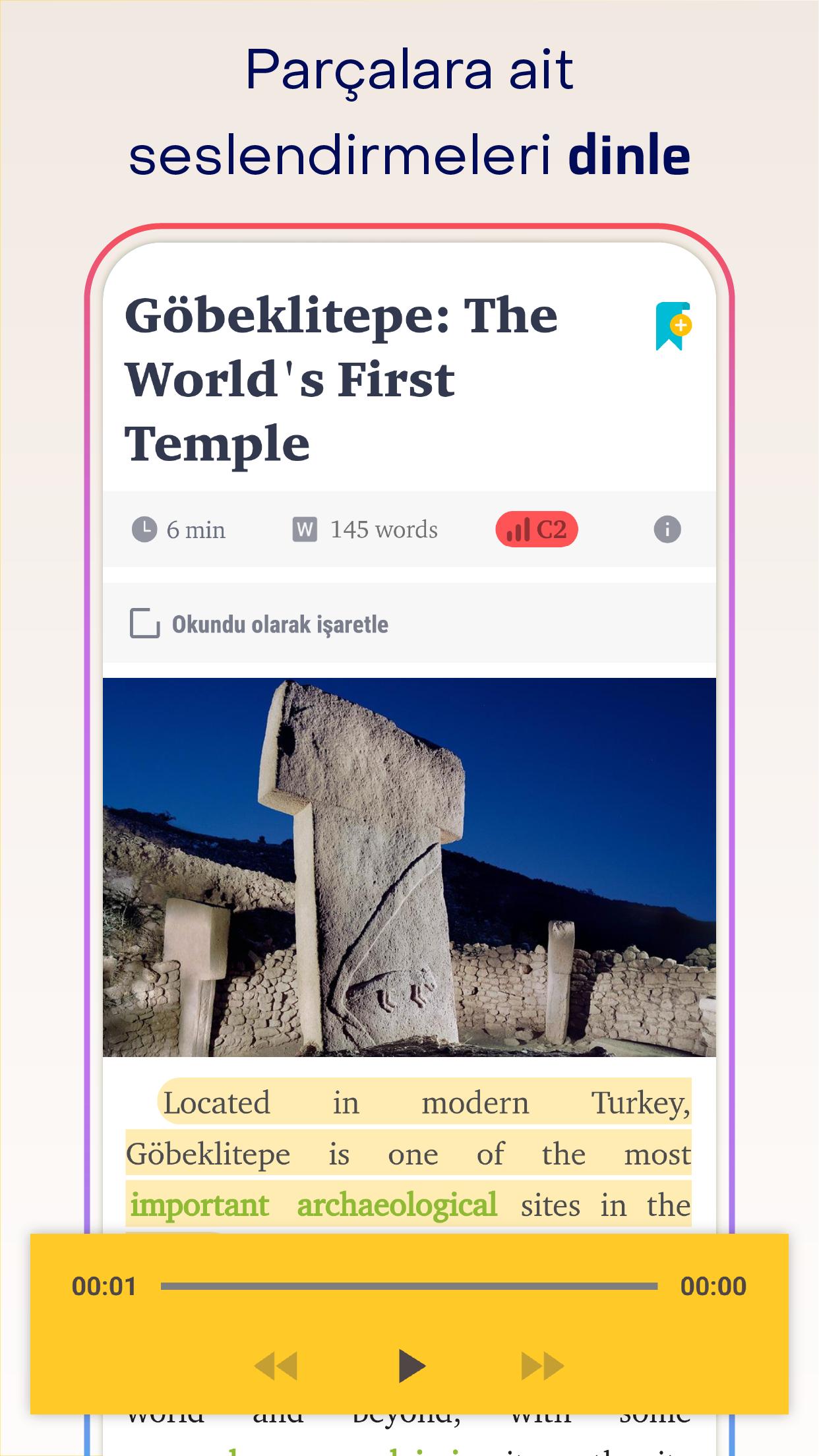
To succeed in academic language exams such as TOEFL and IELTS, you need to have the skill of understanding what you read. Reading Power regularly provides you with the reading texts you need to improve your reading comprehension ability.
🎯 By regularly reading the added reading texts at specific intervals, you can enhance your reading comprehension and increase your exam success.
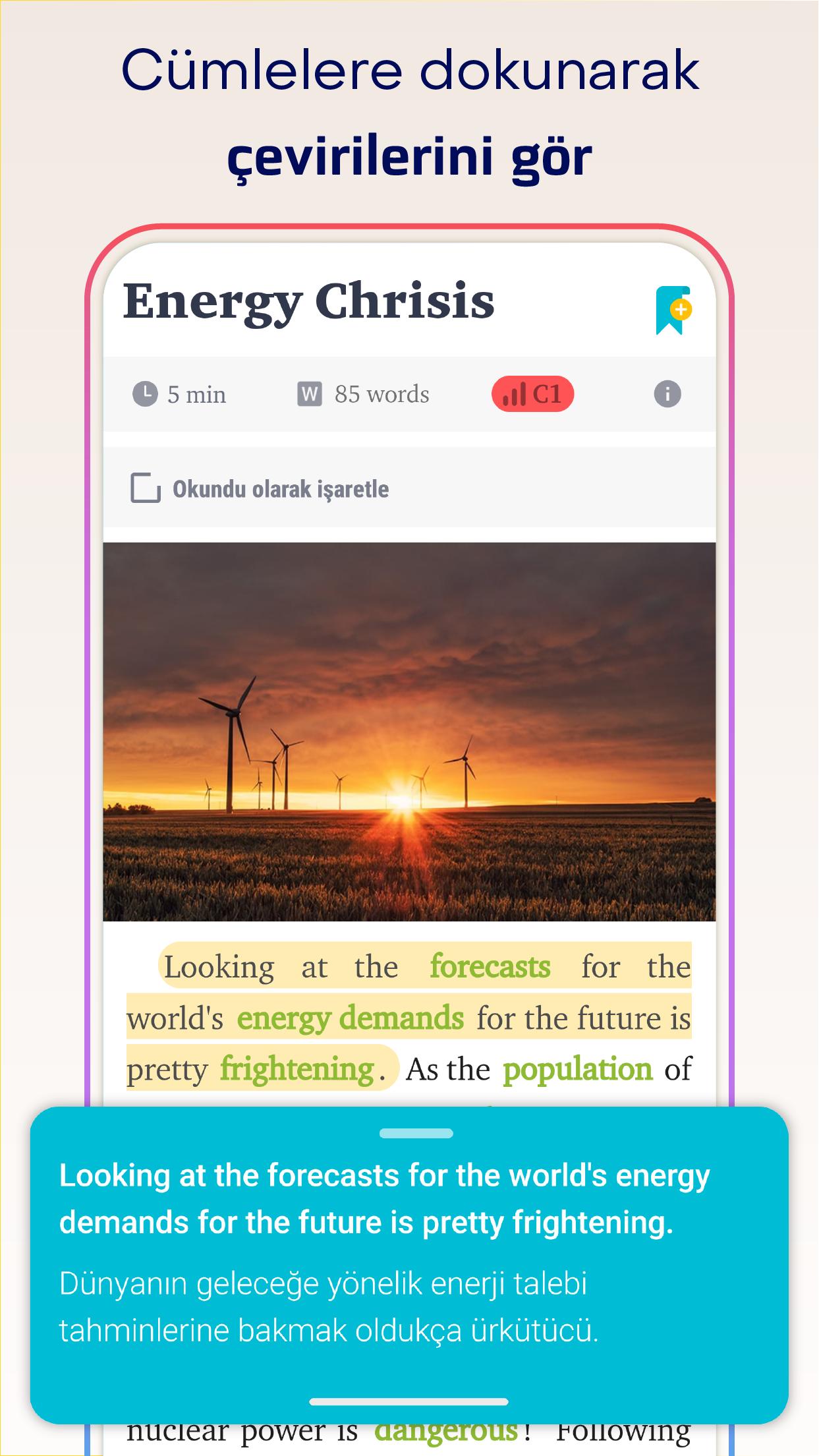
✅ See the translation of each sentence with a single touch
✅ Explore the contextual meanings of targeted academic words with a touch
✅ Test yourself with quizzes on targeted academic words
✅ Add the challenging words from the target list to a separate list
✅ Solve comprehension questions after reading
👍 From the creator of Vocab Builder, an app used by over 400,000 people for learning vocabulary. 🇹🇷
Preview
Tags
EducationInformation
Developer
Mustafa Dayanır
Latest Version
1.5.01
Last Updated
2024-10-30
Category
Education
Available on
Google Play
Show More
How to play ReadingPower: Reading Passages with GameLoop on PC
1. Download GameLoop from the official website, then run the exe file to install GameLoop
2. Open GameLoop and search for “ReadingPower: Reading Passages” , find ReadingPower: Reading Passages in the search results and click “Install”
3. Enjoy playing ReadingPower: Reading Passages on GameLoop
Minimum requirements
OS
Windows 8.1 64-bit or Windows 10 64-bit
GPU
GTX 1050
CPU
i3-8300
Memory
8GB RAM
Storage
1GB available space
Recommended requirements
OS
Windows 8.1 64-bit or Windows 10 64-bit
GPU
GTX 1050
CPU
i3-9320
Memory
16GB RAM
Storage
1GB available space