
PNBschool Anesthesia Blocks PC
PNBschool
Download PNBschool Anesthesia Blocks on PC With GameLoop Emulator
PNBschool Anesthesia Blocks sa PC
Ang PNBschool Anesthesia Blocks, na nagmumula sa developer na PNBschool, ay tumatakbo sa Android systerm sa nakaraan.
Ngayon, maaari mong laruin ang PNBschool Anesthesia Blocks sa PC gamit ang GameLoop nang maayos.
I-download ito sa GameLoop library o mga resulta ng paghahanap. Hindi na tumitingin sa baterya o nakakadismaya na mga tawag sa maling oras.
I-enjoy lang ang PNBschool Anesthesia Blocks PC sa malaking screen nang libre!
PNBschool Anesthesia Blocks Panimula
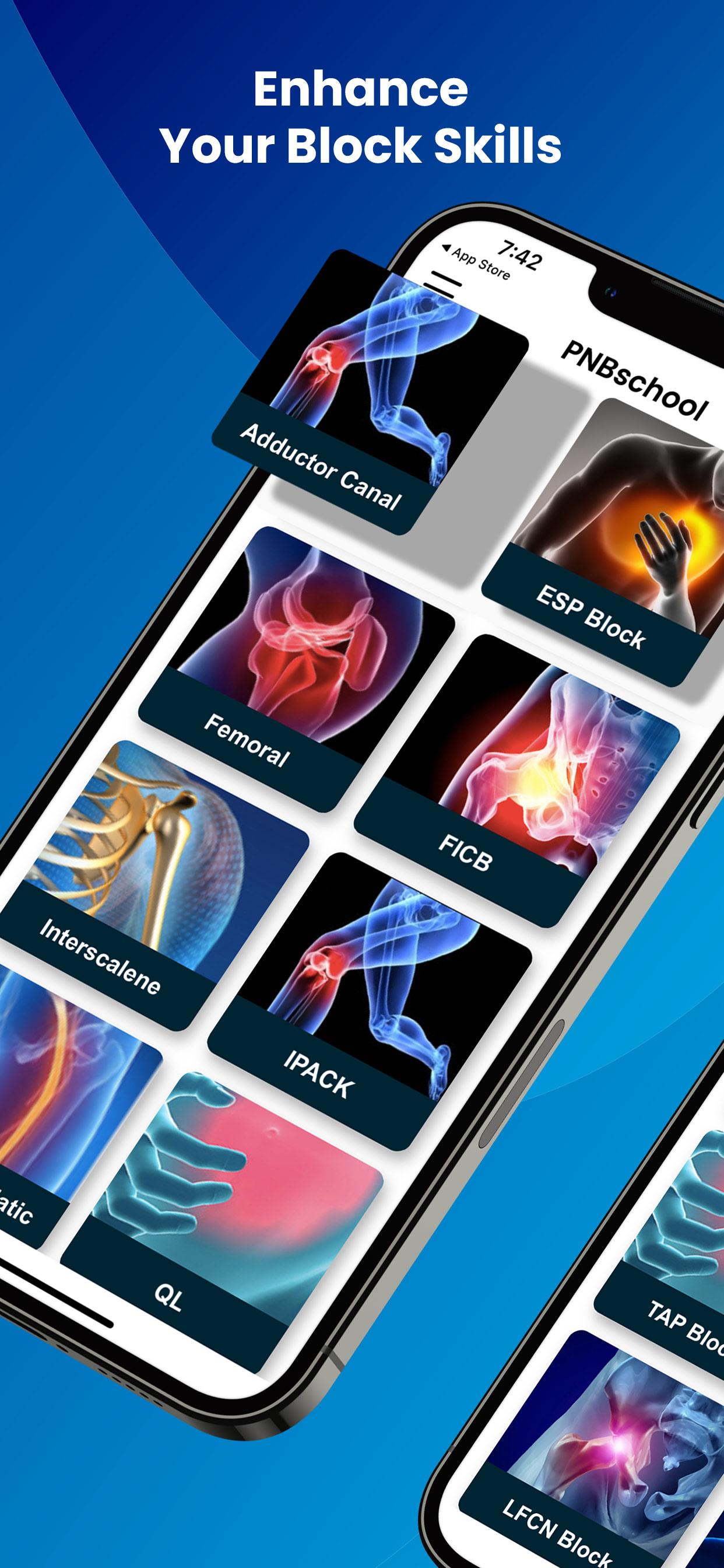
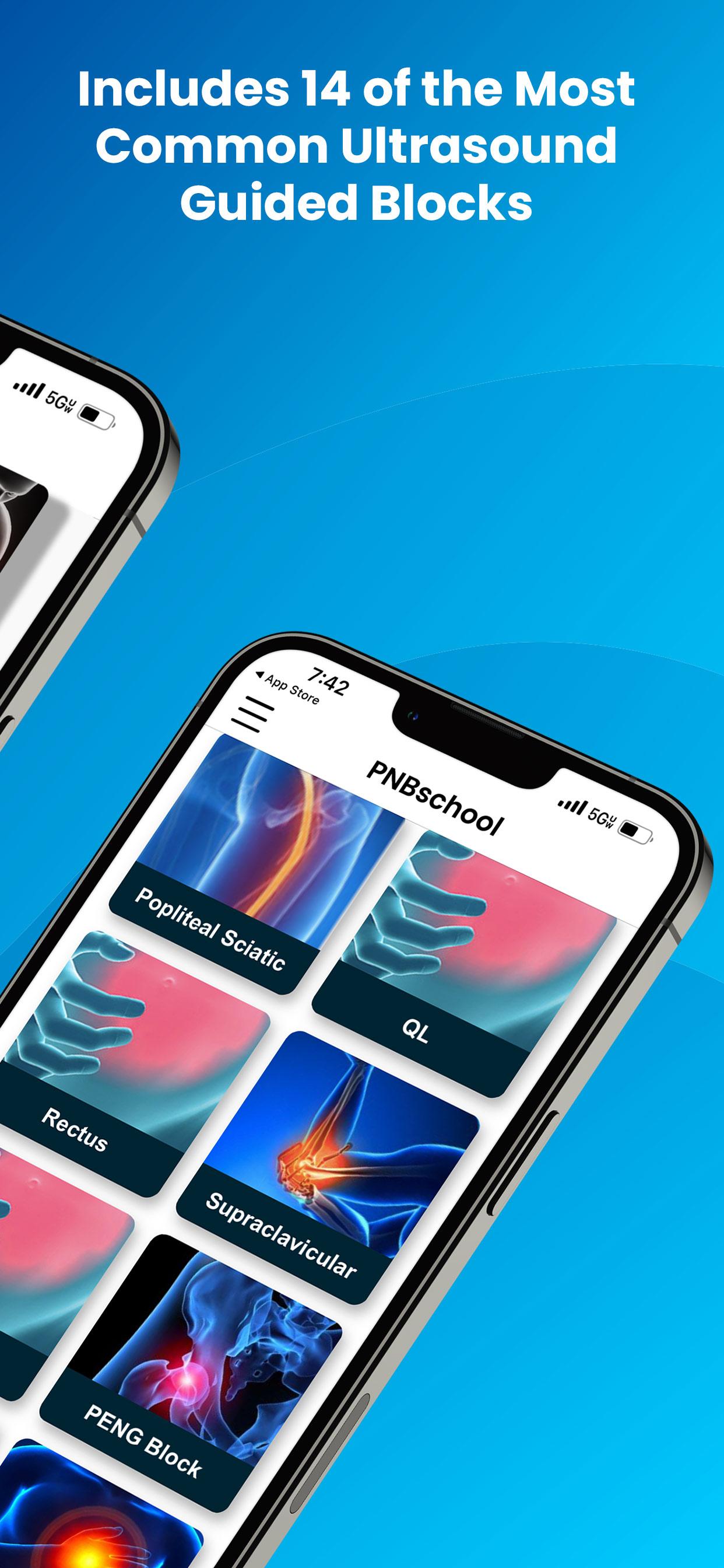
The PNBschool Anesthesia Blocks mobile application includes everything you need to quickly learn the latest ultrasound guided techniques. Whether you are adding new blocks to your anesthesia tool box or quickly reviewing a block on your way to seeing the patient this app has you covered. This app was developed to teach everyone quickly and simply. Imaged based learning to show you patient positioning, correct initial probe placement and labeled real life block videos showing exactly where to deposit the local anesthetic.
PNBschool Anesthesia Blocks includes:
• Patient positioning for each block
• Labeled images of important ultrasound anatomy
• Labeled real life block videos showing local anesthetic delivery
• Correct initial ulrasound probe placement
• Correct needle entry point and approach
• The preferred ultrasound probe for each block
• Recommended local anesthetic concentrations and volumes
• Procedure description for each block
The most common and useful Anesthesia Block Procedures including:
Adductor Canal Block, PENG Block, IPACK Block, Lateral Femoral Cutaneous Block, Fascia Iliaca Compartment Block, Interscalene Block, Supraclavicular Block, Popliteal Sciatic Block, Femoral Block, Erector Spinae Plane Block, Transverse Abdominal Plane (TAP) Block, Rectus Sheath Block, Quadratus Lumborum (QL) Block and PECS Block
Also included are ERAS protocols for Abdominal, Total Knee and Total Hip Surgery. These protocols are used everyday to optimize patient care, decrease length of stay and have provided hospital systems significant cost savings and increased patient satisfaction.
Privacy policy:
https://www.PNBschool.com/privacy-policy
Terms of Use:
https://www.PNBschool.com/termsofuse
All Rights Reserved PNBschool®
Preview
Tags
EducationInformation
Developer
PNBschool
Latest Version
2.0.52
Last Updated
2025-07-20
Category
Education
Available on
Google Play
Show More
How to play PNBschool Anesthesia Blocks with GameLoop on PC
1. Download GameLoop from the official website, then run the exe file to install GameLoop
2. Open GameLoop and search for “PNBschool Anesthesia Blocks” , find PNBschool Anesthesia Blocks in the search results and click “Install”
3. Enjoy playing PNBschool Anesthesia Blocks on GameLoop
Minimum requirements
OS
Windows 8.1 64-bit or Windows 10 64-bit
GPU
GTX 1050
CPU
i3-8300
Memory
8GB RAM
Storage
1GB available space
Recommended requirements
OS
Windows 8.1 64-bit or Windows 10 64-bit
GPU
GTX 1050
CPU
i3-9320
Memory
16GB RAM
Storage
1GB available space