
Plant identifier from photo PC
Perfect tools
Download Plant identifier from photo on PC With GameLoop Emulator
Plant identifier from photo sa PC
Ang Plant identifier from photo, na nagmumula sa developer na Perfect tools, ay tumatakbo sa Android systerm sa nakaraan.
Ngayon, maaari mong laruin ang Plant identifier from photo sa PC gamit ang GameLoop nang maayos.
I-download ito sa GameLoop library o mga resulta ng paghahanap. Hindi na tumitingin sa baterya o nakakadismaya na mga tawag sa maling oras.
I-enjoy lang ang Plant identifier from photo PC sa malaking screen nang libre!
Plant identifier from photo Panimula
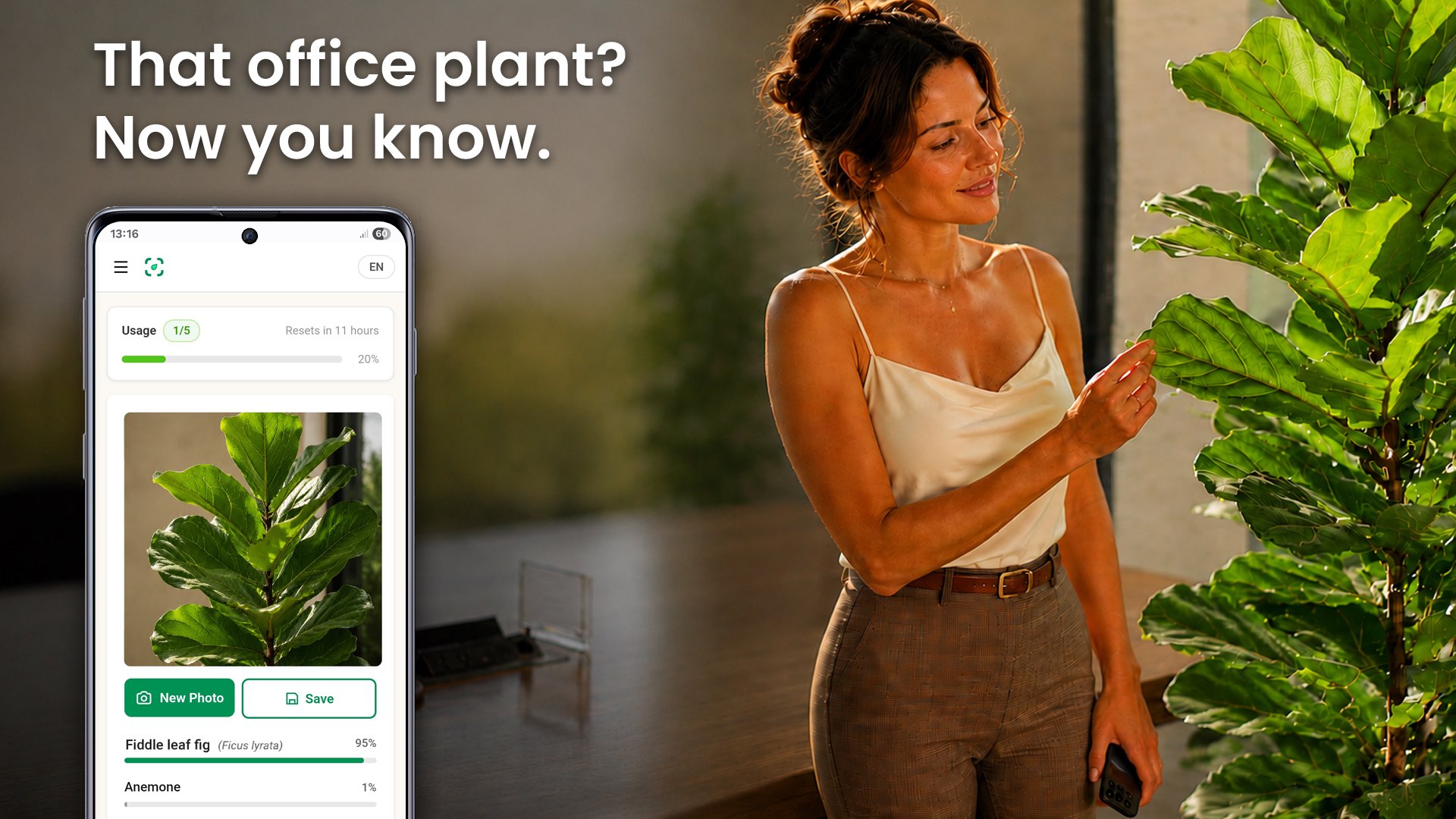
Point your camera at any plant and find out what it is in seconds. Plant identification has never been simpler: aim at a flower, tree, leaf, or fruit and let the app name it for you. It recognizes flowers, trees, leaves, fruit, succulents, cacti, houseplants, and mushrooms - just snap a picture or pick one from your gallery.
Works offline:
Name a plant on a trail, in a garden, or anywhere with no signal - even in airplane mode.
Free to use:
A free plant identifier - no subscription required to get started. Open the app and name your first plant right away.
How it works:
1. Tap the camera and photograph the plant, or choose an existing photo.
2. Crop in on the part that matters - a clear flower, leaf, or fruit gives the best result.
3. Get the plant's name in seconds, with a sense of how sure the match is.
Tips for a sharp result:
- Fill the frame with a single plant and keep it in focus.
- For flowering plants, aim at the bloom.
- If a result looks off, move closer to the leaves or fruit and try again.
Built for everyone:
Whether you are a gardener, a hiker, a student, curious about the flower you passed on a walk, or just want to name the houseplants around your home or office, the app turns a quick photo into the plant's name - simple enough for anyone and quick enough to check on the spot.
Save what you find:
Every identification is kept in your gallery with its name, confidence, and date, so you can build your own collection of the plants you have discovered.
Results are AI-generated and meant for learning and curiosity. Always confirm with an expert before relying on a plant for any practical use.
Support:
Could not identify a plant? We are glad to help - email us and attach the photo.
Preview

Tags
EducationInformation
Developer
Perfect tools
Latest Version
1.0.25
Last Updated
2026-05-28
Category
Education
Available on
Google Play
Show More
How to play Plant identifier from photo with GameLoop on PC
1. Download GameLoop from the official website, then run the exe file to install GameLoop
2. Open GameLoop and search for “Plant identifier from photo” , find Plant identifier from photo in the search results and click “Install”
3. Enjoy playing Plant identifier from photo on GameLoop
Minimum requirements
OS
Windows 8.1 64-bit or Windows 10 64-bit
GPU
GTX 1050
CPU
i3-8300
Memory
8GB RAM
Storage
1GB available space
Recommended requirements
OS
Windows 8.1 64-bit or Windows 10 64-bit
GPU
GTX 1050
CPU
i3-9320
Memory
16GB RAM
Storage
1GB available space