
Pseudocode, PSeInt, Visualg PC
Diego Velásquez
Download Pseudocode, PSeInt, Visualg on PC With GameLoop Emulator
Pseudocode, PSeInt, Visualg sa PC
Ang Pseudocode, PSeInt, Visualg, na nagmumula sa developer na Diego Velásquez, ay tumatakbo sa Android systerm sa nakaraan.
Ngayon, maaari mong laruin ang Pseudocode, PSeInt, Visualg sa PC gamit ang GameLoop nang maayos.
I-download ito sa GameLoop library o mga resulta ng paghahanap. Hindi na tumitingin sa baterya o nakakadismaya na mga tawag sa maling oras.
I-enjoy lang ang Pseudocode, PSeInt, Visualg PC sa malaking screen nang libre!
Pseudocode, PSeInt, Visualg Panimula
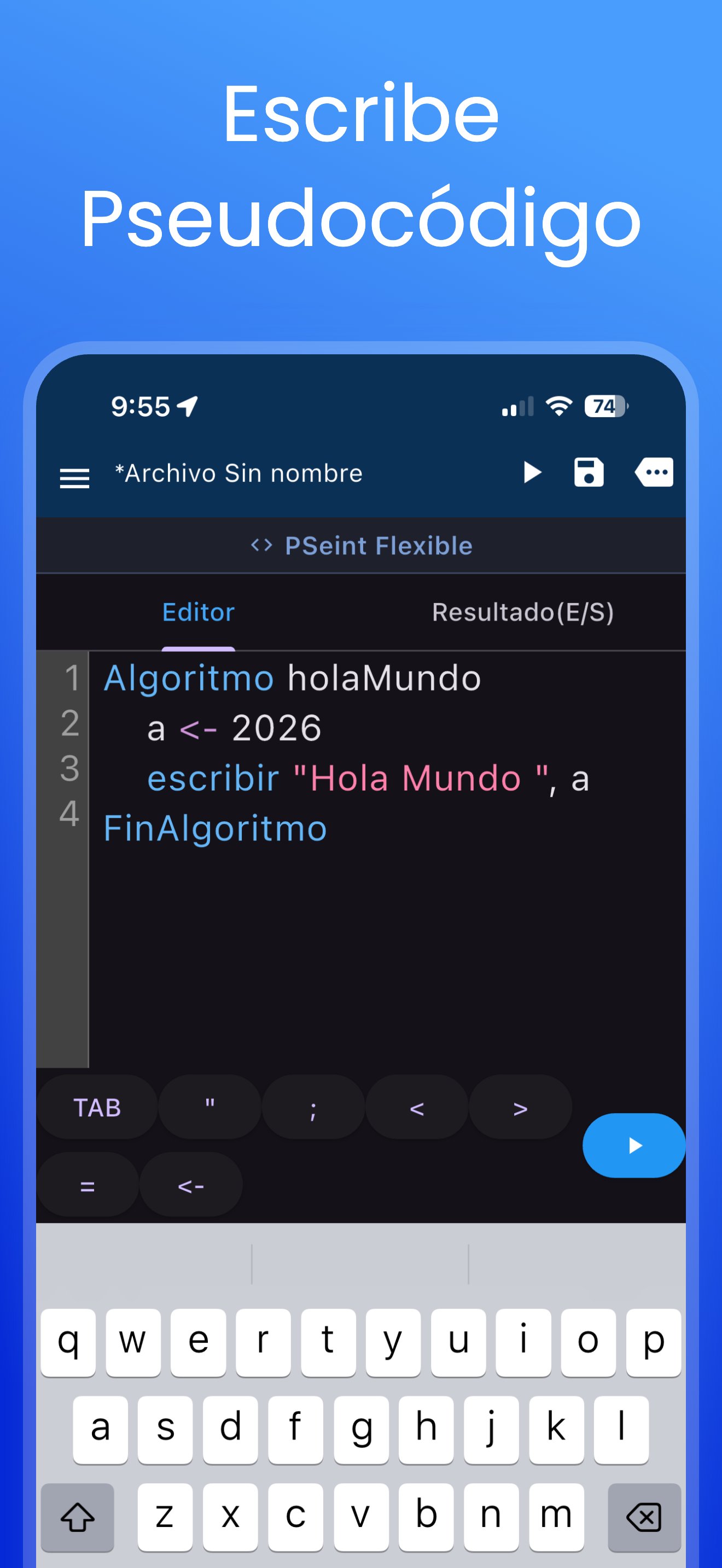
Pseudocode is the ultimate application for learning algorithms and programming logic. It is the perfect tool for students and beginners starting their journey into the world of coding.
This app uses the widely known pseudolanguage standards of PSeInt (Spanish), Visualg (Portuguese) and AP CSP (English)., making it easy to understand control structures without complex syntax.
Key Update - Interpreter Modes: Now featuring 3 specific interpretation modes for your learning style:
PSeInt Flexible: For a more relaxed coding experience.
PSeInt Strict: To enforce logical discipline.
VisualG: Optimized for Portuguese syntax.
AP CSP: Optimized for English syntax.
Main Features:
Code Editor: Features line numbering and syntax highlighting.
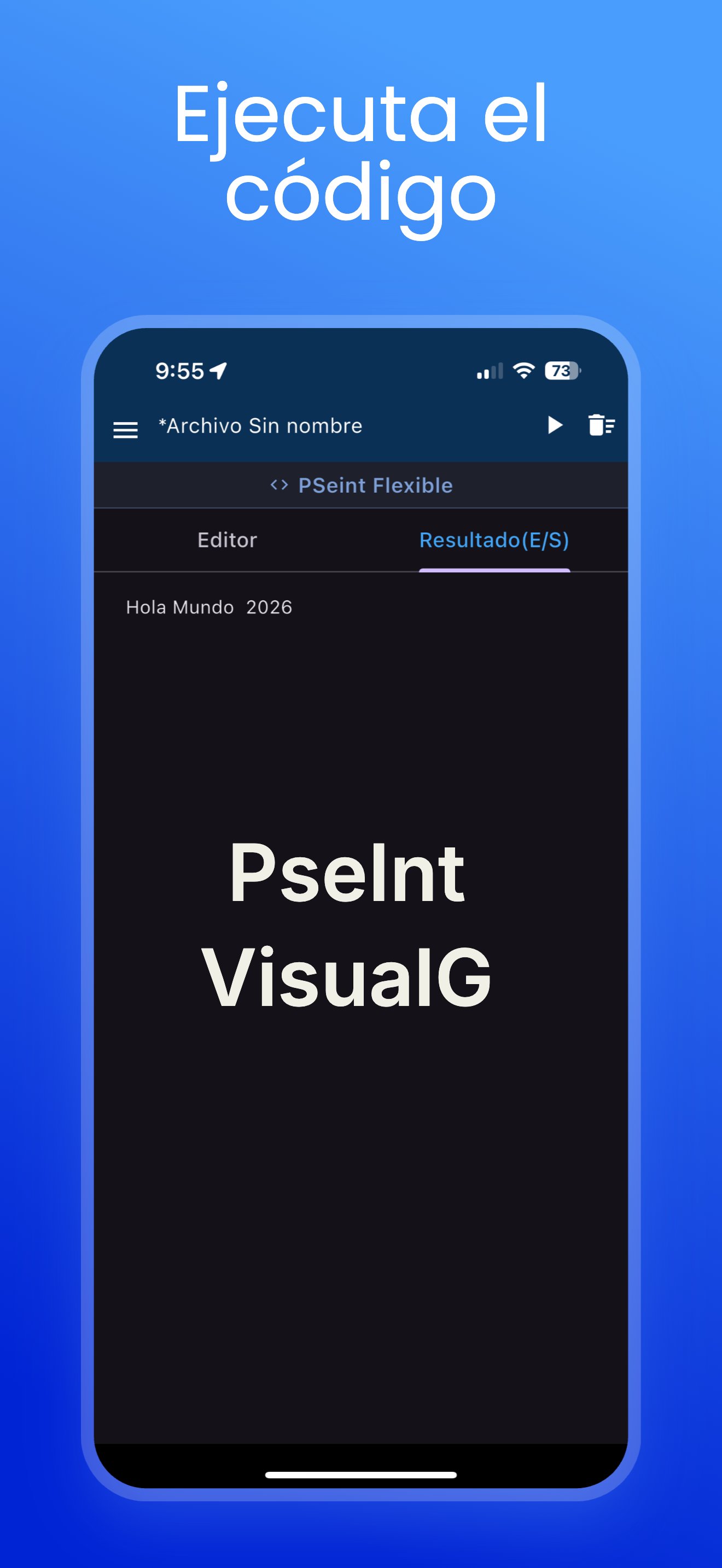
Offline Interpreter: Compile and run your algorithms anywhere, no internet required.
Real-time Data Input: Interact seamlessly with your code execution.
Shortcut Toolbar: Quick access to basic coding symbols.
Learning Resources: Includes a Syntax Tutorial and practical examples to edit and play with.
File Management: Open and save your algorithms to external storage.
Community Hub: Share your algorithms, search for code, vote for your favorites, and climb the Ranking.
Multi-language Support: App interface available in English, Spanish, and Portuguese.
Have questions or suggestions? Feel free to email me or follow me on social media: @diegoveloper
Preview
Tags
EducationInformation
Developer
Diego Velásquez
Latest Version
3.0.31
Last Updated
2026-04-17
Category
Education
Available on
Google Play
Show More
How to play Pseudocode, PSeInt, Visualg with GameLoop on PC
1. Download GameLoop from the official website, then run the exe file to install GameLoop
2. Open GameLoop and search for “Pseudocode, PSeInt, Visualg” , find Pseudocode, PSeInt, Visualg in the search results and click “Install”
3. Enjoy playing Pseudocode, PSeInt, Visualg on GameLoop
Minimum requirements
OS
Windows 8.1 64-bit or Windows 10 64-bit
GPU
GTX 1050
CPU
i3-8300
Memory
8GB RAM
Storage
1GB available space
Recommended requirements
OS
Windows 8.1 64-bit or Windows 10 64-bit
GPU
GTX 1050
CPU
i3-9320
Memory
16GB RAM
Storage
1GB available space