
Extramarks Parent App PC
Extramarks Education
Download Extramarks Parent App on PC With GameLoop Emulator
Extramarks Parent App sa PC
Ang Extramarks Parent App, na nagmumula sa developer na Extramarks Education, ay tumatakbo sa Android systerm sa nakaraan.
Ngayon, maaari mong laruin ang Extramarks Parent App sa PC gamit ang GameLoop nang maayos.
I-download ito sa GameLoop library o mga resulta ng paghahanap. Hindi na tumitingin sa baterya o nakakadismaya na mga tawag sa maling oras.
I-enjoy lang ang Extramarks Parent App PC sa malaking screen nang libre!
Extramarks Parent App Panimula
Are you a parent struggling to keep up with your child's academic progress?
The Extramarks Parent App is a one-stop solution that gives you real-time updates and analysis so you can understand how well your child is doing in each subject. With the Parent App, you can see how your child is spending their learning time, what areas they are struggling in, and what areas they excel in.
We have created a Parent app specially designed according to schools, teachers and parents' needs with an easy-to-use interface filled with heaps of features.
The Parent App connects module and strengthens the relationship among parents, teachers, and students through effective communication via different mediums.
Key Features of the Parent App?
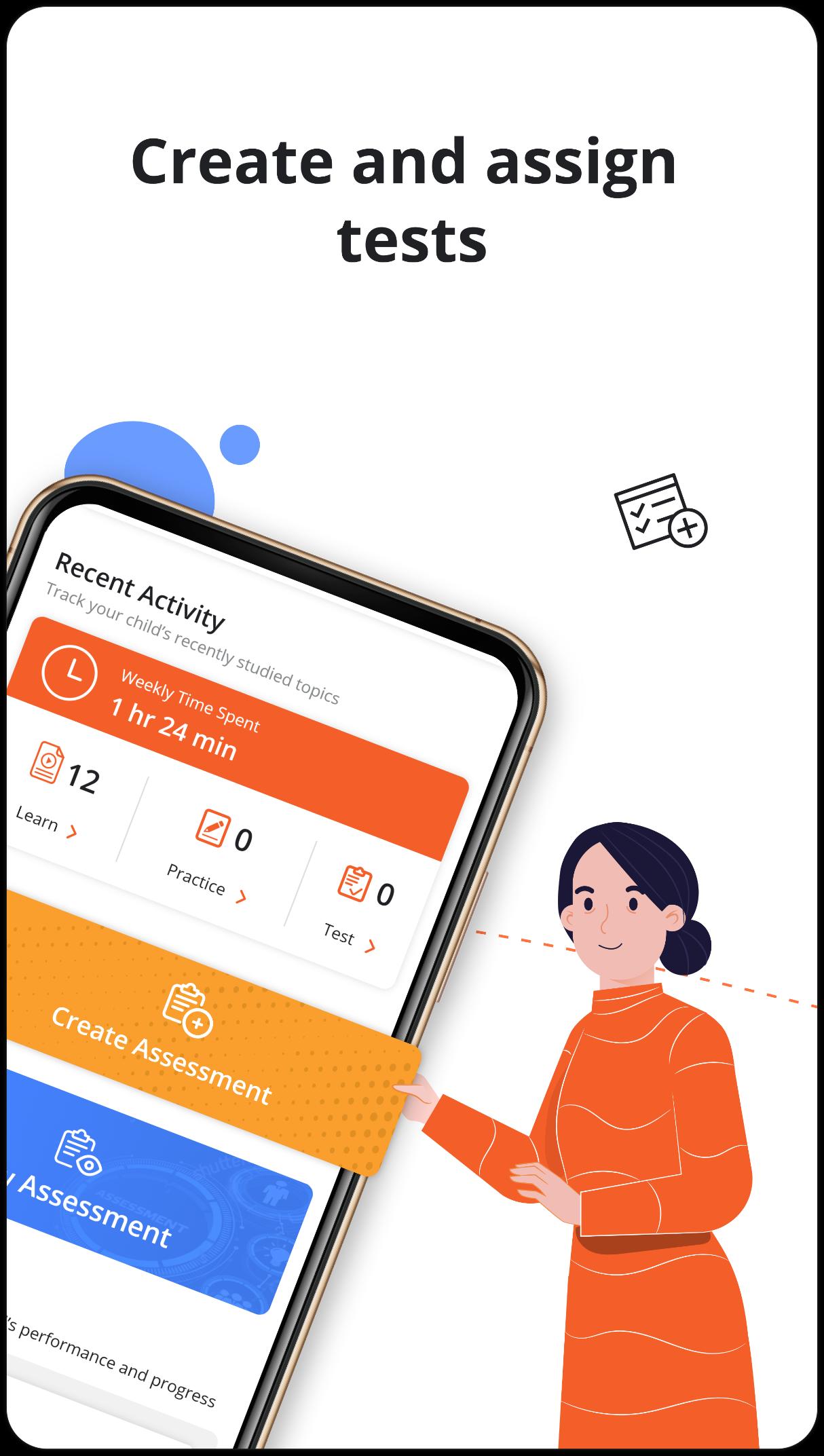
✔️Create and assign customised tests to your child and track results
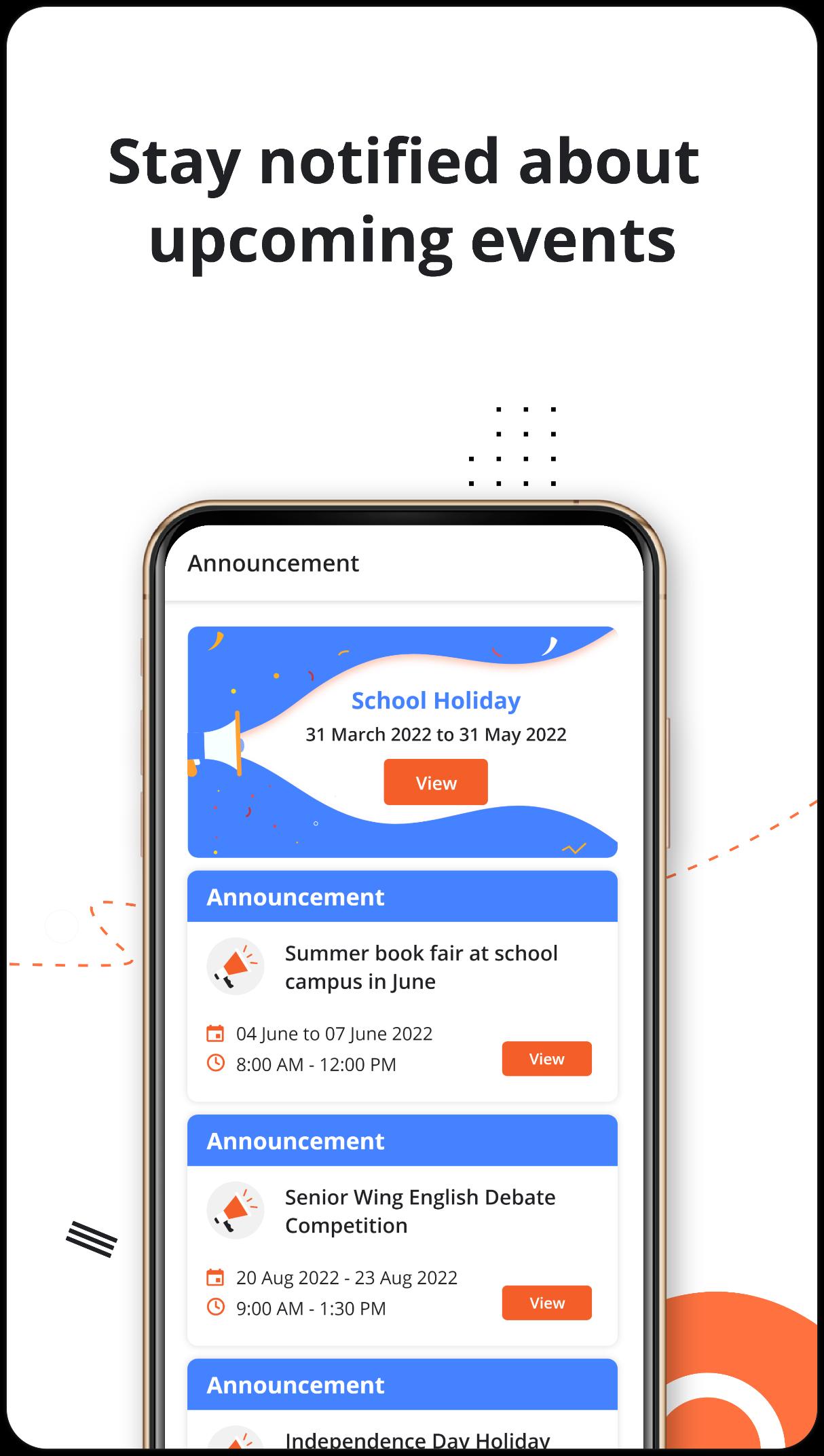
✔️Get notifications about new and upcoming events from schools/teachers
✔️Quickly remind your child of upcoming classes, tests, homework, and more
✔️Analyse your child's strengths, weaknesses, and level of understanding
✔️Stay informed of your child's recent activity and learning progress
✔️Track your child’s performance and get actionable insights
✔️Information on Academics, Activities and Attendance in one touch
✔️Alerts and notifications
Keeping up with your child's activity on the parent app will help you understand how they' re spending their time, what they' re accomplishing, and where you need to guide them for better learning outcomes. You can also stay up to date on offers and packages that can help your child at key points in their studies.
Being a stranger to your child's progress can really put a damper on things. Instead, get to know everything in a real-time, data-driven manner so that you can act as the guide and motivator your child needs at each step.
Parent App helps to Track Children's Progress, Homework, Attendance, Activities etc.
Why Extramarks parent app?
⭐️Homework & Assignments
⭐️Attendance & Leave
⭐️Calendar
⭐️Notifications
⭐️Exam Test Report
By using this Parent app, schools can provide a more consistent, effective, and reliable way to facilitate higher engagement and better communication between schools and parents.
What you can do with the Parent App?
✔️Easy Track of Student Performance, Real-time interaction with parents etc.
✔️Attendance
✔️Calendar
✔️Receive Notifications
✔️Create and Assign Test
✔️View recent activities by students on Extramarks Learning App
✔️Get insights on Student performance
✔️Know about student's strong and weak subjects
Extramarks parent app is a secure and easy-to-use communication platform that empowers teachers, students, and parents to communicate effectively for student success.
Install the Extramarks Parent App now and become a partner in your child’s journey to academic excellence!
Preview
Tags
EducationInformation
Developer
Extramarks Education
Latest Version
1.0.0.9
Last Updated
2021-11-11
Category
Education
Available on
Google Play
Show More
How to play Extramarks Parent App with GameLoop on PC
1. Download GameLoop from the official website, then run the exe file to install GameLoop
2. Open GameLoop and search for “Extramarks Parent App” , find Extramarks Parent App in the search results and click “Install”
3. Enjoy playing Extramarks Parent App on GameLoop
Minimum requirements
OS
Windows 8.1 64-bit or Windows 10 64-bit
GPU
GTX 1050
CPU
i3-8300
Memory
8GB RAM
Storage
1GB available space
Recommended requirements
OS
Windows 8.1 64-bit or Windows 10 64-bit
GPU
GTX 1050
CPU
i3-9320
Memory
16GB RAM
Storage
1GB available space