
LSF PC
Accrosoft Limited
Download LSF on PC With GameLoop Emulator
LSF sa PC
Ang LSF, na nagmumula sa developer na Accrosoft Limited, ay tumatakbo sa Android systerm sa nakaraan.
Ngayon, maaari mong laruin ang LSF sa PC gamit ang GameLoop nang maayos.
I-download ito sa GameLoop library o mga resulta ng paghahanap. Hindi na tumitingin sa baterya o nakakadismaya na mga tawag sa maling oras.
I-enjoy lang ang LSF PC sa malaking screen nang libre!
LSF Panimula
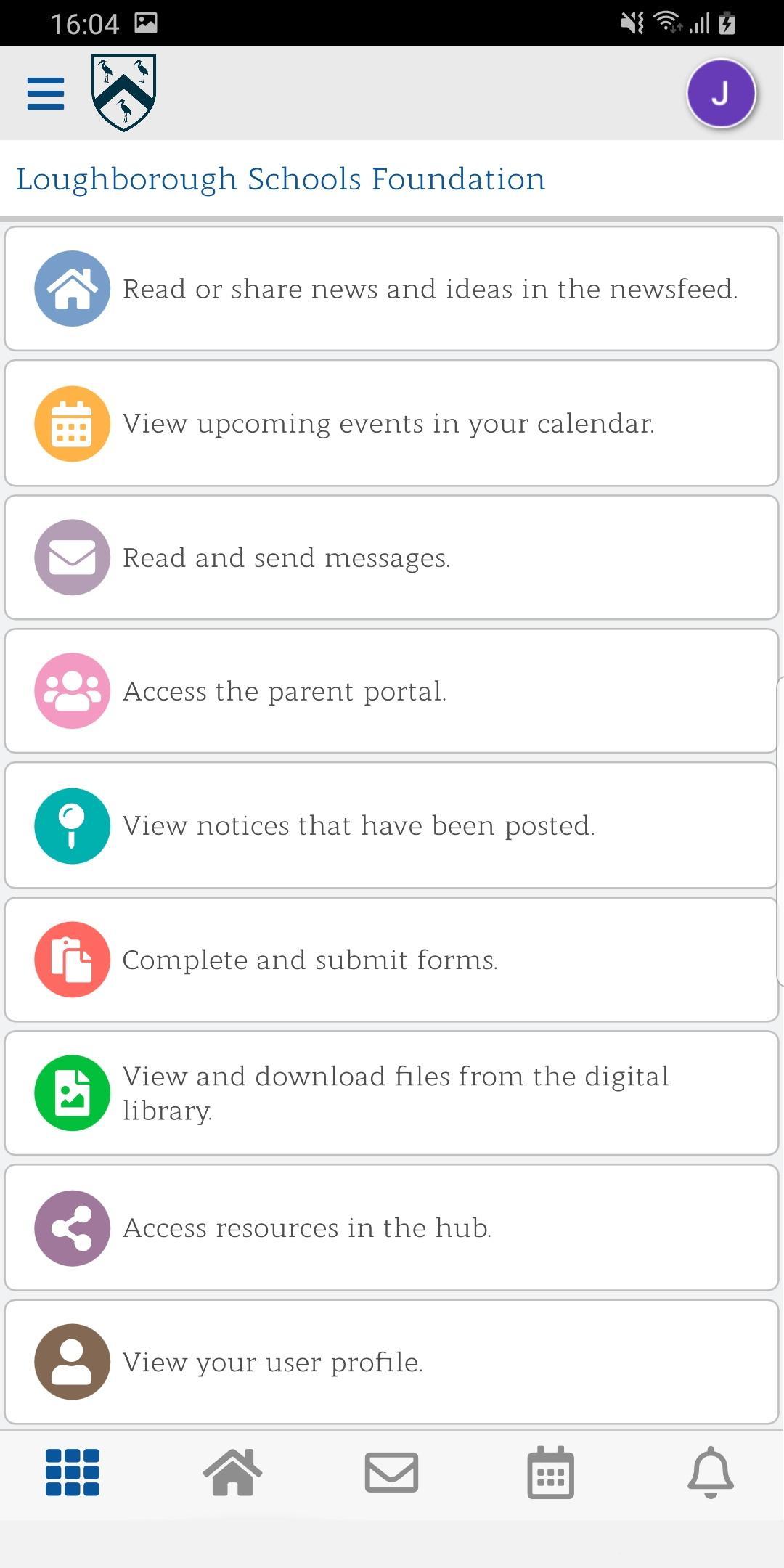
The Loughborough Schools Foundation app is for parents and staff of the four Schools and the Nursery, to enhance communication and provide parents with an insight into School activities.
Never miss a moment of your child's learning journey, or a School announcement with our innovative, whole School communication platform. The app enables effortless, seamless and continuous communication for both School staff and parents and with the app’s slick and easy connectivity to your School, all you need to get started is a username and password (details provided by the School).
The app offers you the ability to;
• View messages for personalised communication about your child or class
• Receive push notifications and in-app messages from your School
• Keep up to date with your own, private and personalised newsfeed
• Clear and visible notice updates for important School events
• Digitalise all of your paper based communication
Becoming more in-tune with your child’s education has never been easier. Download the app today to start communicating effortlessly with your child’s school.
Registration:
To use the Loughborough Schools Foundation app you will need an account that will be provided by your School. Please contact your School for further information.
Preview
Tags
EducationInformation
Developer
Accrosoft Limited
Latest Version
7.186.0
Last Updated
2023-01-06
Category
Education
Available on
Google Play
Show More
How to play LSF with GameLoop on PC
1. Download GameLoop from the official website, then run the exe file to install GameLoop
2. Open GameLoop and search for “LSF” , find LSF in the search results and click “Install”
3. Enjoy playing LSF on GameLoop
Minimum requirements
OS
Windows 8.1 64-bit or Windows 10 64-bit
GPU
GTX 1050
CPU
i3-8300
Memory
8GB RAM
Storage
1GB available space
Recommended requirements
OS
Windows 8.1 64-bit or Windows 10 64-bit
GPU
GTX 1050
CPU
i3-9320
Memory
16GB RAM
Storage
1GB available space