
LET'S GO Course Book PC
(주)천재교육
Download LET'S GO Course Book on PC With GameLoop Emulator
LET'S GO Course Book sa PC
Ang LET'S GO Course Book, na nagmumula sa developer na (주)천재교육, ay tumatakbo sa Android systerm sa nakaraan.
Ngayon, maaari mong laruin ang LET'S GO Course Book sa PC gamit ang GameLoop nang maayos.
I-download ito sa GameLoop library o mga resulta ng paghahanap. Hindi na tumitingin sa baterya o nakakadismaya na mga tawag sa maling oras.
I-enjoy lang ang LET'S GO Course Book PC sa malaking screen nang libre!
LET'S GO Course Book Panimula
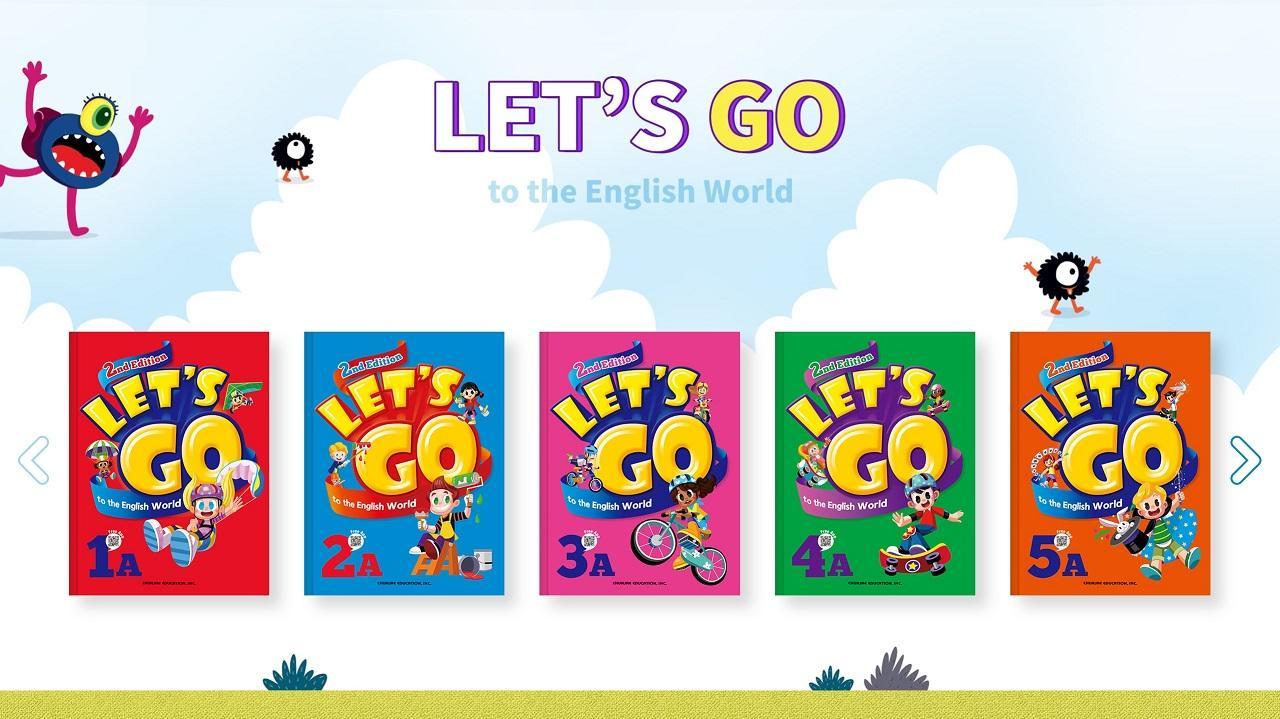
The LET'S GO to the English World App is an application that can be used with 15 textbooks!
The LET'S GO Coursebook App offers a variety of learning options.
① Textbook MP3s
② Animated Videos (Word Chant, Song, Mini Talk, Story)
③ Vocabulary Flashcards
③ Activities (Word Quiz, Find the Sentence, Make Sentences)
■ LET'S GO Coursebook Textbook Features ■
A total of 15 books (Levels 1-5, each comprised of Books A, B, and C)
1. Aligned with the Elementary English Curriculum
Learn essential expressions and vocabulary for elementary school, as well as textbooks,
improving both English proficiency and academic success.
2. Spiral Learning System
The coursebook provides easy-to-understand and natural English review.
3. Implementing a method perfectly suited to coaching classes
Through speaking and writing activities,
it is ideal for coaching classes that combine teacher guidance with self-directed learning.
4. Maximize learning effectiveness through step-by-step reading reinforcement.
• Level 1: Reading sentences linked to other subjects, focusing on vocabulary categories + phonics review.
• Levels 2-3: Story linked to core expressions + phonics review.
• Levels 4-5: Reading linked to core expressions + pattern grammar + Reading Plus.
5. Provide wordbooks and workbooks as booklets.
• Learn vocabulary and basic sentence patterns with the wordbook.
• Use the student book for lessons.
• Use the workbook for review and the writing section for developing a sense of English word order.
Preview
Tags
EducationInformation
Developer
(주)천재교육
Latest Version
1.0.5
Last Updated
2025-10-14
Category
Education
Available on
Google Play
Show More
How to play LET'S GO Course Book with GameLoop on PC
1. Download GameLoop from the official website, then run the exe file to install GameLoop
2. Open GameLoop and search for “LET'S GO Course Book” , find LET'S GO Course Book in the search results and click “Install”
3. Enjoy playing LET'S GO Course Book on GameLoop
Minimum requirements
OS
Windows 8.1 64-bit or Windows 10 64-bit
GPU
GTX 1050
CPU
i3-8300
Memory
8GB RAM
Storage
1GB available space
Recommended requirements
OS
Windows 8.1 64-bit or Windows 10 64-bit
GPU
GTX 1050
CPU
i3-9320
Memory
16GB RAM
Storage
1GB available space