
Learning with SIPO PC
Sumita Arora Integrated Learning
Download Learning with SIPO on PC With GameLoop Emulator
Learning with SIPO sa PC
Ang Learning with SIPO, na nagmumula sa developer na Sumita Arora Integrated Learning, ay tumatakbo sa Android systerm sa nakaraan.
Ngayon, maaari mong laruin ang Learning with SIPO sa PC gamit ang GameLoop nang maayos.
I-download ito sa GameLoop library o mga resulta ng paghahanap. Hindi na tumitingin sa baterya o nakakadismaya na mga tawag sa maling oras.
I-enjoy lang ang Learning with SIPO PC sa malaking screen nang libre!
Learning with SIPO Panimula
While studying from technical books such as Computer Science text books, you often encounter situations where you want detailed illustrations, animations, videos, examples, and so forth, describing the concept.Printed books, especially the syllabus based books have some limits on the coverage and examples etc.
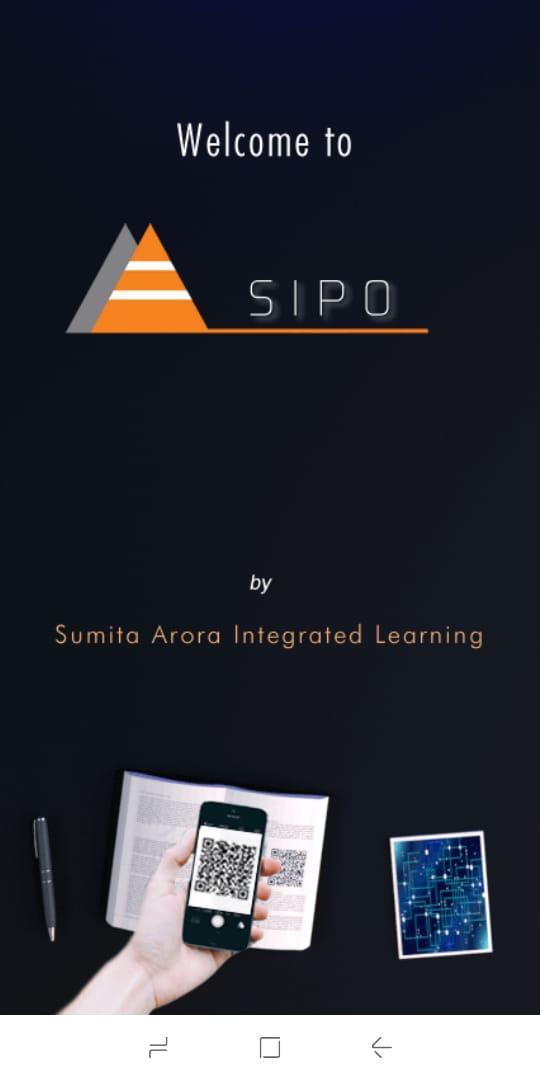
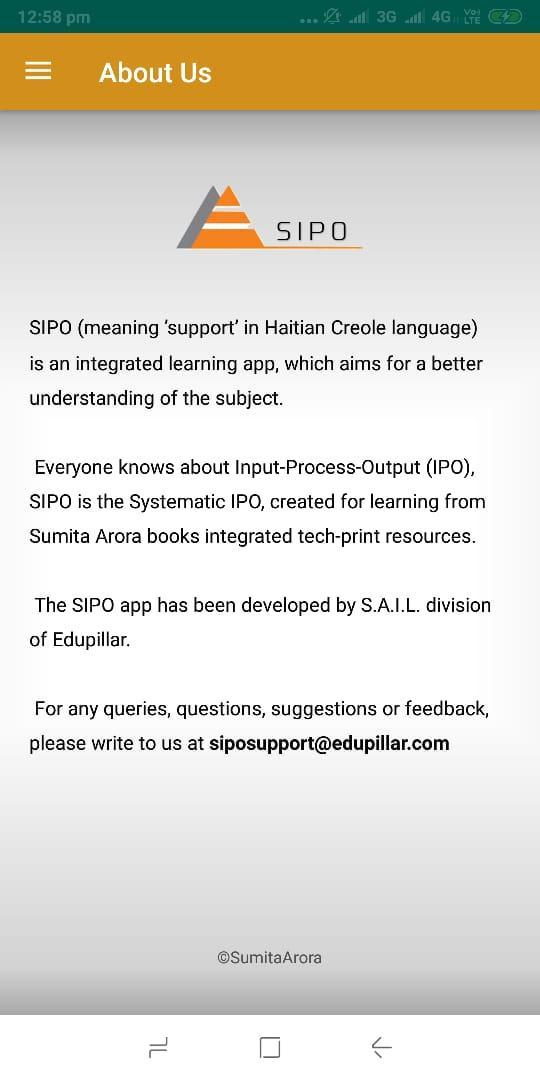
The SIPO app, by ‘Sumita Arora Integrated Learning’ division of Edupillar, comes here to fill the gap.With SIPO, you can get access to linked learning resources (animations/videos/images/illustrations) with the books written by Sumita Arora.
In a SIPO linked book, you will find a QR code next to a topic/concept or Assignment. All you need to do is to scan the QR code with the SIPO app and you will have instant access to the linked learning resource, which may be a video or animation or an illustration/image or simple text-based assignment solution.
The app SIPO intends to bridge the gaps in your learning. The SIPO app is currently linked to Computer Science books written by Sumita Arora.
New resources and new books will get added to SIPO from time to time.
Preview
Information
Developer
Sumita Arora Integrated Learning
Latest Version
15.2
Last Updated
2019-08-17
Category
Education
Available on
Google Play
Show More
How to play Learning with SIPO with GameLoop on PC
1. Download GameLoop from the official website, then run the exe file to install GameLoop
2. Open GameLoop and search for “Learning with SIPO” , find Learning with SIPO in the search results and click “Install”
3. Enjoy playing Learning with SIPO on GameLoop
Minimum requirements
OS
Windows 8.1 64-bit or Windows 10 64-bit
GPU
GTX 1050
CPU
i3-8300
Memory
8GB RAM
Storage
1GB available space
Recommended requirements
OS
Windows 8.1 64-bit or Windows 10 64-bit
GPU
GTX 1050
CPU
i3-9320
Memory
16GB RAM
Storage
1GB available space