
LDict - English Dictionary PC
mocvien.com
Download LDict - English Dictionary on PC With GameLoop Emulator
LDict - English Dictionary sa PC
Ang LDict - English Dictionary, na nagmumula sa developer na mocvien.com, ay tumatakbo sa Android systerm sa nakaraan.
Ngayon, maaari mong laruin ang LDict - English Dictionary sa PC gamit ang GameLoop nang maayos.
I-download ito sa GameLoop library o mga resulta ng paghahanap. Hindi na tumitingin sa baterya o nakakadismaya na mga tawag sa maling oras.
I-enjoy lang ang LDict - English Dictionary PC sa malaking screen nang libre!
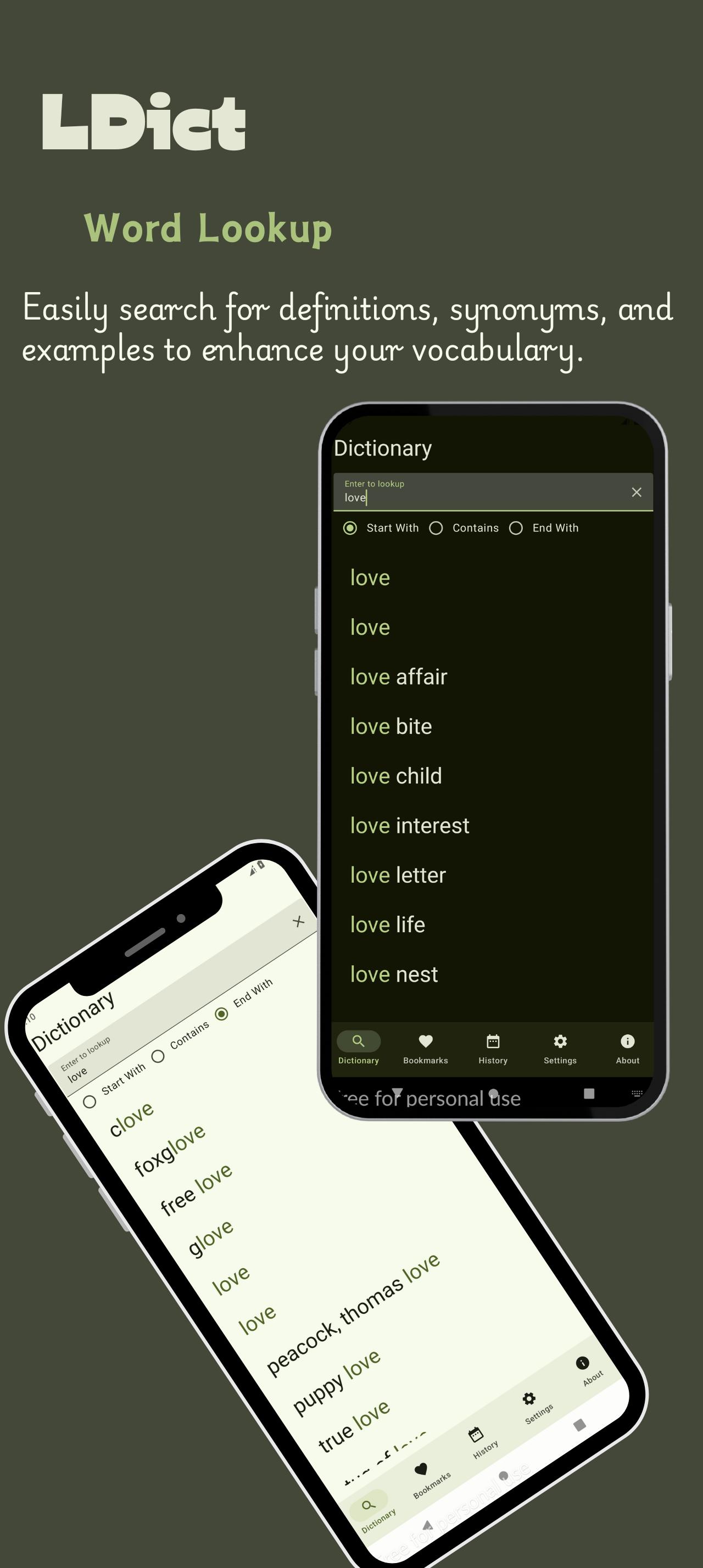
LDict - English Dictionary Panimula
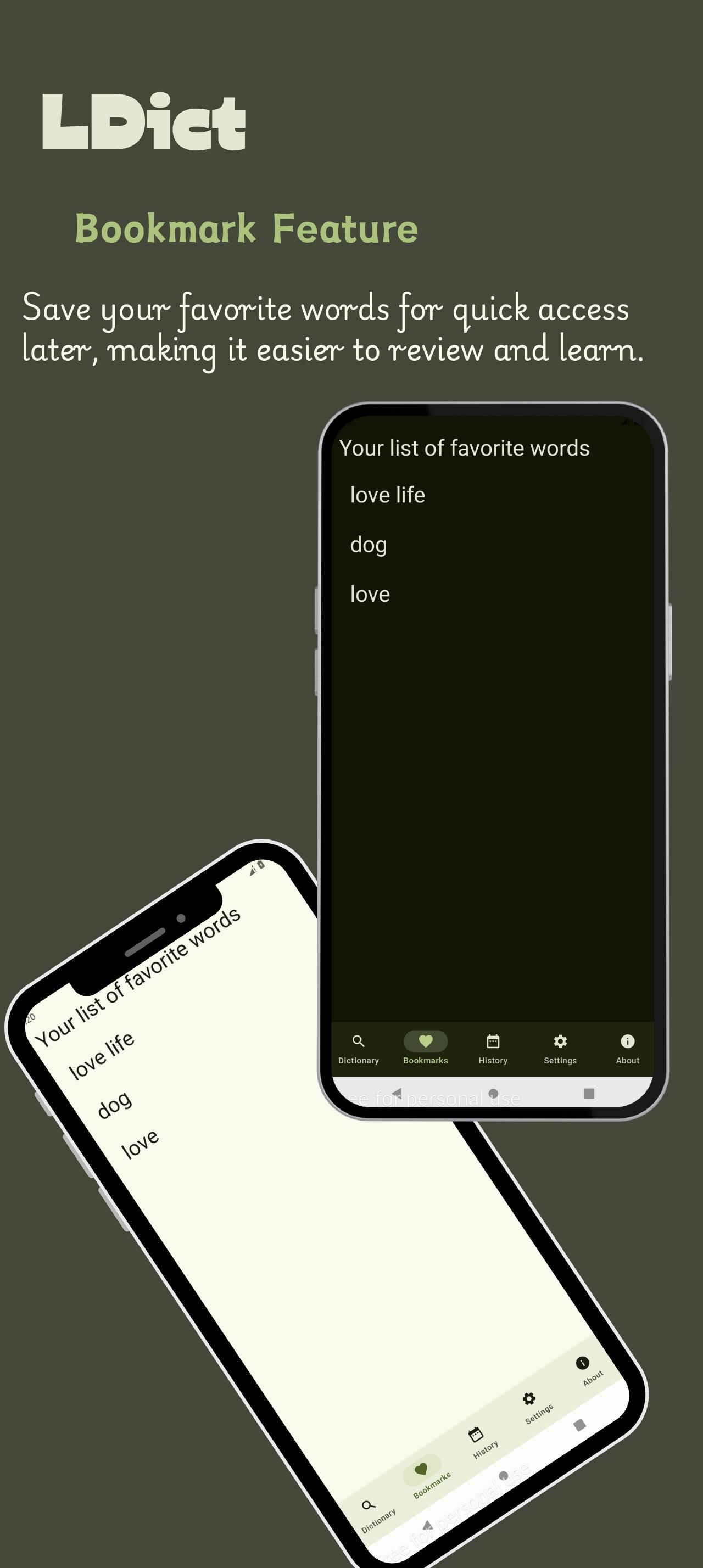
Bookmark Feature: Save your favorite words for quick access later, making it easier to review and learn.
Search History: Keep track of your recent searches to revisit and reinforce your learning.
Cross-Referencing: Dive deeper into related words and concepts with our cross-referencing feature, providing a richer understanding.
Customizable Settings: Tailor your dictionary experience with personalized settings, including themes and text size for better readability.
User-Friendly Interface: Navigate effortlessly through a clean and intuitive design that enhances your learning experience.
Regular Updates: Stay up-to-date with the latest words and phrases to keep your language skills sharp.
Offline Access: Enjoy the convenience of accessing your dictionary anytime, anywhere, without the need for an internet connection.
Preview
Tags
EducationInformation
Developer
mocvien.com
Latest Version
1.3.2
Last Updated
2025-02-09
Category
Education
Available on
Google Play
Show More
How to play LDict - English Dictionary with GameLoop on PC
1. Download GameLoop from the official website, then run the exe file to install GameLoop
2. Open GameLoop and search for “LDict - English Dictionary” , find LDict - English Dictionary in the search results and click “Install”
3. Enjoy playing LDict - English Dictionary on GameLoop
Minimum requirements
OS
Windows 8.1 64-bit or Windows 10 64-bit
GPU
GTX 1050
CPU
i3-8300
Memory
8GB RAM
Storage
1GB available space
Recommended requirements
OS
Windows 8.1 64-bit or Windows 10 64-bit
GPU
GTX 1050
CPU
i3-9320
Memory
16GB RAM
Storage
1GB available space