Kids True False - Math PC
HeGoDev
Download Kids True False - Math on PC With GameLoop Emulator
Kids True False - Math sa PC
Ang Kids True False - Math, na nagmumula sa developer na HeGoDev, ay tumatakbo sa Android systerm sa nakaraan.
Ngayon, maaari mong laruin ang Kids True False - Math sa PC gamit ang GameLoop nang maayos.
I-download ito sa GameLoop library o mga resulta ng paghahanap. Hindi na tumitingin sa baterya o nakakadismaya na mga tawag sa maling oras.
I-enjoy lang ang Kids True False - Math PC sa malaking screen nang libre!
Kids True False - Math Panimula
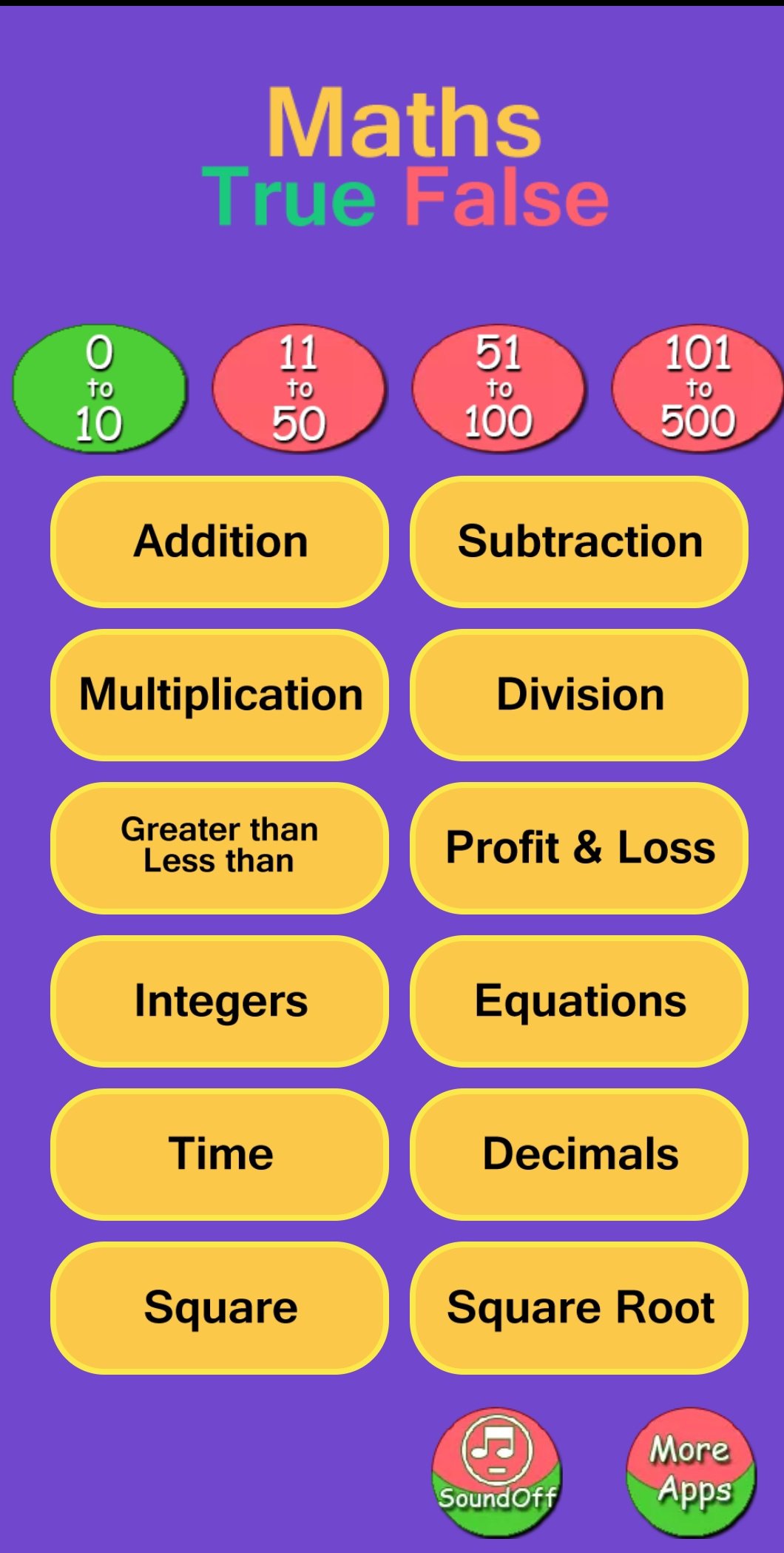
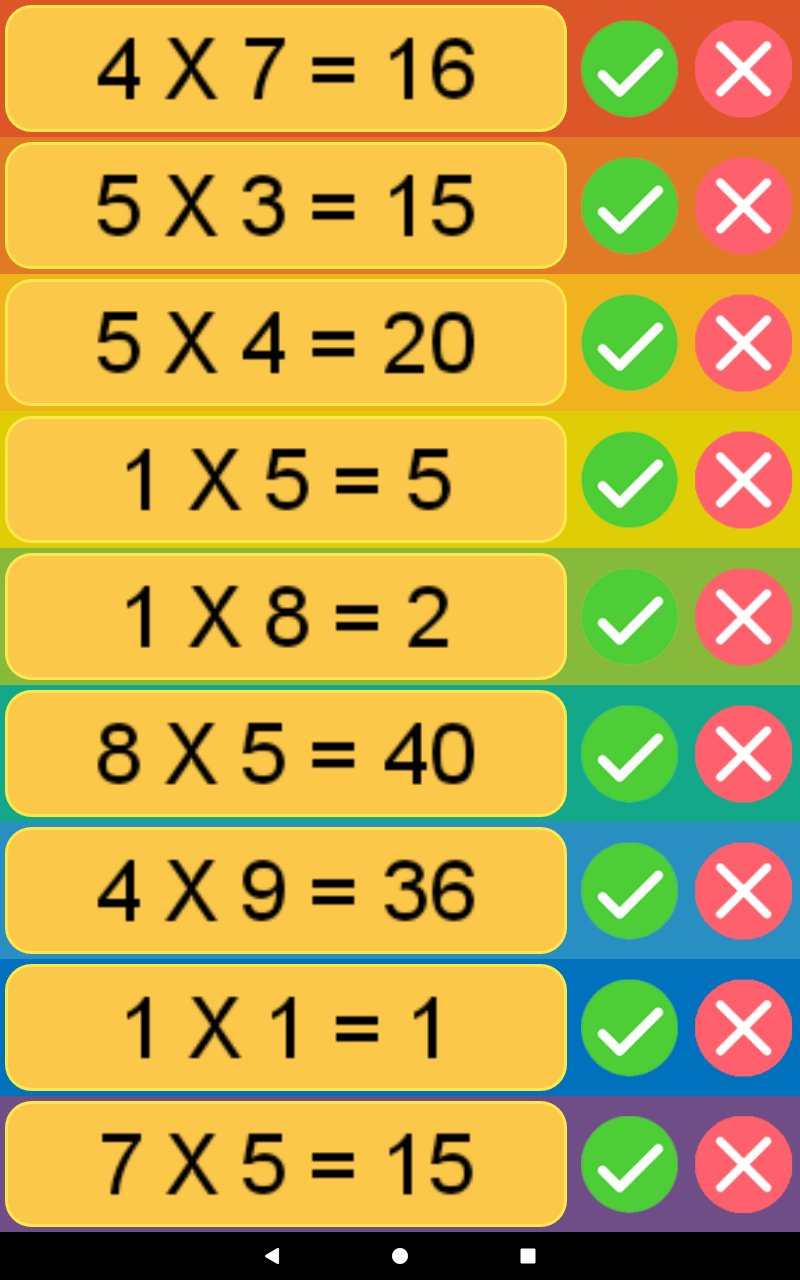
Kids True False – Math is a fun and educational app that helps children master essential math skills through interactive puzzles and playful challenges. Designed for early learners (ages 4–8), the app covers addition, subtraction, multiplication, division, greater/lesser numbers, and time reading in a simple, engaging way.
With a teacher-approved badge on Google Play, parents can trust that the content is safe, age-appropriate, and aligned with early learning goals. Whether at home or in school, this app builds confidence and makes math enjoyable.
🌟 Features
• Math Games for Kids: Practice addition, subtraction, multiplication, and division.
• Logic & Number Puzzles: Compare greater and lesser numbers with fun challenges.
• Learn to Tell Time: Interactive clock exercises for kids.
• Instant Feedback: Detailed results help kids learn from mistakes.
• Kid-Friendly Design: Bright visuals, simple controls, and engaging activities.
• Safe Learning App: No sensitive data collected, fully compliant with Google Play Families Policy.
🎯 Benefits for Parents & Teachers
• Builds strong math foundation through repetition and play.
• Encourages quick recall and problem-solving skills.
• Supports CBSE/NCERT curriculum basics for early grades.
• Perfect for home practice, classroom reinforcement, or extra tutoring support.
Trusted by parents worldwide with 500,000+ downloads, Kids True False – Math is the perfect way to make learning math fun, interactive, and rewarding.
👉 Download now and give your child the joy of learning math through play!
Preview
Tags
EducationInformation
Developer
HeGoDev
Latest Version
3.4
Last Updated
2025-12-07
Category
Education
Available on
Google Play
Show More
How to play Kids True False - Math with GameLoop on PC
1. Download GameLoop from the official website, then run the exe file to install GameLoop
2. Open GameLoop and search for “Kids True False - Math” , find Kids True False - Math in the search results and click “Install”
3. Enjoy playing Kids True False - Math on GameLoop
Minimum requirements
OS
Windows 8.1 64-bit or Windows 10 64-bit
GPU
GTX 1050
CPU
i3-8300
Memory
8GB RAM
Storage
1GB available space
Recommended requirements
OS
Windows 8.1 64-bit or Windows 10 64-bit
GPU
GTX 1050
CPU
i3-9320
Memory
16GB RAM
Storage
1GB available space