
Khotta - School Planner PC
Axenda
Download Khotta - School Planner on PC With GameLoop Emulator
Khotta - School Planner sa PC
Ang Khotta - School Planner, na nagmumula sa developer na Axenda, ay tumatakbo sa Android systerm sa nakaraan.
Ngayon, maaari mong laruin ang Khotta - School Planner sa PC gamit ang GameLoop nang maayos.
I-download ito sa GameLoop library o mga resulta ng paghahanap. Hindi na tumitingin sa baterya o nakakadismaya na mga tawag sa maling oras.
I-enjoy lang ang Khotta - School Planner PC sa malaking screen nang libre!
Khotta - School Planner Panimula
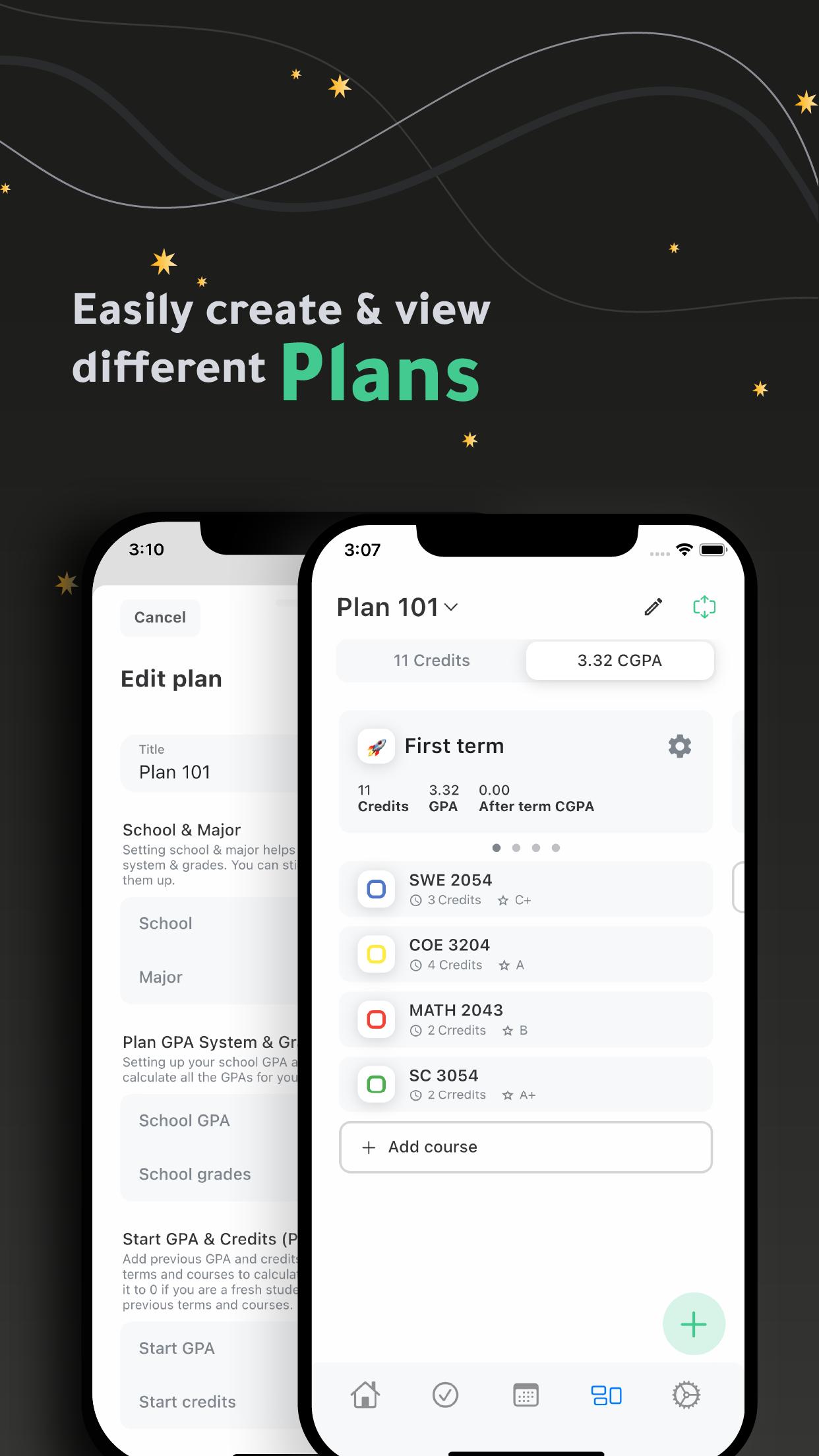
Khotta is a cross-platform planner for students, it helps student plan effectively to get much more work done and act toward desired outcomes.
Plans:
- Create multiple plans.
- Set up your plan easily by finding your school & major.
- Easily manage your plan (terms & courses) by adding plans created by other student.
- Track your GPAs for each term.
- Design your plan using emojis for terms and colors for courses.
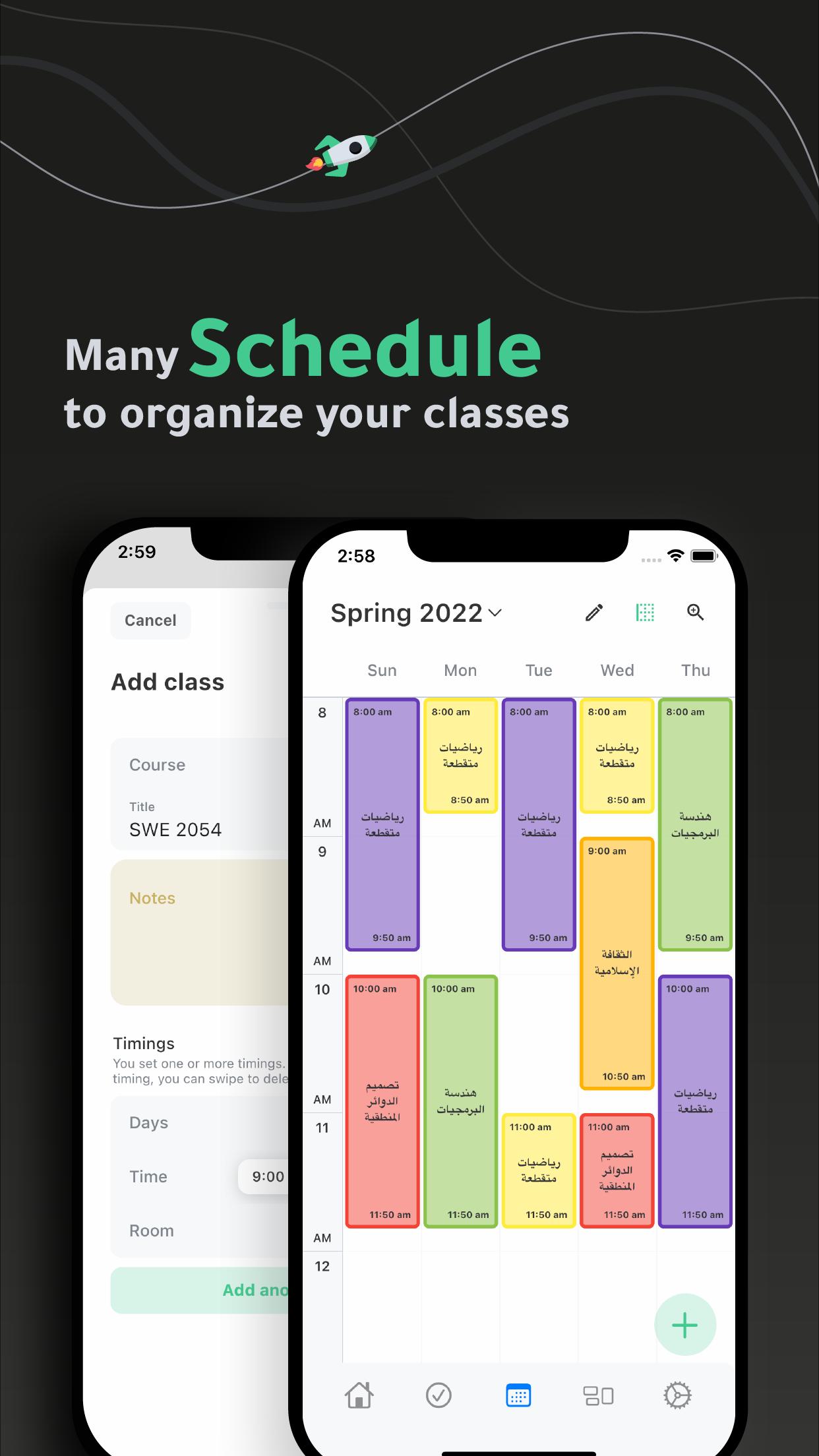
Schedules:
- Create multiple schedules.
- Easily add and organize your classes in your schedule(s).
Tasks:
- Get your tasks organized.
- View your tasks by date, course or priority.
Widget
- Check your daily schedule through home widget.
Settings:
- Use 12 or 24-hour system.
- Manage classes and tasks reminders.
- Manage classes and term default duration.
- Choose from light, dark and black themes.
- Get Sirius and have a flexible planning experience.
Ready to achieve greater results in less time? Stop procrastinating and START planning with Khotta.
Preview
Tags
EducationInformation
Developer
Axenda
Latest Version
3.2.8(2)
Last Updated
2024-09-26
Category
Education
Available on
Google Play
Show More
How to play Khotta - School Planner with GameLoop on PC
1. Download GameLoop from the official website, then run the exe file to install GameLoop
2. Open GameLoop and search for “Khotta - School Planner” , find Khotta - School Planner in the search results and click “Install”
3. Enjoy playing Khotta - School Planner on GameLoop
Minimum requirements
OS
Windows 8.1 64-bit or Windows 10 64-bit
GPU
GTX 1050
CPU
i3-8300
Memory
8GB RAM
Storage
1GB available space
Recommended requirements
OS
Windows 8.1 64-bit or Windows 10 64-bit
GPU
GTX 1050
CPU
i3-9320
Memory
16GB RAM
Storage
1GB available space