KCET Previous Papers PC
Examsnet
Download KCET Previous Papers on PC With GameLoop Emulator
KCET Previous Papers sa PC
Ang KCET Previous Papers, na nagmumula sa developer na Examsnet, ay tumatakbo sa Android systerm sa nakaraan.
Ngayon, maaari mong laruin ang KCET Previous Papers sa PC gamit ang GameLoop nang maayos.
I-download ito sa GameLoop library o mga resulta ng paghahanap. Hindi na tumitingin sa baterya o nakakadismaya na mga tawag sa maling oras.
I-enjoy lang ang KCET Previous Papers PC sa malaking screen nang libre!
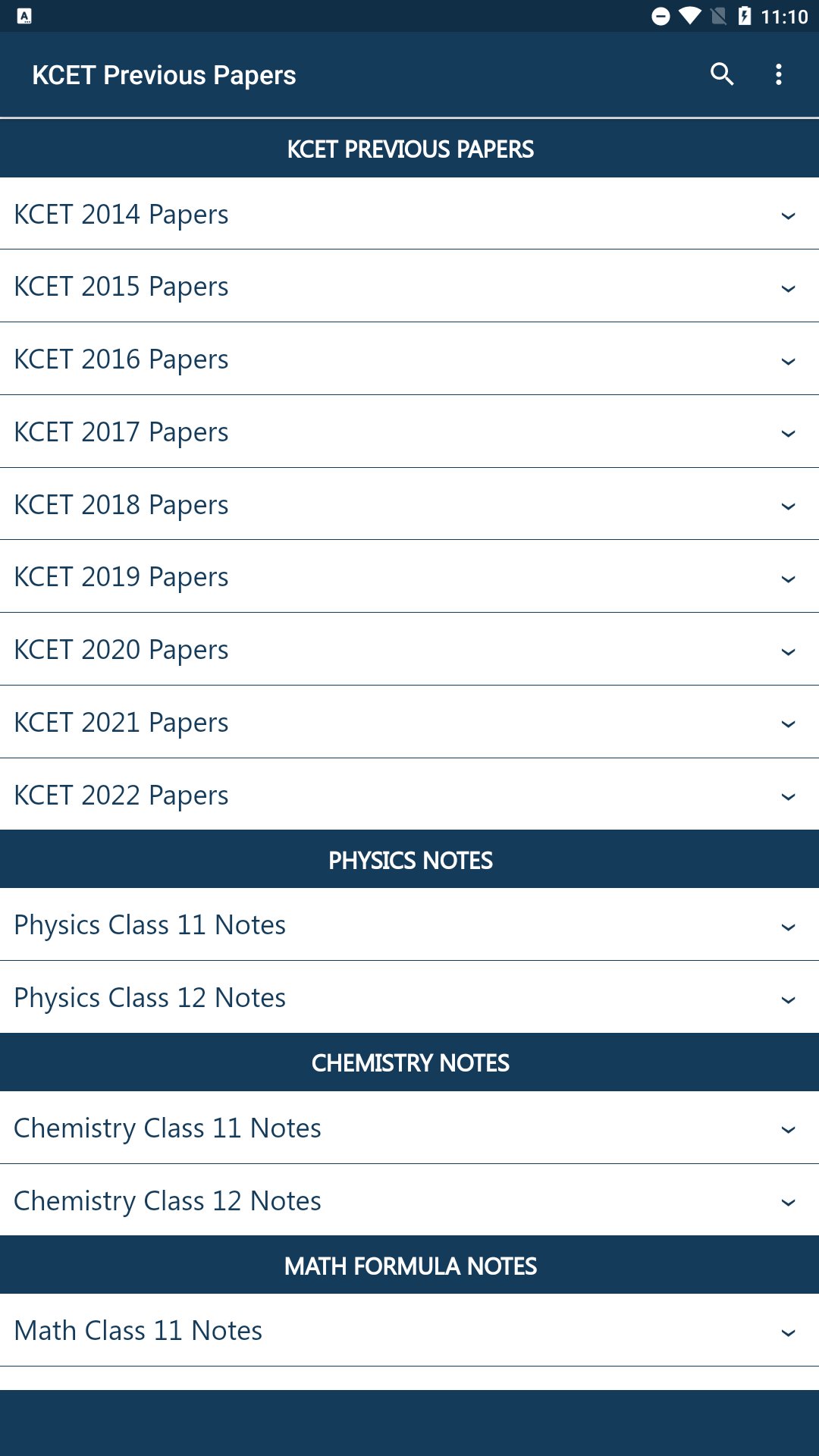
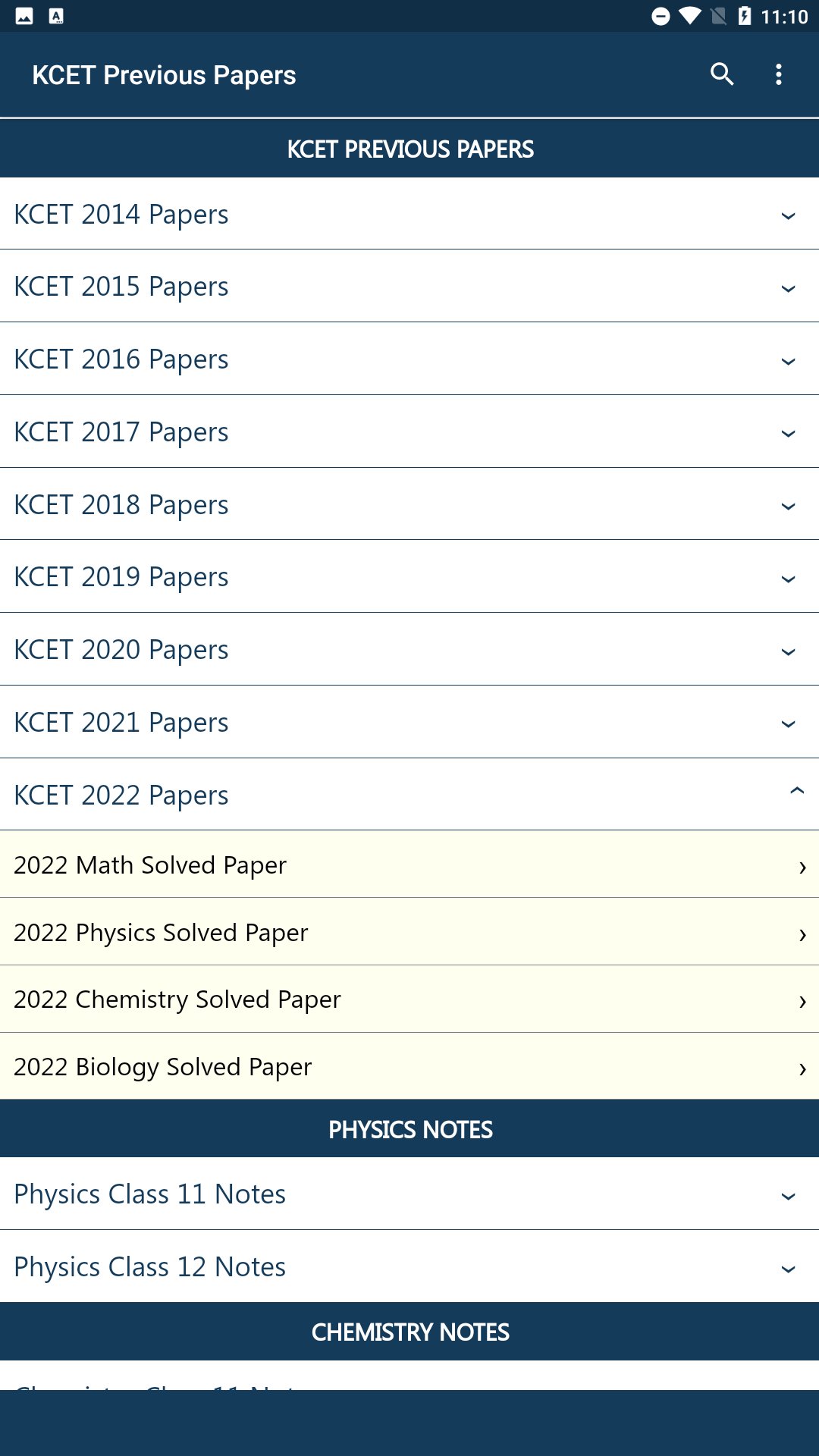
KCET Previous Papers Panimula
Disclaimer: KCET Practice Papers is an independent educational app created to support students in their KCET exam preparation. This app is not affiliated with, endorsed by, or associated with any government organization. All materials are for informational and practice purposes only, gathered from freely available previous year papers and curated by independent educators at Examsnet.
Source of information : https://cetonline.karnataka.gov.in
KCET (Karnataka Common Entrance Test) is conducted for providing admission to first year professional courses in Medical, Technology & Engineering, Architecture, Farm Science and Pharmacy courses.
The time duration for completing each paper will be 70 minutes, apart from 10 minutes extra which are meant for reading and filling in other details.
The total duration would be 210 minutes (for 3 papers).
The number of questions in each paper will be 60
Preview
Tags
EducationInformation
Developer
Examsnet
Latest Version
1.0
Last Updated
2025-11-26
Category
Education
Available on
Google Play
Show More
How to play KCET Previous Papers with GameLoop on PC
1. Download GameLoop from the official website, then run the exe file to install GameLoop
2. Open GameLoop and search for “KCET Previous Papers” , find KCET Previous Papers in the search results and click “Install”
3. Enjoy playing KCET Previous Papers on GameLoop
Minimum requirements
OS
Windows 8.1 64-bit or Windows 10 64-bit
GPU
GTX 1050
CPU
i3-8300
Memory
8GB RAM
Storage
1GB available space
Recommended requirements
OS
Windows 8.1 64-bit or Windows 10 64-bit
GPU
GTX 1050
CPU
i3-9320
Memory
16GB RAM
Storage
1GB available space