
Jupsoft eConnect App PC
Jupsoft Technologies Pvt. Ltd.
Download Jupsoft eConnect App on PC With GameLoop Emulator
Jupsoft eConnect App sa PC
Ang Jupsoft eConnect App, na nagmumula sa developer na Jupsoft Technologies Pvt. Ltd., ay tumatakbo sa Android systerm sa nakaraan.
Ngayon, maaari mong laruin ang Jupsoft eConnect App sa PC gamit ang GameLoop nang maayos.
I-download ito sa GameLoop library o mga resulta ng paghahanap. Hindi na tumitingin sa baterya o nakakadismaya na mga tawag sa maling oras.
I-enjoy lang ang Jupsoft eConnect App PC sa malaking screen nang libre!
Jupsoft eConnect App Panimula
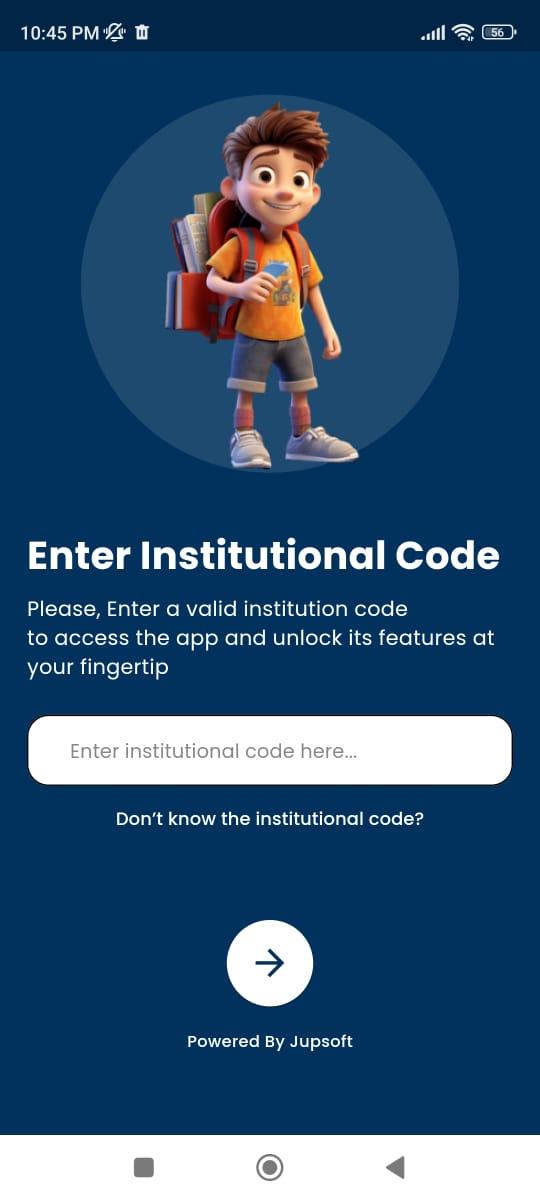
The JUPSOFT eConnect App is designed to bridge the gap between schools, parents, and students by offering a seamless digital platform for effective communication and management.
Key Purposes:
1. Enhanced Communication:
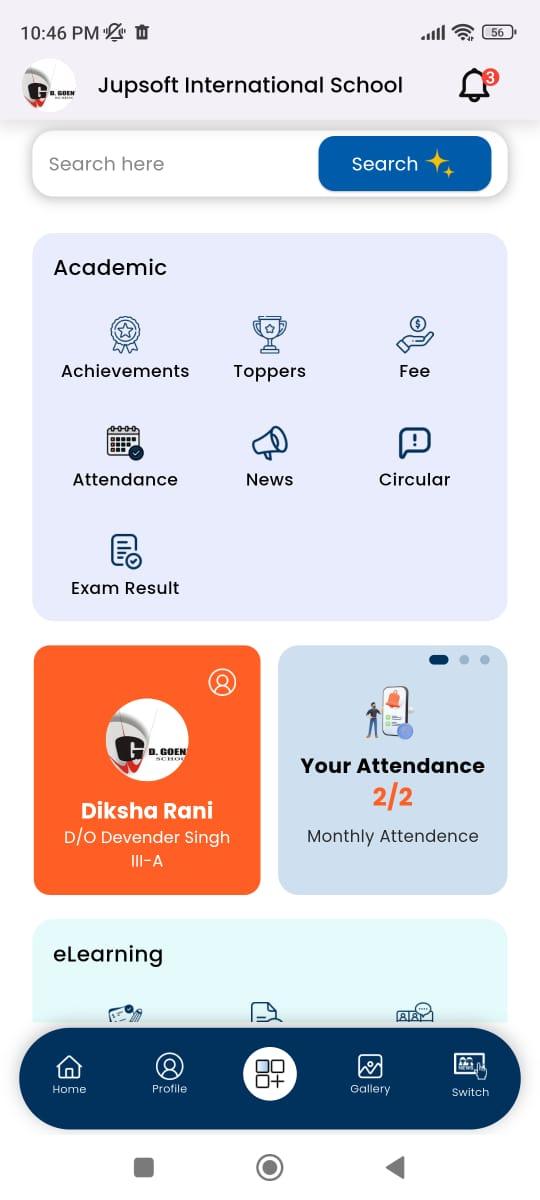
• Enables real-time updates and notifications about school activities, announcements, events, and more.
• Provides a direct communication channel between parents and teachers.
2. Student Performance Tracking:
• Offers insights into students’ academic performance, including attendance, grades, and assignments.
• Facilitates progress monitoring to keep parents informed about their child’s educational journey.
3. Convenient Fee Management:
• Allows parents to view and pay school fees securely online.
• Sends reminders for upcoming or overdue payments.
4. Streamlined School Administration:
• Simplifies administrative processes such as attendance tracking, timetable management, and report generation.
5. Eco-Friendly Solution:
• Reduces paperwork by digitizing school records, notices, and reports, promoting a sustainable and green environment.
In summary, the JUPSOFT eConnect App empowers schools to streamline operations while enhancing the overall experience for students and parents through a user-friendly and integrated platform.
Preview
Tags
EducationInformation
Developer
Jupsoft Technologies Pvt. Ltd.
Latest Version
11.0.0
Last Updated
2025-07-31
Category
Education
Available on
Google Play
Show More
How to play Jupsoft eConnect App with GameLoop on PC
1. Download GameLoop from the official website, then run the exe file to install GameLoop
2. Open GameLoop and search for “Jupsoft eConnect App” , find Jupsoft eConnect App in the search results and click “Install”
3. Enjoy playing Jupsoft eConnect App on GameLoop
Minimum requirements
OS
Windows 8.1 64-bit or Windows 10 64-bit
GPU
GTX 1050
CPU
i3-8300
Memory
8GB RAM
Storage
1GB available space
Recommended requirements
OS
Windows 8.1 64-bit or Windows 10 64-bit
GPU
GTX 1050
CPU
i3-9320
Memory
16GB RAM
Storage
1GB available space