IQ Globen (IQ Globe) PC
Globen
Download IQ Globen (IQ Globe) on PC With GameLoop Emulator
IQ Globen (IQ Globe) sa PC
Ang IQ Globen (IQ Globe), na nagmumula sa developer na Globen, ay tumatakbo sa Android systerm sa nakaraan.
Ngayon, maaari mong laruin ang IQ Globen (IQ Globe) sa PC gamit ang GameLoop nang maayos.
I-download ito sa GameLoop library o mga resulta ng paghahanap. Hindi na tumitingin sa baterya o nakakadismaya na mga tawag sa maling oras.
I-enjoy lang ang IQ Globen (IQ Globe) PC sa malaking screen nang libre!
IQ Globen (IQ Globe) Panimula
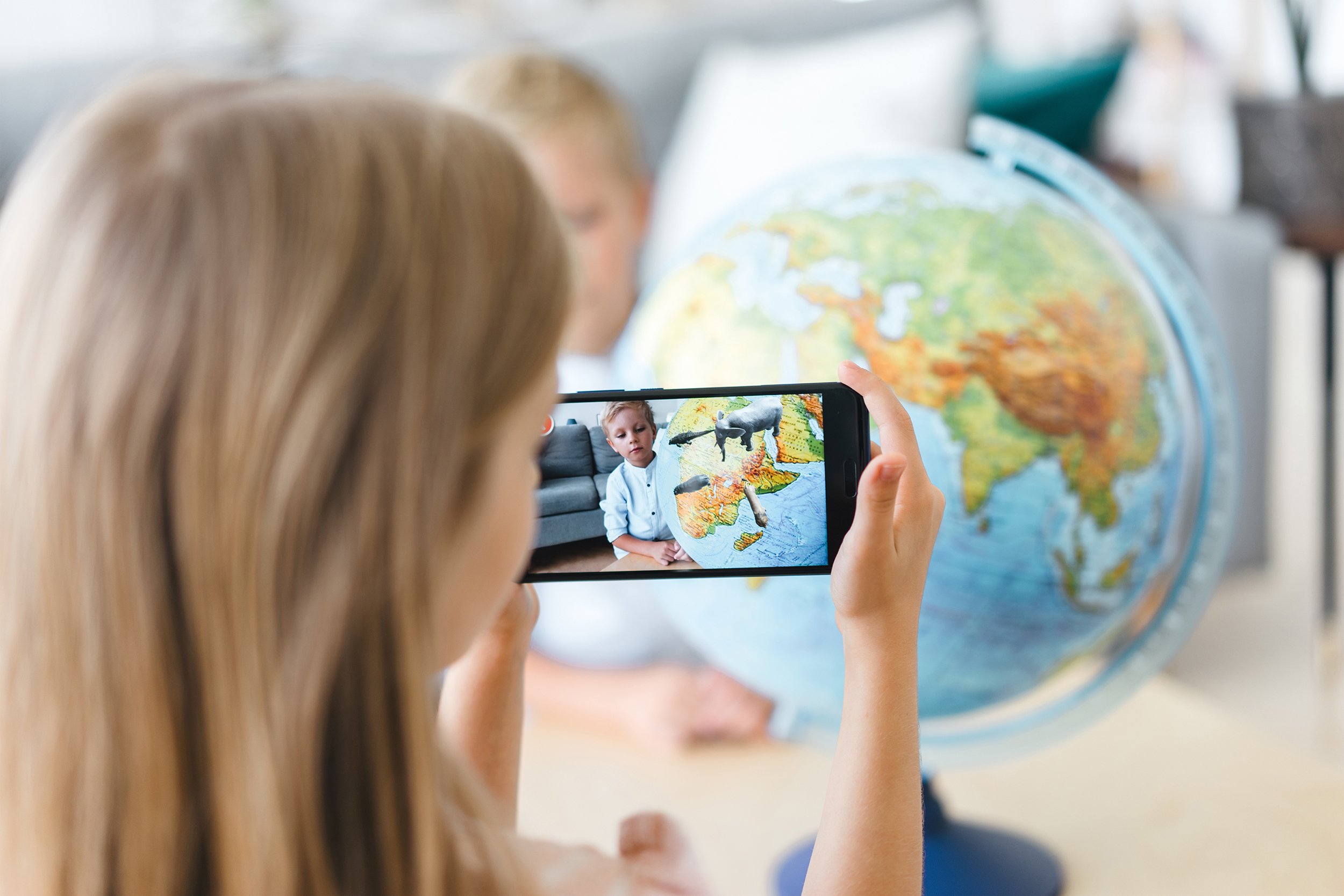
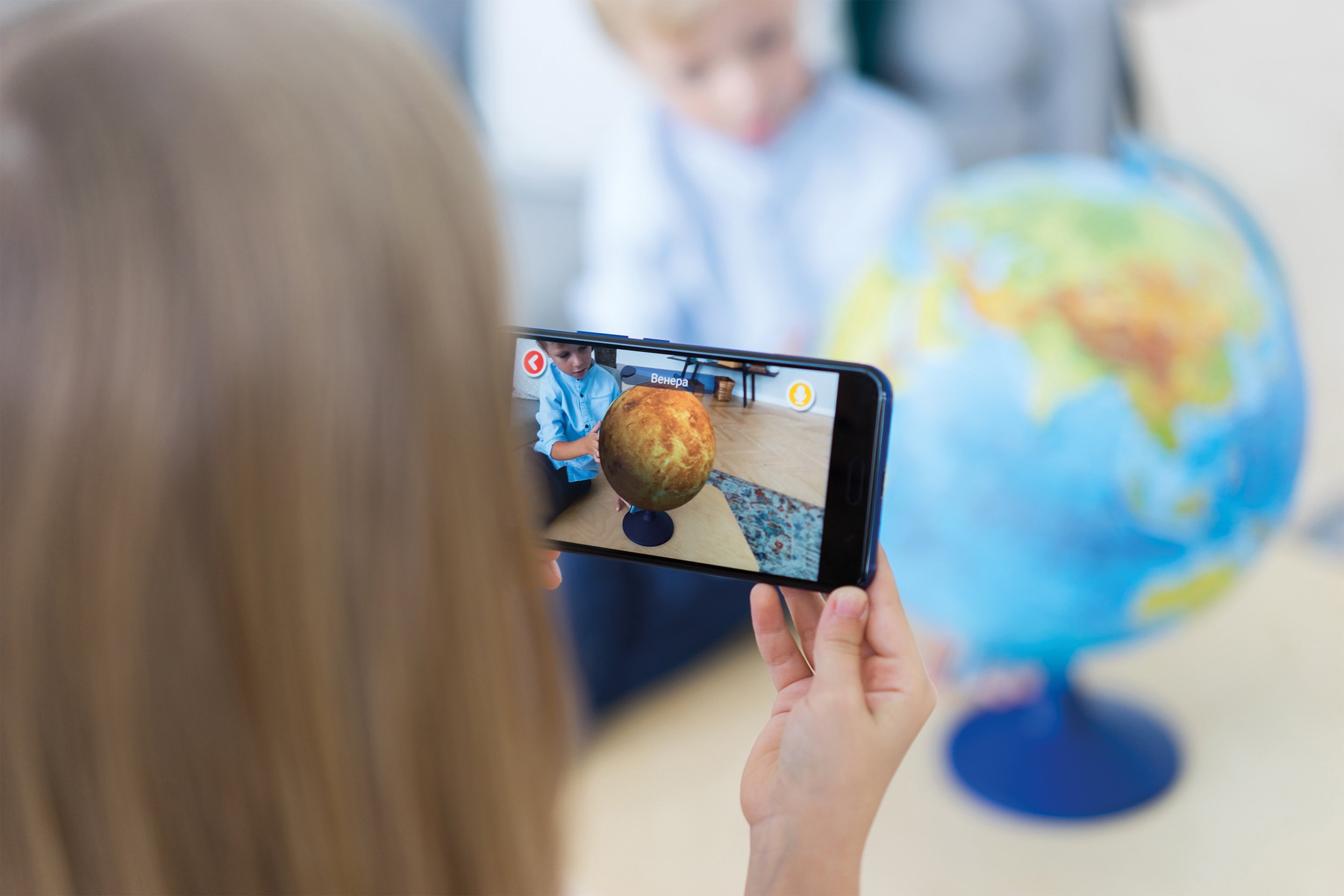
IQ Globen brings your globes, maps and puzzles to life with augmented reality. Now the app includes a smart Voice Assistant — ask questions and explore planets, countries, animals and historical objects using your voice.
✨ What the app can do
• AR journeys around the world — point your camera at any IQ Globen globe, map or puzzle and watch 3D models, animations and interactive scenes appear. • New Voice Assistant — simply say: “Tell me about the Solar System” “Where do pandas live?” And get an instant visual answer. • Geography and space in 3D — continents, oceans, animals, planets and galaxies. • Learning through play — perfect for kids, parents and schools. • Interactive tasks and quests — explore the world and reinforce knowledge. • Regular updates with new educational content.
🎙️ Why the Voice Assistant is a breakthrough
Learning becomes completely natural: a child or adult can simply ask a question — and see the answer instantly in AR.
📦 What you need
The app works with all IQ Globen products: globes, maps and puzzles.
Preview
Tags
EducationInformation
Developer
Globen
Latest Version
2.43
Last Updated
2026-08-10
Category
Education
Available on
Google Play
Show More
How to play IQ Globen (IQ Globe) with GameLoop on PC
1. Download GameLoop from the official website, then run the exe file to install GameLoop
2. Open GameLoop and search for “IQ Globen (IQ Globe)” , find IQ Globen (IQ Globe) in the search results and click “Install”
3. Enjoy playing IQ Globen (IQ Globe) on GameLoop
Minimum requirements
OS
Windows 8.1 64-bit or Windows 10 64-bit
GPU
GTX 1050
CPU
i3-8300
Memory
8GB RAM
Storage
1GB available space
Recommended requirements
OS
Windows 8.1 64-bit or Windows 10 64-bit
GPU
GTX 1050
CPU
i3-9320
Memory
16GB RAM
Storage
1GB available space