Real- Time FPS Meter PC
Alpha Boat Studio
Download Real- Time FPS Meter on PC With GameLoop Emulator
Real- Time FPS Meter sa PC
Ang Real- Time FPS Meter, na nagmumula sa developer na Alpha Boat Studio, ay tumatakbo sa Android systerm sa nakaraan.
Ngayon, maaari mong laruin ang Real- Time FPS Meter sa PC gamit ang GameLoop nang maayos.
I-download ito sa GameLoop library o mga resulta ng paghahanap. Hindi na tumitingin sa baterya o nakakadismaya na mga tawag sa maling oras.
I-enjoy lang ang Real- Time FPS Meter PC sa malaking screen nang libre!
Real- Time FPS Meter Panimula
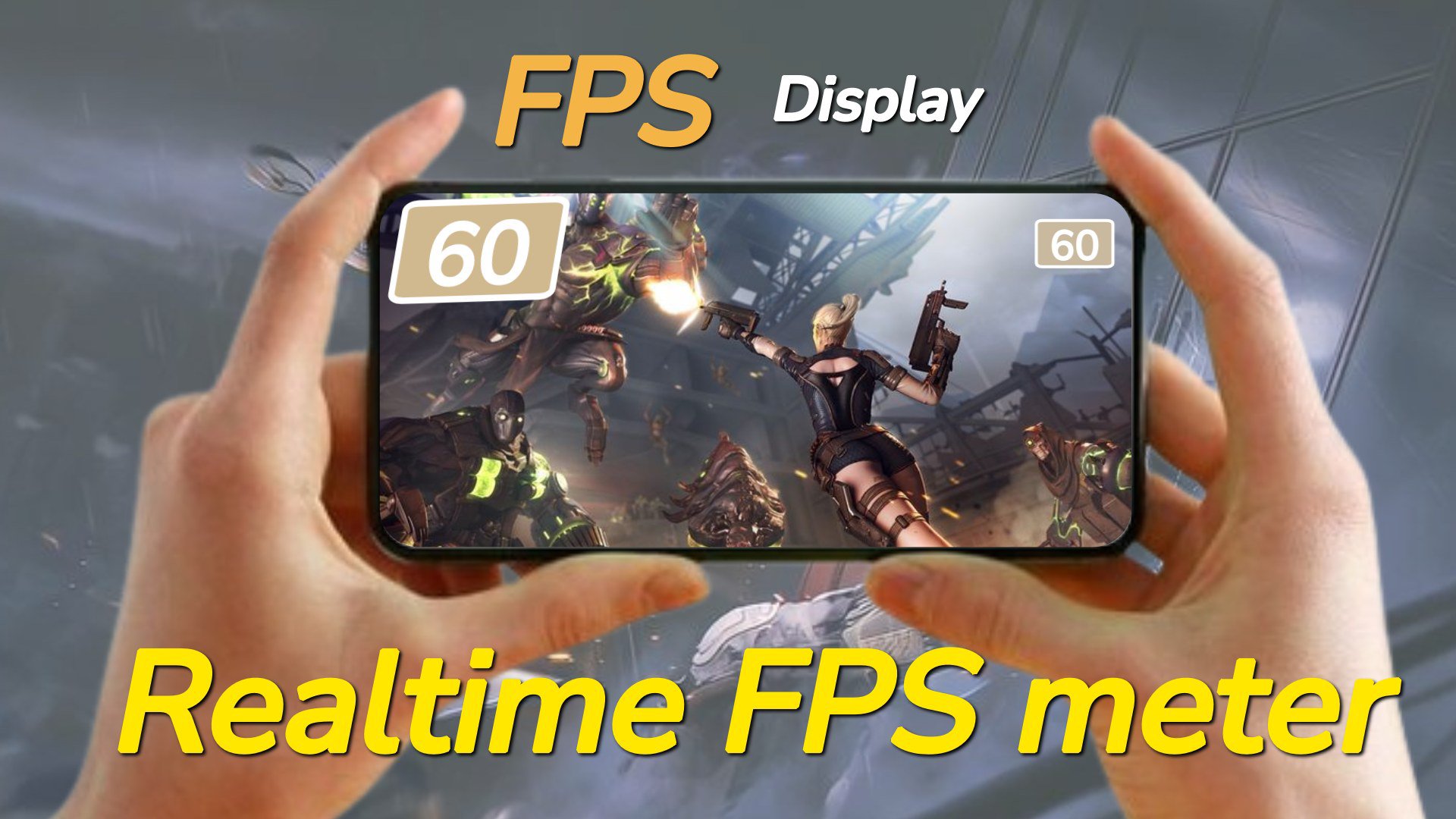
Get real-time performance information and customization for your device. 📲Track FPS rate, screen refresh rate, CPU & GPU info and display details. ⚡️
Main Features:
⏱️FPS Meter Display:
- Display frames per second (FPS) rate🎮 on your screen.
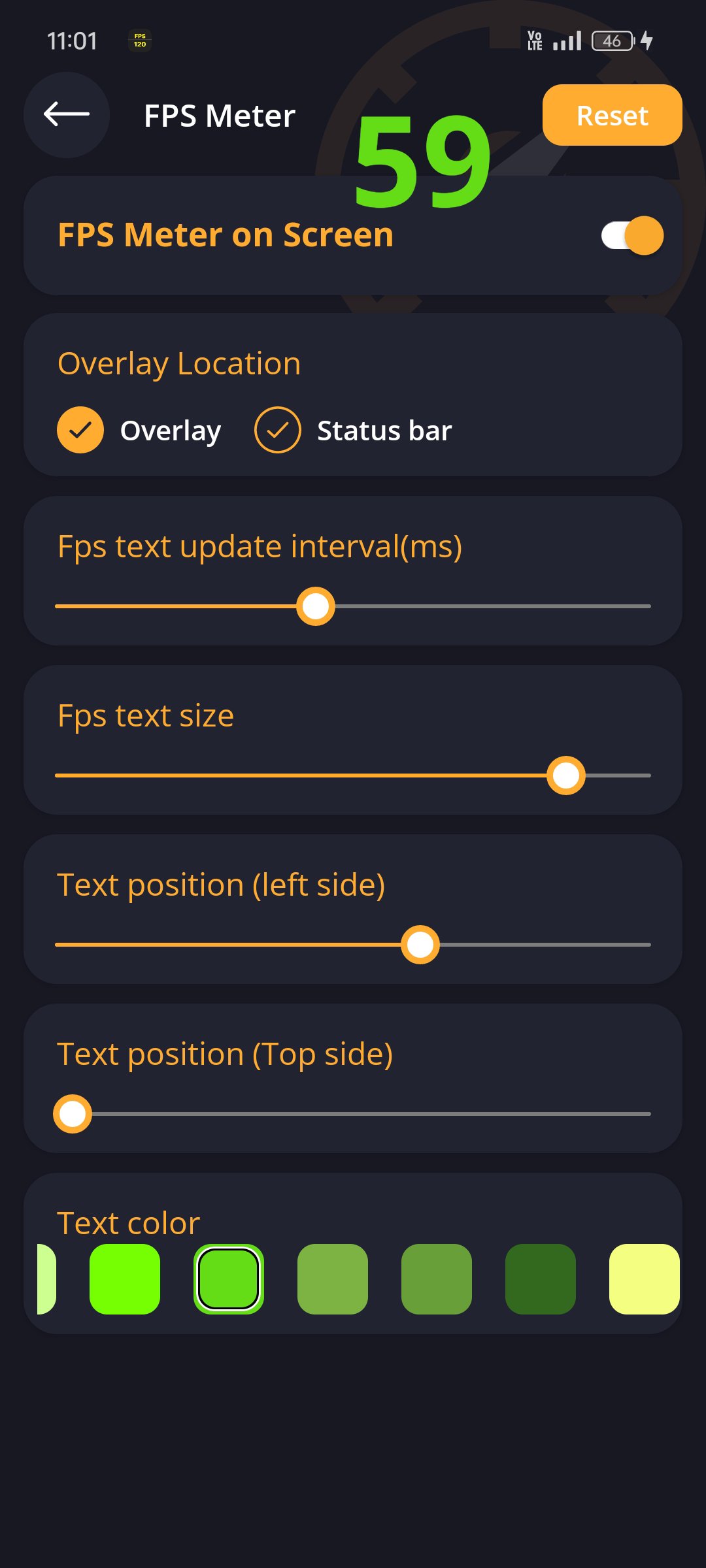
- Customize🎨 the FPS meter's appearance, including overlay and status bar options.
- Customize✍️ FPS rate text size, color and position.
- Easily toggle⚙️ the display of FPS rate on or off from the screen.
🔄Screen Refresh Rate Display:
- View the screen refresh rate🔄 on your device's screen.
- Customize the appearance of the refresh rate display🎚️, including overlay and status bar options.
- Customize refresh rate text size✏️, color and position.
- Turn on or off the screen rate display from the screen📲.
Preview
Tags
ToolsInformation
Developer
Alpha Boat Studio
Latest Version
0.24
Last Updated
2025-08-30
Category
Education
Available on
Google Play
Show More
How to play Real- Time FPS Meter with GameLoop on PC
1. Download GameLoop from the official website, then run the exe file to install GameLoop
2. Open GameLoop and search for “Real- Time FPS Meter” , find Real- Time FPS Meter in the search results and click “Install”
3. Enjoy playing Real- Time FPS Meter on GameLoop
Minimum requirements
OS
Windows 8.1 64-bit or Windows 10 64-bit
GPU
GTX 1050
CPU
i3-8300
Memory
8GB RAM
Storage
1GB available space
Recommended requirements
OS
Windows 8.1 64-bit or Windows 10 64-bit
GPU
GTX 1050
CPU
i3-9320
Memory
16GB RAM
Storage
1GB available space