Floating Dictionary PC
Vicky Bonick
Download Floating Dictionary on PC With GameLoop Emulator
Floating Dictionary sa PC
Ang Floating Dictionary, na nagmumula sa developer na Vicky Bonick, ay tumatakbo sa Android systerm sa nakaraan.
Ngayon, maaari mong laruin ang Floating Dictionary sa PC gamit ang GameLoop nang maayos.
I-download ito sa GameLoop library o mga resulta ng paghahanap. Hindi na tumitingin sa baterya o nakakadismaya na mga tawag sa maling oras.
I-enjoy lang ang Floating Dictionary PC sa malaking screen nang libre!
Floating Dictionary Panimula
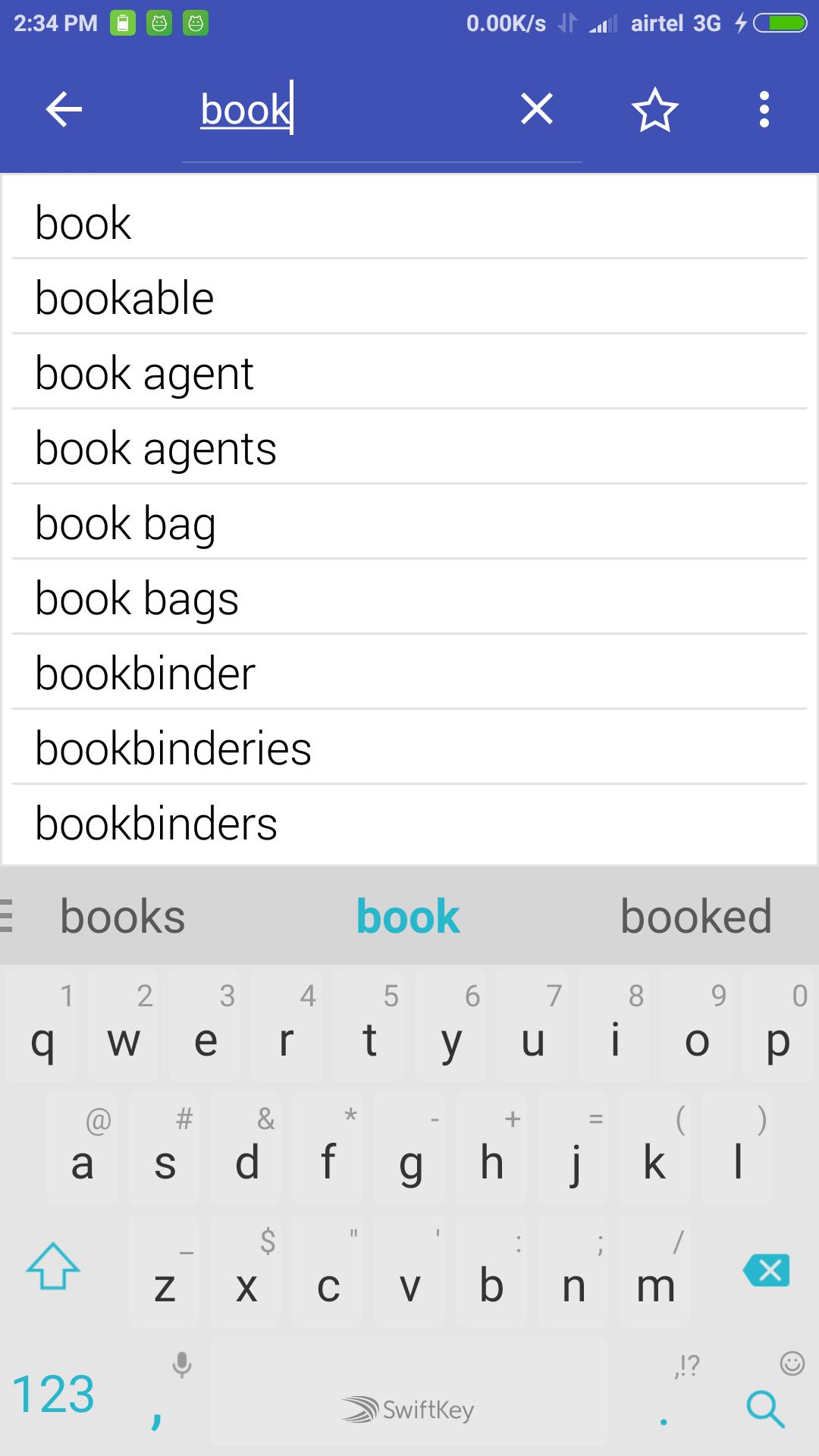
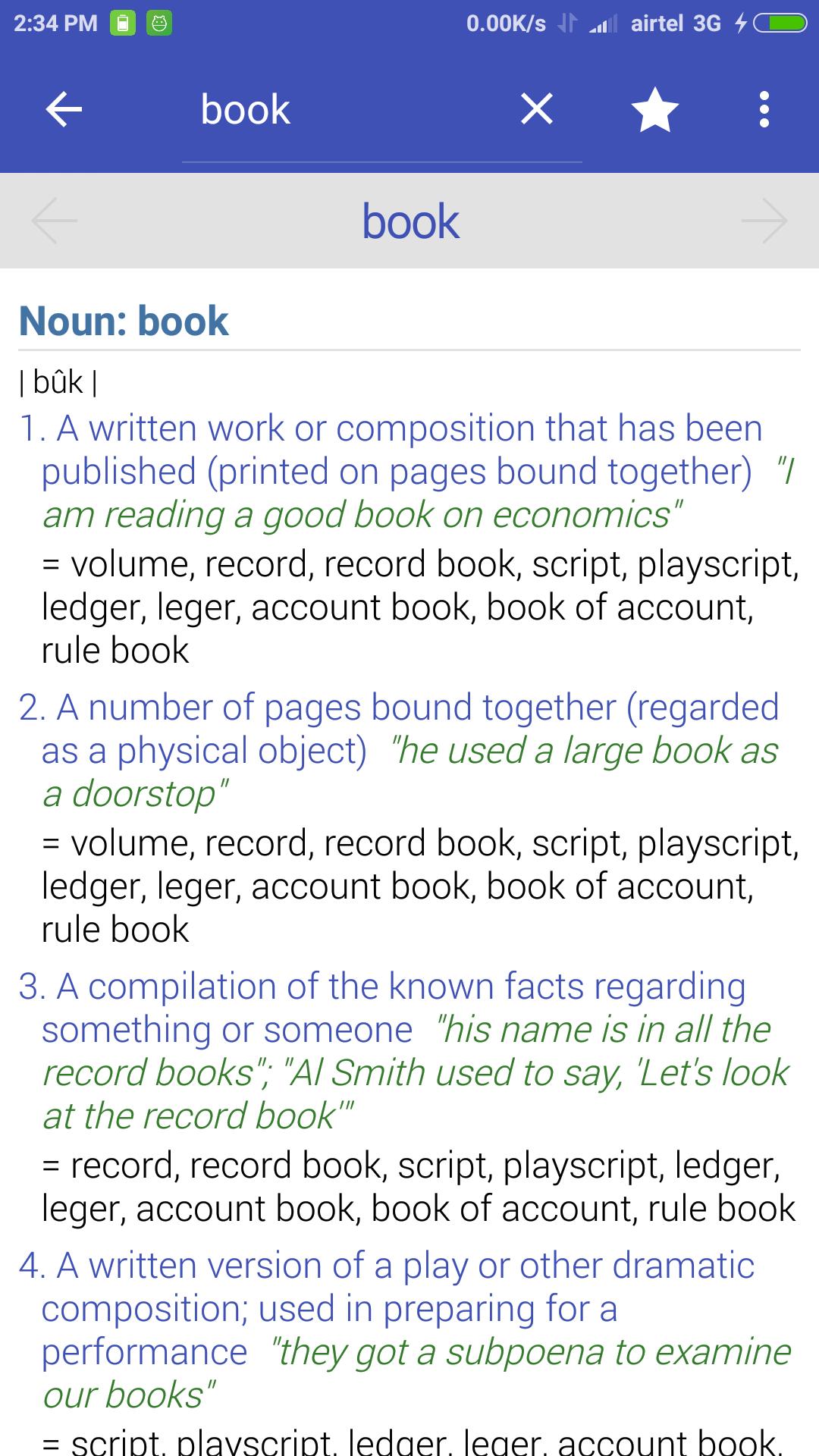
We present you an offline dictionary to search for meaning of words without having to change the focus from current app. It can be used while reading e-book, surfing on the internet or even while playing games. It has a full fledged English to English offline dictionary as well as a floating window which can be used over any app(s) of your choice.
Note: On Android Marshmallow+ please Whitelist Floating Dictionary in Battery optimization to make the Floating button work
Features:
• English to English dictionary.
• Offline database.
• More than 300000 words
• Bookmarks
• History
• Word sharing
• Floating icon for quick access (Can be used over any application).
• Use it without leaving current app.
• Dictionary, phrases, synonyms and many more.
• Re-sizable and movable window (Pinch to resize).
• It remembers the position and size, so that you always have the same experience.
• Select apps with which Floating window should be used.
• Material design
Feel free to contact us for suggestions, feature requests and bug reporting.
Preview
Tags
EducationInformation
Developer
Vicky Bonick
Latest Version
3.1
Last Updated
2018-06-30
Category
Education
Available on
Google Play
Show More
How to play Floating Dictionary with GameLoop on PC
1. Download GameLoop from the official website, then run the exe file to install GameLoop
2. Open GameLoop and search for “Floating Dictionary” , find Floating Dictionary in the search results and click “Install”
3. Enjoy playing Floating Dictionary on GameLoop
Minimum requirements
OS
Windows 8.1 64-bit or Windows 10 64-bit
GPU
GTX 1050
CPU
i3-8300
Memory
8GB RAM
Storage
1GB available space
Recommended requirements
OS
Windows 8.1 64-bit or Windows 10 64-bit
GPU
GTX 1050
CPU
i3-9320
Memory
16GB RAM
Storage
1GB available space