
Extramarks – The Learning App PC
Extramarks Education
Download Extramarks – The Learning App on PC With GameLoop Emulator
Extramarks – The Learning App sa PC
Ang Extramarks – The Learning App, na nagmumula sa developer na Extramarks Education, ay tumatakbo sa Android systerm sa nakaraan.
Ngayon, maaari mong laruin ang Extramarks – The Learning App sa PC gamit ang GameLoop nang maayos.
I-download ito sa GameLoop library o mga resulta ng paghahanap. Hindi na tumitingin sa baterya o nakakadismaya na mga tawag sa maling oras.
I-enjoy lang ang Extramarks – The Learning App PC sa malaking screen nang libre!
Extramarks – The Learning App Panimula
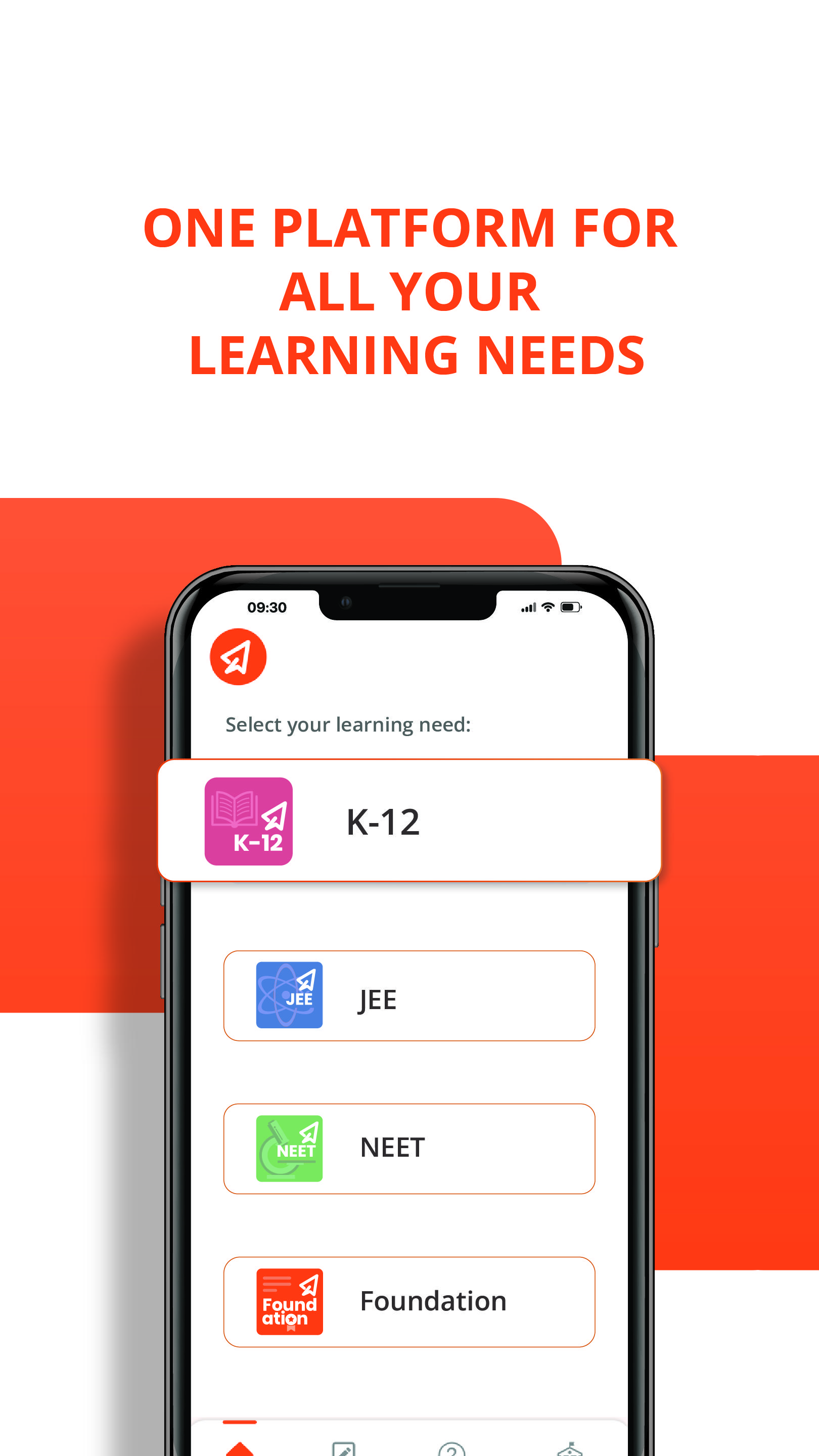
Extramarks welcomes you to a future-ready, all-in-one learning platform trusted by millions of students, parents, and educators across India and beyond. Designed for K-12, JEE, and NEET aspirants across all boards—including CBSE and ICSE.
Experience personalised learning paths, adaptive assessments, and interactive multimedia modules that make even the toughest concepts easy to understand. With comprehensive NCERT solutions, solved question papers, mock tests, and unlimited practice questions, you can master every subject and chapter at your own pace.
Extramarks’ unique Learn-Practice-Test pedagogy, gamified quizzes, and AI-powered real-time progress tracking ensure continuous improvement and lasting retention. Parents and teachers can effortlessly track performance, while students enjoy a customizable, engaging, and holistic educational experience—anytime, anywhere.
🖥️ Extramarks – The Learning App Features
- 🎓 Live Classes from Top Faculty – Learn from India’s best teachers. Extramarks LIVE online education ensures personalized attention for students of Grades 6-12, CBSE, ICSE, State Boards, IIT JEE & NEET.
- 🎮 Game-based Learning – Interactive 3D videos, games, quizzes & puzzles promote conceptual and experiential learning, moving beyond rote learning.
- 📝 Weekly Tests and Homework – Regular mock tests, previous year question papers, and creative grading to help students learn better.
- ❓ Doubt-solving Sessions – Unlimited in-class doubt resolution and search tools for instant clarity.
- 💡 Practice Questions & Test Material – Vast collection of exam-wise sample questions for endless practice.
- 📊 AI-Powered Personalised Recommendations – AI analyses strengths & weaknesses with Bloom’s taxonomy to suggest tailored learning paths.
What Makes the EM Learning App Unique? 🌟
- 🎥 Animated Video Concepts – Clear & engaging visual explanations for tough concepts.
- 🎮 Game-Based Content – Fun, interactive games that motivate learning.
- 📝 Unlimited Practice Questions – Topic-wise, difficulty-wise, and previous year papers for complete preparation.
- 💸 Affordable Plans – Quality education starting at just ₹616/month.
- 📊 AI-Powered Reporting – Tracks progress & suggests personalised improvements.
- 📹 Video Solutions – Step-by-step solutions for confident problem-solving.
- ⏯️ Recorded-As-Live Lectures – Anytime access with classroom-like experience.
- 🎯 Goal-Oriented Learning – Set, track, and achieve learning goals.
- 📌 Easy Bookmarking – Save important resources for quick revision.
Key Facts About Extramarks - The Learning App
- ✔️ 15K+ Number of Schools
- ✔️ 10M+ Number of Students
- ✔️ 90K+ Animated & Videos
- ✔️ 350L+ Recorded Lectures
- ✔️ 17L+ Questions
Contact Us
For any queries or feedback, please reach out to:
- 📞 Customer Support: 1800 102 5301
- 📧 Product Support: customersupport@extramarks.com
- 📧 Technical Support: techsupport@extramarks.com
- 📧 Feedback: playstorefeedback@extramarks.com
Preview
Tags
EducationInformation
Developer
Extramarks Education
Latest Version
10.0.8.18
Last Updated
2025-10-16
Category
Education
Available on
Google Play
Show More
How to play Extramarks – The Learning App with GameLoop on PC
1. Download GameLoop from the official website, then run the exe file to install GameLoop
2. Open GameLoop and search for “Extramarks – The Learning App” , find Extramarks – The Learning App in the search results and click “Install”
3. Enjoy playing Extramarks – The Learning App on GameLoop
Minimum requirements
OS
Windows 8.1 64-bit or Windows 10 64-bit
GPU
GTX 1050
CPU
i3-8300
Memory
8GB RAM
Storage
1GB available space
Recommended requirements
OS
Windows 8.1 64-bit or Windows 10 64-bit
GPU
GTX 1050
CPU
i3-9320
Memory
16GB RAM
Storage
1GB available space